If you want the short answer: the best SD card for Insta360 X5 is a UHS-I microSD card rated V30 or better, with 256 GB being the sweet spot for most creators. If you shoot long 8K sessions, travel often, or do not want to swap cards mid-day, go straight to 512 GB or 1 TB. Cheap U1 cards, old cards, and fake marketplace deals are the fastest way to get recording errors.
- Minimum requirement: UHS-I + V30
- Best overall pick: SanDisk Extreme Pro 256 GB
- Best for long shooting days: 512 GB or 1 TB
- Safe alternatives: Lexar Professional, Samsung Pro Ultimate
The Insta360 X5 can record very demanding 360 footage, so your memory card is not a detail: it is part of the camera setup. A slow or unreliable card can cause interrupted clips, corrupted files, and frustrating “card too slow” errors. This guide gives you the exact speed class, the right size to buy, the best compatible cards, and the common mistakes to avoid.
| Card | Best for | Speed class | Capacity to buy | Verdict |
|---|---|---|---|---|
| SanDisk Extreme Pro | Best overall pick | UHS-I, U3, V30 | 256 GB or 512 GB | Great reliability, fast enough for X5, easy recommendation |
| Lexar Professional | Best value | UHS-I, U3, V30 | 256 GB | Excellent balance between price and sustained performance |
| Samsung Pro Ultimate | Best alternative to SanDisk | UHS-I, U3, V30 | 256 GB or 512 GB | Very strong everyday option for creators who want a premium card |
| 512 GB / 1 TB variants | Travel, long 8K sessions | UHS-I, U3, V30 | 512 GB or 1 TB | Best if you shoot for hours and do not want to swap cards |
Real microSD cards photographed for this guide
These are original photos of the cards used as visual references in this guide. They help you check the microSD format and the label before buying, but they are not presented as X5 performance tests. Compatibility depends on the exact card model: UHS-I, V30 or higher, exFAT and up to 1 TB.
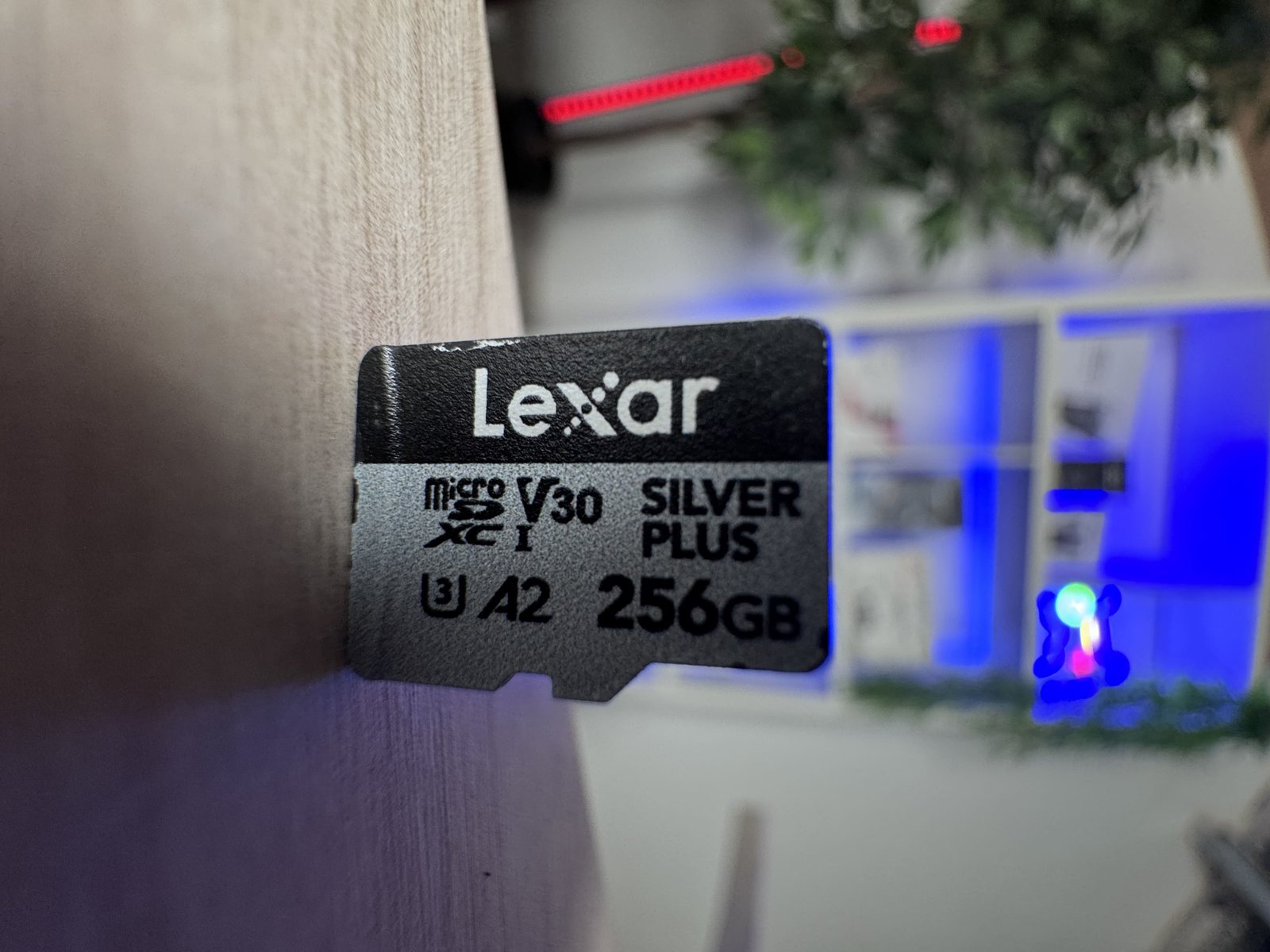

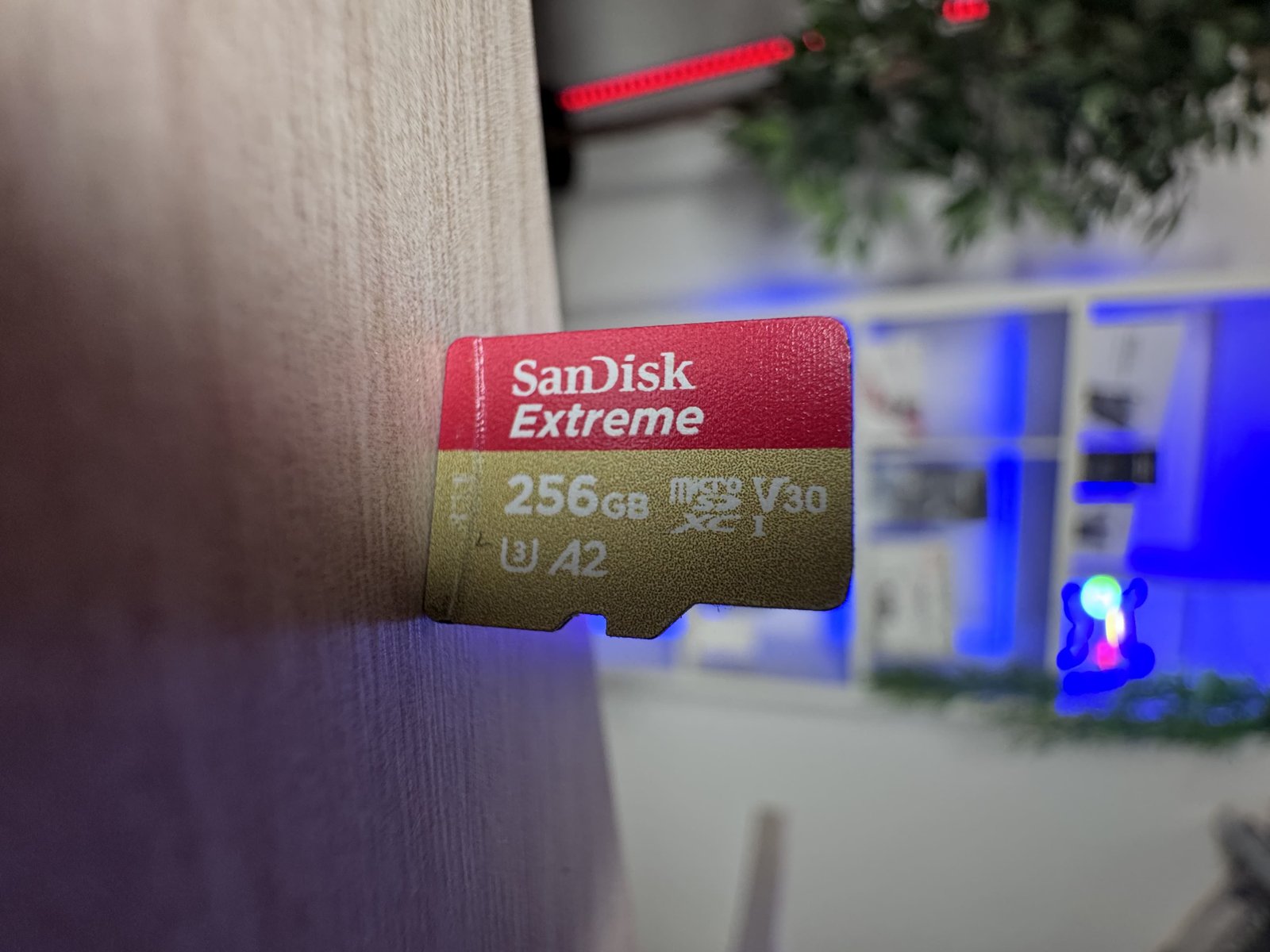
Checked on August 22, 2026: the official Insta360 X5 manual confirms UHS-I, V30 or higher, exFAT and a maximum capacity of 1 TB. It also lists compatible SanDisk Extreme / Extreme Pro and Lexar 1066x model references.
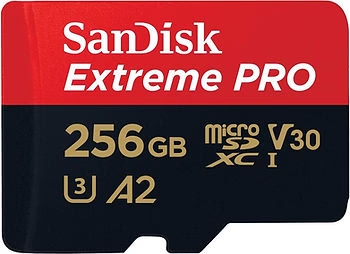
What SD card does the Insta360 X5 need?
The Insta360 X5 works best with a microSDXC UHS-I card rated V30 or higher. For almost all creators, V30 is the real baseline. In practice, you do not need to spend extra on V60 or V90 unless you specifically want higher overhead for other devices too. What matters most is buying a genuine, stable, high-quality V30 card from a trusted brand.
- Interface: UHS-I
- Minimum video class: V30
- Recommended format: exFAT for larger cards
- Maximum supported capacity: up to 1 TB
Why V30 matters: it guarantees a sustained write speed of 30 MB/s, which is the level you want for stable recording on the X5. A card can have impressive read speeds on the box and still be a poor choice if its real sustained write performance is inconsistent.
Do not buy the cheapest card that “looks compatible”. On the Insta360 X5, the safest move is choosing a trusted UHS-I V30 card from SanDisk, Lexar, or Samsung.
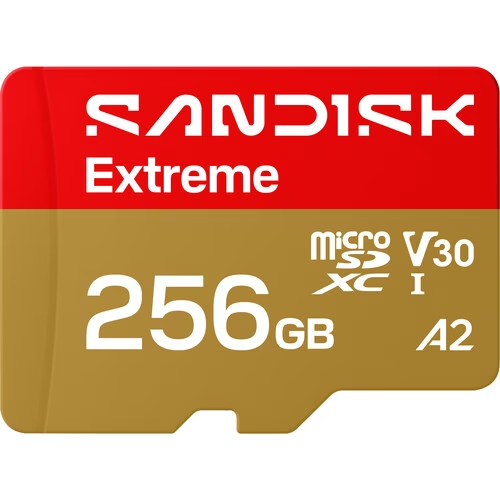
Best SD cards for Insta360 X5
These are the three safest picks if you want a card that works well with the X5 without overcomplicating the decision. I am keeping the selection simple on purpose: reliable performance matters more than chasing the biggest marketing numbers.
SanDisk Extreme Pro: best overall pick
- Excellent all-round reliability for X5 users
- Strong choice for travel, action shooting, and everyday creator work
- The easiest recommendation if you just want one safe card and move on
Lexar Professional: best value pick
- Very good sustained performance for the price
- Great for creators who want a dependable V30 card without overspending
- One of the smartest 256 GB buys for the X5
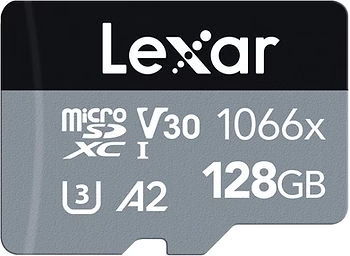

Samsung Pro Ultimate: strong premium alternative
- Premium-feeling card from another trusted brand
- Good fit if you already trust Samsung storage products
- Especially attractive if you find it at a better price than SanDisk
Which capacity should you choose: 128 GB, 256 GB, 512 GB, or 1 TB?
The X5 supports cards up to 1 TB, but the best capacity depends on how you shoot. For most users, 256 GB is the sweet spot: large enough to feel comfortable, but still affordable. If you shoot long trips, 8K often, or do not want to empty cards every day, go bigger.
| Capacity | Best for | My recommendation |
|---|---|---|
| 128 GB | Short sessions, backup card, casual use | Only if you shoot light and transfer often |
| 256 GB | Most creators | Best balance of price, safety, and convenience |
| 512 GB | Travel, regular 8K shooting, longer days | Very good upgrade if you hate swapping cards |
| 1 TB | Heavy shooting days, professional workflows | Best for maximum flexibility |
Rough storage estimates obviously vary by mode, bitrate, and firmware, but as a rule of thumb:
- 128 GB: good for shorter sessions
- 256 GB: the best everyday choice
- 512 GB: ideal for full-day outings
- 1 TB: best if you shoot a lot before transferring files
How should you format an SD card for Insta360 X5?
For larger cards, exFAT is the right format because it handles large video files much better than FAT32. In real use, the simplest and safest habit is this:
- Insert the new card in the X5
- Format it inside the camera
- Avoid NTFS entirely
- Reformat in-camera after important transfers when needed
If you want the fewest compatibility issues, always let the Insta360 X5 format the card itself before first use.
SD cards to avoid with Insta360 X5
If you want reliable 8K recording, avoid these card profiles:
- U1 cards or generic “Class 10” cards with no real video performance guarantee
- Old cards that have already been used heavily in drones, dashcams, or other cameras
- Fake marketplace deals from unreliable sellers
- Unknown no-name cards with flashy marketing but no real trust behind them
Typical symptoms of a bad match include stopped recording, corrupted files, random write errors, or footage that becomes unreadable after transfer.
Best practices for stable recording
- Format the card in-camera before the first serious shooting session
- Leave some free space instead of filling the card to 100%
- Do not remove the card while the camera is still writing or still hot
- Store your cards properly and retire very old cards from critical shoots
Related guides for Insta360 X5 and memory cards
- Mistakes to avoid with SD cards on the Insta360 X5
- Best microSD cards for Insta360 X4 Air
- Using the Insta360 X5 as a 360 webcam with OBS
- Add GPS and speed data to your Insta360 X5 videos
Conclusion
If you want the safest buying advice, keep it simple: choose a genuine UHS-I V30 microSD card from a trusted brand, and buy 256 GB if you want the best balance. Move to 512 GB or 1 TB if you shoot longer sessions and want more comfort. For most people, that is the smart formula for stable, frustration-free Insta360 X5 recording.
My short list is straightforward: SanDisk Extreme Pro if you want the safest all-round buy, Lexar Professional if you want excellent value, and Samsung Pro Ultimate if you want a strong premium alternative.
FAQ: Insta360 X5 SD card requirements
What is the best SD card for Insta360 X5?
A trusted UHS-I V30 microSD card from SanDisk, Lexar, or Samsung is the safest choice. For most users, a 256 GB model is the best place to start.
Does Insta360 X5 need a V30 card?
Yes. A V30 card is the practical minimum if you want stable recording without write-speed issues.
Is 256 GB enough for Insta360 X5?
Yes, for most creators 256 GB is the sweet spot. It gives you much more comfort than 128 GB without the higher cost of 512 GB or 1 TB.
Can I use a 1 TB card in Insta360 X5?
Yes, the X5 supports cards up to 1 TB. It is a great option for travel, long shooting days, and heavy 8K use.
Should I choose exFAT or FAT32?
For larger cards, exFAT is the right choice. The safest habit is formatting the card directly in the Insta360 X5.
Which cards should I avoid?
Avoid U1 cards, cheap no-name cards, suspicious marketplace deals, and very old cards that have already seen heavy use in other devices.