
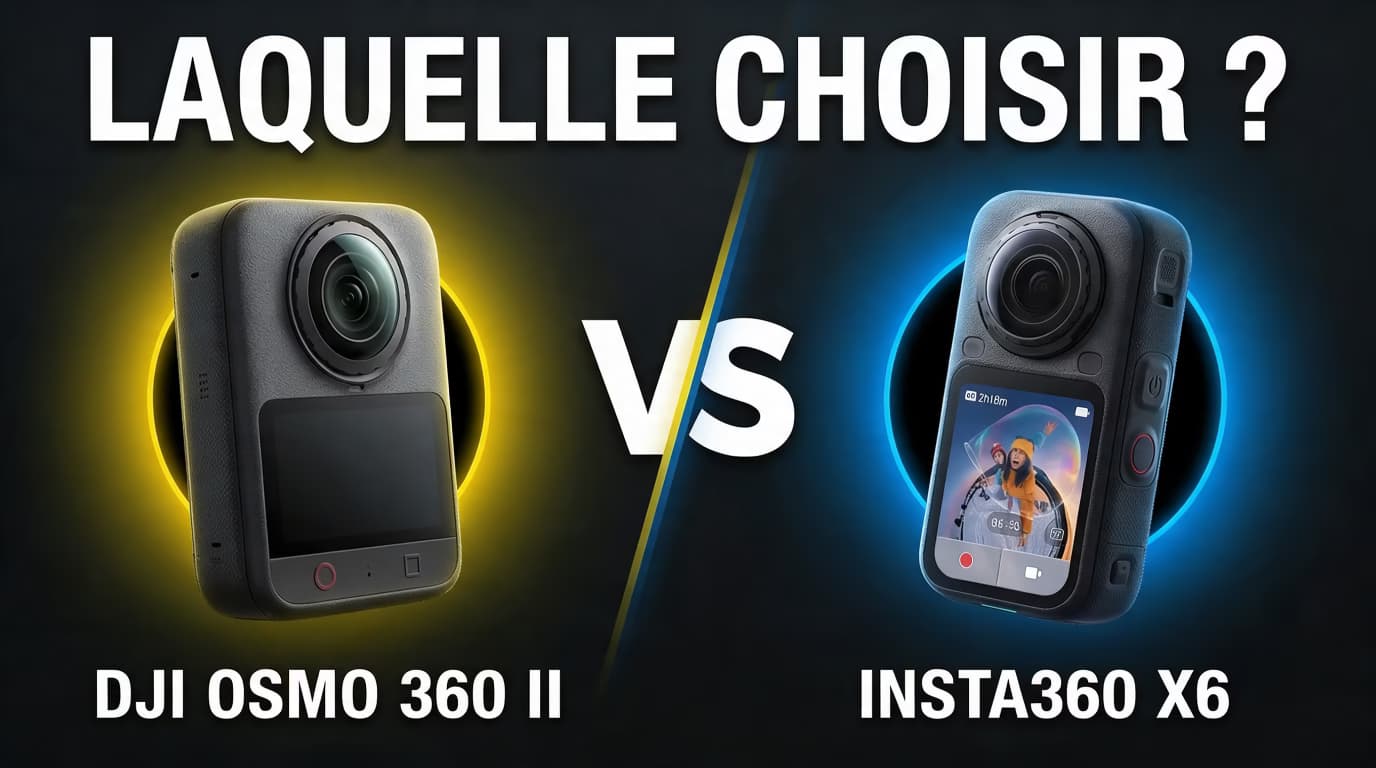
Filming a trip, a motorcycle ride, or a hike without having to choose your framing when you hit the shutter: that’s the whole point of a 360 camera. But between the Insta360 X6 and the DJI Osmo 360 2, the choice deserves a bit more thought than a simple resolution comparison.
In this article, I am indeed comparing the DJI Osmo 360 II, also known as the Osmo 360 2, to the X6.
My goal: to help you understand the differences that matter for your videos. This comparison is based on announced specs and their practical value; it does not feature measurements from a side-by-side test.
Some links are affiliate links: a purchase through these links may earn me a commission, at no extra cost to you.
Insta360 X6 vs DJI Osmo 360 2: The Essential Differences
Here are the main differences confirmed by official information from both brands.
| Criterion | Insta360 X6 | DJI Osmo 360 2 |
|---|---|---|
| 360 video at maximum resolution | 8K at up to 50 fps | 8K at up to 60 fps |
| Low-light mode | PureVideo | AI SuperNight 2.0 |
| Usable built-in storage | 47 GB out of 64 GB announced | 105 GB announced |
| Replaceable lenses | Yes | Yes |
| Weight | 196 g | 183 g |
| Sealing without casing | 20 m | 10 m |
| Announced battery life at 8K30 | Up to 140 min in Endurance mode | Up to 100 min |
| Charge to 80% | 24 min | 22 min |
| Panoramic photo | 120 MP | 120 MP HDR |
The X6 data comes from its official spec sheet. The DJI information comes from the official press release dated September 3, 2026. Battery life figures are manufacturer claims, measured under their respective conditions.
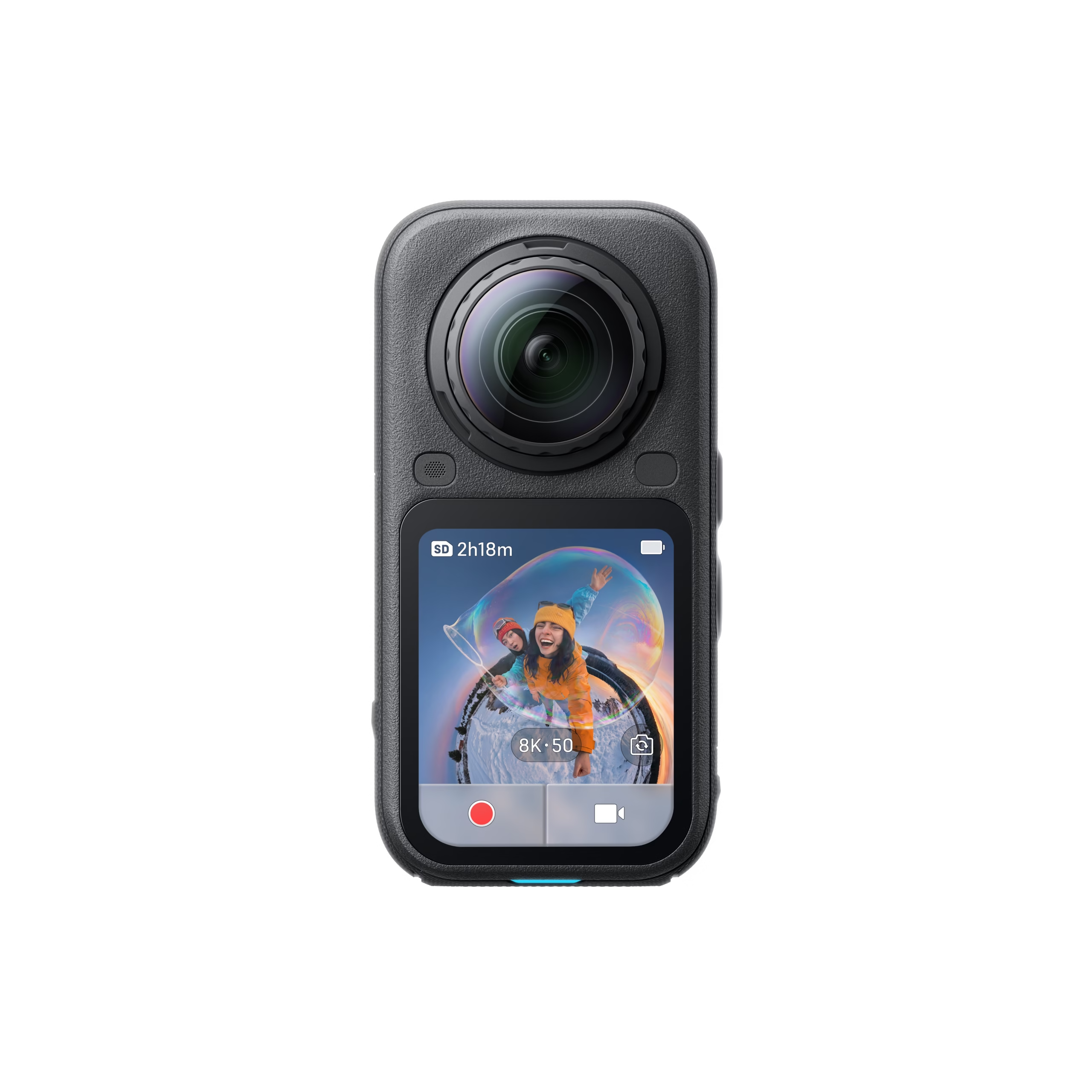
Insta360 X6
Dual 1/1.1-inch sensor, 360 video in 8K up to 50 fps, OLED screen, and replaceable lenses.
- ✓ 360 video in 8K50
- ✓ PureVideo for low light
- ✓ Waterproof up to 20 meters
- ✓ Announced battery life up to 140 minutes
Affiliate link: your price remains the same.
Video Quality: Does 8K60 really make a difference?
The first advantage of the DJI is easy to understand: it offers more frames per second at maximum resolution. This is interesting for fast movements and for maintaining a 60 fps frame rate in an edit.
But I wouldn’t choose a camera based on this number alone. The frame rate doesn’t tell you which one produces the most pleasing colors or preserves details best. Image processing, compression, exposure, and stitching quality also matter.
For a 25 fps edit, shooting at 50 fps already allows you to slow down the scene by half. For a 30 fps edit, the same principle works with a 60 fps shot. The benefit therefore also depends on how you edit.
Another essential point: the 8K resolution is spread across the entire sphere. When you crop in on your face or a landscape, you are only using a portion of that image. Exporting in 4K afterwards doesn’t mean that this framing has as much detail as an image filmed directly in 4K with a traditional camera.
To judge both models, the most relevant method is to compare identical framing, with the same angle of view and the same export settings. A very wide view might look sharp, then show its limits when you zoom in significantly.
My opinion: DJI has the advantage for maximum frame rate in 8K. For pure image quality after reframing, this single number isn’t enough to name a winner.

PureVideo or AI SuperNight 2.0: Which one to choose for night filming?
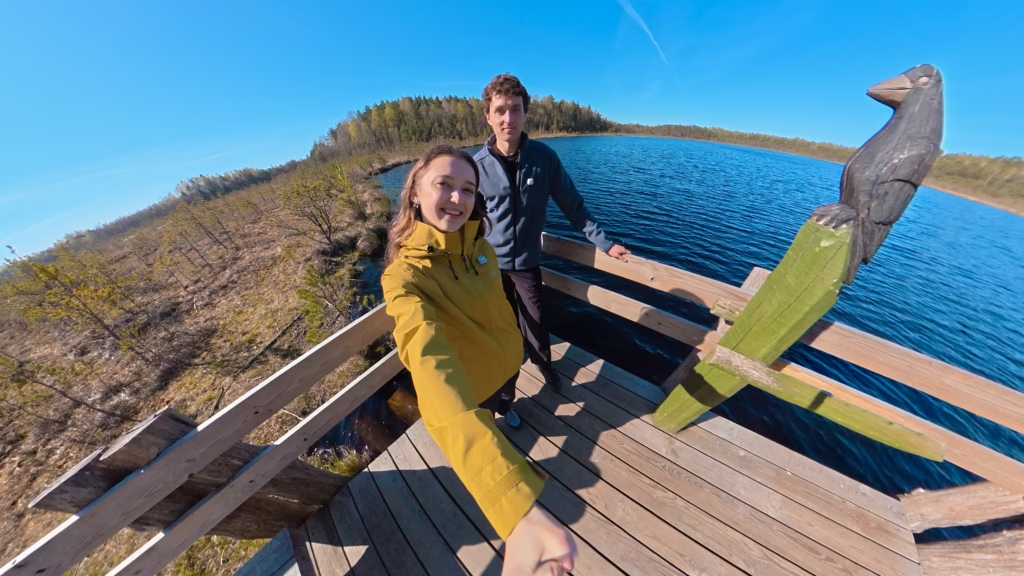
The X6 offers PureVideo, while DJI highlights AI SuperNight 2.0. These modes target low-light scenes, but their names don’t allow for a definitive ranking of the cameras.
The trap in low light is to only look at whether the image is bright. A video can look clean while heavily smoothing out faces, vegetation, or textures.
What interests me most is the result on a moving scene: a person walking, cars, leaves, or a camera held on a selfie stick. That’s where blur, trailing, and disappearing details can appear.
For your travel videos, keep a simple rule in mind: a high frame rate isn’t always the best choice in the evening. Reducing the frame rate can allow more latitude for exposure, depending on the mode used.
I wouldn’t name a winner for night shots without comparable footage. If you are buying primarily for this criterion, look for files or comparisons that also show moving subjects.
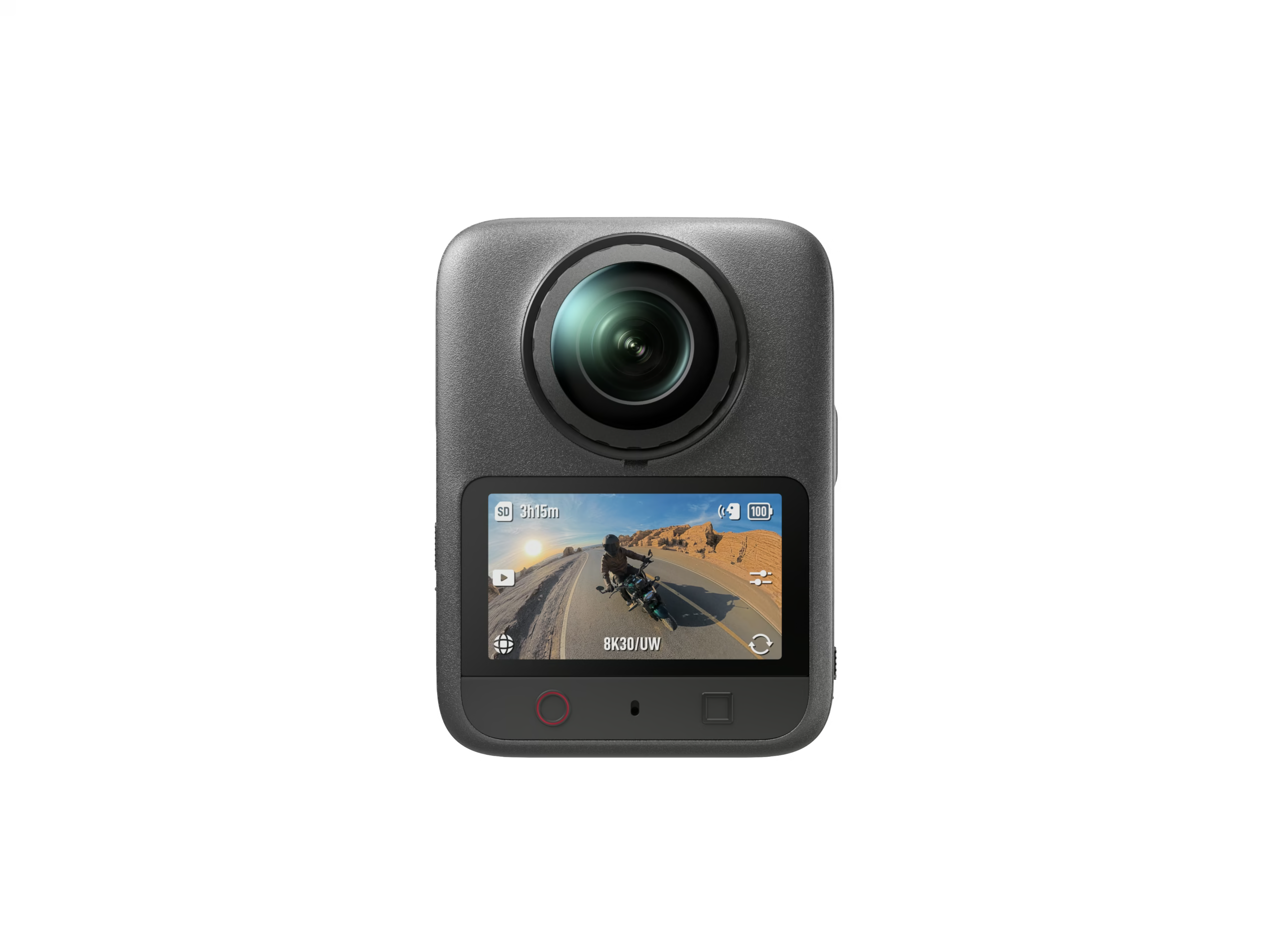
DJI Osmo 360 II
A compact 360 camera capable of filming in 8K at 60 fps, with an HDR sensor, replaceable lenses, and 105 GB of built-in storage.
- ✓ 360 video in 8K60
- ✓ AI SuperNight 2.0
- ✓ 105 GB internal storage
- ✓ Reinforced and replaceable lenses
Affiliate link: your price remains the same.
Can the X6 also serve as an action cam?
The X6 features a classic video mode up to 5K60 and 4K120. It also offers InstaFrame 2.0, which combines a ready-to-use flat video with a 360 backup, depending on the chosen setting. These options are listed in the video modes sheet.
The benefit is practical: you can switch between an immersive scene and a more traditional shot without necessarily taking out a second camera.
For filming pieces to camera, showing a detail, or creating a shot intended directly for YouTube, a classic mode simplifies editing. 360 makes the most sense when you want to be able to choose the angle after shooting.
The DJI Osmo 360 II films up to 4K at 60 fps in classic single-lens mode and can reach 4K at 120 fps with Boost Video mode. It therefore rivals the Insta360 X6 for ultra-wide shots and smooth slow motion. However, the X6 maintains the advantage in maximum resolution with its 5K at 60 fps single-lens mode.

Editing and Artificial Intelligence: A criterion as important as the image
A camera can produce beautiful files and become a pain to use if every video requires too much manipulation. For me, the ease of going from shooting to publishing should carry weight in the choice.
Insta360 particularly highlights AI Director and InstaFrame 2.0 on the X6. These are interesting ways to prepare clips faster, even if automatic editing doesn’t replace your choices in rhythm and storytelling.
On the DJI side, Spotlight Follow keeps the subject in the frame, NFC simplifies the connection to Mimo, and a DaVinci Resolve plugin allows for importing 360 videos exported from DJI Studio. Source: DJI.
Before buying, look especially at the workflow you will need:
- Selecting and transferring shots.
- Following a subject and changing the framing.
- Switching from a horizontal video to a vertical format.
- Exporting with the desired resolution.
- Bringing the result into your editing software.
For an elaborate YouTube video, I would prioritize careful reframing, then a final edit on a computer. For a few-second Reel, speed on a phone might be more important.
Also check compatibility with your device: playback smoothness and available functions can depend on the phone, the system, and the app version.
Internal Storage: A real argument in favor of DJI
It’s a less spectacular difference than 8K, but much more practical during a day of shooting. With 105 GB announced versus 47 GB usable on the X6, DJI offers more breathing room in internal memory.
For a quick start or to keep filming when your card is full, this reserve is useful. However, it doesn’t replace good organization: 360 files take up space, and the recordable duration depends on the chosen bitrate.
I recommend copying footage after every important day, then verifying backups before deleting the originals. Losing an irreplaceable vacation sequence costs much more than a few minutes of transfer.
Battery Life and Overheating: Announced advantage for the X6, to be taken with a grain of salt
Insta360 announces up to 140 minutes in 8K30 with its Endurance mode. This is a manufacturer value linked to specific conditions, not a guaranteed duration for all uses. Battery specifications.
The table gives the advantage to the X6 on announced battery life. To settle the score between the two cameras in the field, you would need to use the same resolution, the same frame rate, a comparable temperature, and similar settings. Comparing battery life in an economy mode to a more demanding shot wouldn’t make much sense.
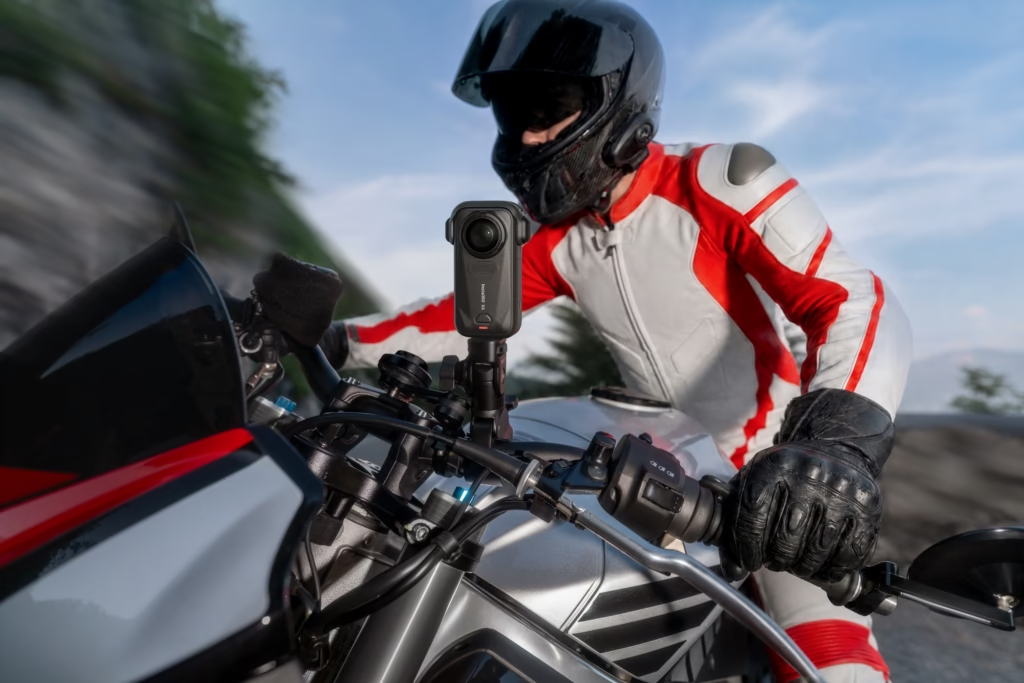
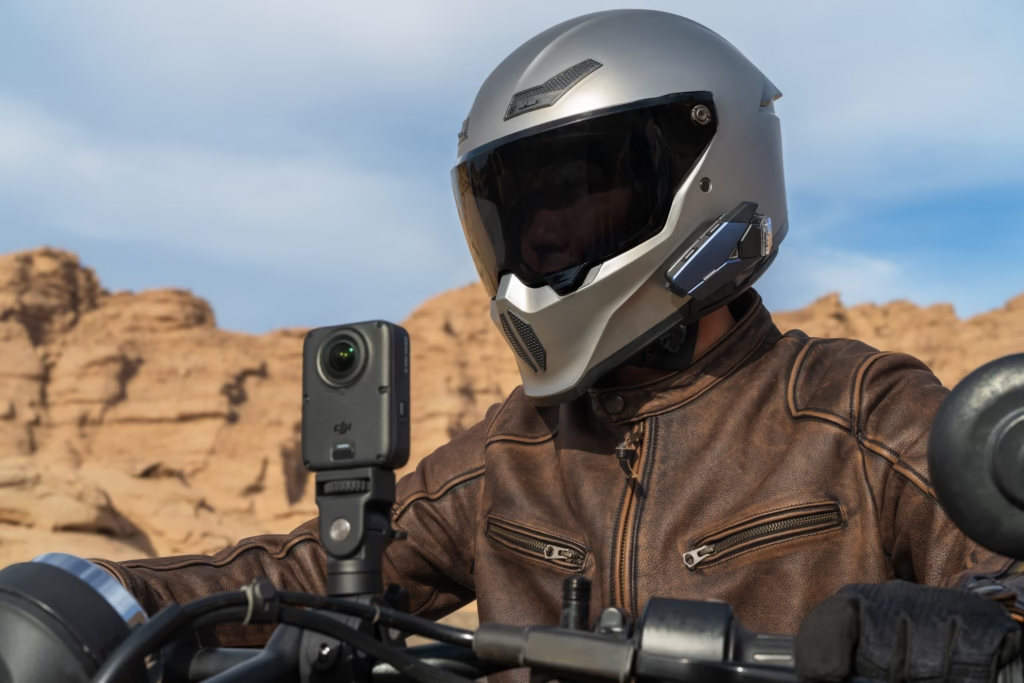
In the field, an extra battery can be more useful than a small theoretical advantage. And for filming for long periods while stationary, heat management matters as much as battery capacity.
Replaceable Lenses: A reassuring point on both sides
Both models offer replaceable lenses. For a camera where the optics protrude from the body, this is an important argument.
A scratch can become visible in many shots, especially when light comes from the side. The ability to replace a lens therefore reduces the consequences of an accident.
Before choosing, also compare the price of the kit, its availability, and the replacement procedure. This detail deserves as much attention as the cost of a battery.
My advice remains simple: protect the lenses during transport and clean them with a suitable microfiber cloth before filming. A fingerprint can be enough to ruin a backlit shot.
Stabilization, Invisible Selfie Stick, and Underwater Use
For walking, motorcycling, or cycling, good stabilization isn’t always enough. The rigidity of the mount, vibrations, and the length of the selfie stick also influence the result.
The stitching of the two views also deserves your attention. A subject very close to the stitch line may show distortion; keep some distance when filming an important person or object.
The X6 has a higher immersion margin without a housing, as indicated in the table. DJI also announces a housing for going down to 50 meters. Source: DJI.
Waterproofing doesn’t automatically mean that 360 stitching underwater will be perfect without a suitable housing. Refraction changes the shooting conditions. To film underwater, choose accessories designed for this use and follow the manufacturer’s instructions.
Insta360 X6
Dual 1/1.1-inch sensor, 360 video in 8K up to 50 fps, OLED screen, and replaceable lenses.
- ✓ 360 video in 8K50
- ✓ PureVideo for low light
- ✓ Waterproof up to 20 meters
- ✓ Announced battery life up to 140 minutes
Affiliate link: your price remains the same.
Audio: Think about how you film
DJI confirms the presence of four microphones as well as a direct OsmoAudio connection, compatible notably with the DJI Mic 3, Mic 2, and Mic Mini. For its part, the Insta360 X6 allows for direct connection of up to two Insta360 Mic Pro transmitters, without needing to plug a receiver into the camera. This is a practical advantage for recording two people while keeping a compact and invisible setup on a selfie stick.
The choice may therefore also depend on the audio ecosystem you already own: DJI Mic with the Osmo 360 II or Mic Pro with the X6. To learn more about its functions, check out my Insta360 Mic Pro review.
Price: Compare the equipment you actually need
DJI announces its Standard Combo starting at €589 and its Adventure Combo starting at €739. These are launch prices, to be distinguished from daily deals.
On the other hand, the Insta360 X6 is offered at €699.99 in its standard pack. It therefore costs about €111 more than the DJI Osmo 360 II, launched starting at €589. This gap is mainly justified by its superior battery life, its waterproofing up to 20 meters without a housing, its 5K60 single-lens mode, and the particularly complete Insta360 editing ecosystem. However, the DJI maintains a better equipment-to-price ratio on paper, with 8K60 and 105 GB of built-in storage for a lower price.
To choose, I advise you to compare equivalent baskets: camera, extra battery, selfie stick, protections, and any lens replacement kit.
A more expensive pack can be worthwhile if you will actually use its accessories. Conversely, there’s no point in paying more for equipment that will stay in a drawer.
So, which 360 camera should you choose for your videos?
I would look first at the DJI Osmo 360 2 if your priorities are maximum frame rate in 8K and a large reserve of internal storage. These are two practical advantages for filming a lot and working at 60 fps.
I would look first at the Insta360 X6 if you are particularly interested in its classic video modes, InstaFrame 2.0, and its creative tools. Their value depends mostly on the time they will save you in your video production workflow.
| Your priority | Point to prioritize |
|---|---|
| Filming in 8K at 60 fps | DJI Osmo 360 II |
| Having more built-in storage | DJI Osmo 360 II |
| Using the 5K60 and InstaFrame 2.0 modes documented on the X6 | X6 |
| Replacing a damaged lens | X6 |
| Getting the best night rendering | X6 |
| Choosing the best real-world battery life | X6 |
For me, the right purchase is the one that matches the videos you are actually going to make. Frame rate and storage are easily compared on a spec sheet. Face rendering, night quality, and the pleasure of editing require going further. Choose according to your usage, without confusing an announced function with demonstrated superiority.
