Updated on August 18, 2026. This article contains affiliate links: if you use them, DroneAndCam may receive a commission, at no extra cost to you.
Filming with a smartphone doesn’t require a cinema rig. But a few well-chosen accessories really change the result: a steadier grip, easier framing, and above all mounting points for a light or mic. SmallRig offers modular cages, handles, and mounts that let you evolve a setup without rebuying everything. Here’s how to choose the SmallRig smartphone accessories that actually help for vlogging, Reels, interviews, and travel videos.
The verdict in a few seconds
For most creators, start with a universal cage or one made for your phone, then add a side handle and a mini tripod. That order gives you the most control without making the phone annoying to carry. Keep dual handles and iPhone-specific cages for more regular shoots.
Why a SmallRig cage is the first accessory to look at
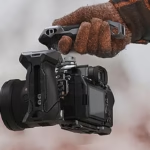
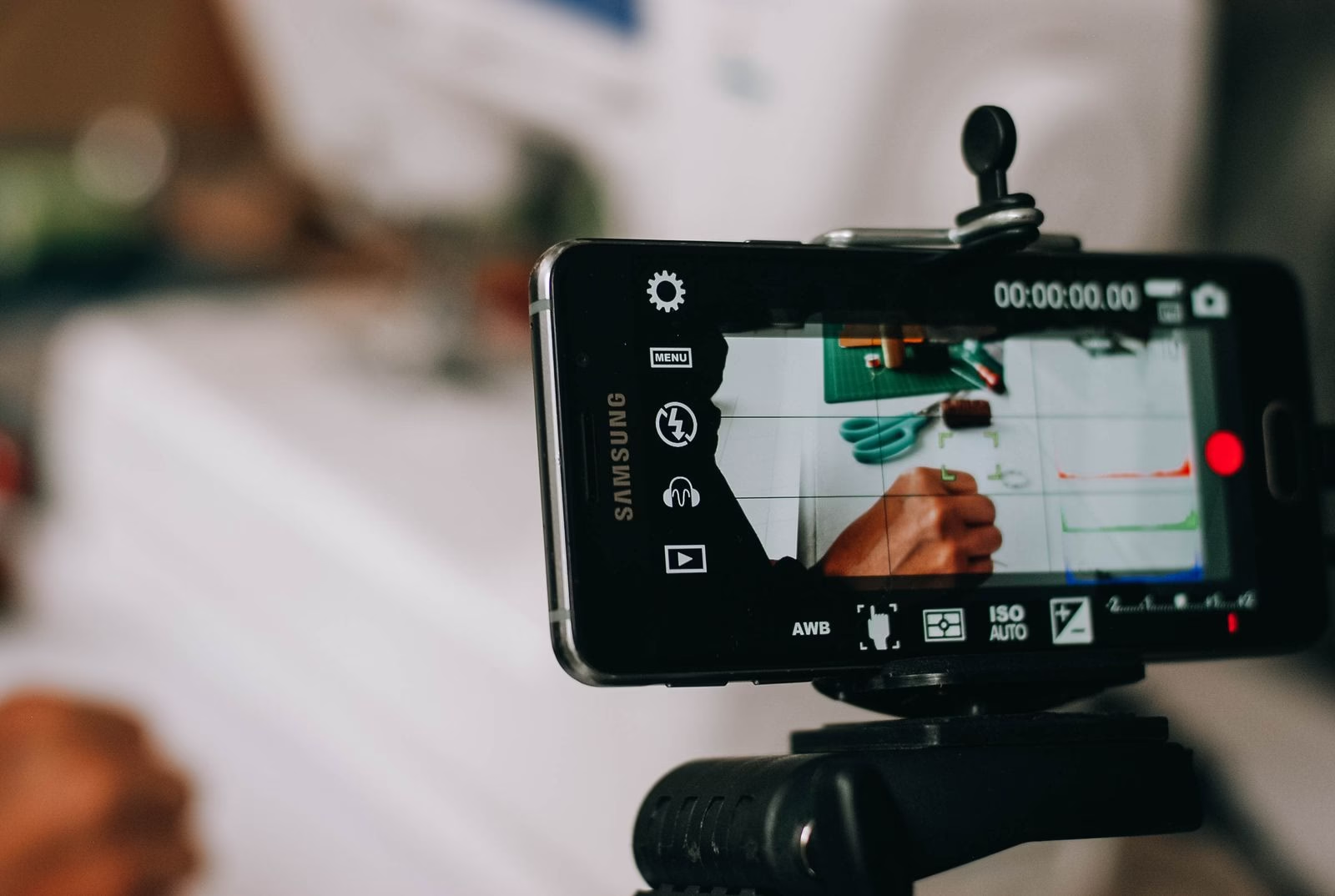
A cage doesn’t automatically make your image better. Its value is turning your phone into a shooting platform: you get multiple threaded mounts and cold shoe mount(s) to add a mic, a light, a handle, or a tripod. That avoids stacked clamps that shift, block a button, or tip the phone.
Universal models make sense if you change phones often or shoot both landscape and portrait. A cage made for a specific iPhone is usually more compact and better integrated, but it won’t last as long when you upgrade. Always check compatibility with the phone’s size, its case, and the camera bump before ordering.
SmallRig smartphone accessories that make a real difference
1. A side handle to keep your framing steady
The side handle is probably the most noticeable upgrade from the first shots. It gives you a firmer grip while walking, makes one-handed shots easier, and avoids squeezing the phone by its edges. Choose an adjustable one: you’ll be able to position it without blocking buttons or the USB-C port. It’s especially handy for a talking-head shot, product B-roll, or a cooking sequence.
2. A mini tripod for locked-off shots
A mini tripod is a much better solution than a stack of books for tutorials, polished video calls, and on-camera speaking. It also lets you place the phone low for a dynamic angle. For travel vlogging, go for a compact model that can also work as a short handle. Don’t chase a heavy tripod if you mostly film standing up: how consistently you’ll use it matters more than the advertised max load.
3. A cold shoe for a small light
Light often has more impact than upgrading to a newer phone. A small LED mounted on the cage helps for an interview, a product video, or an indoor shot—provided it stays soft and close to the subject. For faces, don’t aim a bare LED at full power: diffuse it or move it slightly farther away.
4. A mic mount—only if the audio justifies it
A cage gives you a clean place for a wireless receiver or a compact mic, but it won’t fix bad audio capture. If you’re speaking within a meter of the phone, start by checking the sound in a quiet room. An external mic becomes relevant as soon as you film outdoors, interview someone, or want to move the camera farther away.
Cage, gimbal, or both: don’t buy twice
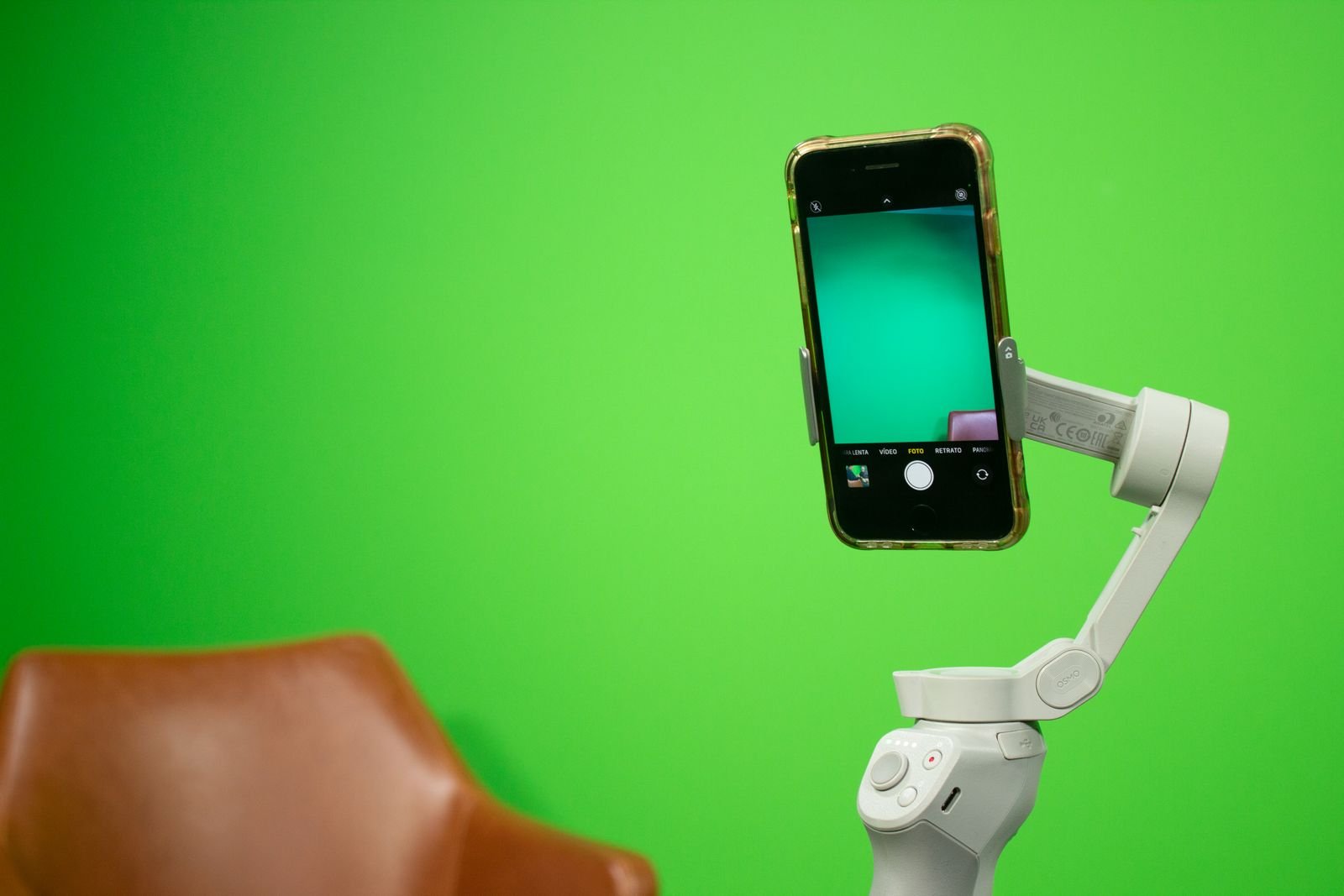
A cage steadies your grip and holds accessories; it doesn’t cancel out shakes. A motorized gimbal is for smooth movement while walking. The two can complement each other, but a smartphone loaded with a cage, an LED, and two handles quickly becomes too heavy for some gimbals. If tracking shots are central to your videos, check out our overview of the DJI Osmo Mobile 8P and keep your rig light.
For static videos—recipes, unboxings, and interviews—the cage + tripod is often faster to set up. For travel sequences and moving shots, the gimbal remains the dedicated tool. The best setup is the one you can pull out in under a minute.
Which kit should you choose for your use case?
| Use | Recommended setup | Avoid at first |
|---|---|---|
| Reels, Stories, and light vlogging | Universal cage + side handle | Dual handle and heavy accessories |
| Tutorials and talking head | Cage + mini tripod + small LED | A gimbal if you’re not doing any movement |
| Interview or product video | Cage + mic + soft light | Stacking flimsy clamps |
| Regular iPhone shoots | Dedicated cage + handle + filter as needed | A dedicated cage if you’re changing phones soon |
Common mistakes with a smartphone rig
- Adding all the accessories at once. Start with the cage and handle, then identify what you actually lack: audio, light, or support.
- Blocking the lens or the port. Mount the phone and test the lenses before tightening each accessory.
- Forgetting portrait format. If you mainly post on TikTok, Reels, or Shorts, check that switching orientation stays quick.
- Confusing stability with stabilization. A good handle helps, but it doesn’t replace walking technique or a gimbal.
Our recommendation: an upgradeable setup, not an overloaded one
The right starting point is a compatible cage, a handle, and a mini tripod. Then add an LED for indoor shots or a mic for spoken videos. This approach is far more coherent than buying a full kit without knowing what you’re missing. If you’re mainly looking for a dedicated pocket camera, also compare our best vlogging cameras: a smartphone excels when it’s already in your pocket and properly accessorized.
Frequently Asked Questions
Is a SmallRig cage compatible with all smartphones?
No. Universal cages cover a width range, while dedicated cages only fit certain models. Check the dimensions, thickness with a case, and access to the lenses.
Do you need a cage to shoot great videos with a smartphone?
No. It becomes useful when you want to mount multiple accessories reliably or hold the phone more comfortably during long takes.
Sources and further reading: spec sheets and compatibility to check on SmallRig, plus our related guides above. Availability and pricing vary by bundle.