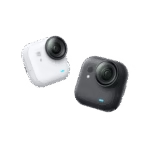
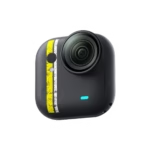
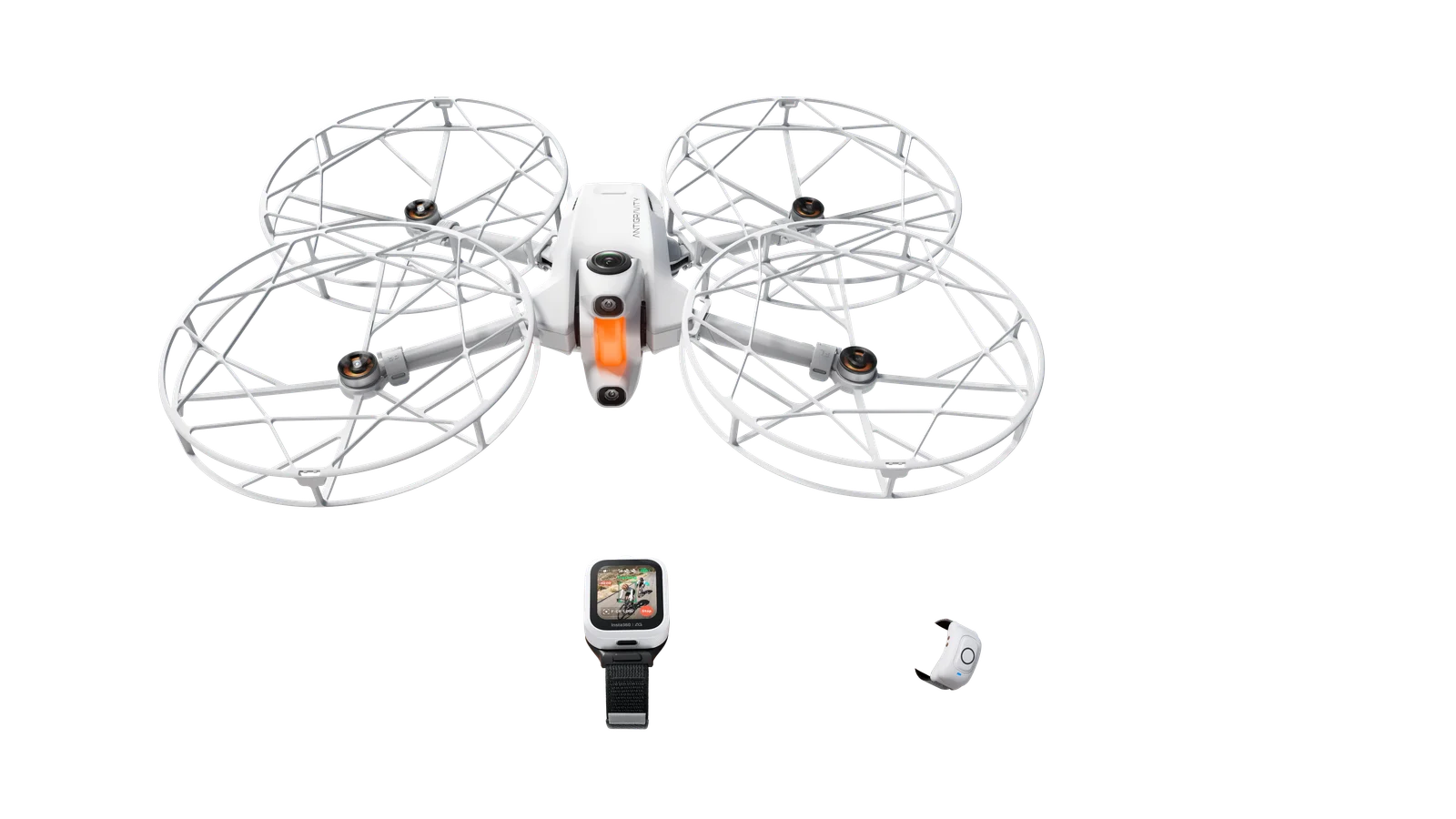
The Insta360 GO Ultra was already a mini-camera designed for filming without having to hold it. An update announced by Insta360 on August 5 adds a more surprising ambition: transforming it into a voice and visual travel assistant. Called “Hey, Kira,” this feature relies on Google’s Gemini to translate, answer questions, and interpret what the camera frames. On paper, the idea is appealing: keep your hands free, film a scene, and get information without taking out your phone. Here’s what this new feature actually changes—and what still needs to be verified beyond the press release.
This update makes the GO Ultra more interesting for travel, vlogging, and families. Translation and questions about what you’re filming are the most coherent uses with its hands-free format. But usefulness will depend on connectivity, languages, and actual reliability in noisy environments.
See the current price of the Insta360 GO Ultra
What is the Insta360 GO Ultra’s AI Voice Assistant?
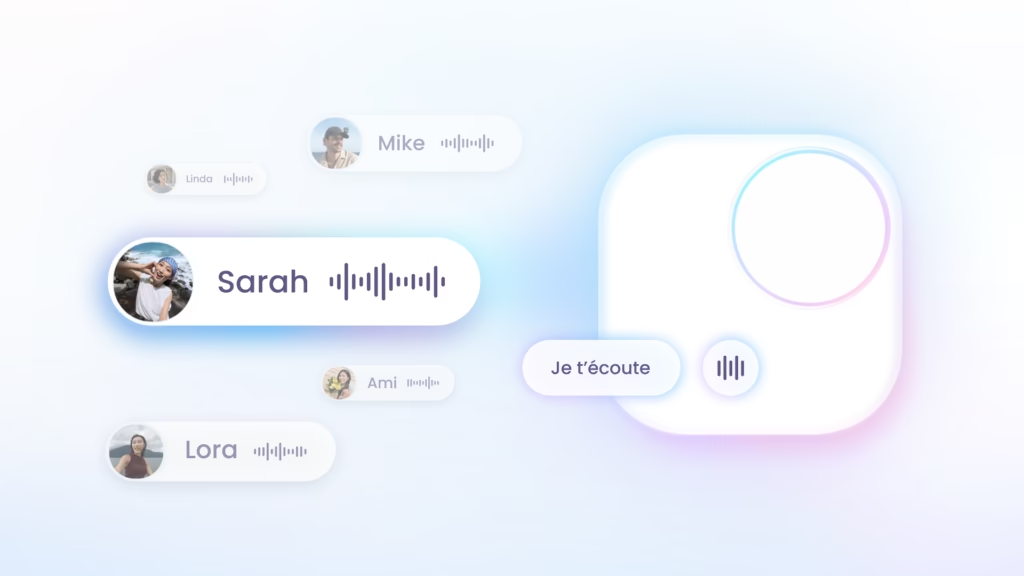
Insta360 announces an AI Voice Assistant powered by Gemini, Google’s AI model. This isn’t just the standard voice command that triggers recording: the goal is to be able to converse with the camera, verbally, and ask it a question about what’s in front of its lens.
The promise comes down to four functions: translating a sentence, requesting information, questioning an element in the frame, and recognizing the camera owner’s voice. The GO Ultra thus becomes, depending on context, an interpreter, occasional guide, or memory aid. This positioning fits well with its format: with its magnetic mount, it’s often already worn for POV filming.
How to activate “Hey, Kira” on the GO Ultra?
The announced operation is deliberately simple: with the camera on, just say “Hey, Kira” or hold the shutter button, then state your request. This avoids going through the phone for every question, which is precisely the point of a camera worn on a pendant, cap, or mount.
A few concrete examples better illustrate this feature:
- “What is this monument?”
- “Translate this sentence into Thai.”
- “What is this dish?”
- “What typical souvenirs can you buy here?”
The final answer will of course depend on Gemini’s availability, region, and language. Insta360 specifies that some features may vary according to these parameters.
Real-time translation: the most useful feature for travel?
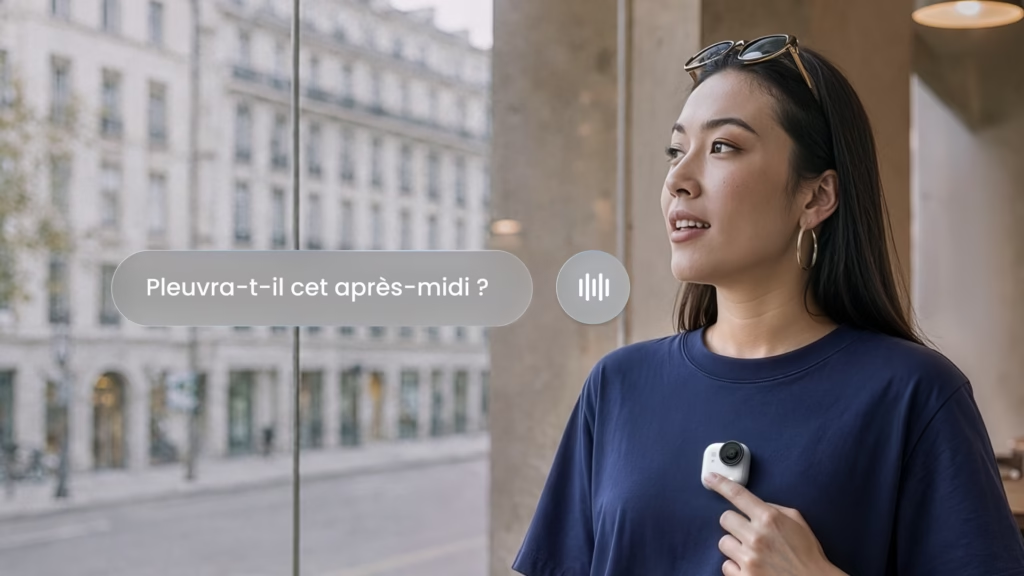
For a traveler, translation is probably the most immediately understandable use. The press release cites classic situations: ordering at a restaurant, asking for directions, buying a product, or chatting with locals. Today, the reflex is often to take out your smartphone, launch a translation app, choose a language, and show the screen to your conversation partner.
With the GO Ultra, Insta360 wants to reduce these steps to a voice interaction. The benefit isn’t just speed: it can also make the exchange less interrupted, especially when you’re already filming a vlog or visit. It’s a good idea on paper, but a voice assistant won’t automatically replace a phone: it needs to understand the request correctly, the connection needs to hold, and the conversation needs to remain intelligible in a busy location.
For creators, the interesting aspect is that the search for information can become part of the narrative. A question asked to the camera in front of a market, monument, or local dish can naturally integrate into a vlog, instead of cutting the scene to search for an answer on a screen.
Can the GO Ultra really understand what it sees?
The other aspect is visual interaction. The idea is to point the camera at a sign, building, artwork, object, or dish, then ask a question about it. In front of a temple, for example, you could ask why a statue is at the entrance; in front of a menu, ask what a local specialty is.
This is a more interesting evolution than a simple recording command, because the camera becomes the entry point to contextualized information. It still needs to be put to the test, however. Visual recognition can be very convincing on a well-lit and clearly framed object, but more hesitant on a complex scene, distant inscription, or cultural element requiring context. It’s better to see this feature as a discovery aid rather than an infallible source.
Why this AI is particularly coherent for travel and families
Fewer gestures, more immersion
The GO Ultra lends itself to discreet, hands-free shots. Adding a voice layer to this use makes sense: you can continue walking, hold a bag, or accompany a child while asking a question. The real benefit isn’t eliminating the smartphone, but avoiding constantly consulting it for small contextual requests.
Film and search for information with the same device
An action camera normally serves to record what you’re experiencing. With the AI Voice Assistant, Insta360 tries to assign it a second role: helping you understand what you’re experiencing at the same moment. For a vlogger, this combination makes more sense than it appears, particularly during visits, markets, or trips where you want to stay light.
A fun tool when traveling with children
Insta360 also highlights family use. Identifying an animal, asking a question about a plant, or explaining a monument on the fly can make a visit more interactive. Here again, the point of caution is the quality of responses: with children, it’s better to consider the assistant as a curiosity trigger and verify important information afterward.
To go further on choosing a compact model, also check out our Insta360 GO Ultra test and review, our GO Ultra vs GO 3S comparison, and our selection of useful accessories for the GO Ultra.
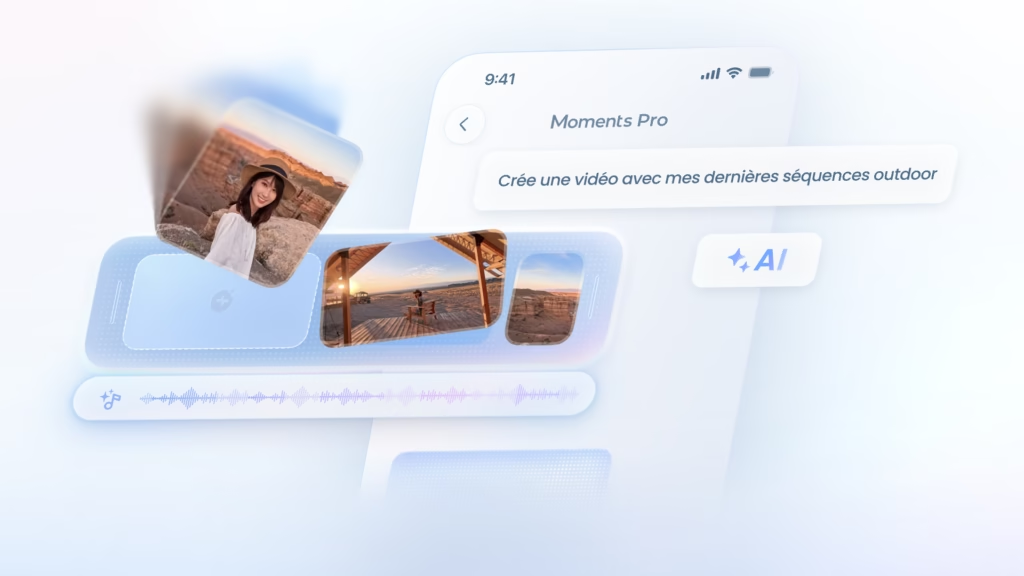
AI Voice Assistant and Moments Pro: be careful not to confuse them
| AI Voice Assistant | Moments Pro |
|---|---|
| Translation, voice questions, visual interaction, and voice recognition | Sequence selection, clip organization, and creation of edits with music |
| Operates during camera use | Operates in the editing workflow |
| Relies on AI features announced with Gemini | Remains independent of the AI Voice Assistant |
The distinction is important: Moments Pro aims to speed up editing after shooting, while “Hey, Kira” aims for interaction during travel or filming. Both can complement each other, but don’t address the same need.
What limitations should you keep in mind?
The new feature is promising, but several unknowns should temper enthusiasm:
- Connectivity: Gemini-related features will likely require network access for certain queries.
- Languages and regions: Insta360 indicates that availability may vary; you need to verify support for French and destination languages.
- Noise: the brand announces voice signature recognition designed to isolate the user’s voice in a crowd, train, or traffic. This is an important point to test in real conditions.
- Vision: the relevance of visual responses will depend on framing, lighting, and subject type.
- Comparison to smartphone: a phone remains more versatile for reading a long result, consulting a map, or verifying sensitive information.
In other words, the best scenario isn’t a camera that entirely replaces the smartphone, but a camera that avoids taking it out for some simple and immediate interactions.
How to get the AI Voice Assistant on the GO Ultra?
According to Insta360, deployment begins on August 5, 2026 via a software update in the Insta360 app. The procedure is simple:
- open the Insta360 app;
- connect the GO Ultra;
- search for the latest firmware update;
- install it with a sufficiently charged battery;
- restart the camera then test “Hey, Kira.”
Before planning a trip around this feature, verify in the app that it’s available in your region and in your working languages.
Does AI really transform the GO Ultra into a travel companion?
The GO Ultra is no longer just a small camera you forget once attached: with Gemini and “Hey, Kira,” Insta360 tries to make it an active companion. The three most interesting features are in-situation translation, questions about what’s in the frame, and hands-free voice interaction.
This isn’t, at this stage, a sufficient reason to replace a camera you already love. However, for travelers, vloggers, and families who appreciate the GO Ultra’s magnetic format, this update can strengthen the product’s appeal far more than just another gimmick feature. The real answer will come with testing in noise, without perfect connectivity, and in multiple languages.
Transparency: some links in this article are affiliate links. They may compensate us without changing the price paid by the buyer.
Frequently Asked Questions
Is the AI Voice Assistant already available on the Insta360 GO Ultra?
Insta360 announces its deployment starting August 5, 2026 via an app and firmware update. Availability may vary by region and language.
Can “Hey, Kira” translate in real time?
Yes, translation is part of the announced features. The languages actually supported must be verified in the Insta360 app.
Is Moments Pro part of the AI Voice Assistant?
No. Moments Pro is a separate feature for automatic clip selection and editing.
Still hesitating with the more compact model? Check out our Insta360 GO Ultra vs GO 3S comparison to choose based on image quality, battery life, and storage.