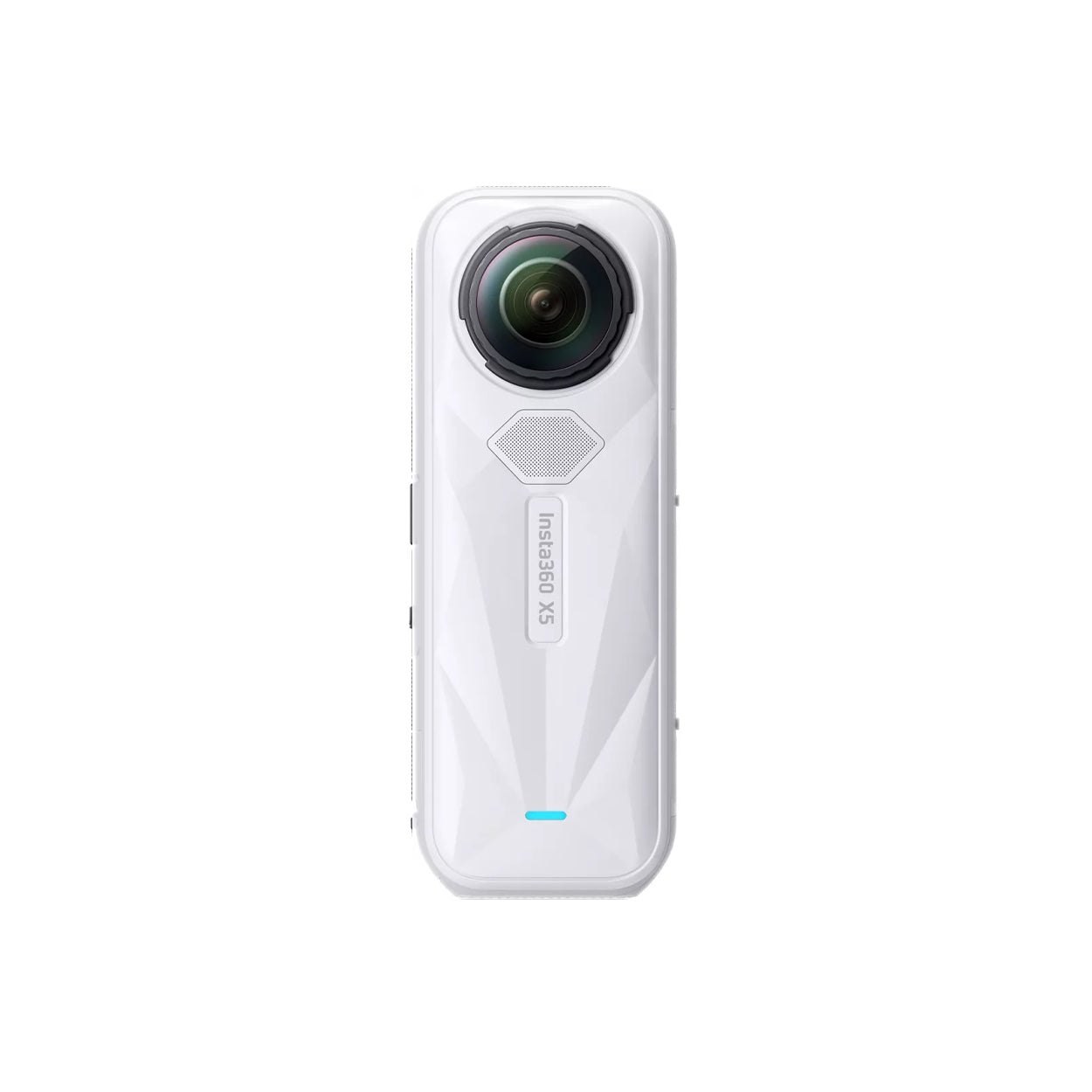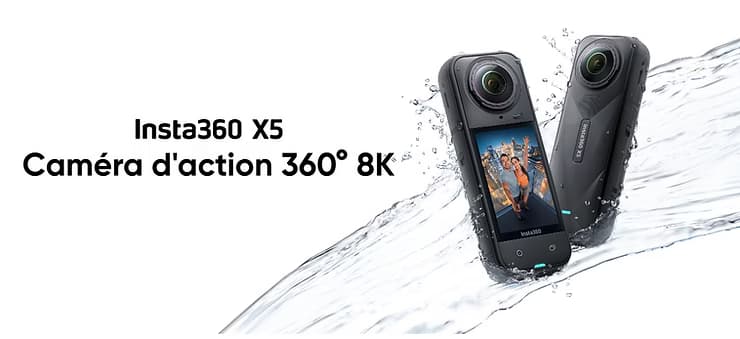
The vlog format is now ubiquitous on social networks. But if you want to stand out, why not take it to the next level with immersive 360° video? With the Insta360 X5, you can create dynamic, intuitive, and engaging vlogs with a unique perspective that immerses the viewer in your everyday life.
Creating an immersive vlog is about making your audience feel like they’re with you, living the moment from the inside. 360° completely changes the experience, making each shot lively, spontaneous and fluid. And thanks to the ease of use of the X5, this approach is now accessible to everyone.

Why choose a 360° camera for your vlog?
A 360° camera like the X5 offers many advantages:
- You capture everything around you, so no need to frame or redo a take
- You can crop in post-production to adapt to all formats (YouTube, Reels, Shorts, Stories…)
- You get a much more engaging immersive experience for your audience
- You film solo without a cameraman, with a guaranteed professional rendering
- You create versatile content from a single take, which optimizes your shooting time
This makes it the perfect solution for creators who want to film easily, not just from a static angle, and capture the moment from all angles.
Insta360 X5: the ideal camera for immersive vlogging
The Insta360 X5 combines power, simplicity and cutting-edge technology to meet the needs of creators:
- 8K 360° resolution for ultra-sharp, lossless cropping images
- 1/1.28″ sensors : capture more light, excellent for evening or indoor vlogs
- FlowState + Horizon Lock stabilization: smooth, shake-free video, even on the move
- Built-in Wind Screen : Picks up clear sound, even outdoors
- Invisible boom : gives a floating camera effect, drone style or pro tracking
- Replaceable lenses : practical for intensive use or outdoor adventure
This camera is designed for creators in motion, travelers, sportsmen and anyone who wants to tell a story with fluidity and immersion.
Preferred modes for vlogging
- 🎯 360° Me Mode : Keeps you in the center of the frame automatically, even when moving. Perfect for filming alone, on foot, by bike, or in a vehicle.
- 🌙 PureVideo mode : ideal for night scenes or dark interiors, without loss of quality
- 🌐 Standard 360° mode : to film freely all around and then crop
You can also combine the modes depending on the moment: a start of a vlog in Me mode, a contemplative passage in 360°, and a night scene with PureVideo.

Tips for Capturing a Successful Vlog Video
- Keeps the pole at chest or eye height for a natural, balanced angle
- Move fluidly, walking, circling a place, or following a line
- Varies the shots : alternates between tracking shots, fixed pauses, dynamic transitions
- Play with environments : city, nature, crowds, unusual places… 360° enhances them all
- Talk to the camera like a friend : 360° proximity creates a direct relationship with your audience
Bonus: remember to record in 8K even if you only publish in Full HD. This will allow you to crop without losing quality.
Editing and publishing the 360° vlog
The Insta360 or Insta360 Studio mobile app on desktop allows you to:
- Automatically crop with AI (AI Track) to track a topic or action
- Choose the right format : horizontal (YouTube), vertical (Reels/TikTok), square (Instagram posts)
- Add music, titles, effects, and transitions directly from the app
- Export quickly to the right format, with network-optimized compression
- Share in a few clicks to TikTok, YouTube Shorts, Reels, or embed on your website/blog
Even if you’re not an expert in editing, the interface is smooth and intuitive. And if you want to take it a step further, you can use Adobe Premiere or Final Cut with the exported files.

Examples of 360° vlog content
- 🧭 Travel day : city tour, transportation, local meetups, food vlog
- ❓ Immersive Q&A : Answer questions from your community while walking around
- 🛠️ Tutorial or presentation : DIY, product test, discovery of a place or behind the scenes of a project
- 🎒 Outdoor adventure : hiking, kayaking, skiing, trail running… Me mode and invisible boom work wonders
- 🎤 Event micro-vlog : festivals, conventions, strolling in a lively place
All with a natural, fluid and professional effect, without the need for heavy equipment.
Conclusion
With the Insta360 X5, you can do much more than just film: you immerse your audience in your world. The 360° vlog becomes a lively, fluid and impactful experience, where every detail counts.
No need to choose an angle: you film everything, then you crop, and you adapt your creation to all platforms. You save time, you gain in impact, and you offer an original experience to your audience.
So, are you ready to take your vlog to the next level and captivate your audience like never before? 🎥🌍
❓ FAQ – 360° Vlog with Insta360 X5
Why use a 360° camera for vlogging?
Because it captures everything around you, frees you from framing, and allows you to then crop for all formats (YouTube, Reels, Shorts…). It’s more immersive, more spontaneous and more effective.
Is the Insta360 X5 suitable for vlogging?
Yes, it’s perfect: FlowState stabilization, 8K resolution, improved audio, Me mode for filming alone, invisible boom… Everything is designed to create fluid and professional content.
What is the best mode for vlogging with the X5?
The 360° Me mode is ideal. It automatically keeps you centered in the frame, even when moving. Perfect for solo creators.
Can you post a 360° vlog on TikTok or Instagram?
Absolutely. You can shoot once, then crop to vertical, horizontal or square with the Insta360 app. So you can publish anywhere, without returning anything.
Do you have to be good at editing to use the X5?
Not at all. The Insta360 mobile app offers automatic AI cropping, simple effects, music, and transitions. Even if you’re a beginner, you can post a stylish vlog in minutes.
What types of vlog content can you create with the X5?
Travel days, immersive Q&A, product tests, tutorials, micro-vlogs of events, outdoor adventures… the X5 adapts to all styles of creation.