If you want the short answer, the best SD card for DJI Osmo 360 is a UHS-I V30 microSD card, and 256 GB is the safest capacity for most users. If you shoot long 8K sessions or travel a lot, 512 GB or 1 TB makes more sense. Cheap cards, fake cards, and cards without a proper V30 rating are the easiest way to get recording problems.
- Minimum requirement: UHS-I + V30
- Best overall pick: Samsung PRO Plus 256 GB
- Best capacity for most users: 256 GB
- Safe alternatives: Lexar Silver Plus, SanDisk Extreme
The DJI Osmo 360 can produce demanding 360 footage, and that means your memory card matters more than many people expect. A slow or unreliable card can cause recording interruptions, slow transfers, or corrupted files. This guide gives you the fast answer: what specs matter, which capacity to buy, which cards are the safest, and what to avoid.
| Card | Best for | Speed class | Capacity to buy | Verdict |
|---|---|---|---|---|
| Samsung PRO Plus | Best overall | UHS-I, U3, V30 | 256 GB | Great all-round reliability and value for Osmo 360 |
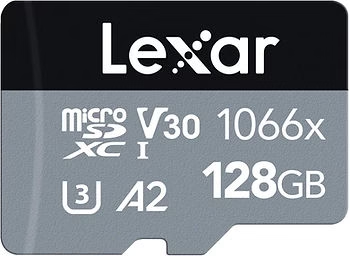
| Lexar Silver Plus 1066x | Best value | UHS-I, U3, V30 | 256 GB | Very good performance for the price |
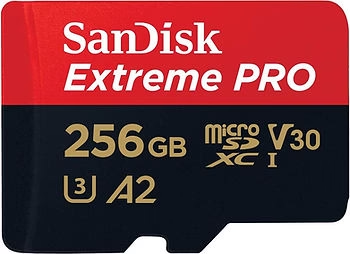
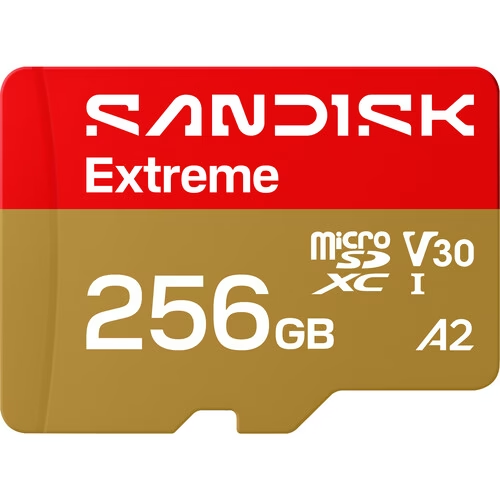
| SanDisk Extreme | Best trusted alternative | UHS-I, U3, V30 | 256 GB or 512 GB | Easy recommendation if you prefer SanDisk |

What SD card does the DJI Osmo 360 need?
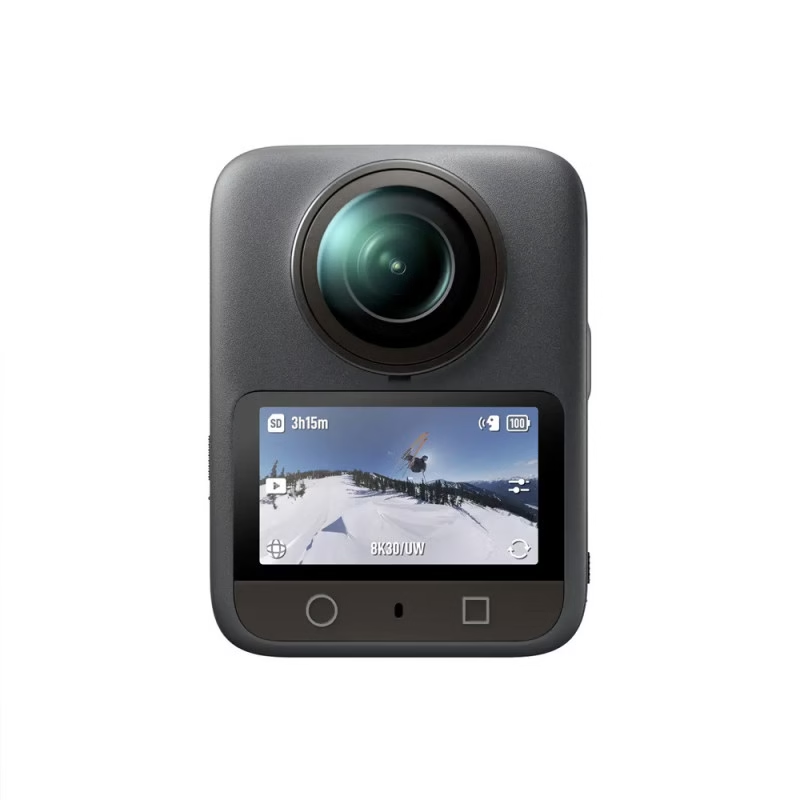
The Osmo 360 works best with a microSD UHS-I card rated V30. That is the practical minimum if you want dependable recording in demanding modes. The most important thing is not chasing the highest marketing number, but buying a real, trusted V30 card with stable write performance.
- Card type: microSD, UHS-I
- Minimum speed class: U3 / V30
- Maximum supported capacity: up to 1 TB
- Recommended format: exFAT
In simple terms: if the card is not clearly labeled V30, I would not trust it for this camera.
Which capacity should you buy?
- 64 GB: only for short sessions or as a backup
- 128 GB: fine if you travel light and offload often
- 256 GB: the best balance for most users
- 512 GB or 1 TB: best for heavy shooting days and longer 8K sessions
For most creators, 256 GB is the sweet spot. It gives enough comfort without pushing the budget too far.
Best SD cards for DJI Osmo 360
1. Samsung PRO Plus microSD 256 GB
- Best for: most users who want one safe recommendation
- Speed class: UHS-I, U3, V30, A2
- Why I like it: reliable, fast enough, and easy to recommend without hesitation
2. Lexar Silver Plus 1066x 256 GB
- Best for: value-focused buyers who still want real V30 performance
- Speed class: U3, V30, A2
- Why I like it: very good price/performance balance for big video files
3. SanDisk Extreme microSD 256 GB
- Best for: users who prefer the safest SanDisk-style buy
- Speed class: U3, V30, A2
- Why I like it: trusted brand, great compatibility, and very easy to justify for action-heavy workflows

Cards to avoid
- “Class 10” cards without a real V30 rating
- Cheap no-name cards sold on dubious marketplaces
- Old cards already heavily used in other demanding devices
- Cards above 1 TB, because DJI does not support them here
Typical symptoms of a bad card include interrupted recording, slow transfers, corrupted files, or random errors when the camera is under load.
How should you format the card?
- Insert the card in the camera
- Format it in-camera if possible
- Use exFAT
- Avoid FAT32 for large modern video files
Regular formatting can also help keep the card healthy over time.
Internal storage vs microSD card
The Osmo 360 has internal storage, but a proper microSD card is still essential if you want more flexibility, longer recording sessions, and easier file management. Internal storage is useful for troubleshooting; a good microSD card is what makes the camera truly practical.
Related guides
- Best SD cards for DJI Osmo Pocket 3
- Best microSD card for DJI Mini 5 Pro
- Best SD cards for the DJI Osmo Action 5 Pro
Conclusion
If you want the easiest buying advice, get a UHS-I V30 microSD card and choose 256 GB unless you already know you need more room. For most users, that is the cleanest way to get stable performance without overcomplicating the decision.
My short list is simple: Samsung PRO Plus for the safest all-round pick, Lexar Silver Plus for value, and SanDisk Extreme if you want a very trusted alternative.
FAQ
What is the best SD card for DJI Osmo 360?
A genuine UHS-I V30 microSD card from Samsung, Lexar, or SanDisk is the safest choice. For most people, 256 GB is the best capacity to buy.
Is V30 enough for DJI Osmo 360?
Yes. V30 is the practical minimum if you want dependable performance on this camera.
Is 256 GB enough?
Yes, for most users 256 GB is the sweet spot. Go larger only if you shoot a lot of long 8K sessions.
Which cards should I avoid?
Avoid cards without a clear V30 rating, suspicious marketplace deals, and old heavily used cards from unknown sources.