The Insta360 X5 is an impressive camera for creating immersive videos, travel vlogs, action shots, and 360° footage. It allows you to film first and then crop, which completely changes the way you create content. But there’s one aspect that many creators still underestimate: sound.
A beautiful image catches the eye, but bad sound quickly loses viewers’ attention. If your voice is too distant, muffled by wind, or drowned out by ambient noise, even the best video loses its impact. That’s why adding an external microphone to the Insta360 X5 can truly transform your videos.
And in the Insta360 ecosystem, the most logical choice today is clearly the Insta360 Mic Pro .
Why add an external microphone to the Insta360 X5 ?
The Insta360 X5 already has built-in microphones, and for capturing general ambient sound, they may be sufficient. If you’re filming a hike, a bike ride, or a travel scene without speaking directly into the camera, the built-in microphone can do the job.
But as soon as your voice becomes important, the limitations quickly become apparent.
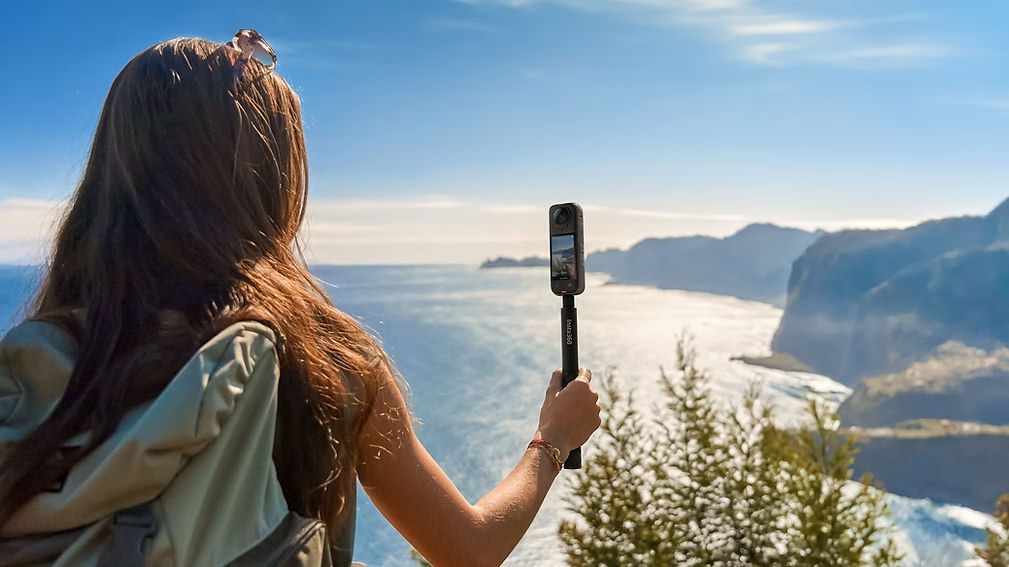
When the camera is mounted on the end of an invisible boom mic, it’s often quite far from your mouth. As a result, your voice can sound distant. Outdoors, the wind can also be a significant factor. And if you’re filming in a street, at a market, near the sea, or during a sporting activity, surrounding noises can quickly interfere with the recording.
An external microphone allows you to capture your voice more closely. The sound becomes more present, clearer, and more pleasant. This is exactly what you need for YouTube videos, vlogs, product reviews, or educational content.

The Insta360 Mic Pro , the most logical choice for the Insta360 X5
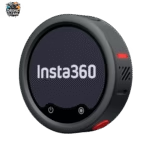
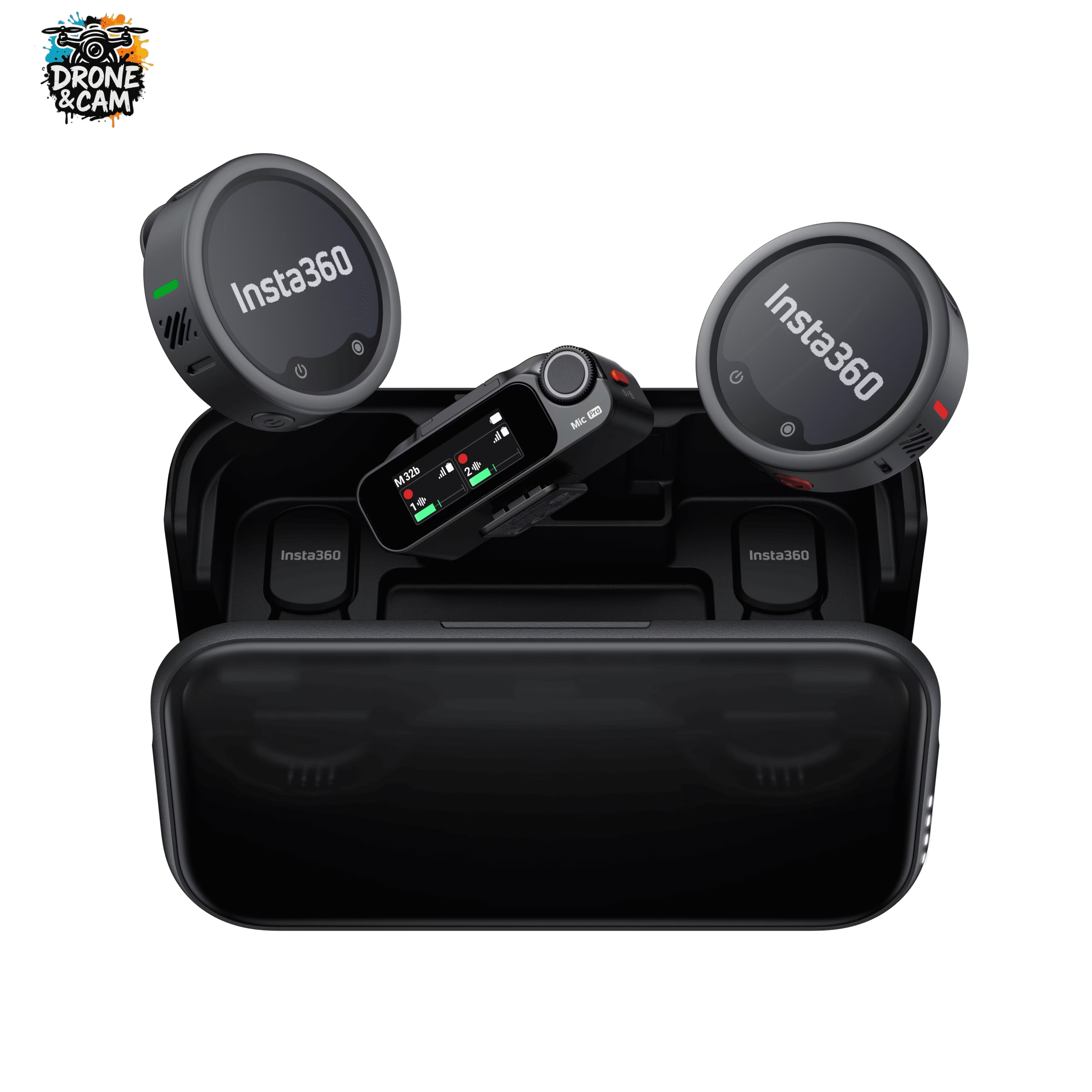
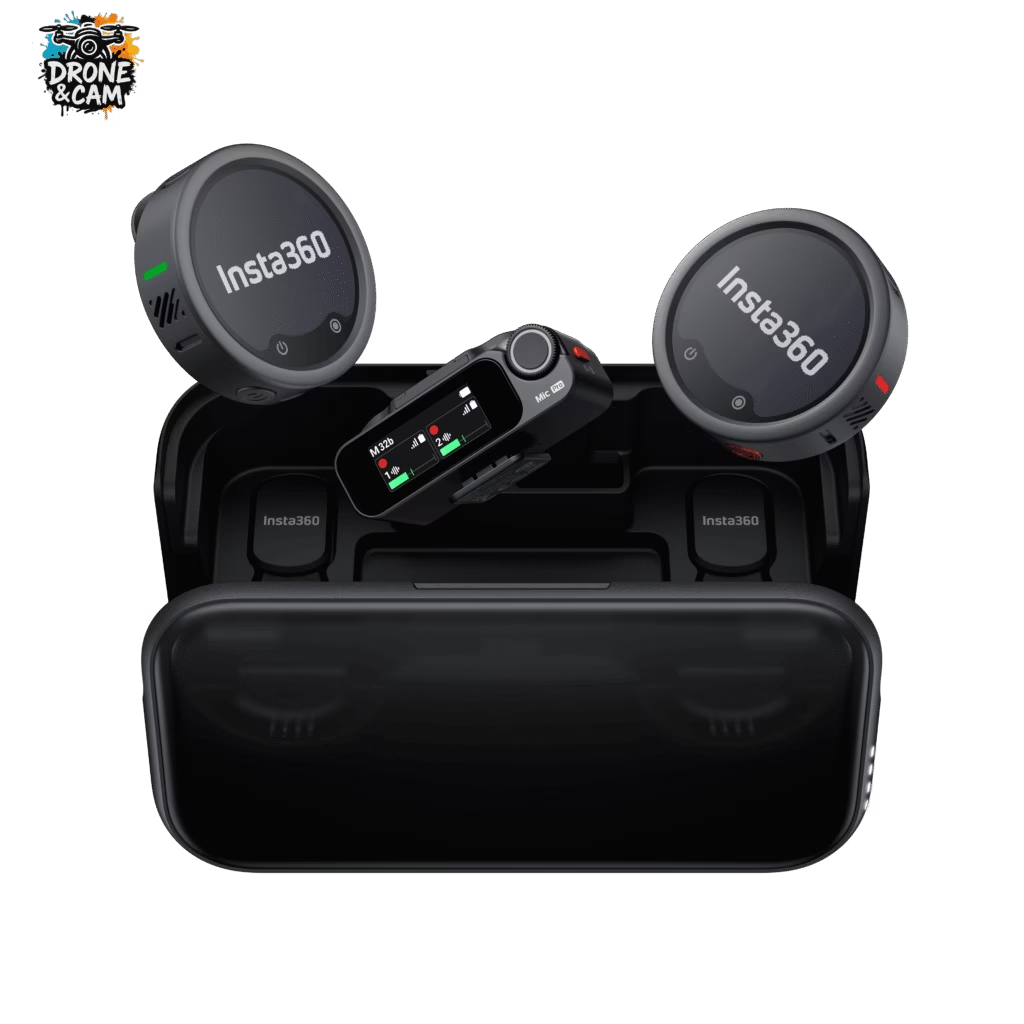
The Insta360 Mic Pro isn’t just another wireless microphone. It was designed for creators who want reliable sound without the hassle.
Its first advantage is its integration into the Insta360 ecosystem. With a camera like the Insta360 X5 , the benefit is obvious: you maintain a consistent, simple setup designed for mobile content creation.
The other major advantage is audio security. The Insta360 Mic Pro offers 32-bit float recording, which provides much more leeway if the volume changes abruptly. If you speak softly and then laugh or speak louder, the sound is easier to recover during editing.
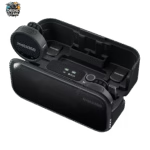
It also has 32GB of internal storage per transmitter. This is very reassuring, as the microphone can record its own audio track. If the wireless connection ever encounters a problem, you have a backup.
Better sound for vlogging with the Insta360 X5
The Insta360 X5 is perfect for vlogging because it allows you to film everything around you without worrying about framing. You can walk, talk, show a landscape, and then choose your angle afterward.
But for this type of video to really work, your voice needs to be clear.
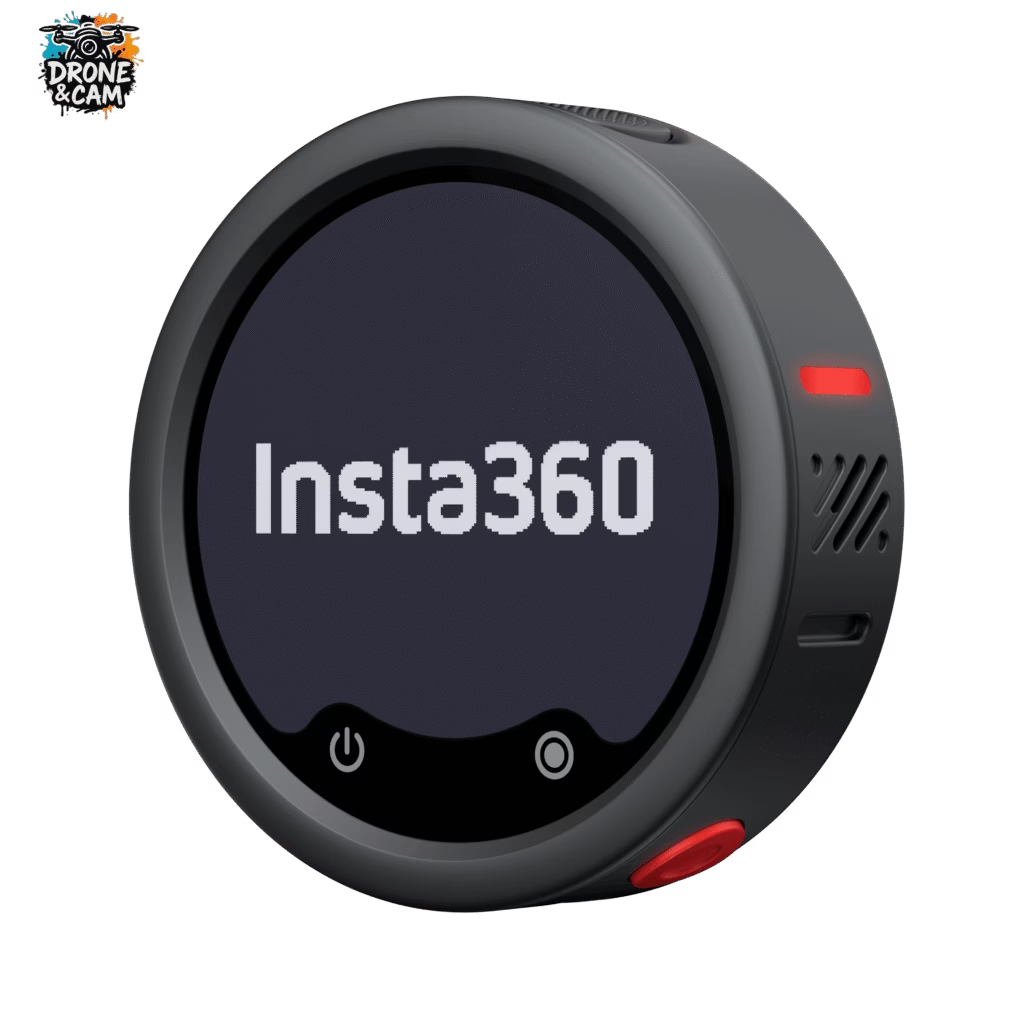
With the Insta360 Mic Pro attached to your t-shirt, your voice stays close to the microphone, even if the camera is on a boom mic. This is a huge advantage for travel vlogs, hikes, urban videos, or any content filmed directly to the camera.
If you often film outdoors, AI noise reduction can also help limit unwanted sounds. It won’t transform an impossible environment into a recording studio, but it can definitely improve the listening experience.
Which audio modes should I use with the Insta360 Mic Pro ?
One of the major advantages of the Insta360 Mic Pro is its versatility. It offers several recording modes, allowing you to adapt it to your filming style.
For a typical vlog with the Insta360 X5 , cardioid mode is often the most suitable. It focuses more on the voice in front of the microphone, which helps to achieve a more direct sound.
For a travel video where you want to preserve some of the atmosphere around you, omnidirectional mode can be useful. It captures a wider range of the environment, sometimes resulting in a more natural look.
For a two-person interview, the figure-eight mode becomes very practical. It picks up sound from both the front and back of the microphone, allowing you to place the microphone between two people who are talking.
The ideal setup for filming with the Insta360 X5 and the Insta360 Mic Pro
For a simple and effective setup, I would go with a lightweight configuration:
- the Insta360 X5 on an invisible pole;
- the Insta360 Mic Pro attached to the t-shirt;
- cardioid mode for vlogs facing the camera;
- AI noise reduction outdoors;
- internal recording activated to secure the sound;
- a quick audio test before each important sequence.
This setup remains easy to transport, quick to set up, and very well-suited to solo filmmakers. It’s exactly what you’re looking for when filming while traveling, hiking, or shooting spontaneously.
For what uses is the Insta360 X5 + Insta360 Mic Pro combo the most interesting?
This combo is particularly useful if you’re filming videos where your voice really matters.
It’s perfect for:
- travel vlogs;
- guided hikes;
- equipment testing;
- YouTube videos;
- outdoor interviews;
- training videos;
- storytelling videos;
- 360° content with narration.
The Insta360 X5 handles immersive and creative visuals. The Insta360 Mic Pro , on the other hand, provides the audio quality that delivers a more professional result.
Should you buy the Insta360 Mic Pro with the Insta360 X5 ?
If you’re only using your Insta360 X5 to film action shots without speaking, the built-in microphone might be sufficient. But if you’re doing vlogging, YouTube videos, interviews, or explainer content, the Insta360 Mic Pro quickly becomes an almost indispensable accessory.
It allows for a clearer voice, secures your recordings, reduces the risk of clipping, and makes editing more comfortable. For me, it’s one of the best accessories to add to the Insta360 X5 if you want to create more professional content.
👉 Discover the Insta360 Mic Pro
👉 See the Insta360 X5