
Si tu hésites entre la Insta360 Link 2 et la Insta360 Link 2 Pro, tu es clairement au bon endroit. Sur le papier, ces deux webcams se ressemblent énormément. Même design global, même idée de caméra “intelligente”, même promesse d’une image 4K propre et flatteuse. Et pourtant… à l’usage, elles ne racontent pas tout à fait la même histoire.
Here I offer you a calm, honest and concrete comparison, without unnecessary marketing rhetoric, as if I were giving you my opinion after having really looked at them closely.
A quick overview of the two webcams
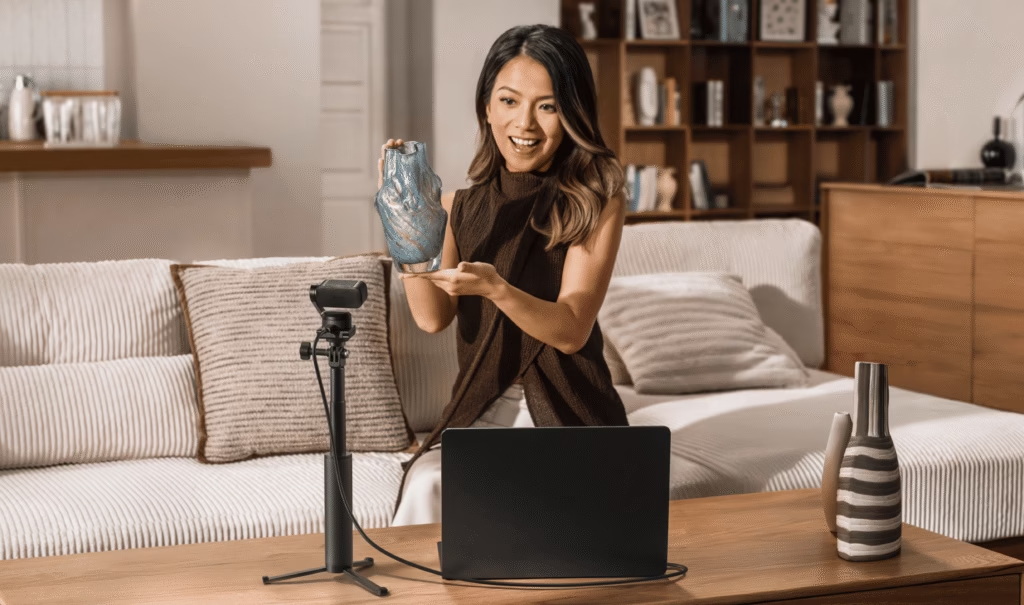
The Insta360 Link 2 is designed as a premium webcam for remote work, video conferencing, online training, and presentations. Its biggest strength is its integrated motorized gimbal : the camera can physically move to follow you when you stand up, change position, or move around the room. It’s smooth, natural, and frankly impressive to see in action.
The Insta360 Link 2 Pro is based on the same principle… but takes image and audio quality much further. This isn’t just a minor upgrade, but a genuine leap forward in technology, designed for those who want a cleaner, more controlled, and more consistent picture, regardless of the conditions.
Comparison chart – Insta360 Link 2 vs Insta360 Link 2 Pro
| Characteristics | Insta360 Link 2 | Insta360 Link 2 Pro |
|---|---|---|
| Generation | 2024 | 2026 |
| Sensor | 1/2″ CMOS | 1/1.3″ CMOS |
| Native Dual ISO | ❌ No | ✅ Yes (100 / 3200) |
| Max Video Resolution | 4K UHD (3840×2160) | 4K UHD (3840×2160) |
| Framerates | 4K 30 fps 1080p up to 60 fps | 4K 30 fps 1080p up to 60 fps |
| video codec | H.264 / MJPEG | H.264 / MJPEG |
| HDR | Yes (all resolutions) | Yes (sensor optimized + ISO) |
| Opening | f/1.8 | f/1.9 |
| 35mm equivalent focal length | 26 mm | 24 mm |
| Field of vision (DFOV) | 79.5° | 83.9° |
| Field of view (HFOV) | 67° | 71.4° |
| Autofocus | 10 cm → ∞ | 12 cm → ∞ |
| Zoom | Digital up to 4× | Digital up to 4× |
| motorized gimbal | ✅ Yes (2 axes) | ✅ Yes (2 axes) |
| AI tracking | Face / body | Face / bust / body (more advanced) |
| AI Modes | Auto Framing, DeskView, Whiteboard | Advanced auto framing, pause zones, priorities |
| Vertical portrait mode | Yes (reframed) | Yes (native 4K, uncropped) |
| Microphones | Dual microphones | Directional microphones (beamforming) |
| Audio modes | AI Noise Reduction | Standard / Original / Large / Focus |
| Login | USB-C | USB-C |
| OS Compatibility | Windows / macOS | Windows / macOS |
| Weight (without stand) | ~101 g | ~101 g |
The similarities between the Link 2 and the Link 2 Pro
Before discussing the differences, one point needs to be clear: both webcams are excellent . They share a great many features.
Both models feature 4K video , a two-axis motorized gimbal, AI-powered automatic tracking, an easy-to-connect USB-C port, and compatibility with both Windows and macOS. Installation is quick, the software is well-designed, and the user experience is clearly superior to that of more conventional webcams.
In other words, even with the “non-Pro” version, you already have a very high-end product in your hands.
The real difference: the sensor and image quality
This is where things get really interesting.
The Insta360 Link 2 features a 1/2″ sensor. It’s a good sensor, capable of producing a sharp, well-exposed, and pleasing image, especially in well-lit environments. For Zoom calls, Teams sessions, or online training, it’s more than adequate.
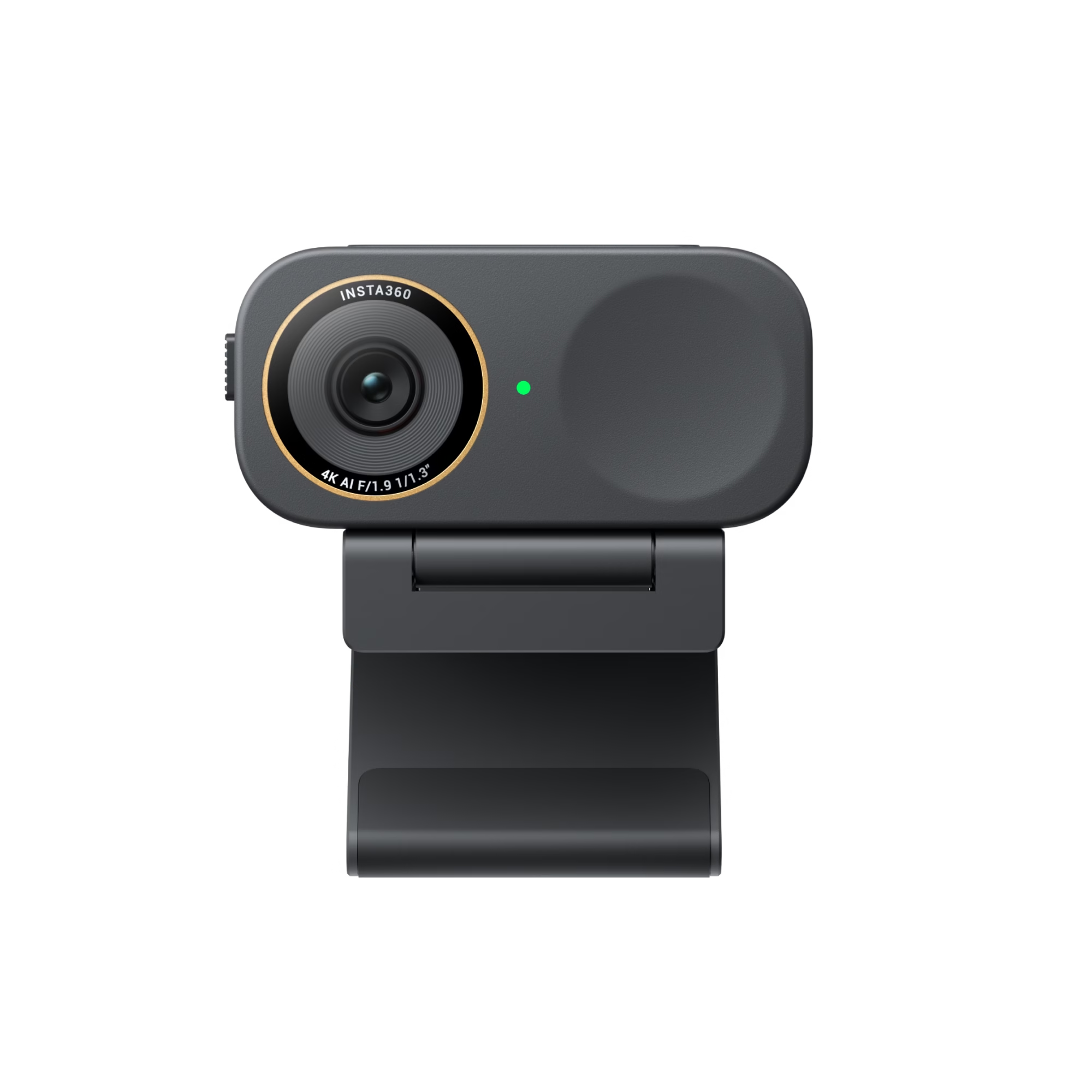
The Insta360 Link 2 Pro features a much larger sensor (1/1.3″) with double the native ISO . In practice, this makes a significant difference. Images are cleaner in low light, noise is better controlled, and dynamic range is wider. Faces appear more natural, highlights don’t overexpose as quickly, and shadows retain detail.
If you often work early in the morning, late at night, or with imperfect lighting, the difference is immediately noticeable.
Colors, HDR and overall rendering
On the Link 2, the picture quality is already impressive, with rather warm colors and a “ready-to-use” image. It’s pleasant, especially if you don’t want to bother with settings.
The Link 2 Pro goes even further. The processing is finer, more neutral, with better HDR management. Highlights are better controlled, contrasts are more balanced, and the image looks more professional, almost like a “camera” rather than a “webcam”.
It’s subtle on a spec sheet, but very noticeable on screen.
Autofocus, field of view and framing
Both webcams offer fast and reliable autofocus, capable of staying locked onto the face without constantly hunting. On this point, there’s nothing to complain about.
The main difference lies in the angle of view. The Link 2 Pro offers a slightly wider field of view, resulting in a more open framing, especially if you’re filming at close range or want to show more of your surroundings.
It’s not a revolution, but it’s a small extra comfort that counts in practice.

AI tracking and gimbal: same idea, but not the same level
Both models use a motorized gimbal, and this is clearly one of the hallmarks of this range. The camera physically follows you, without excessive digital cropping, resulting in a very natural look.
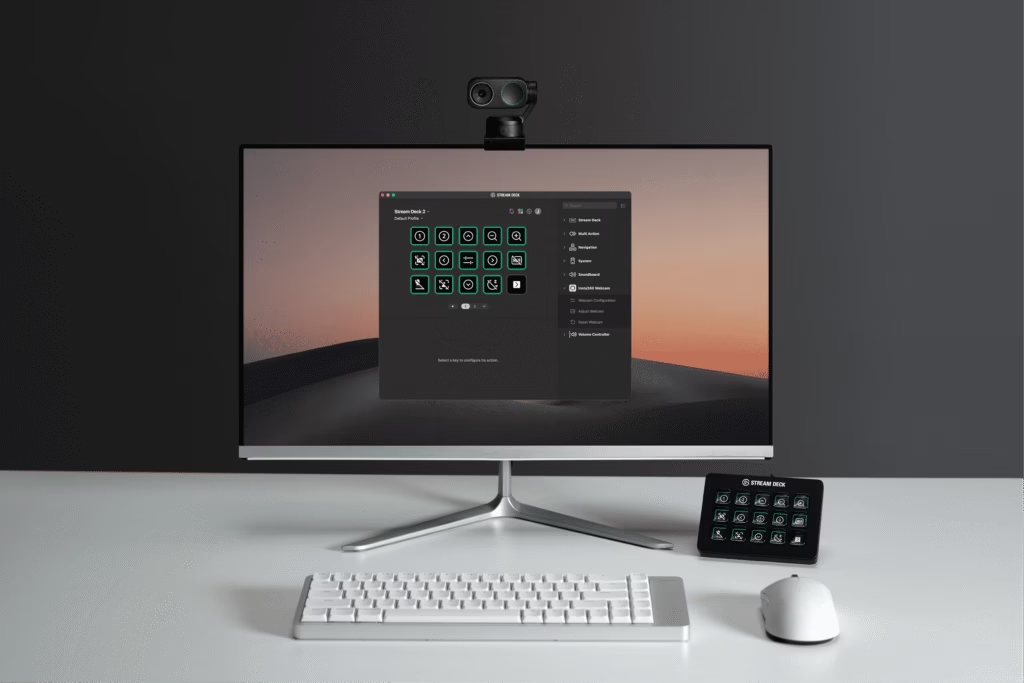
Where the Link 2 Pro truly shines is in its tracking accuracy . The AI is more precise, more stable, and better able to handle changes in position, stops, or more complex movements. You can also define zones and priorities, resulting in more controlled behavior.
For someone who often presents standing up, writes on a whiteboard or leads training sessions, it’s a real plus.
Audio: an often underestimated aspect
This is probably one of the most underestimated… and yet essential aspects.
The Link 2 offers clean sound with effective noise reduction. For most uses, this is more than sufficient.
The Link 2 Pro , on the other hand, incorporates an advanced directional audio system with several modes depending on the situation. The result is clearer, more focused on the voice, and much more pleasant in a slightly noisy environment. If you’re not using an external microphone, the difference is clearly noticeable.
Portrait mode and vertical content creation
If you create vertical content (Shorts, Reels, TikTok), the Link 2 Pro scores another point. It allows for native 4K portrait mode , without forced cropping. The image is cleaner, more detailed, and better utilized.
On the Link 2, portrait mode also exists, but it relies more on software cropping.
So, should you choose the Link 2 or the Link 2 Pro?
To put it simply:
- The Insta360 Link 2 is perfect if you want a premium webcam for teleworking, video calls, training and comfortable daily use, without necessarily looking for the most “cinematic” rendering possible.
- The Insta360 Link 2 Pro is aimed at those who want to go further: content creators, demanding trainers, streamers, or simply people who want the best possible image, even in complicated conditions.
In summary: which one is right for you?
The real question is not “which one is the best”, but rather: do you need the extra quality and control that the Pro version provides, or does the Link 2 already more than cover your needs?
And you, would you use it more for traditional remote work, training, or more advanced content creation?
-1-150x150.avif)


Leave a Reply