
If you want the quick answer, the best SD card for DJI Osmo Action 5 Pro is a UHS-I microSD card rated U3 / V30, and 256 GB is the safest capacity for most people. If you shoot long 4K sessions, travel often, or keep multiple batteries in rotation, 512 GB is the more comfortable option.
- Minimum requirement: UHS-I + U3 + V30
- Best overall pick: Samsung PRO Plus 256 GB
- Best value pick: Lexar Professional 1066x 256 GB
- Best safe brand alternative: SanDisk Extreme Pro 256 GB
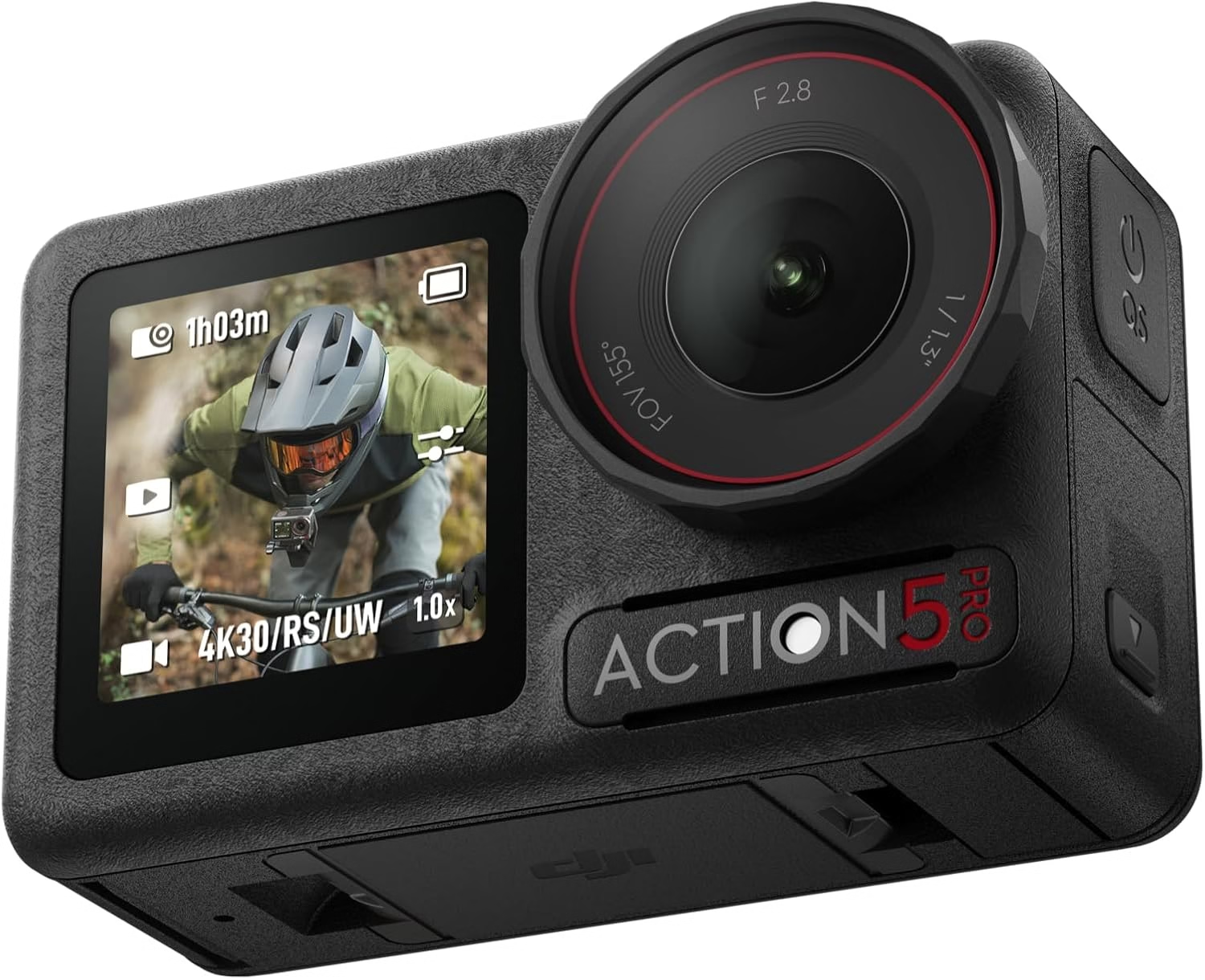
The DJI Osmo Action 5 Pro is built for fast-moving footage, handheld action clips, and outdoor use where reliability matters more than marketing promises. A weak or fake card can ruin a day of shooting with recording errors, dropped clips, or painfully slow transfers. This guide focuses on the practical part: which card should you actually buy, which capacity makes sense, and which cards should you avoid?
| Card | Best for | Speed class | Best capacity | Why it stands out |
|---|---|---|---|---|
| Samsung PRO Plus | Best overall | UHS-I, U3, V30, A2 | 256 GB | Reliable, fast, and usually the smartest all-round buy |
| Lexar Professional 1066x | Best value | UHS-I, U3, V30 | 256 GB | Strong performance without overpaying |
| SanDisk Extreme Pro | Best trusted alternative | UHS-I, U3, V30 | 256 GB or 512 GB | Very safe choice for demanding action use |
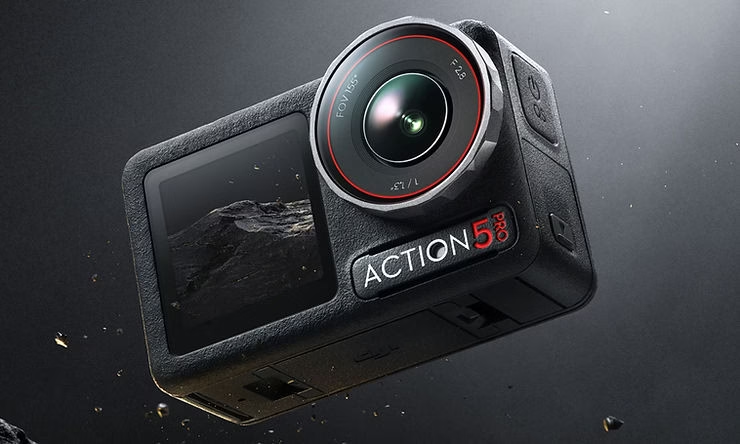

What SD card does the DJI Osmo Action 5 Pro need?
The Osmo Action 5 Pro does not need an exotic card, but it does need a real video-ready microSD card. The sweet spot is simple: buy a genuine UHS-I V30 card from a trusted brand and avoid anything vague, cheap, or old.
- Card type: microSD
- Interface: UHS-I
- Minimum speed class: U3 / V30
- Best extra label: A2
That spec is enough for the kind of 4K and high-frame-rate recording most Action 5 Pro buyers actually use. In other words, do not overcomplicate the purchase: prioritize reliability over flashy read-speed numbers.
Best microSD cards for DJI Osmo Action 5 Pro
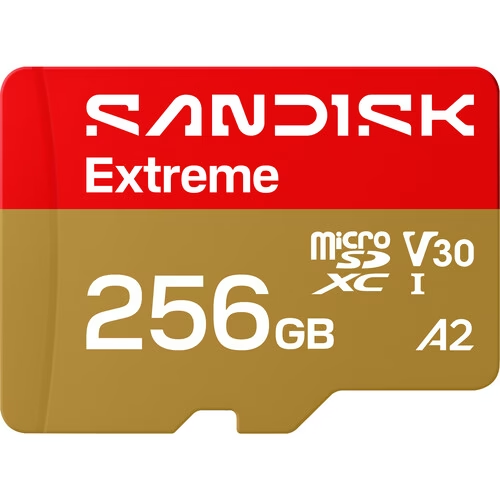
1. Samsung PRO Plus 256 GB — best overall
If you want one easy recommendation, this is it. The Samsung PRO Plus is a very balanced choice for creators who want something dependable without paying for unnecessary excess.
- Excellent match for 4K action footage and daily use
- Strong balance between reliability, speed, and price
- The most sensible default recommendation for most buyers
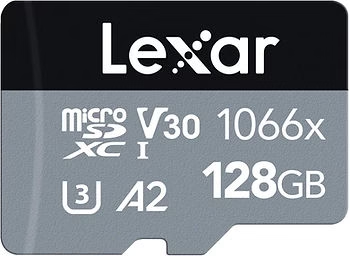
2. Lexar Professional 1066x 256 GB — best value
This is the card I would look at first if price matters but you still want something genuinely suitable for an action camera. It gives you the level of performance the Action 5 Pro needs without paying extra for branding alone.
- Very solid value for regular 4K creators
- Good fit for travel, helmet use, biking, and everyday capture
- Best pick when budget matters but you still want a safe card
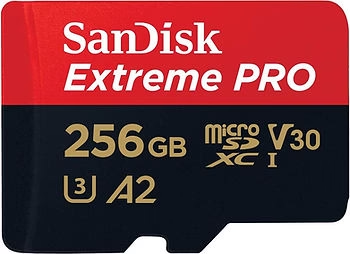
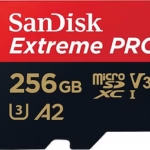
3. SanDisk Extreme Pro 256 GB — best trusted alternative
SanDisk remains one of the easiest names to recommend for cameras used in tougher environments. If you want the most conservative brand-safe choice, this one makes perfect sense.
- Very reassuring choice for demanding outdoor use
- Strong brand trust for action cam workflows
- Especially attractive in 256 GB or 512 GB
Which capacity should you buy?
Capacity matters more on an action camera than many people think, because these cameras are easy to leave running for longer than planned. A single morning ride, hike, or dive session can fill a smaller card faster than expected.
- 128 GB: acceptable for short sessions or occasional use
- 256 GB: best all-round capacity for most Action 5 Pro owners
- 512 GB: best for heavy recording days, travel, and multi-battery shooting
- 1 TB: only worth it if you record a lot and rarely offload files
My practical recommendation is simple: 256 GB if you want the smartest default choice, 512 GB if you already know you shoot a lot.
Why action-camera use is harder on SD cards
Unlike a camera used only for short clips, an action cam is often exposed to movement, weather changes, cold mornings, water, dust, and longer continuous recording. That is exactly why a cheap or suspicious card is a false economy here.
- Longer continuous recording creates more stress on write stability
- Outdoor shooting increases the importance of durability and consistency
- Fast transfer speeds make post-shoot workflow much less painful
Cards to avoid
There are plenty of cards that look attractive in listings but are not a good match for a camera like this.
- Cards without a clear U3 / V30 label
- Very cheap no-name cards sold with unrealistic speed claims
- Fake-capacity cards from questionable sellers
- Old heavily used cards recycled from other demanding devices
If you get random recording stops, transfer failures, or corrupted clips, the SD card is one of the first suspects.
How to keep your card reliable
- Format the card in-camera when possible
- Do not remove it during transfers or while the camera is still writing
- Keep a spare card for longer outdoor sessions
- Replace old cards if they start showing instability
Related guides
FAQ
What is the best SD card for DJI Osmo Action 5 Pro?
For most users, a Samsung PRO Plus 256 GB, Lexar Professional 1066x 256 GB, or SanDisk Extreme Pro 256 GB is a safe choice, as long as it is a genuine UHS-I V30 card.
Is V30 enough for the Osmo Action 5 Pro?
Yes. V30 is the practical minimum you should target for reliable 4K and high-frame-rate action-camera use.
Is 128 GB enough?
It can be enough for short and occasional use, but 256 GB is a much better everyday recommendation.
Should I buy 512 GB?
Yes, if you shoot a lot of long sessions, travel often, or do not want to offload files all the time.
Which cards should I avoid?
Avoid no-name cards, fake cards, worn-out old cards, and anything without a clearly stated U3 / V30 rating.
Conclusion
If you want the simplest buying advice, get a 256 GB UHS-I V30 microSD card from a trusted brand and you will already be making the right choice for the DJI Osmo Action 5 Pro.
My ranking is straightforward: Samsung PRO Plus for the best all-round recommendation, Lexar Professional 1066x for value, and SanDisk Extreme Pro for the most conservative brand-safe option.





Leave a Reply