
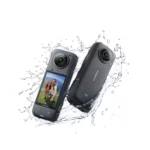
When it comes to filming in extreme winter conditions, the Insta360 X4 stands out as an essential tool. Equipped with advanced features and suitable accessories, it allows you to create spectacular content even when temperatures plummet below freezing. Here’s a complete guide to optimizing your cold-weather shooting and guaranteeing impressive results, no matter the conditions.
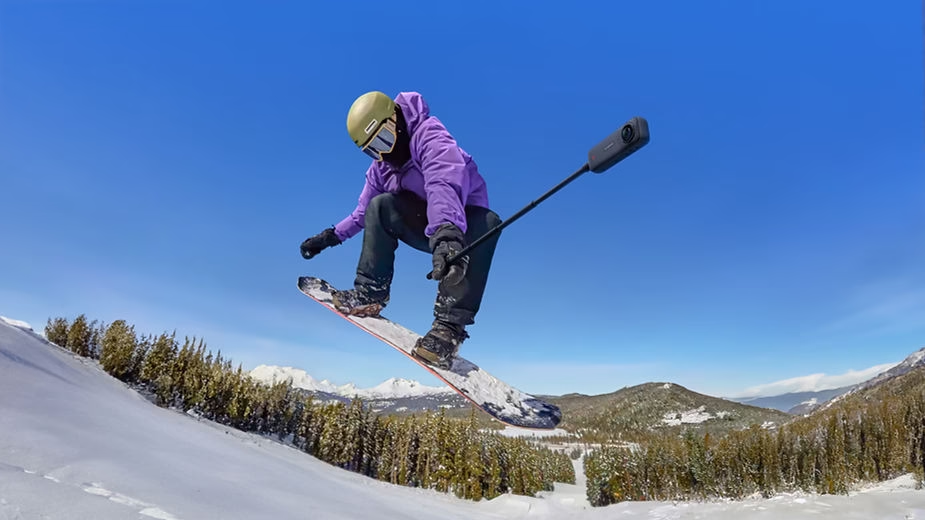
1. Prepare your equipment
Use of Thermal Grip
The Insta360 X4 ‘s standard accessory, the thermal grip, is essential for filming in freezing conditions. This device prevents malfunctions caused by freezing by effectively reducing the camera’s surface temperature. Before heading out, make sure it’s properly installed and adjusted to the camera. This small addition can make a big difference during extended outdoor shoots.
Lens Protections
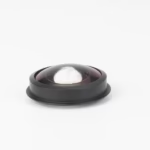
Premium lens protectors are highly recommended to prevent damage from frost or thermal shock. These reinforced protectors not only extend the life of your lenses but also improve the quality of your captured images. Activate lens protector mode in your camera settings for optimal precision, even in the most challenging conditions.
2. Adjust the Camera Settings
Stabilization and Resolution
Activate Active HDR mode for stabilized videos with a high dynamic range, ideal for capturing the striking contrasts of snowy landscapes. 4K at 60 fps or 8K at 30 fps settings ensure sharp details and smooth transitions, preventing the shakiness that can ruin a perfect shot.
White Balance
Adjust the white balance to compensate for the natural cool tones of snowy landscapes. Choose automatic presets or customize the settings to achieve warmer, more realistic tones. This helps avoid the blue or gray casts often accentuated by snow.
Battery and Temperature
Batteries tend to discharge more quickly in cold weather, a common problem for winter shoots. Keep one or two spare batteries in a pocket close to your body to maintain them at an optimal temperature. Additionally, a thermal grip helps preserve battery life by reducing the impact of freezing temperatures.
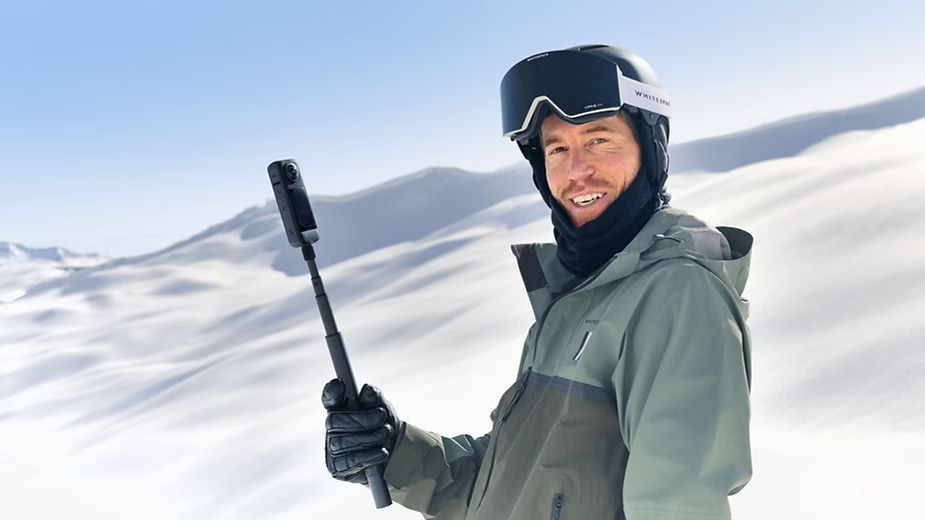
3. Optimize Field Usage
Voice and Gesture Control
The Insta360 X4 ‘s voice and gesture controls are invaluable in situations where removing gloves is out of the question. Configure these options before heading out to easily navigate settings or start recording. They allow for intuitive and efficient operation, even in challenging conditions.
Pre-recording mode
Pre-recording mode is a major advantage for capturing unexpected scenes. By activating this function, the camera records continuously, saving the last 15 seconds before the record button is pressed. This ensures you won’t miss any key moments, making it ideal for wildlife or sports footage.
Tripods and Stands
On slippery or uneven surfaces like ice, a stable tripod becomes essential for sharp, balanced shots. Consider using X4-specific mounts for
reduce vibrations and offer increased stability during prolonged captures.
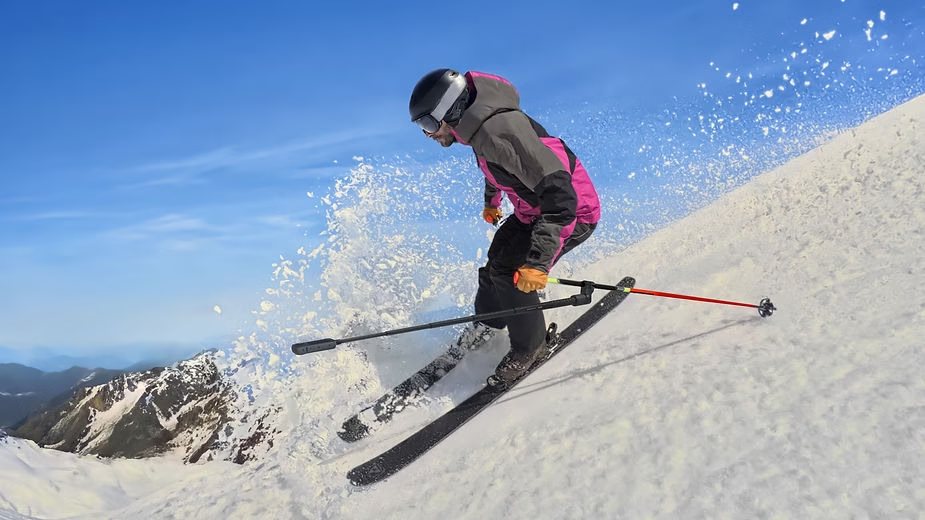
4. Maintenance and Care
Cleaning After Use
After each outing, thoroughly clean the camera with a soft cloth to remove any traces of moisture or snow. Lens caps should be removed and wiped if they have been exposed to temperature fluctuations to prevent fogging or scratches.
Firmware Update
Make sure your X4 is running the latest firmware version to access the latest improvements and bug fixes. The Insta360 app simplifies this process, allowing you to keep your equipment performing at its best.
Accessory Storage
Store all your accessories, including batteries, in a dry, temperate place to prolong their lifespan. Use insulated carrying cases to prevent moisture from getting in.
By following these detailed tips, you can fully exploit the capabilities of your Insta360 X4 to capture breathtaking images and tell unique stories, even in the most extreme winter conditions. Let yourself be inspired by the icy landscapes and bring your creative vision to life without compromise.




Leave a Reply