
If you use a Mac for editing photos, organizing footage, writing scripts or handling admin work around your channel, Setapp can genuinely save time. The key question is not “is Setapp good?” but rather “does it replace enough paid apps in a creator workflow to justify the subscription?”
Quick verdict: Setapp makes the most sense for creators who bounce between writing, file management, utility apps and light design tools on macOS. If you only need one or two apps, buying them separately is often smarter.
Why Setapp can work well for creators
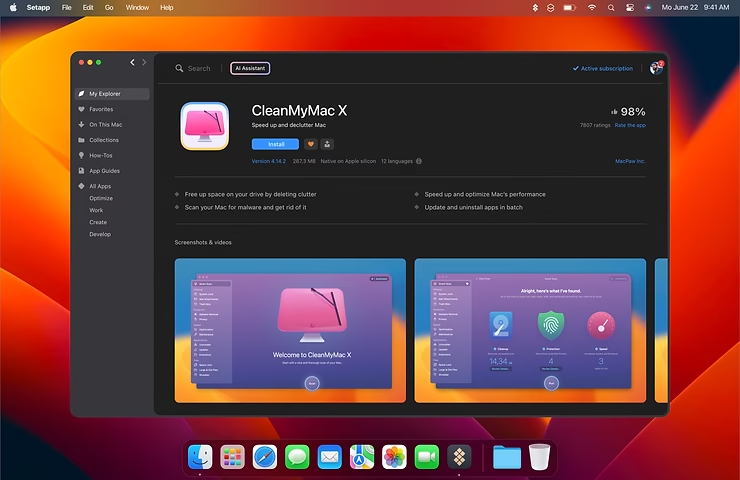
What makes Setapp interesting is convenience. Instead of chasing separate trials, upgrades and licenses, you open one catalog and test tools quickly. That matters when your week is split between editing, planning shoots, writing posts, exporting assets and cleaning up your Mac after a big project.
- You can test several apps without paying full price for each one.
- Updates are handled centrally, which removes a lot of friction.
- It is useful when your workflow mixes productivity, maintenance and file organization.
- It can replace a stack of small subscriptions that slowly become annoying.
Where Setapp saves the most time in a real workflow
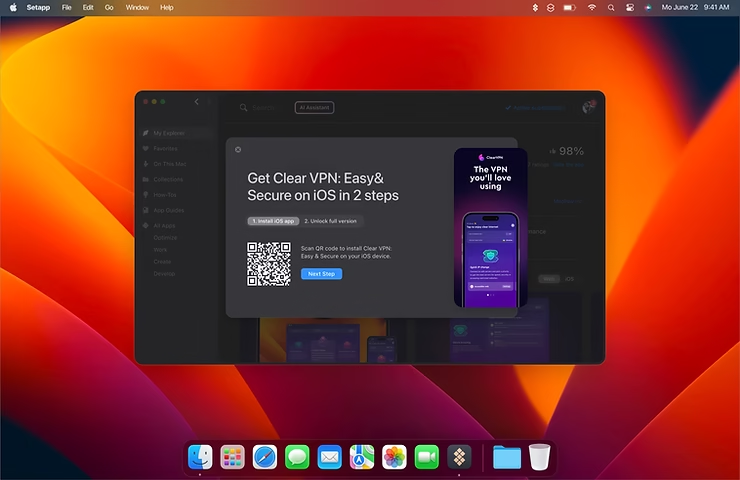
For a photo or video creator, the biggest gain usually comes from the utility side of the catalog rather than from one “killer app”. Think writing, clipboard history, file search, Mac cleanup, menu bar monitoring, screenshots, focus tools or PDF helpers. Those small tools rarely make headlines, but together they remove a lot of tiny blockers.
That is also why Setapp is easier to recommend to solo creators, bloggers and small teams than to specialists who already know exactly which apps they want. If your software stack is still evolving, Setapp is a comfortable sandbox.
| Profile | Is Setapp a good fit? | Why |
|---|---|---|
| Solo creator on Mac | Yes, often | Useful when you need several small tools across writing, organization and maintenance. |
| Heavy Final Cut / Lightroom specialist | Maybe | Worth it only if the extra utility apps replace other subscriptions. |
| Occasional Mac user | Usually no | A subscription is hard to justify if you open those apps only once in a while. |
What still limits Setapp
Setapp is not magic. It does not include every premium Mac app, and it does not always replace a specialized tool you rely on every day. That means the real value depends on how many included apps you would actually keep installed after the first month.
- Some creators will still need separate licenses for major editing tools.
- If you dislike subscriptions in principle, Setapp will probably irritate you.
- The catalog is broad, but not every niche workflow is covered equally well.
Who should subscribe and who should skip it
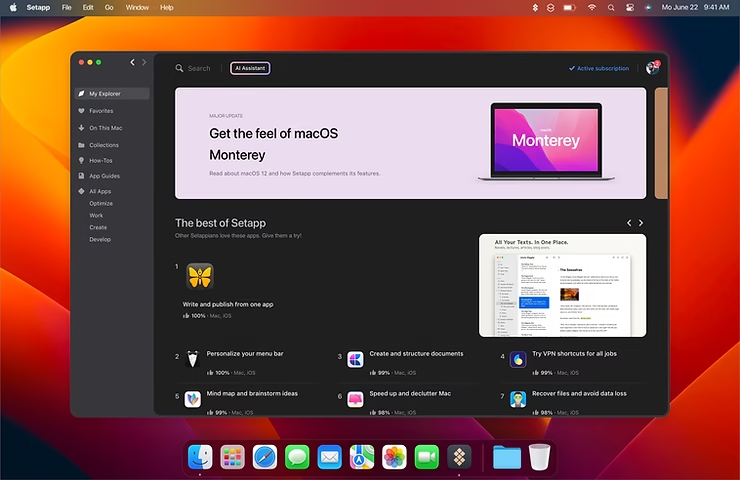
I would recommend Setapp first to creators who produce content regularly on Mac and feel a little scattered: too many utilities, too many tabs, too many one-off purchases. It is much less compelling if your setup is already stable and you know exactly which two or three apps you want long term.
A good rule: if you can name at least three or four apps you would use weekly, the subscription starts to make sense. If you only want one flagship app, buying that app directly is cleaner.
Better angle than a generic “Setapp review”
For Drone & Cam, the strongest editorial angle is not generic productivity. It is the creator angle: script writing, asset organization, exports, batch renaming, note capture and keeping a Mac responsive during busy production weeks. That is where this page becomes more useful than a simple affiliate landing page.
If you want a lightweight way to test whether it fits your routine, spend one week using Setapp only for workflow friction: cleaning files, writing outlines, organizing screenshots and managing utility apps. You will know quickly whether it earns its place.
FAQ
Is Setapp worth it if I already pay for Adobe or Final Cut?
Sometimes yes, because Setapp complements those tools with utilities rather than replacing them. But it only becomes truly worth it if you keep using several apps every week.
Is Setapp better for beginners or advanced users?
Usually for users whose workflow is still growing. Advanced users with a very fixed toolkit may find less value.
What is the safest way to test it?
Start with your real weekly routine. If after a short trial you only use one app, skip the subscription. If you end up relying on several tools, it is doing its job.
Related reads: CleanMyMac free via Setapp, a photo workflow with Setapp and how CleanMyMac fits into the bundle.






Leave a Reply