
Choosing the right SD card for your Sony a9 II is important: we’ve all experienced that frustration when the card slows down burst shooting or refuses to record 4K. This article breaks down compatibility, UHS-II V90/UHS-I U3 speeds, and storage options to optimize your Sony a9 II camera without breaking the bank. Spoiler alert: the performance of your memory card goes far beyond simply “it works”—we’ll tell you how to transform an accessory into a true professional ally.
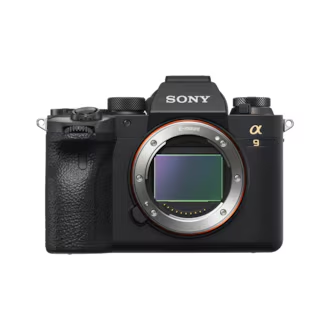
Comparison of SD card standards compatible with the Sony a9 II
Speeds, uses and technical characteristics
| SD Card Standard | Guaranteed Minimum Writing Speed | Actual performance (MB/s) | Recommended use with the Sony a9 II |
|---|---|---|---|
| UHS-II V90 | 90 MB/s | 181 – 184.5 MB/s | 20 fps burst photography (≈143 continuous RAW images), unlimited 4K video |
| UHS-II V60 | 60 MB/s | – | 4K video, occasional burst shooting (buffer emptied in ~40 s) |
| UHS-I U3 | 30 MB/s | – | 4K video (required bitrate: 12.5 MB/s), basic storage |

Why write speed is crucial on the Sony a9 II
The Sony a9 II’s 5GB buffer allows for 143 RAW images, but a V90 card is needed to clear this cache in record time. With a UHS-II V90, the buffer is cleared in 24 seconds , compared to 40 seconds with a V60 .
Read speeds also make a difference: 312 MB/s for UHS-II versus only 104 MB/s for UHS-I . The result: less waiting time for transfer and more time to shoot.
The best SD cards for the Sony a9 II
- Sony 512 GB Tough M Series UHS-II SDXC Memory Card : ultra-fast and durable, designed for professionals who use the buffer in bursts.
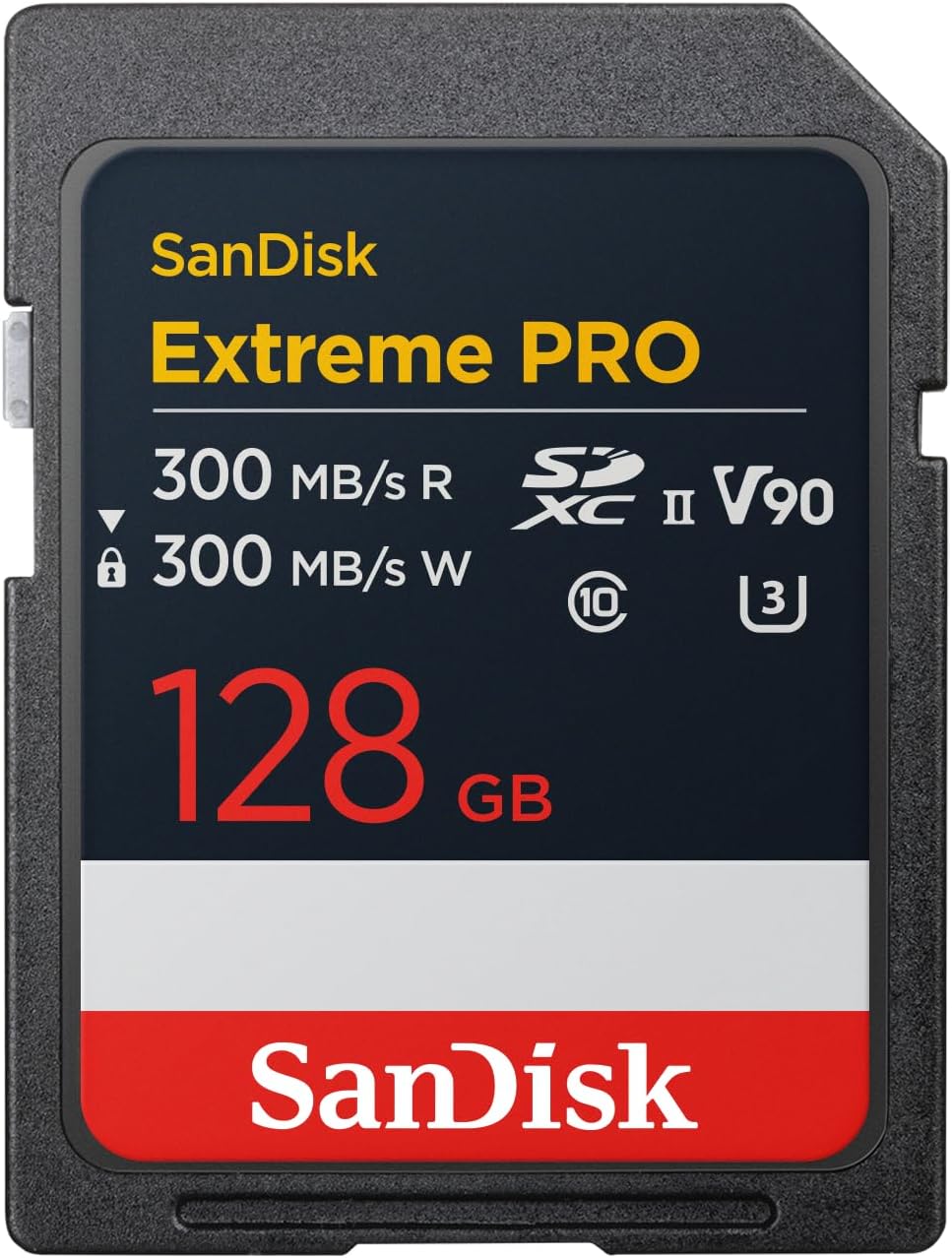
- SanDisk 512GB Extreme PRO SD card : a classic, balancing speed, reliability and large capacity.
- Delkin Power V90 : an excellent high-end alternative with storage up to 512GB.
- ProGrade Digital Iridium V90 : designed for 4K and sports photography, with guaranteed speeds.
- Toshiba Exceria Pro V90 : a more affordable but still high-performing choice.
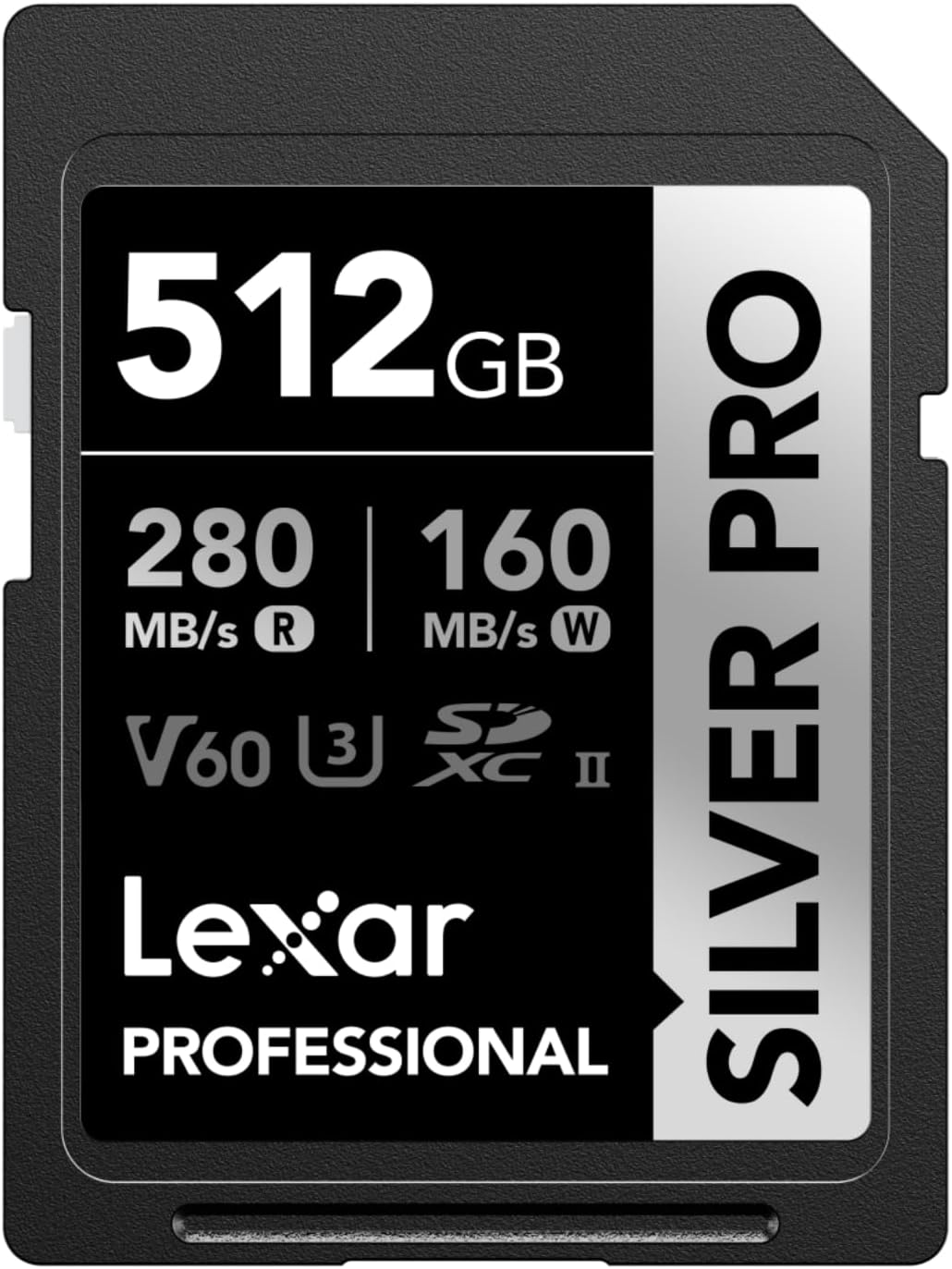
- Lexar SILVER PRO SD Card : good price/performance compromise, perfect for demanding amateurs.
- Gigastone 256GB SDXC Memory Card : ideal for mixed photo/video use without breaking the bank.
What capacity should you choose for your needs?
- 128 GB : sufficient for most professional photo shoots.
- 256 GB : approximately 5000 uncompressed RAW files, perfect for long-term reporting.
- 512 GB : essential for those who film a lot in 4K or want to limit card changes.
Dual card slots on the Sony a9 II: how to properly configure your cards
The dual UHS-II slots on the Sony a9 II are a real advantage. Here are a few useful configurations:
- Simultaneous backup : instant backup copy on both cards.
- Separate RAW + JPEG : a gain in organization and space.
- Separate photo/video : avoids saturating a card by mixing formats.
- Relay mode : when one card is full, the device automatically switches to the other.
Best practices to extend the lifespan of your SD cards
- Always format the card in the device .
- Avoid removing the card while writing.
- Do not delete the files directly from the device.
- Store them in a shockproof case.
- Check their condition regularly with diagnostic software.
Workflow and file transfer
For a fast and secure transfer:
- Use an external UHS-II reader (up to 312 MB/s).
- The USB-C port on the case is convenient but slower.
- 5 GHz Wi-Fi is sufficient for previewing, but not for large volumes.
Quick tip: organize your files by project or date as soon as you transfer them. Software like Lightroom or Capture One will then allow for efficient filing.
Conclusion: Which SD card should I choose for my Sony a9 II?
UHS-II V90 cards are essential for taking advantage of 20 fps burst shooting and 4K video without slowdowns. For added security, the dual slot is a valuable asset, especially in simultaneous save mode.
👉 In other words:
- Professional and demanding: Sony 512 GB Tough M Series UHS-II SDXC Memory Card or SanDisk 512 GB Extreme PRO SD card .
- Good value for money: Lexar SILVER PRO SD Card .
- Versatility: Gigastone 256GB SDXC Memory Card .
With the right memory card, your Sony a9 II will never be limited. The result: every burst, every 4K sequence, every decisive moment will be captured without compromise.








Leave a Reply