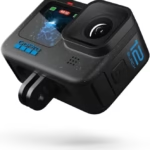
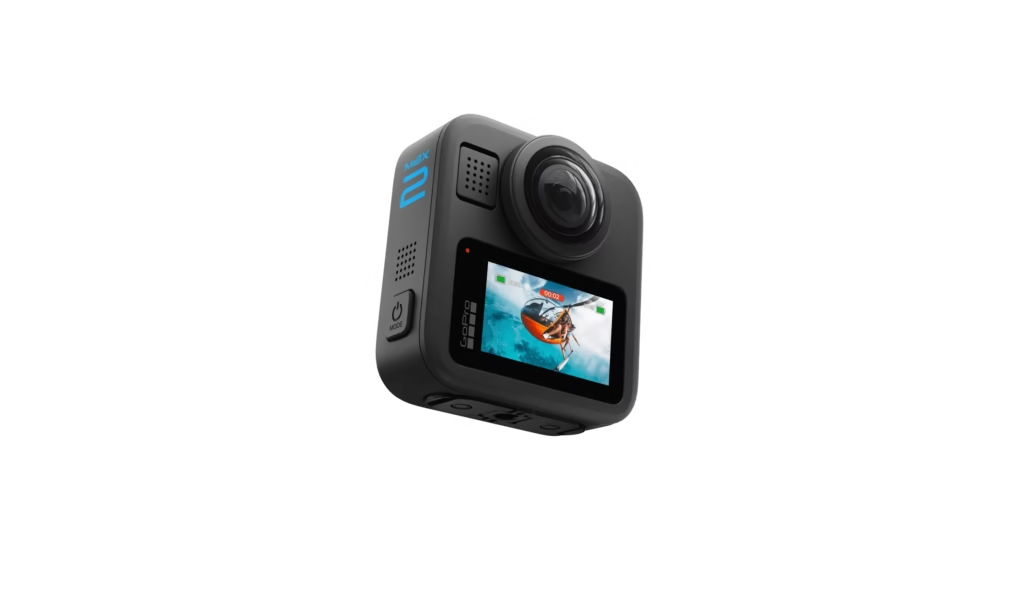
The GoPro Max 2 shakes up the world of 360° video with its ability to shoot in 8K 30 fps and in classic mode up to 4K 60 fps. Such power comes at a price: the files generated are huge, and not all microSD cards are able to keep up. If you want to avoid interrupted recordings, bugs, or worse, corrupted files, it’s essential to choose a suitable memory card.
In this guide, I’ll explain the criteria to consider, the official specifications of the Max 2 and above all introduce you to the best compatible microSD cards that you can use today.
Why is the SD card so important for the GoPro Max 2?
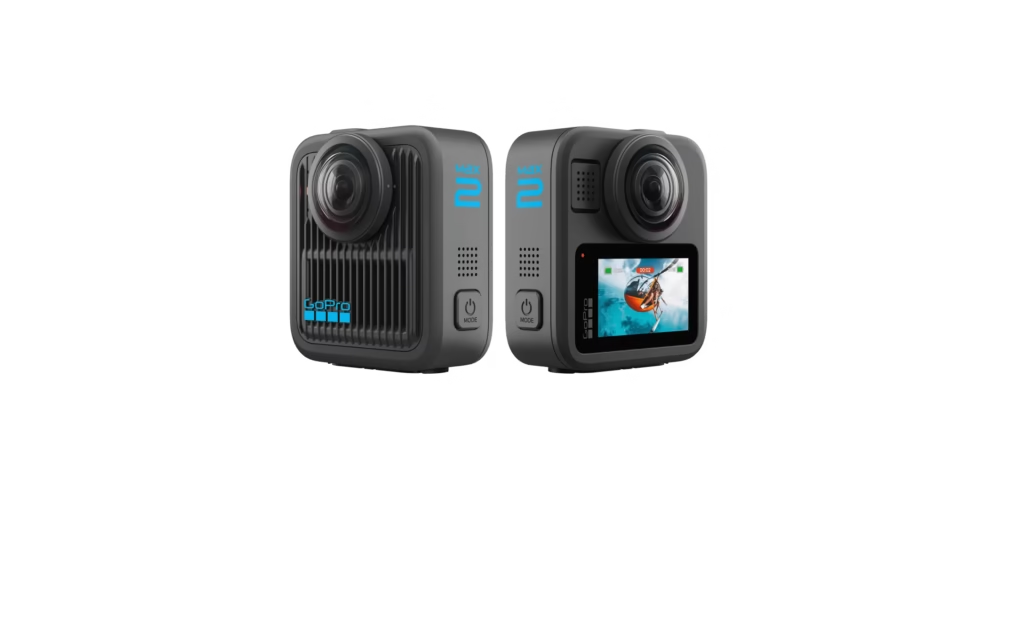
Shooting in 8K with the GoPro Max 2 means capturing 21% more detail than competing 360 cameras. But it also means that the files are huge. A microSD card that is too slow will not be able to write data fast enough, causing recording stops or unusable videos.
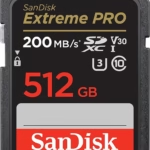
The solution? Choose a UHS-I card, with at least U3, V30 and A2 standards. These logos mean that the card is designed to support the recording of heavy and sustained video streams, such as the 8K 30 fps or the 5.6K 60 fps of the Max 2.
The official specifications for the GoPro Max 2
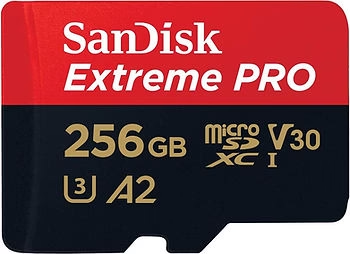
GoPro officially recommends microSD cards:
- Capacity: Up to 1TB (ideal for pros).
- Speed: UHS-I, U3, V30 minimum.
- Why not UHS-II? Because the Max 2 does not exploit this extra speed. They will work, but you will pay more without any real benefit.
In other words, choose a fast and reliable card, rather than a useless ultra-premium.
The best microSD cards for the GoPro Max 2
Here is my selection of the most reliable cards to take full advantage of the performance of your GoPro Max 2.
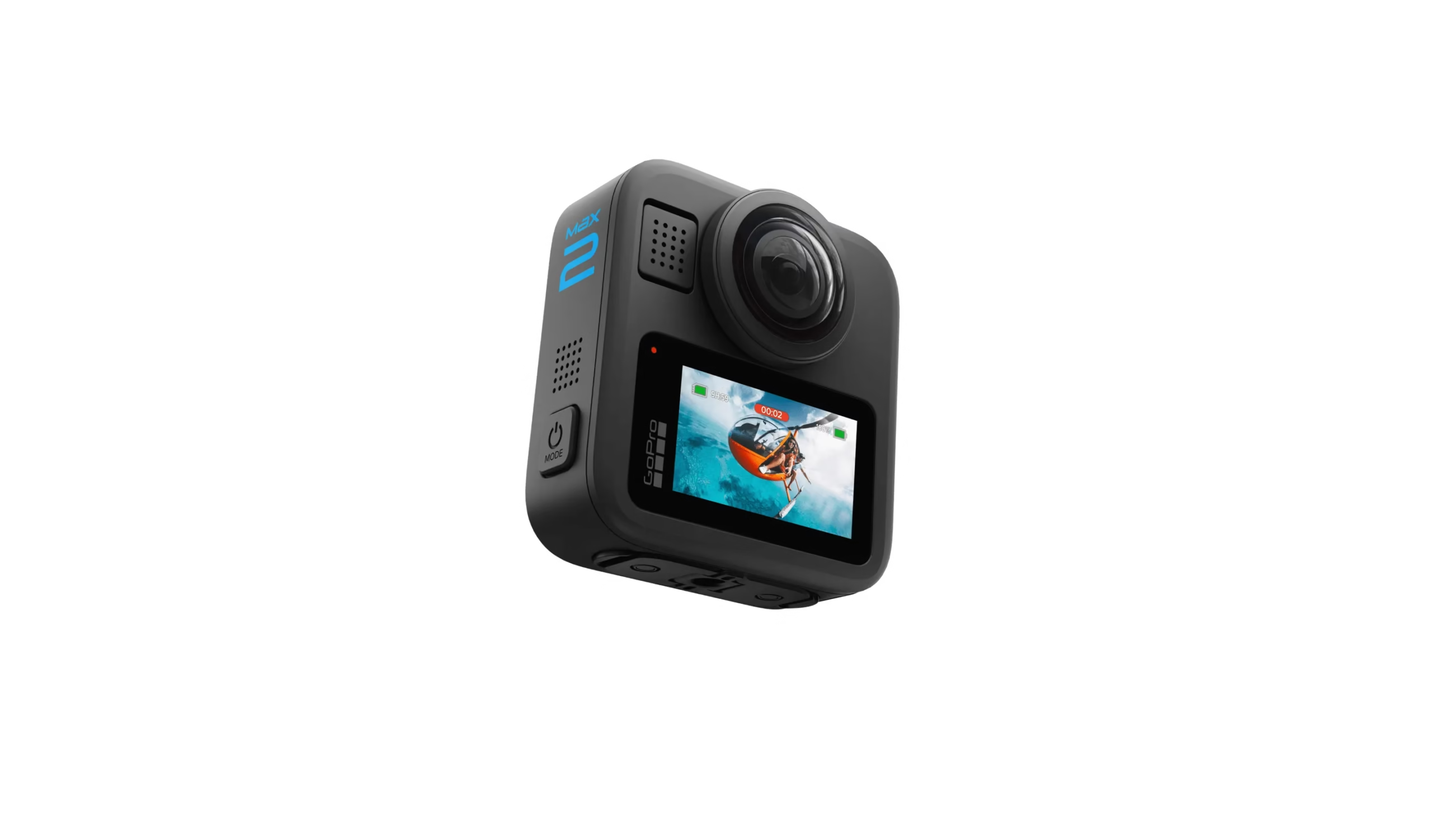
1. SanDisk Extreme / Extreme Pro 256GB
👉 See the SanDisk 256GB on Amazon
It is the number 1 choice for most GoPro users. The SanDisk Extreme (or its Pro version) offers a write speed of up to 120 MB/s, perfect for 8K streams. Solid, fast and tested for years with action cameras, it’s a safe bet.
Why 256 GB? Because it’s the ideal capacity: not too small, not too expensive, and it can record about 1h30 of 8K video.

2. Samsung Pro Plus 256GB
👉 See the Samsung Pro Plus 256GB on Amazon
With a read speed of up to 180 MB/s, this card stands out for its reliability and value for money. It is resistant to water, shocks and extreme temperatures, which is perfect for accompanying your GoPro Max 2 on a trip, in the mountains or underwater (up to 5 meters without a housing).
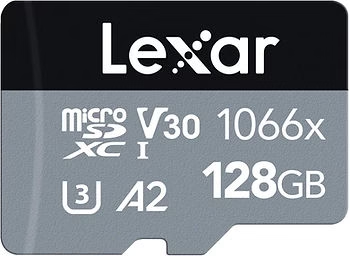
3. Lexar Professional 1066x 256 GB
👉 See the Lexar 1066x 256 GB on Amazon
Less known than SanDisk or Samsung, the Lexar 1066x is nevertheless an excellent alternative. With 160 MB/s read and 120 MB/s write, it is totally adapted to the GoPro Max 2. A good choice if you want to vary the brands or find a card that is sometimes a little cheaper.
4. Other interesting options
- SanDisk Extreme 512GB or 1TB : for those who want to shoot very long sessions without changing cards.
- Kingston Canvas Go! More : reliable, fast, often at a competitive price.
Which capacity to choose for your GoPro Max 2?
The capacity depends mainly on your use:
- 64 GB : too limited, about 20 minutes in 8K.
- 128GB : Okay for quick output, but you’ll need to transfer often.
- 256 GB : the best balance between price, battery life and comfort.
- 512GB to 1TB : Perfect for pros, long trips, or intensive shoots.
Personally, I recommend having at least two 256 GB cards rather than a huge 1 TB card. If something goes wrong, you won’t lose all your content at once.
Best practices to avoid problems
Even with a good card, here are some essential tips:
- Always format the card in the GoPro Max 2 before filming.
- Don’t use the same card on multiple devices, it avoids conflicts.
- Store your videos regularly on a hard drive or cloud.
- Avoid “cheap” cards without a brand: huge risk of counterfeiting.
FAQs about SD cards and GoPro Max 2
Can I use a regular microSD card?
Yes, but you’ll soon have check-in stops. For 8K, it is strongly discouraged.
Does the GoPro Max 2 accept 1TB cards?
Yes, no problem. GoPro confirms compatibility.
What is the difference between UHS-I and UHS-II?
The GoPro Max 2 does not use UHS-II. You might as well stay on fast UHS-I (U3, V30).
Conclusion
If you want to get the most out of the GoPro Max 2, you need a fast and reliable microSD card.
👉 For most users, I recommend:
- SanDisk Extreme Pro 256GB here on Amazon
- or Samsung Pro Plus 256GB here on Amazon.
These cards will allow you to record securely in 8K 360° without fear of shutdowns or corrupted files.
So, are you ready to equip your GoPro Max 2 with the perfect companion? 🎥🔥