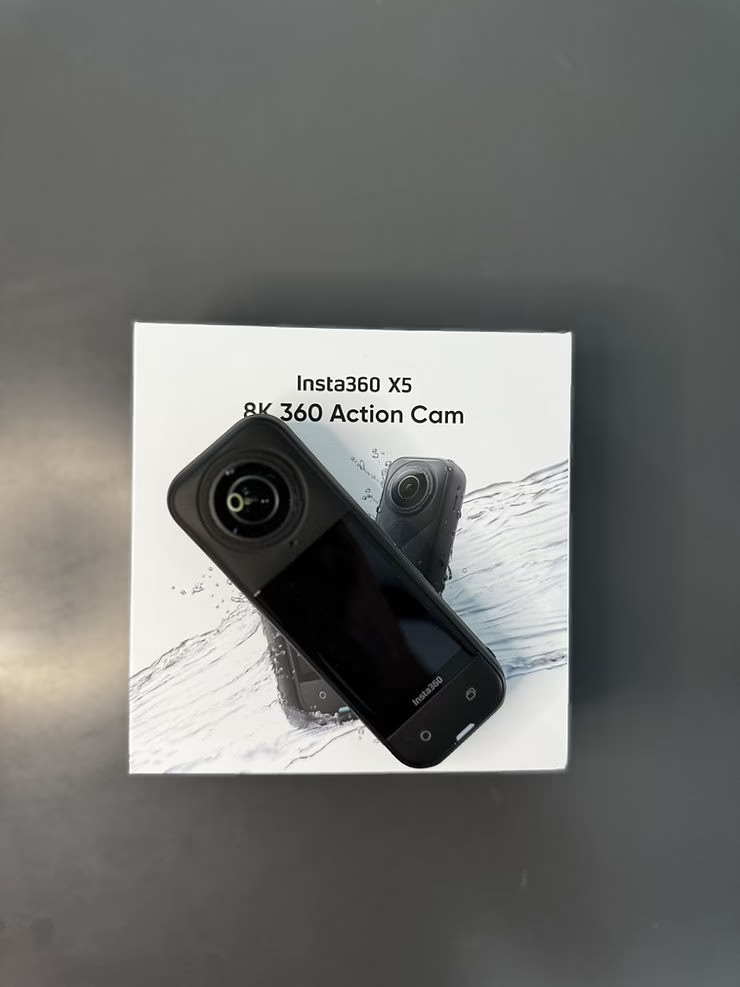
The Insta360 X5 is a powerful 360° camera designed for demanding creators. With its 8K image quality, built-in AI features and flexibility in post-production, it sets the standard for immersive content. But creation doesn’t stop at filming: saving and editing easily is just as essential. This is where Insta360+, the smart cloud service offered by the brand, comes in. Together, the X5 and Insta360+ form a winning combo for a modern, seamless and fully mobile workflow.
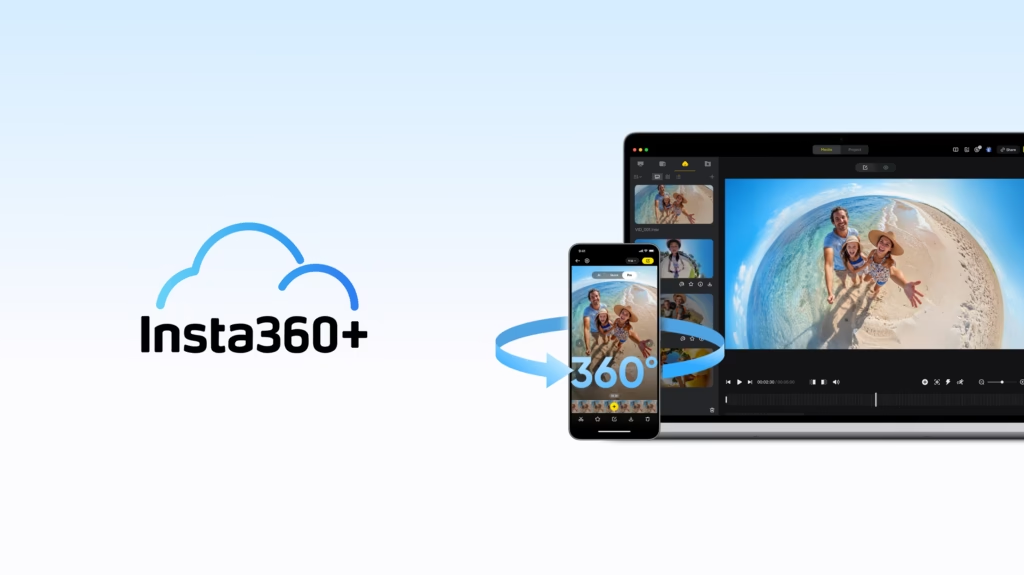
What is Insta360+ ?
Insta360+ is a cloud platform designed specifically for Insta360 camera users. It allows you to:
- Automatically save your 360° and flat files in a secure space
- Access your content remotely, from your smartphone or computer
- Edit and crop your videos directly in the cloud
- Easily share your projects with collaborators or on social networks
Available via subscription, Insta360+ perfectly complements the hardware capabilities of the X5 by offering a post-production solution without dependency on a powerful computer or hard drive.
a:hover { transform: scale(1.05); } a[href*=”amazon”]:hover { background-color: #e68a00; } a[href*=”insta360″]:hover { background-color: #222222; } a[href*=”lacameraembarquee”]:hover { background-color: #0052a3; }
How to connect your X5 to Insta360+
To activate Insta360+ :
- Open the Insta360 app on your smartphone
- Connect your X5 via Wi-Fi or cable
- Enable cloud sync in settings
- Choose which files to send automatically or manually
You can also enable automatic upload when the camera connects to Wi-Fi. Handy to start editing from your computer while you charge the X5.
Automatic backup of your 360° files
One of the great things about Insta360+ is its continuous backup feature. No more stress about losing an SD card or having to copy your files manually after each session.
- All your files are stored in a secure cloud space
- You can access it from multiple devices
- Perfect in case of breakage, loss or theft of the camera
This is a game-changer for travelers, mobile vloggers, or professionals in the field.
Edit in the cloud without losing quality
Don’t always have your computer at hand? No problem. Insta360+ offers a cloud-integrated editor with key features:
- Auto Frame
- AI-assisted subject tracking
- Export in different formats (vertical, horizontal, square)
- Adding simple transitions and effects
You can start a project from your phone, continue on your computer, or even collaborate with others remotely.
Why Insta360+ is a game-changer for X5 creators
This X5 + Insta360+ duo offers a complete and modern experience:
- 🔒 Security : Your data is backed up even in the event of a hardware problem
- 🕒 Time-saving : no manual transfer, immediate editing right from the moment of shooting
- 🌍 Accessibility : you can find all your projects wherever you are
- 👥 Collaboration : You can share a secure link to show off your work or invite a partner to finalize the edit
It’s the perfect tool for creators who travel, those who post often, or those who don’t want to carry a laptop around for every session.
What if you switched to a 100% connected workflow?
The Insta360 X5 is already one of the best 360 cameras on the market. But when paired with Insta360+, it becomes even more powerful. Together, they allow you to film, save, edit and publish without ever leaving your smartphone (or almost).
It’s a new way of creating: faster, more flexible, more secure. With this combo, your editing studio follows you everywhere, whether you’re on top of a peak, on a beach, or in a busy alley on the other side of the world.
❓ FAQ – Insta360 X5 and Insta360+: frequently asked questions
What is Insta360+?Insta360+ is a cloud service offered by Insta360. It allows you to save, edit and share your videos directly from an online space, without the need for a powerful computer or external drives.
Is the X5 compatible with Insta360+?Yes, the X5 is fully compatible. You can transfer your files via Wi-Fi or cable, then find them directly in the cloud for editing or sharing.
How does auto-backup work?Once activated, the X5 automatically sends videos to the cloud as soon as it is connected to Wi-Fi. This prevents file loss and makes editing faster.
Can you edit a 360° video directly in the cloud?Yes! Insta360+ offers tools such as automatic cropping, subject tracking, and multi-format export (vertical, horizontal, square), accessible from your smartphone or browser.
Do I need a subscription to use Insta360+?Yes, Insta360+ works on a subscription basis, with multiple tiers of storage and features. A free trial is often offered.
What are the benefits of Insta360+ for creators?A faster, mobile workflow with no cables or hard drives. Ideal for creators on the go, vloggers, or those who want to publish quickly without complex editing.