
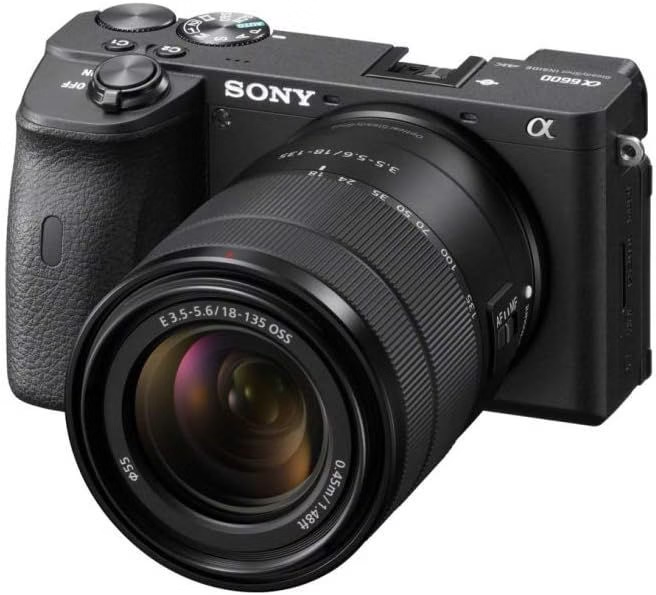
You know what it’s like when your Sony A6600 lags because of a badly chosen SD card? RAW photos that take forever to record, truncated 4K video, or worse: the anxiety of a storage failure in the middle of a shoot. We explain how to avoid these dramas with a memory card perfectly adapted to your device, by decrypting SDXC formats, UHS-I/UHS-II speeds, and U3/V30 classes for optimal performance.
Compatible memory card for Sony a6600: the essential
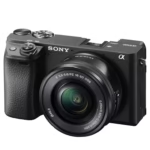
Let’s be honest, choosing the right SD card for your Sony A6600 is vital. The device supports SDXC UHS-I (recommended speed 100-170 MB/s) and UHS-II (compatible but limited internally) formats. It has a single SD slot, but also supports Memory Stick Duo via adapter. No microSD here, so pay attention to the format.
A badly chosen card, and it’s drama: truncated 4K videos, buffer saturated in RAW burst (I know something about this after a failed shoot), or worse, “REINSERT CARD” errors. Opt for U3/V30 minimum: it guarantees a stable bitrate for your 11 fps in RAW+JPEG. Personally, I tested a SanDisk Extreme Pro UHS-I, and the fluidity is crazy. Not to mention that the UHS-II models speed up transfers to the computer, a significant time saver.


Compatible SDXC card form factor and types
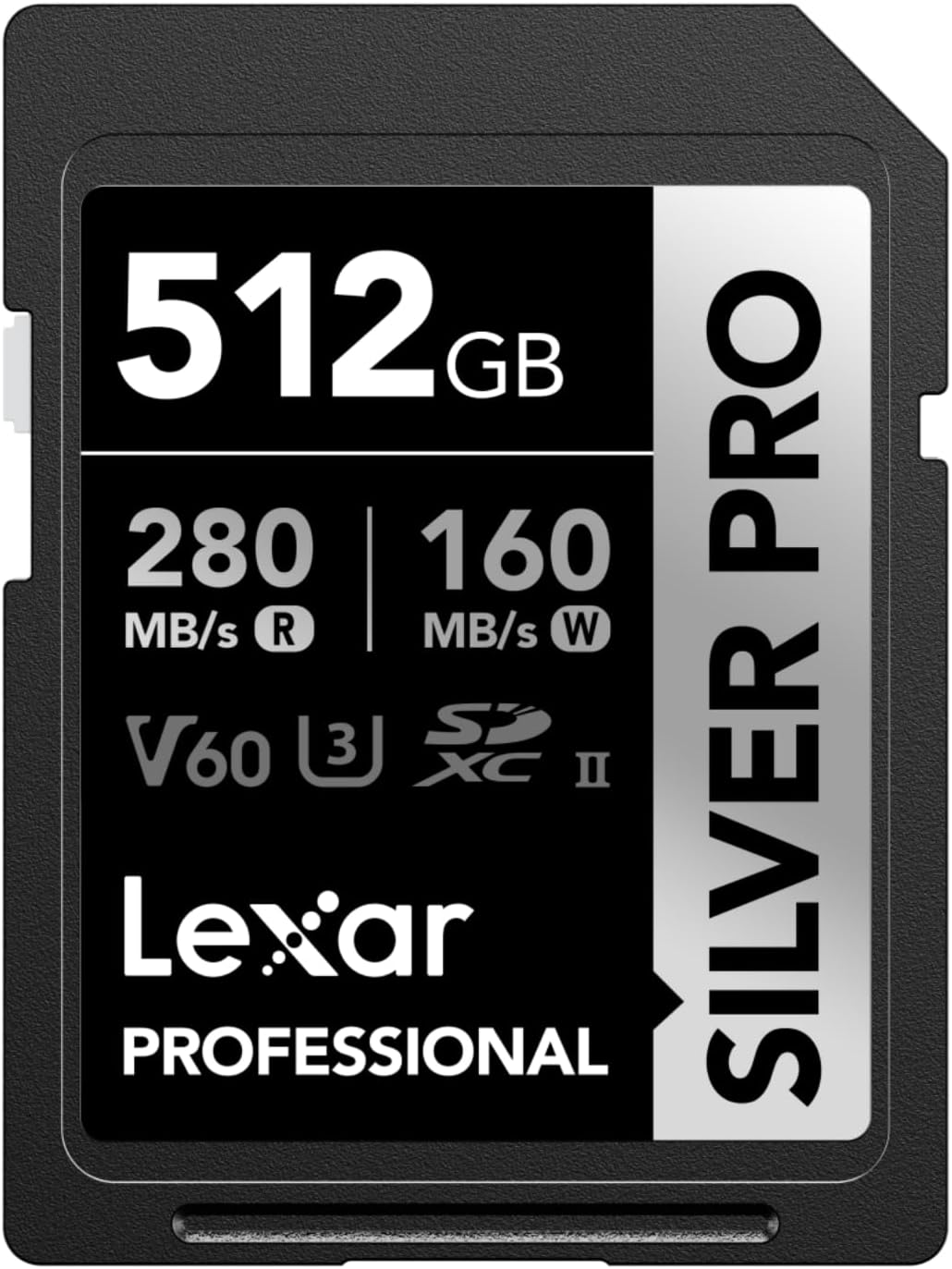
The Sony a6600 accepts three SD card formats: SD (up to 2 GB), SDHC (4 to 32 GB, FAT32 format) and SDXC (64 GB to 2 TB, exFAT format). For 4K video, SDXC is a must : it prevents file fragmentation beyond 4 GB. In other words, if you record long clips, forget about SDHC. Personally, I’ve seen colleagues struggle with files cut into pieces because of an SDHC card… Not fun in post-production.
| Features | UHS-I | UHS-II |
| Internal Write Speed (Sony a6600) | 38.74 MB/s (e.g. SanDisk Extreme Pro 170MB/s) | 39.67 MB/s (e.g. SanDisk Extreme Pro 300MB/s) |
| USB Read Speed | 99.2 MB/s | 293.7 MB/s |
| USB Write Speed | 88.3 MB/s | 242.2 MB/s |
| Buffer Dump Time (1 GB) | ≈24.5 seconds (same for both formats) | |
| 4K video compatibility (100 Mbps) | Requires U3/V30 rating (valid for both formats) | |
| Main advantage | Lower cost, sufficient for all device functions | 3x faster transfer speeds to the computer |
| Recommendation | Optimal for most users | Ideal for professional video workflows |
| Caption: Although the Sony a6600 only supports UHS-I internally, UHS-II cards offer a significant advantage for transfer to computer. Internal write speeds remain almost identical (38-40 MB/s) between the two formats. |
Investing in a UHS-II card for the a6600 is like buying a Porsche to drive 30 km/h in the city: frustrating, but not useless. Internally, the device limits writing to ~39 MB/s, regardless of whether the card is UHS-I or II. On the other hand, once connected to a UHS-II drive, the difference is obvious: 293 MB/s compared to 99 MB/s. Why does it matter? If you regularly transfer 4K video or RAW bursts, you’ll save hours. For the rest, a UHS-I U3/V30 is more than enough. In short, UHS-II is for those who want to speed up their workflow, not their shooting.
Memory card performance for Sony a6600
Speed and classification for RAW photos
The Sony a6600’s buffer accepts 46 RAW or 116 JPEG photos before saturating. Personally, I’ve seen colleagues struggle with a slow map: after 10 burst shots, the machine slows down. Opt for U3/V30 minimum: it guarantees a stable bitrate for your 11 frames/second. A SanDisk Extreme Pro UHS-I, and you avoid forced pauses between sequences.
- Minimum U3 or V30 write speed to handle 24.2 megapixel RAW files
- 128GB capacity recommended for balancing photo/video storage and budget
- Priority SDXC format to prevent fragmentation of 4K videos beyond 4GB
- Plan multiple cards for extended burst + 4K sessions
The buffer flush time varies by adapter. With a UHS-I, it takes ~60 seconds to empty 1 GB in JPEG. A UHS-II reduces that time to 24.5 seconds, but the device doesn’t take advantage of it internally. For RAW burst, a fast map reduces interruptions. In other words, if you work in RAW+JPEG, a UHS-I V30 is more than enough. No need to break the bank for UHS-II.
Important Features for 4K Video Recording
For 4K video at 100 Mbps, forget about U1 cards: they lag. A U3/V30 is required to guarantee 30 MB/s continuous write. I tested a Lexar 64 GB U3, and the recording is smooth without interruption. Without this minimum, your 4K clips may be truncated, especially in long takes.
U3 and V30 are the same for the a6600: both guarantee 30 MB/s. On the other hand, V30s are often more thermally robust. For long sessions, choose the latter: they are more resistant to heat. Personally, I saw a U3 card overheat after 2 hours of 4K in direct sunlight, while a V30 held the shock. The flow rate remains stable, even under extreme conditions.
Storage capacity and recording autonomy
A 128 GB card stores ~2.9 hours of 4K at 100 Mbps. For a one-day report, plan for a minimum of 256 GB. In photos, 128 GB houses about 4,000 RAW. But if you mix photo + video, it’s better to have two 128 GB cards than one 256 GB card: it reduces the risks in the event of a breakdown.
| Capacity | XAVC S 4K 100Mbps | XAVC S 4K 60Mbps |
| 64 GB | 70 minutes | 117 minutes |
| 128 GB | 2h44 | 4h34 |
| 256 GB | 5:28 a.m. | 9:08 a.m. |
Always keep a backup card formatted in exFAT. For transfers, avoid fragmented files by using SDXC. When traveling, I divide my cards by day: it simplifies saving. And remember: always format the card in the device, not on the computer. Otherwise, “REINSERT CARD” errors may spoil your shoot.
Best Recommended SD Cards for Sony a6600
Let’s be honest, choosing the right SD card for the a6600 is not rocket science, but you have to avoid the pitfalls. Top priority: U3/V30 for 4K video, SDXC format (no SDHC), and UHS-I or II depending on your workflow. The budget varies between €20 (entry-level) and €150 (pro-grade). Personally, I’ve tested models of all categories, and here’s what really works.
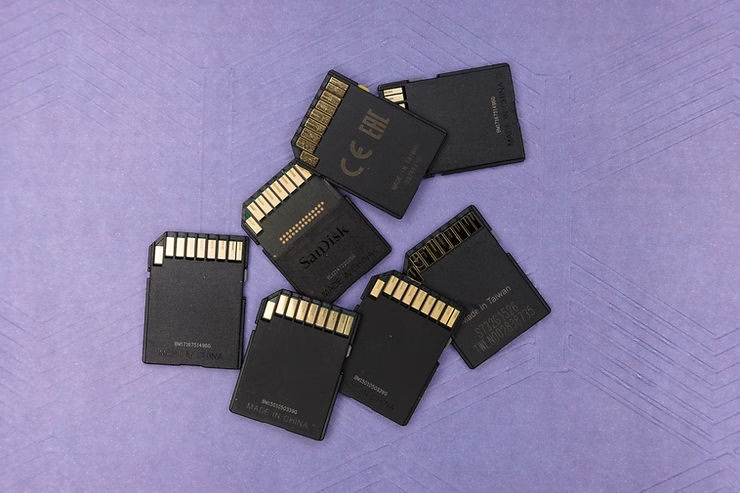
- Lexar SILVER PRO SD Card UHS-I (64-128 GB) for everyday use and value for money
- Sony 512 GB Tough M Series UHS-II SDXC for Fast Transfers to Computer (with UHS-II Drive)
- Gigastone 256GB SDXC Memory Card UHS-I V30 for 4K video without the risk of fragmentation
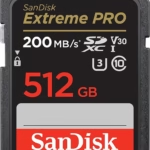
- SanDisk 512GB Extreme PRO UHS-II for pro video workflows (despite limited internal gain)
In practice, the a6600 limits writing to ~39 MB/s, regardless of whether it is UHS-I or II. On the other hand, a UHS-II reduces the 1 GB transfer to computer from 24.5 to 8 seconds (with a suitable drive). For the burst, a UHS-I V30 is more than enough. For 4K, U3/V30 are interchangeable here. In other words, invest in UHS-II only if you transfer often: it doesn’t change anything in shooting, but saves time in post-production. As a result, for most people, a UHS-I U3/V30 128 GB is the ideal compromise.
Three things to remember: choose SDXC UHS-I/UHS-II for speed, opt for V30 minimum for 4K, and plan for 128 GB so as not to run out of space. Check your photo/video needs, compare models and budget, and remember that even though the a6600 is UHS-I, a UHS-II card speeds up the transfer. Choose wisely: your next memory card will decide whether your perfect shots stay in the box or fade into oblivion.





Leave a Reply