
Short answer: use a genuine UHS-I, U3, V30 (or faster) microSD card formatted as exFAT. That is the requirement listed by Insta360 for the X6. For most owners, 256GB is the sensible starting point; 512GB makes more sense for travel, long shooting days, and anyone who does not want to offload footage every evening.
The labels on a card can be confusing. A huge “read up to” number is useful when copying files to a computer, but it does not replace the sustained video-write rating needed while recording. For this camera, the V30 badge is the practical floor to look for. This guide explains what that means, which capacities make sense, and three established card lines worth checking before you buy.
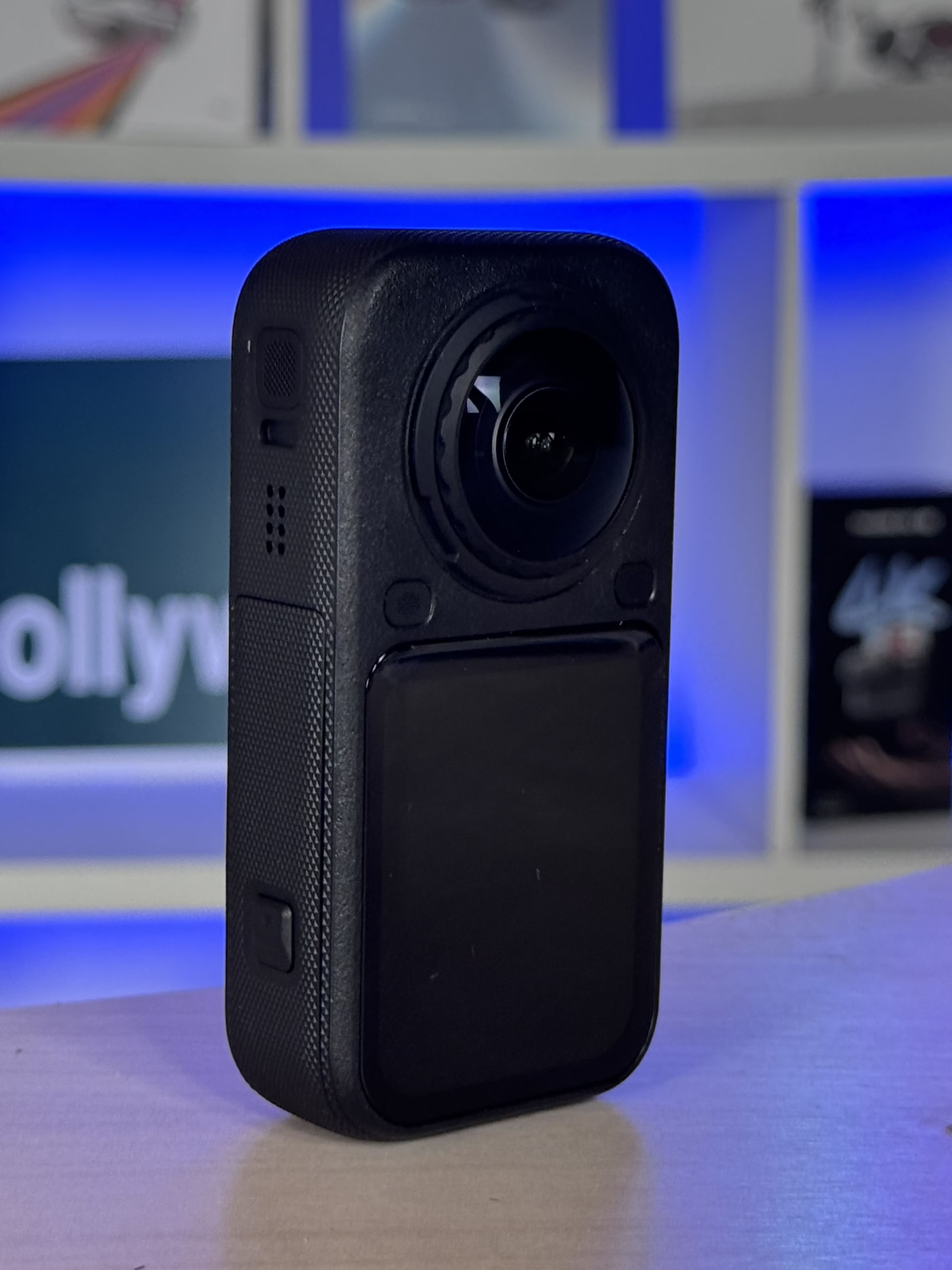
Official requirements, checked
Checked on August 22, 2026: the official Insta360 X6 memory-card guidance confirms microSD/TF cards rated UHS-I, V30 or higher, formatted as exFAT. The X6 hardware specifications state support for cards up to 1 TB. Always check the exact card reference before ordering.
The quick recommendation
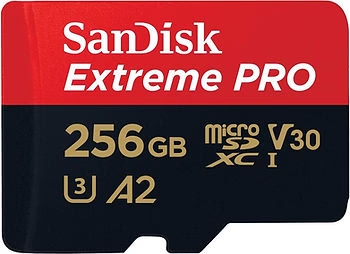
Buy a 256GB UHS-I U3 V30 card from a recognised retailer if you want the easy choice. The SanDisk Extreme, Samsung PRO Plus and Lexar Professional 1066x lines all have versions with the required V30 rating. Check the exact capacity and SKU before ordering, because ratings can differ between product generations.
Affiliate disclosure: some links below are affiliate links. They may earn Drone & Cam a commission at no additional cost to you. The selection criteria and technical requirements remain the same whether or not you use a link.

What the Insta360 X6 actually requires
Insta360’s X6 compatibility guidance specifies a microSD/TF card rated UHS-I and V30 or higher, formatted as exFAT. The X6 product page also lists microSD support at UHS-I V30 or higher. In other words, do not choose a card simply because it has a familiar brand name or a large advertised read-speed figure.
- UHS-I is the bus/interface class the camera expects.
- U3 is a speed class commonly found alongside video-focused cards.
- V30 means a minimum sustained video write speed of 30MB/s. It is the key label to verify on the card and its packaging.
- exFAT is the format Insta360 specifies. Format a new card in the camera before an important shoot.
V60 and V90 cards are not automatically better choices here just because they are more expensive. If a card already meets the X6 requirement, spending more only makes sense if you have another device that benefits from it or you have independently verified a reason to do so.

Three card lines that fit the X6 requirement
The following are not three interchangeable listings. They are three established card lines whose relevant 256GB versions carry UHS-I, U3 and V30 ratings. Product specifications change, so confirm the exact listing before checkout rather than relying on a stock image or a seller’s title.
| Card line | Why it belongs on the shortlist | Best fit |
|---|---|---|
| SanDisk Extreme | V30/U3/A2 options designed for action cameras and 4K video. SanDisk lists up to 160MB/s read and 90MB/s write for the 256GB SDSQXA1 model. | The straightforward, widely available choice. |
| Samsung PRO Plus | Samsung lists U3, V30 and A2 ratings for its 256GB PRO Plus versions, with up to 180MB/s read and 130MB/s write on the current UK model. | A strong alternative when the exact bundle and retailer suit you better. |
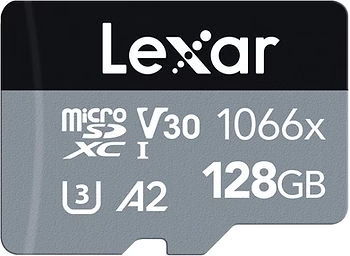
| Lexar Professional 1066x | Lexar lists U3, V30 and A2 ratings, with capacities including 256GB and performance up to 160MB/s read and 130MB/s write on the microSDXC SILVER series. | A good option for users who prefer Lexar or already use its reader ecosystem. |
1. SanDisk Extreme 256GB
This is the uncomplicated pick for a first X6 card. Look for the UHS-I, U3 and V30 marks on the exact 256GB listing. It is a practical choice for regular shooting, provided you buy from a retailer with a clear return policy and avoid suspiciously cheap marketplace offers.
2. Samsung PRO Plus 256GB
The PRO Plus is worth considering when its price or bundle is better than the SanDisk option. The important point is the same: choose the V30/U3 version, not just a card whose title says “fast”. The official Samsung specification makes the relevant ratings easy to check.
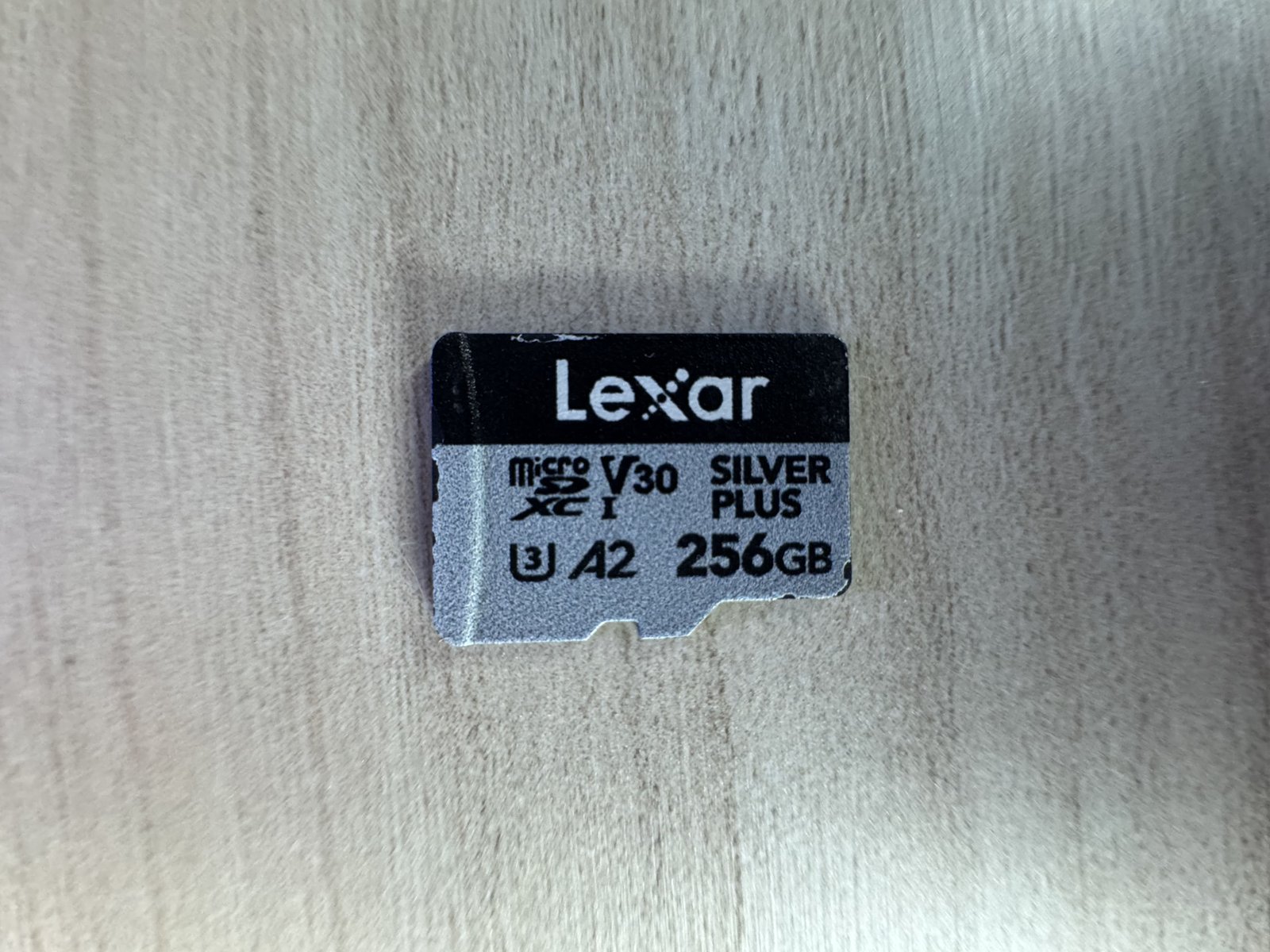
3. Lexar Professional 1066x 256GB
The Lexar Professional 1066x microSDXC SILVER series is a credible third route. Lexar lists the relevant U3, V30 and A2 ratings for this line. It is especially sensible when you can verify the model from an established photo retailer rather than relying on a vague, bundled listing.
128GB, 256GB or 512GB?
Capacity does not make a card faster. It only changes how often you need to stop, transfer and format. The X6 records high-resolution 360 footage, so it is better to choose capacity around your shooting routine than around the lowest upfront price.
| Capacity | Who it suits | Practical advice |
|---|---|---|
| 128GB | Short outings and occasional use | Works if you transfer footage promptly, but leaves little margin for a full day out. |
| 256GB | Most owners: travel, cycling, vlogging and regular shooting | The best balance of cost, convenience and risk management for a first card. |
| 512GB | Long trips, frequent shooting, delayed backups | Useful when you genuinely need the space; still back up regularly rather than treating one card as permanent storage. |
A second genuine 256GB card can be a smarter travel solution than one very large card: it gives you a clean swap if a card fills up or develops an error. Whatever you choose, copy the files to an SSD or computer as soon as practical.
Avoid these common mistakes
- Buying on headline read speed alone. Check the V30 mark first.
- Using an unverified no-name card. Counterfeit capacity and unstable write performance can ruin a shoot.
- Ignoring the exact model. A family name is not enough; ratings can vary by generation and capacity.
- Filling the card completely. Leave headroom and stop relying on a full card as the only copy of your footage.
- Skipping the in-camera format. Back up what you need, then format the new card in the X6 before a major session.
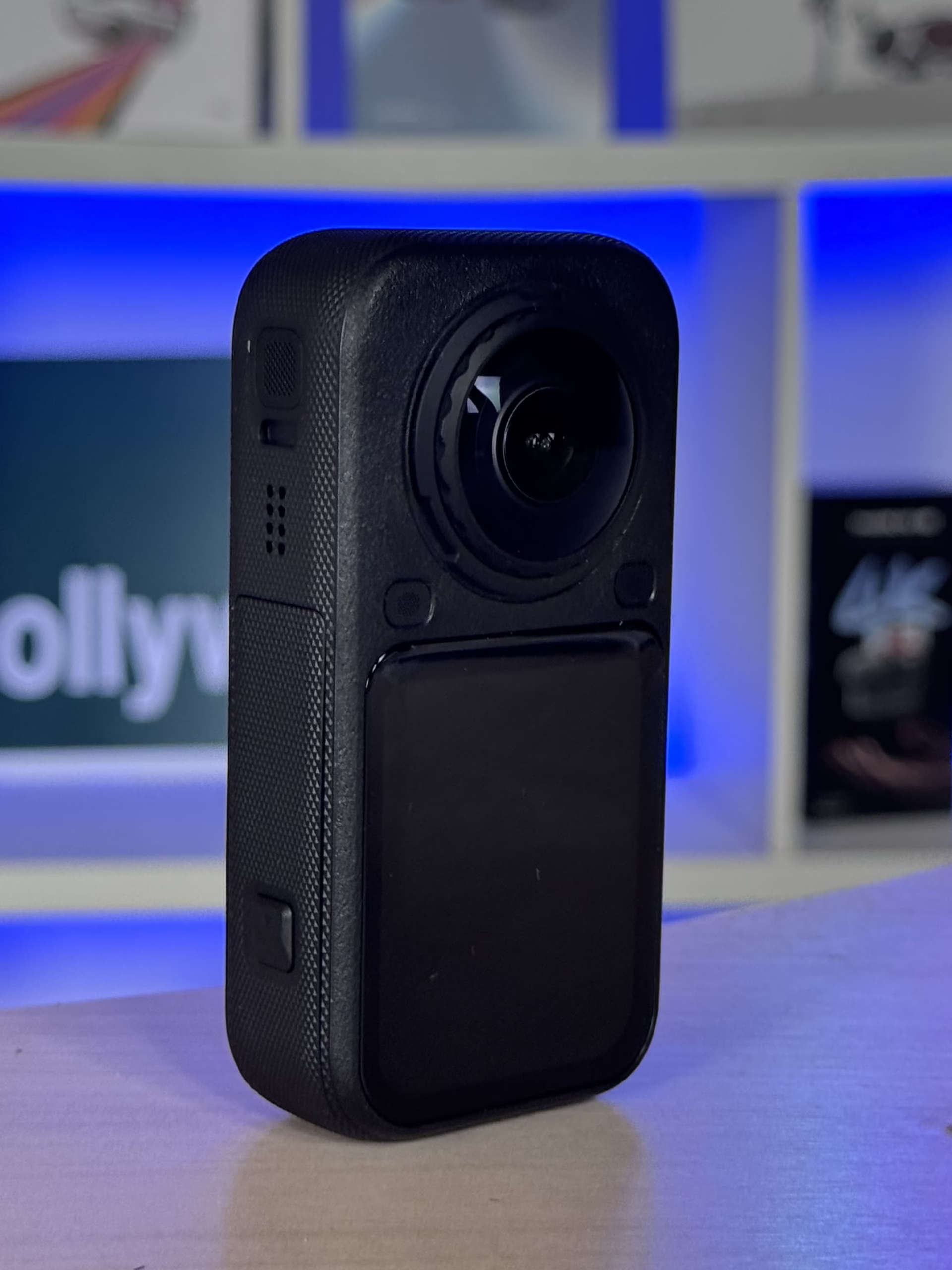
The sensible choice for most X6 owners
If you want one simple answer, choose a genuine 256GB UHS-I U3 V30 card from SanDisk, Samsung or Lexar and format it in the camera. Move to 512GB only if your shooting schedule genuinely demands it. The SanDisk Extreme is the easiest default; the Samsung PRO Plus and Lexar Professional 1066x are legitimate alternatives when the exact V30 version is better priced or easier to buy.
Before buying, also read our Insta360 X6 review, the X6 vs X5 comparison, and our guide to choosing an Insta360 X6 bundle.
FAQ
Does the Insta360 X6 need a V30 card?
Yes. Insta360 specifies UHS-I V30 or higher for the X6. Check that marking on the card itself or in the manufacturer’s specification before purchase.
Is 128GB enough for the Insta360 X6?
It can be enough for short sessions if you transfer footage often. For regular shooting, 256GB is the more comfortable starting point.
Do I need a V60 card for the X6?
No. Insta360’s stated requirement is V30 or higher. Buy a V60 only if you have another reason to use it; it is not required simply to meet the X6 specification.
Primary sources checked
- Insta360 X6 memory-card compatibility FAQ
- Insta360 X6 product specifications
- SanDisk Extreme 256GB specification
- Samsung PRO Plus 256GB specification
- Lexar Professional 1066x microSDXC specification





Leave a Reply