
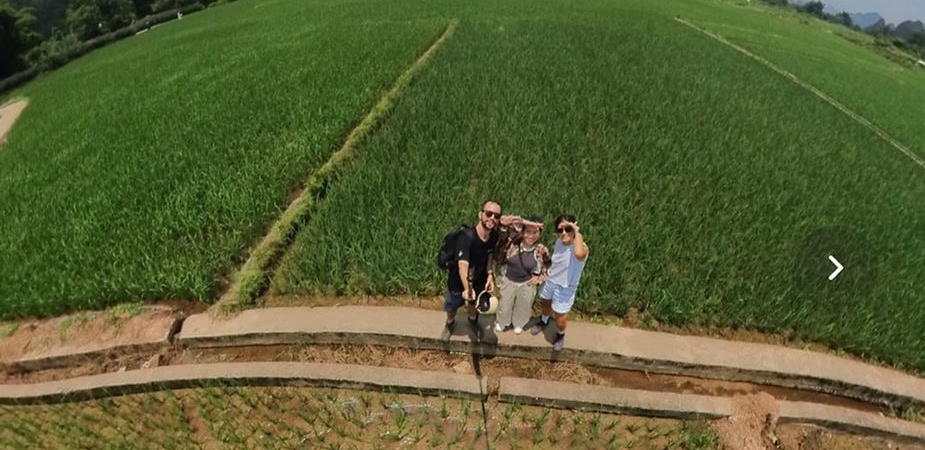
Instagram doesn’t yet natively support 360° images, but don’t panic! There’s a simple and effective trick to share your immersive photos directly to your Instagram feed. Whether you’re using an Insta360 X4 ( see here ) or an Insta360 X3 ( see here ), follow these steps to transform your 360° shots into an engaging experience for your followers.
1. Choose your 360° photo
Start by opening the Insta360 app on your smartphone. Go to your album and select the 360° photo you want to share. Make sure the photo was taken with good lighting and optimal framing to provide viewers with a fully immersive experience.
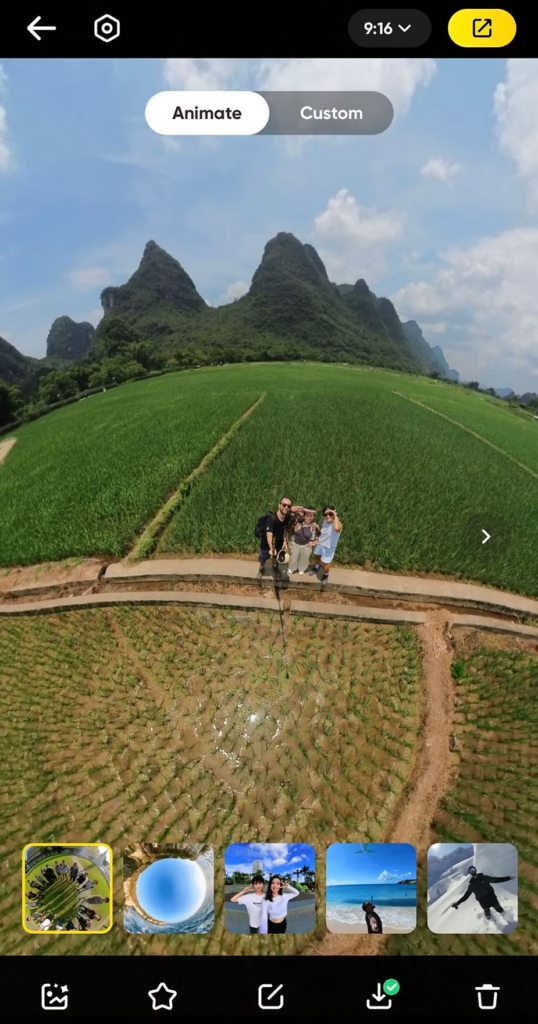
2. Animate your photo
To bring your image to life, use the “Animate” option in the Insta360 app. This feature creates a smooth camera movement that guides the viewer’s gaze and adds an immersive effect.
Available options:
- Smooth panoramic view : Ideal for presenting a landscape in a harmonious way.
- Immersive zoom effect : Perfect for drawing attention to a specific detail.
- Automatic tracking : Keeps the main subject always in the center of the frame.
- Dynamic timelapse mode : Ideal for capturing moving scenes while adding a speed effect.
Take the time to experiment with the different movements and adjust the settings according to the desired effect.
3. Export your creation
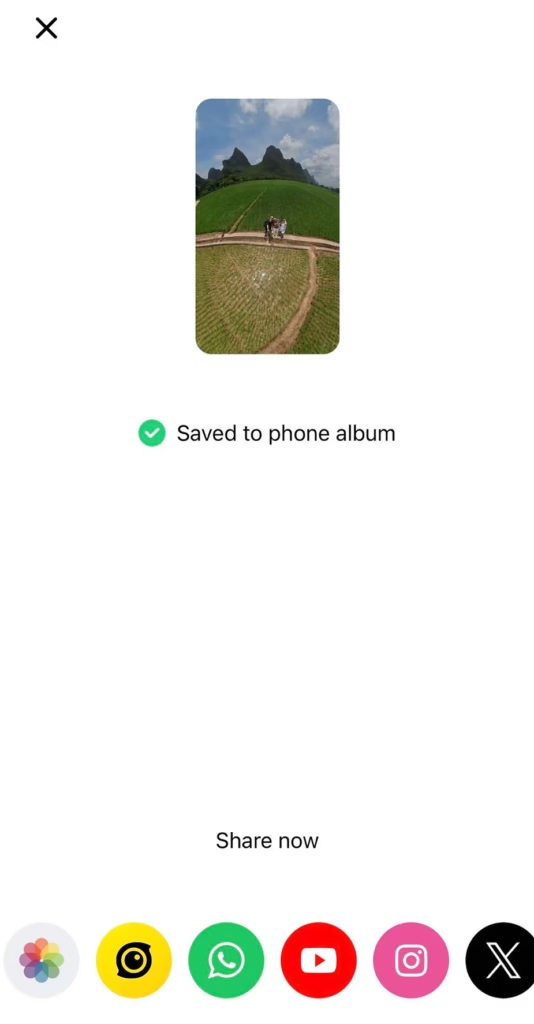
Once you are satisfied with the result, tap “Export” in the top right corner. Scroll through the options until you find Instagram and choose a video format .
Some recommendations:
- Choose a high resolution to ensure optimal quality on Instagram.
- Opt for a vertical format (9:16) if you wish to share in a story or Reel.
- Check the length of your video to ensure it meets Instagram’s criteria (less than 60 seconds for a regular post, up to 90 seconds for a Reel).
4. Share on Instagram
Once the export is complete, tap the Instagram icon and click “Open” . You can then post the video to your feed or story, choosing the most appealing thumbnail.
Tip: Add an engaging caption that encourages your audience to interact, for example:
- “Travel with me in total immersion! 🌍 Swipe to explore this 360° panorama.”
- “Guess where I captured this view! 👀 Answer in the comments.”
Bonus: Use Reels for better engagement
Instagram Reels are a great way to showcase your 360° images as an immersive video. Add trendy music, filters, and text to make your content even more engaging.
Tips to boost your reach:
- Add relevant hashtags : #360photography, #insta360, #virtualtour
- Use the interactive features : stickers, polls, questions
- Publish during peak audience hours to maximize visibility
Why share your 360° photos on Instagram?
360° images offer an immersive experience that attracts more engagement and curiosity on Instagram. Whether capturing breathtaking landscapes, sporting adventures, or unique moments, they allow your audience to dive right into the heart of the action.
The advantages of the 360° format:
- Allows you to relive a scene as if you were there.
- Add an innovative touch to your Instagram feed.
- Generate more interaction with your audience.
Want to discover more tips and advice on creating 360° content? Follow Insta360 on Instagram , Facebook , YouTube and X.
Don’t forget to subscribe to our newsletter to stay up-to-date on all the latest Insta360 news!




Leave a Reply