
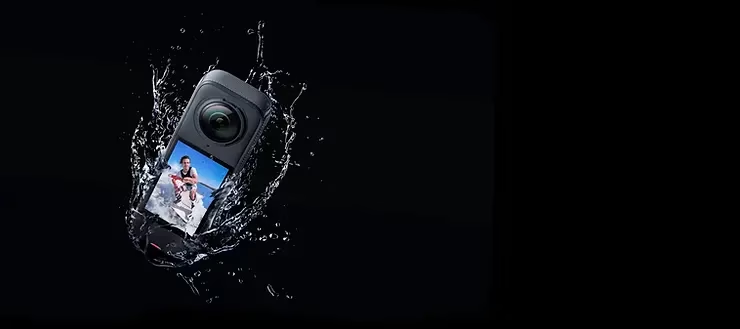
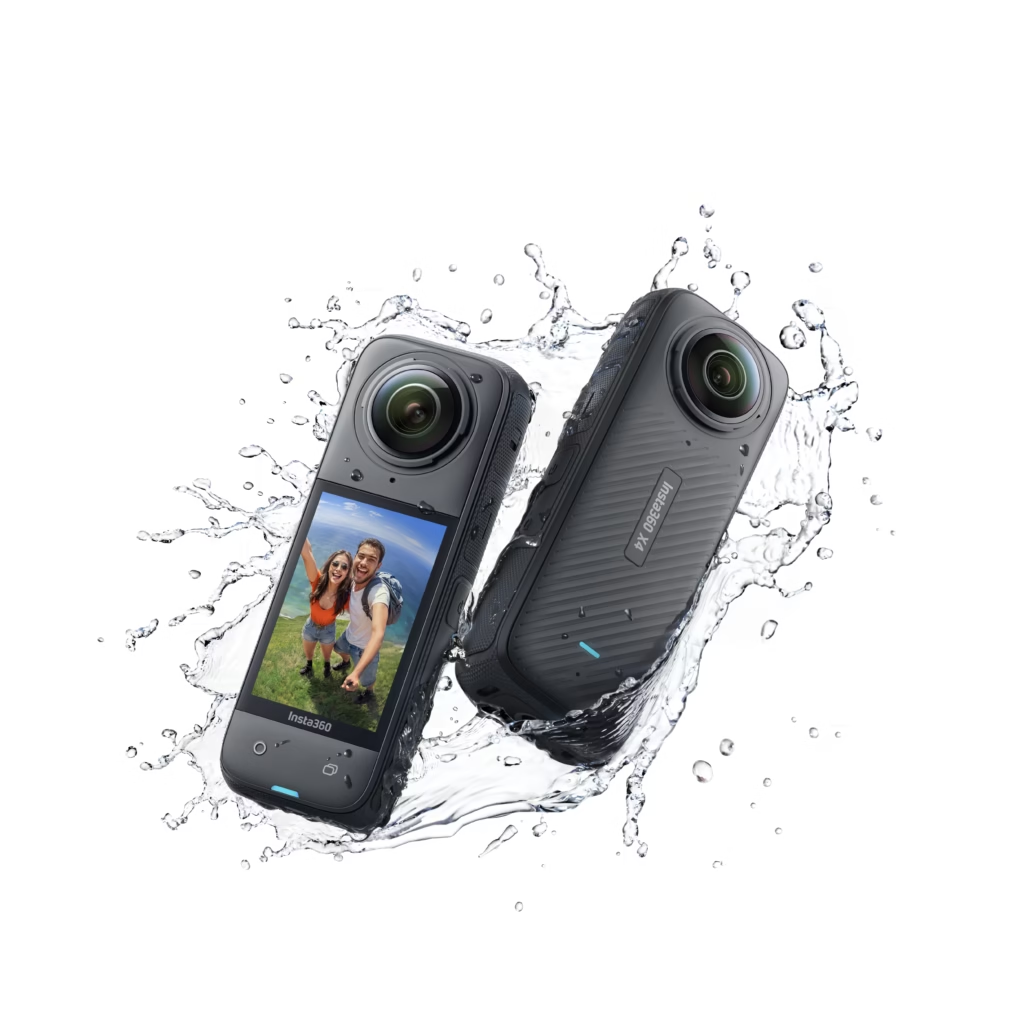
The Insta360 X4 is a revolutionary action camera that empowers content creators to capture the world with immersive 360° views. With up to 8K resolution, FlowState stabilization, and numerous capture modes, the Insta360 X4 is the ideal tool for creators seeking breathtaking footage. This groundbreaking camera allows you to push the boundaries of content creation, offering unique ways to capture every moment immersively. Whether you’re an extreme adventure enthusiast or a visual content professional, this camera provides the features you need to create videos that will leave a lasting impression. Here are the 10 best ways to use this camera to create immersive 360° videos and unlock its full potential.
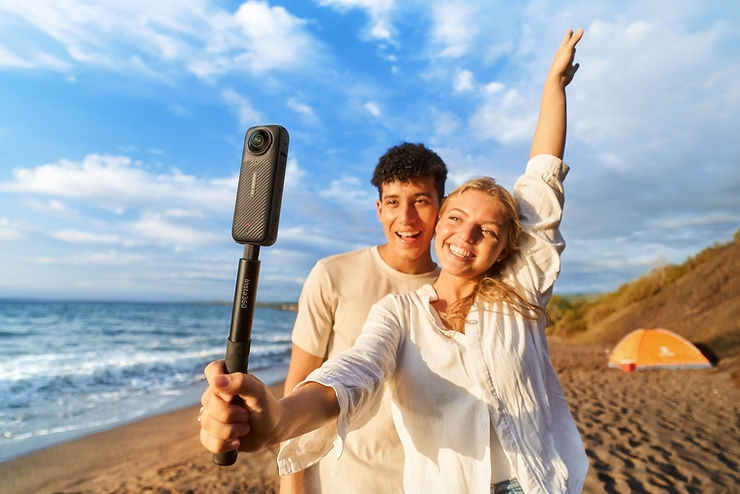
1. Capture Immersive 8K Panoramas
With its 8K resolution, the Insta360 X4 is perfect for capturing immersive panoramas. Whether you’re filming cityscapes, majestic mountains, or idyllic beaches, the 8K quality allows you to capture every detail with exceptional precision, making viewers completely immersed in your content. 8K resolution is particularly impressive when it comes to creating panoramic images that envelop the viewer and transport them to breathtaking locations. To get the most out of this feature, use a tripod or selfie stick to ensure camera stability and allow for a distraction-free 360° overview. The quality of these panoramas is such that every detail becomes visible, giving viewers the feeling of truly being in the place you’re filming.
2. Use Bullet Time Mode to Create Dramatic Effects
Bullet Time mode is one of the most iconic features of the Insta360 X4 . Using the invisible selfie stick, you can create scenes where the camera appears to float around you, capturing the environment in 360° with a cinematic slow-motion effect. This produces a spectacular, attention-grabbing result that’s perfect for videos where you want to wow your audience with a unique, immersive effect. Bullet Time mode allows you to create dramatic and immersive effects that are ideal for video intros or key moments you want to emphasize. This mode is also well-suited for sports or adventure scenes where you want to capture all the energy of the moment while adding a cinematic dimension to your content.
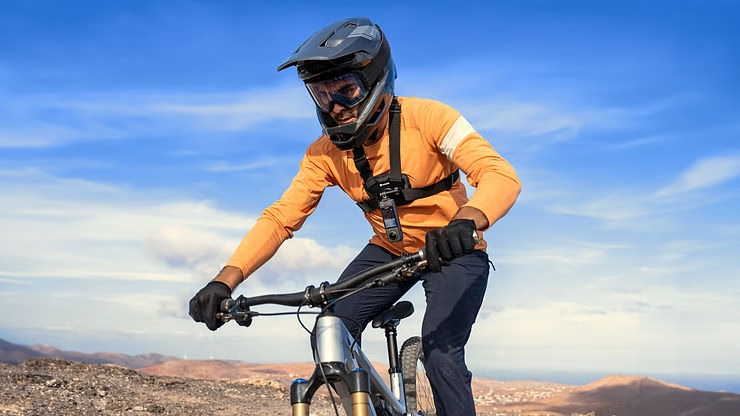
3. Filming Outdoor Adventures with FlowState Stabilization
The Insta360 X4 ‘s FlowState stabilization ensures perfectly smooth videos, even when you’re on the move. Whether you’re mountain biking, kayaking, or running, the advanced stabilization captures action-packed scenes without any shakiness. This makes outdoor adventures much more immersive and provides a distraction-free video experience. You can focus on the adventure itself without worrying about the quality of the footage. Thanks to FlowState stabilization, every scene is smooth, stable, and incredibly enjoyable to watch, giving viewers a sense of total immersion in your adventure.
4. 360° Timelapse to Show the Passage of Time
The 360° Timelapse mode is ideal for capturing evolving scenes, such as sunsets, changing skies, or the hustle and bustle of a busy street. The Insta360 X4 allows you to create timelapses in 8K resolution, making every moment smooth and captivating. It’s an impressive way to show the passage of time while giving the viewer the feeling of experiencing the moment in its entirety. 360° timelapse allows you to tell a story in fast-forward, while offering the freedom to look in any direction. This type of capture is ideal for creative projects that aim to show the evolution of places or events over a long period, while maintaining exceptional visual quality.
5. Use the Point of View (POV) Mode for Total Immersive Storytelling
The Insta360 X4 ‘s POV mode lets you capture the world exactly as you see it, ideal for vlogs or adventure days. By mounting the camera on a harness or helmet, you can create immersive videos that allow viewers to experience the action through your eyes. This results in a highly personal and engaging experience, perfect for sharing your activities with your audience. POV mode is also very effective for capturing high-adrenaline activities, such as paragliding, rock climbing, or obstacle courses, offering an immersive perspective that puts the viewer right in the heart of the action.
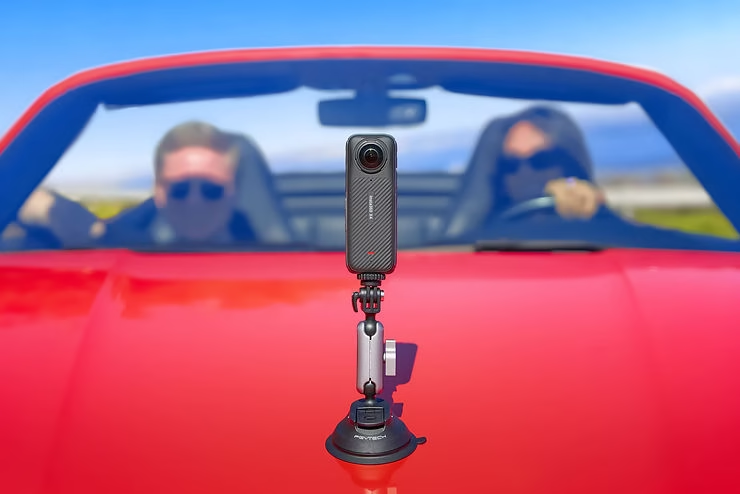
6. Create Slow Motion Videos with 4K Resolution at 120fps
For even more spectacular effects, use 4K resolution at 120fps to create incredibly high-quality slow-motion footage. This format is perfect for capturing details that would otherwise be invisible at normal speed, such as suspended water droplets or rapid movements during sporting activities. The slow-motion effect adds a dramatic touch and provides a better perspective on the action, while remaining immersive thanks to the 360° scale. By using 4K at 120fps, you can capture moments of tension or emotion with striking clarity, creating sequences that give viewers a deep and detailed view of the unfolding action.
7. Use the Invisible Selfie Stick Function for Unique Angles
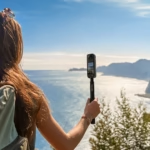
The invisible selfie stick is one of the best accessories for the Insta360 X4 . Using this stick, you can capture videos where the stick completely disappears from the frame, giving the impression that the camera is floating around you. This allows you to create unique angles and third-person perspectives, ideal for telling an immersive visual story without distractions. This type of shooting is perfect for outdoor activities like snowboarding, skateboarding, or even a simple walk in the woods. The invisible stick lets you focus on the action without the equipment becoming a distraction, adding a professional touch to your videos.
8. Create Hyperlapses for Dynamic Journeys
Hyperlapse mode is ideal for capturing journeys and travel in a dynamic way. With the Insta360 X4 , you can film car rides, hikes, or even city walks while speeding up the footage to show more in less time. The result is perfect for travel montages, where you want to showcase a complete route without compromising the immersive experience. Hyperlapse mode lets you condense hours of walking or commuting into just a few minutes of captivating video, all while maintaining smoothness and image quality.
9. Create Vlogs in “Me” Mode with Smart Tracking
The Insta360 X4 features “Me” mode, which keeps the content creator centered in the frame while filming in 360°. Thanks to artificial intelligence, the camera can track the main subject, making it an excellent option for vlogging. Whether you’re walking down a busy street or giving a demonstration, this mode keeps the creator in the foreground while showcasing the surrounding environment, providing total immersion. “Me” mode is ideal for content creators who want to maintain focus on themselves while offering an immersive view of their surroundings. This mode makes every vlog more engaging and immersive, offering a unique and captivating perspective.
10. Scuba Diving with a Waterproof Housing
With its waterproof housing, the Insta360 X4 is ready to accompany you underwater to capture stunning 360° seascapes. Whether you’re scuba diving, snorkeling, or simply swimming, you can capture marine life and coral reefs in an immersive way. Thanks to its waterproof design and stabilization, your footage will remain stable and captivating, giving viewers a unique experience beneath the surface. Filming underwater in 360° offers a rare and fascinating perspective, allowing you to discover the seabed like never before and providing an immersive experience that leaves a lasting impression on viewers.
Conclusion: Create Inspiring Videos with the Insta360 X4
The Insta360 X4 is a powerful camera that empowers content creators to produce immersive, engaging, and innovative videos. With its numerous capture modes and advanced features, it adapts perfectly to a variety of styles and scenarios, from extreme adventures and vlogs to everyday moments. By utilizing the camera’s diverse capabilities, you can push the boundaries of content creation and transport your viewers directly into the action. Experiment with these 10 ways to use the Insta360 X4 to make your videos even more impressive and immersive. With the Insta360 X4 , every captured moment becomes a unique visual adventure, ready to be shared with the world. Whether exploring new landscapes, capturing intense moments, or simply telling a personal story, this camera is an essential tool for anyone looking to create inspiring and memorable content.


Leave a Reply