
When you’re starting out seriously in photography, or when you start processing more images each week, one question quickly comes up: should you stick with Lightroom or choose a simpler alternative ? And that’s often where ON1 Photo RAW comes into the discussion.
The issue isn’t simply which software is “the best.” The real question is: which one provides the simplest, smoothest, and most consistent workflow for your skill level and working style? For a beginner or intermediate photographer, the answer isn’t always what you might expect.
The real point of comparison: simplicity of workflow, not just power
Lightroom is very well-known, well-integrated into the Adobe ecosystem, and remains a reliable choice for many photographers. However, as soon as you start adding Photoshop, plugins, more advanced local adjustments, or a somewhat restrictive subscription model, the workflow can become more cumbersome than expected.
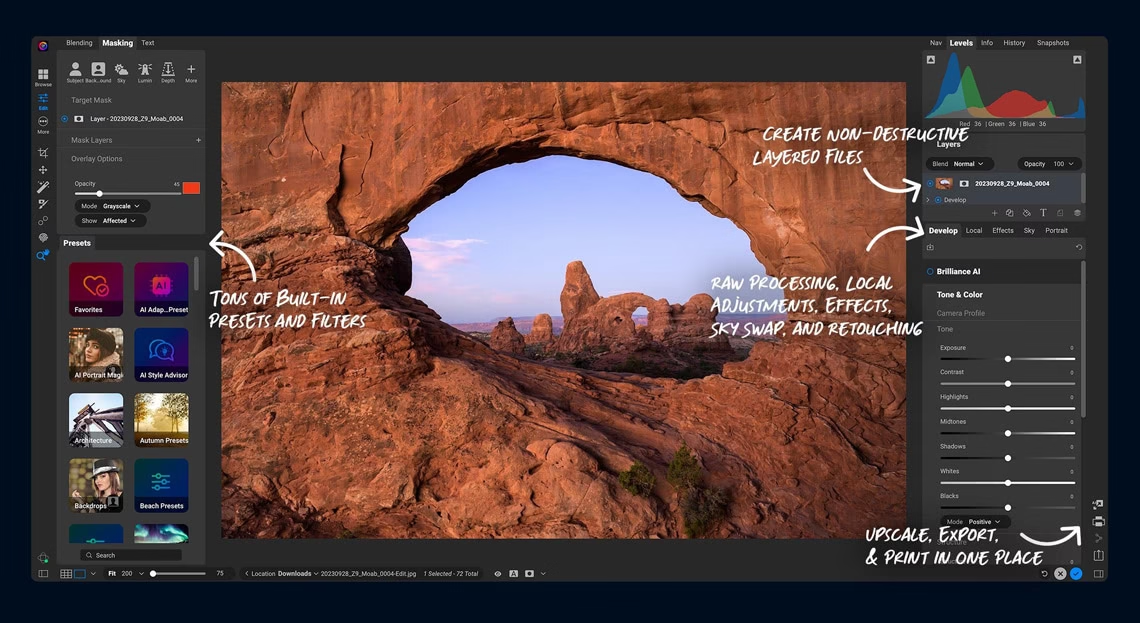
ON1 Photo RAW, on the other hand, tries to do almost the opposite: combining into a single software program what many photographers currently use across Lightroom, Photoshop, and a few other tools. This positioning makes it appealing to beginners and intermediate users.
When Lightroom retains an advantage
- You are already very well established at Adobe and you also use Photoshop regularly.
- You work in a team with 100% Adobe habits.
- You want to stay within a widely used standard for training, presets, tutorials, and file sharing.
- You use the Adobe cloud a lot and you appreciate this continuity between devices.
Clearly, Lightroom isn’t a bad choice. It remains very robust. But it’s not necessarily the simplest option if you want to work quickly, keep your costs transparent, or avoid juggling multiple software programs.
Why ON1 Photo RAW may seem simpler to many photographers
1. A true “all-in-one” feature
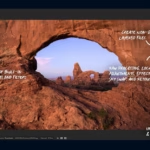
On its official page, ON1 emphasizes this point: RAW development, retouching, effects, masks, layers, organization, and export are all integrated into a single interface. For someone who wants to avoid multiple steps, this is a real selling point.
2. A more direct approach to the organization
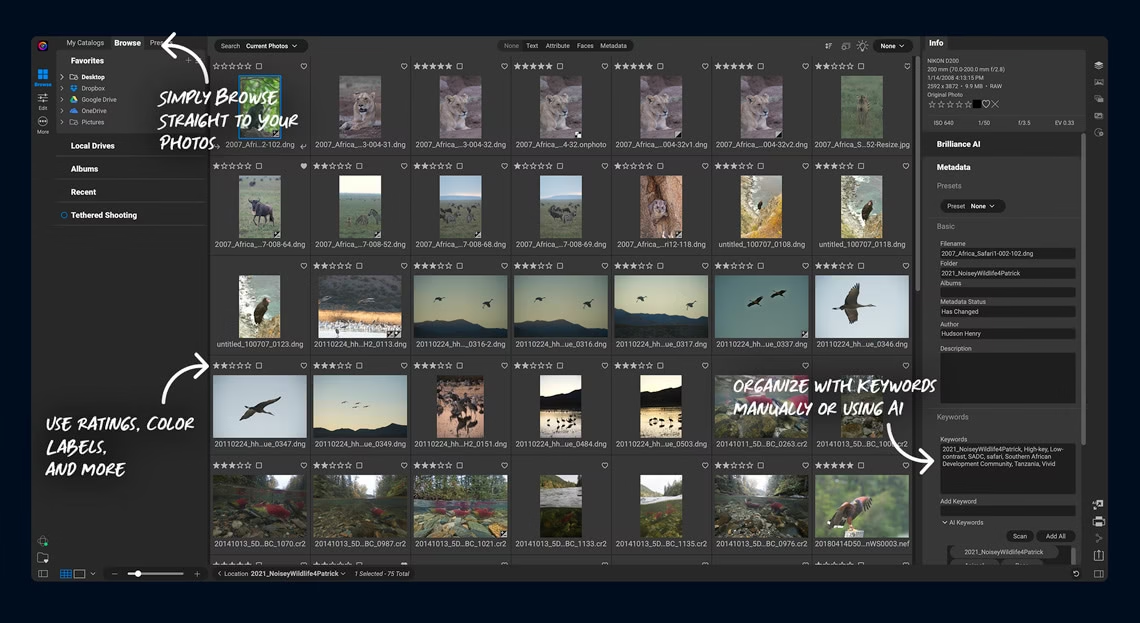
ON1 also highlights a point that many appreciate: it doesn’t impose the same feeling of a “mandatory central catalog” as Lightroom. For some photographers, especially those who like to keep their photo folders organized in their own way, this feels more natural.
3. AI tools already integrated into the workflow
On Photo RAW, ON1 directly integrates several building blocks that speak to today’s photographers: NoNoise AI, Resize AI, intelligent masking, generative tools, automatic selections … For an intermediate user, this is often more pleasant than having to complete their workflow on a case-by-case basis.
4. A more reassuring philosophy if you want to avoid forced subscriptions
ON1 strongly promotes the idea of a one-time payment and the software you own. If you’re tired of accumulating subscriptions, this is a compelling argument.
Do you want to see if ON1 Photo RAW fits your workflow better than Lightroom?
If your goal is to have a simpler, more direct, and less fragmented workflow , ON1 Photo RAW is definitely worth a try. The most logical approach is to look at the full version first, and then, if you want to test it without committing, open the free trial.
Useful direct link: see the ON1 Photo RAW 2026 datasheet .
Which one is the simplest for a beginner?
For a complete beginner, Lightroom might seem reassuring because it’s ubiquitous. But in practice, perceived simplicity doesn’t always come from the most well-known software . It often comes from the software that requires the fewest adjustments.
If you especially want to:
- import or open your photos quickly,
- sort, develop, correct and style all in one place.
- avoid relying on a Lightroom + Photoshop duo,
- to stick with a more autonomous tool,
So ON1 Photo RAW often has an advantage in readability .
For an intermediate level, ON1 often becomes more interesting.
Once you understand the basics of photography—for example, exposure, the exposure triangle , aperture , or shutter speed —your expectations change. You want to save time, not just “have a well-known software.”
And that’s where Photo RAW becomes truly credible:
- You can go further with local adjustments;
- You benefit from integrated AI tools;
- you maintain a more focused logic;
- You can build a real workflow without feeling forced to exit the software after 5 minutes.
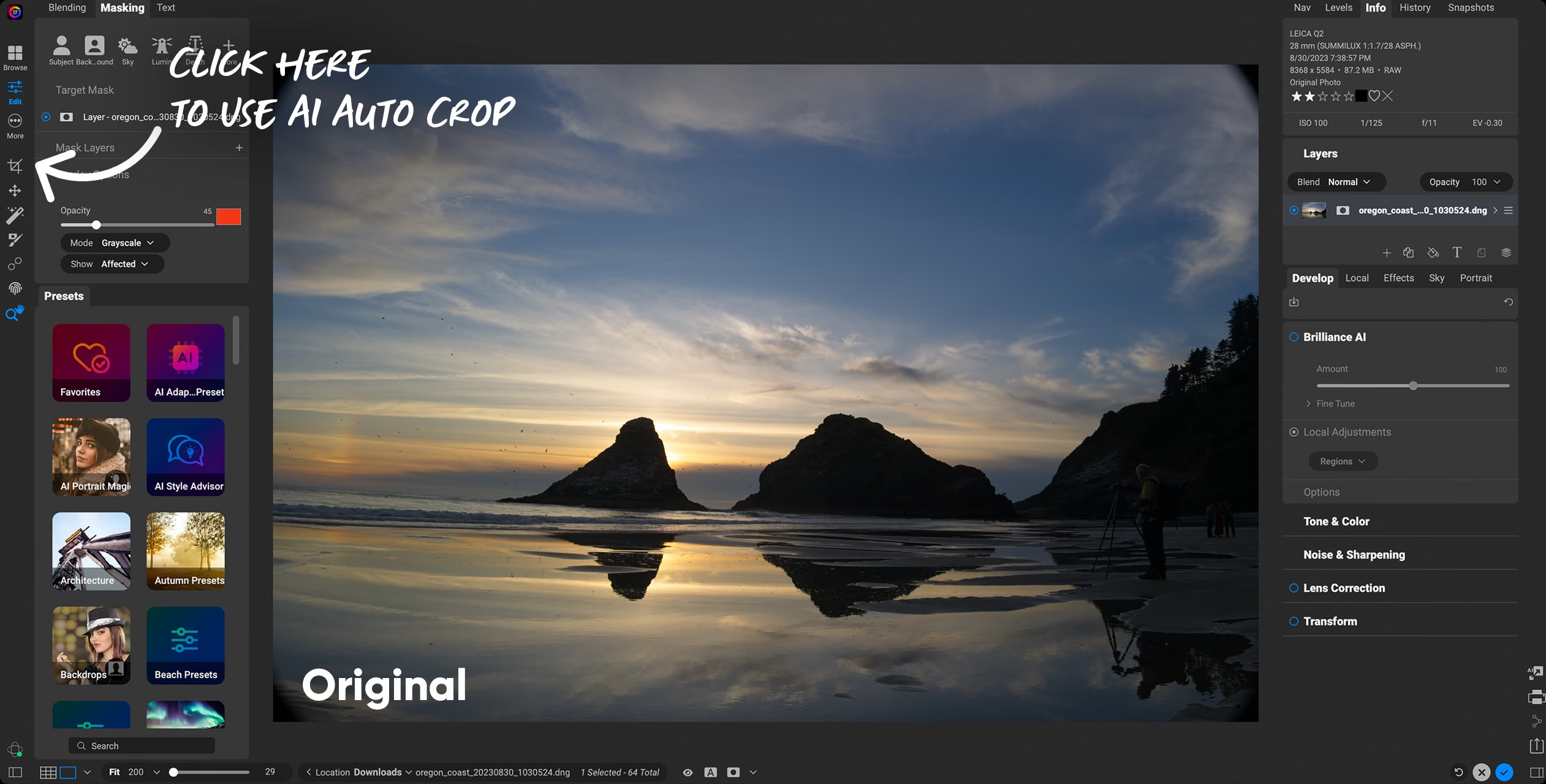
What I appreciate about ON1 Photo RAW is its simple workflow.
- The positioning is clear : a single software to organize, correct and finalize.
- The approach appeals to photographers who want to move forward without tinkering with a pile of tools.
- AI functions are integrated into the flow , not simply added around it.
- The business model is more transparent if you want to avoid the impression of a permanent rental.
It’s not necessarily the best choice for everyone. But for a beginner/intermediate photographer who wants less friction , it’s a seriously serious option.
So, ON1 Photo RAW or Lightroom?
If you want to stay in the Adobe ecosystem, you already use Photoshop extensively and the subscription doesn’t bother you, Lightroom retains its logic.
But if you’re primarily looking for a simpler, more autonomous, more direct and less scattered workflow , then ON1 Photo RAW is probably the most consistent choice for many beginner and intermediate photographers.
And this is even more true if you like the idea of a tool that combines photo management, RAW development, masking, effects and AI in a single workflow.
My simple advice
If you’re still hesitating, the smartest approach isn’t to choose “in theory,” but to see which one saves you the least time on your actual photos. ON1 Photo RAW is particularly appealing when you want software that’s easier to use on a daily basis.
Useful links: ON1 Photo RAW 2026 product page • 30-day free trial
Visual credits: official ON1 images + ON1 banner. RAW photo from Impact.com.





Leave a Reply