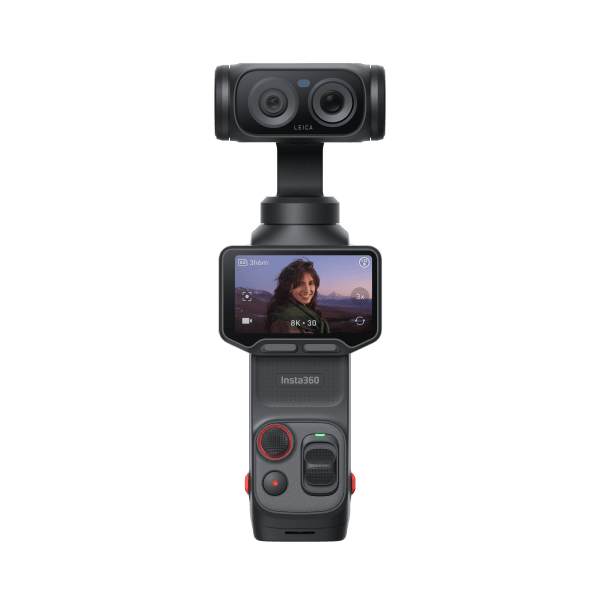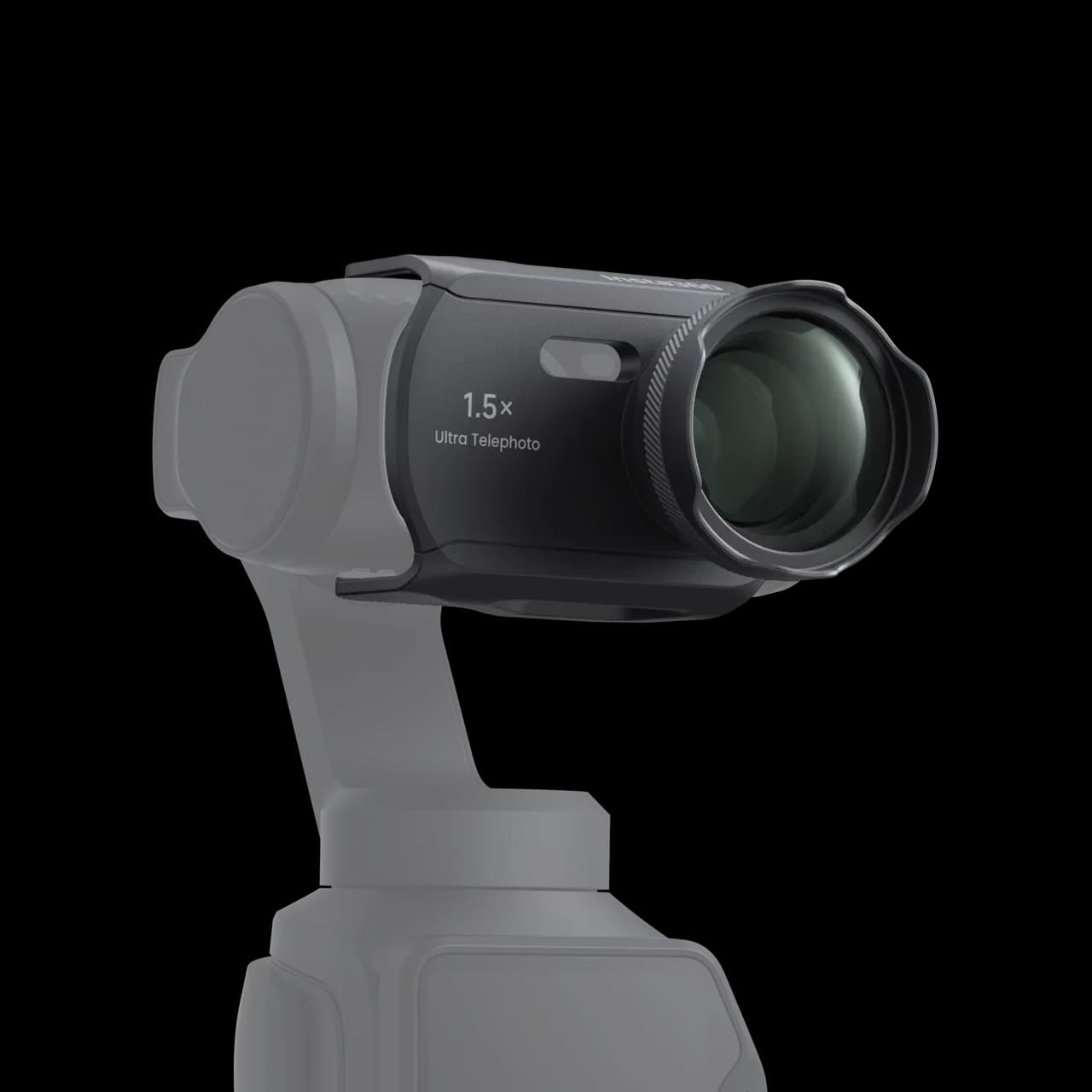
From a viewpoint, the Luna Ultra’s wide angle lets you film an entire waterfall. But if what you care about is where the water hits the rock, you may end up spending time in editing cropping a few seconds of video. The Insta360 Luna Ultra ×1.5 teleconverter lets you pick out that detail while shooting, even when the trail doesn’t let you get closer.
This accessory mounts in front of the camera’s ×3 telephoto lens and brings its optical framing to ×4.5. So its value mostly depends on your habits. Do you often want a tighter frame, or are you already struggling to step back far enough to fit everyone in the shot?
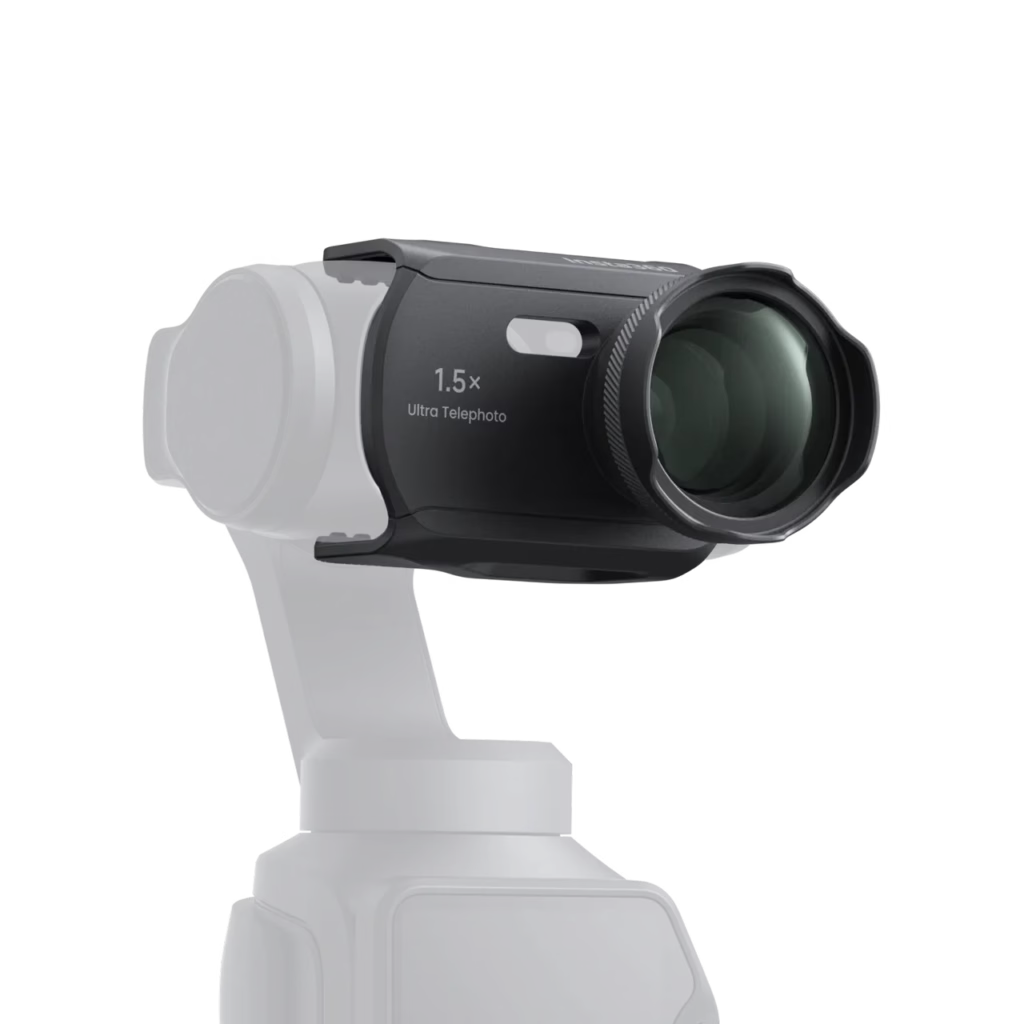
What does the Insta360 Luna Ultra ×1.5 teleconverter change?
At the same distance, a subject appears one and a half times larger with the converter than with the ×3 telephoto lens alone. Picture a sign that takes up a third of your frame’s width. Without moving, it will take up about half once the accessory is installed. It’s a good way to visualize the gain before buying.
The key distinction is the maximum ×22.5 zoom shown by the camera. The optical add-on provides ×1.5 magnification. To reach the highest values, the Luna Ultra also relies on digital zoom. At ×18 or ×22.5, you can frame very tight, but fine textures lose detail. On foliage or a bird’s feathers, it’s worth comparing the result at ×9 before pushing the zoom all the way.
Which shots really benefit from being filmed on the telephoto?
Landscape details. On Réunion Island, you often shoot from a viewpoint where you can’t choose your distance. The wide angle places the waterfall in its ravine. The telephoto lens, on the other hand, lets you dedicate a second shot to the water trickling down a rock face. In editing, you end up with two complementary images that give a much better sense of the place.
An artisan’s hands. At a market, you can film someone behind their stall, then frame their hands as they prepare a spice. The teleconverter lets you keep your spot without moving the camera over their workspace. For a vlog, this kind of shot is especially useful under a voice-over explanation.
Outdoor portraits. For a nice blurred background, start by thinking about where you place the person. If they’re standing against a wall, ×4.5 will mostly just give you a tighter portrait. If you place them a few meters in front of trees, you’re more likely to separate their face from the background. This small change in positioning often matters more than moving up to the next zoom step.
What are its limits for vlogging?
The first constraint is distance. At ×4.5, the frame is already tight. To film yourself at arm’s length on a trail and show the scenery behind you, the main lens remains the most practical. However, if you set the camera down to record an intro, the detachable screen lets you check your framing from where you’ll be speaking.
Another thing to know before heading out: the converter covers the main lens. So to go back to wide angle, you have to remove it. If you alternate framings, the simplest approach is to shoot a few wide shots first, then mount the teleconverter for details. You’ll spend less time handling the camera.
Finally, the tighter the frame, the more noticeable small movements become. To film a static subject, brace yourself or set the Luna Ultra down. If your subject is moving, leave a bit of space in front of it. A bird or a cyclist can leave the frame very quickly at high magnification.
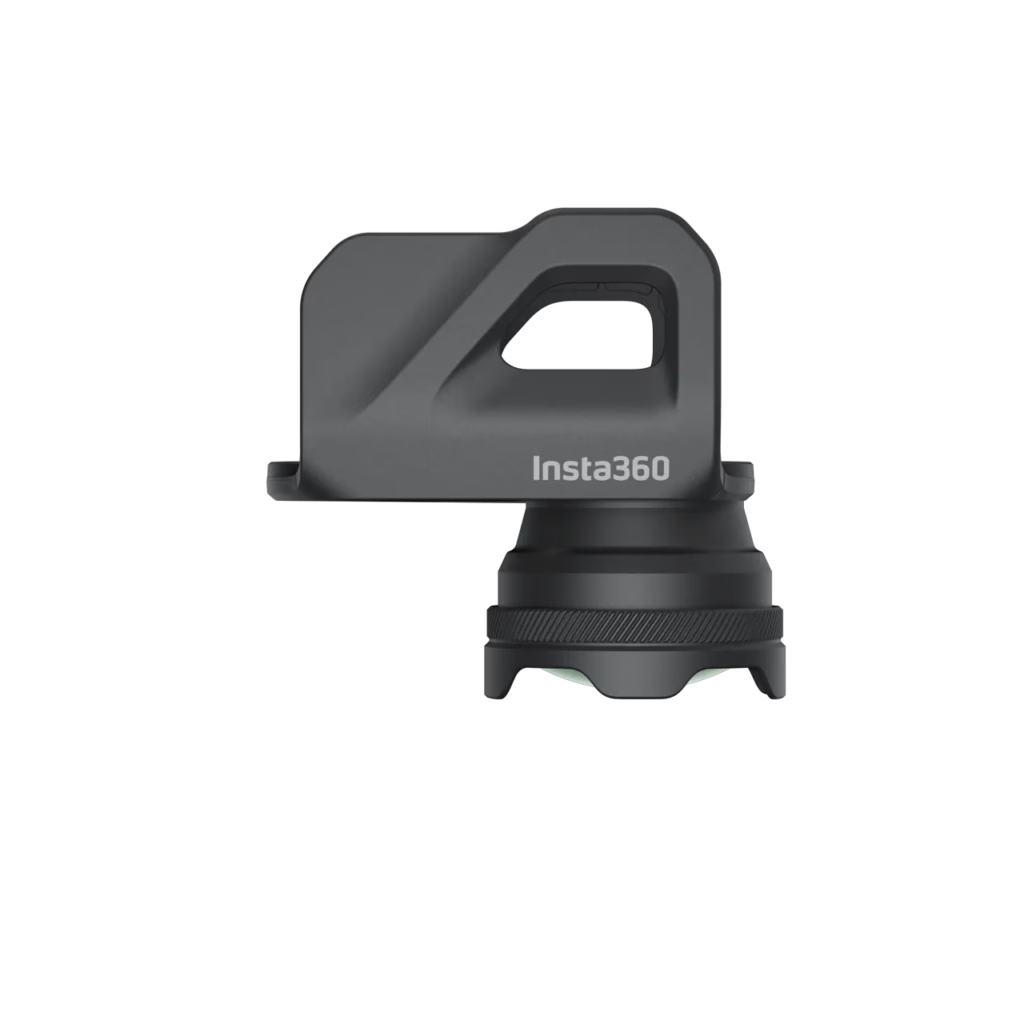
How do you install the teleconverter on the Luna Ultra?
- Turn off the camera before handling the gimbal. This avoids putting strain on its motors during installation.
- Remove the silicone cover and check that there’s no dust on the optical surfaces.
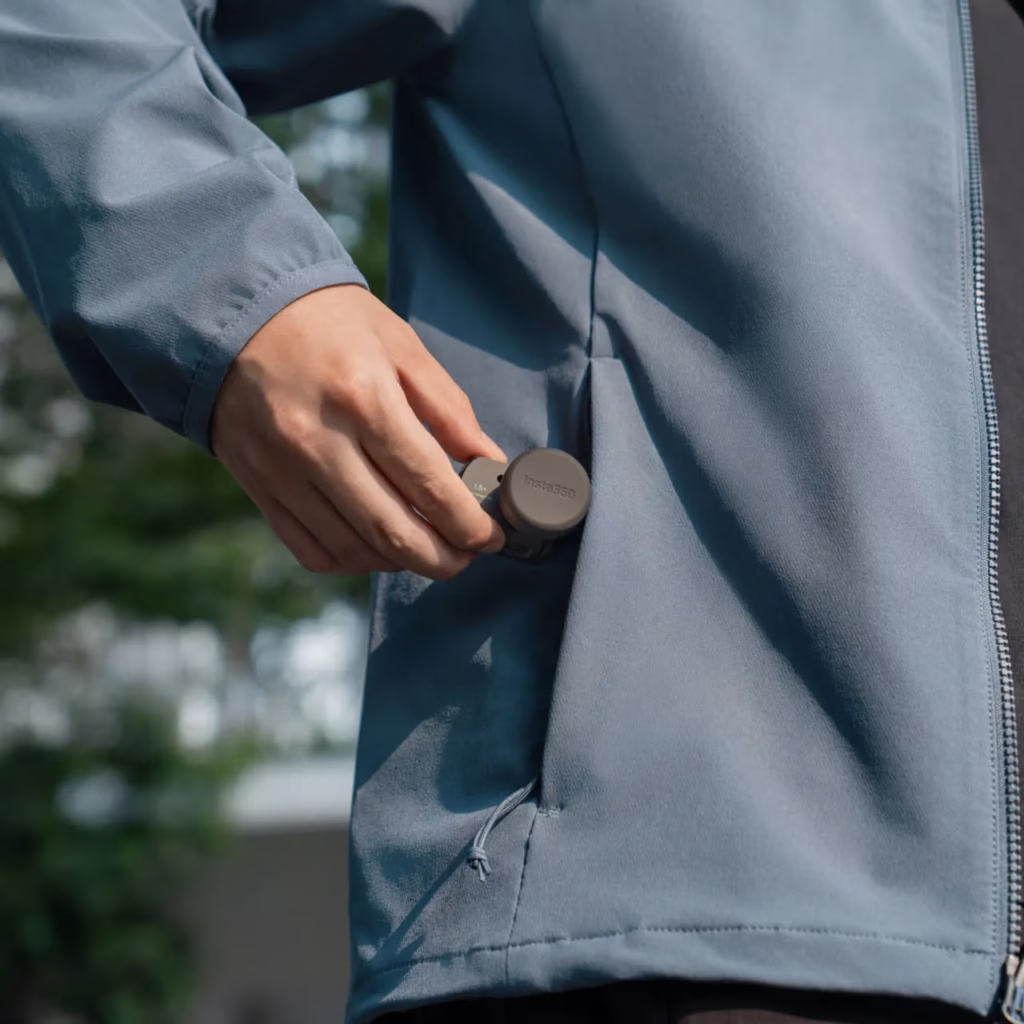
- Align the converter’s notch with the side of the ×3 telephoto lens. Once it’s correctly oriented, the accessory clicks into place without forcing it.
- Turn the Luna Ultra back on and confirm activation of ultra telephoto mode. The first zoom level should display ×4.5.
If focus lacks precision as early as ×4.5, check that the lenses are clean, then run the ultra telephoto calibration in the menus. Set the camera perfectly upright, under good lighting, and aim at a detailed element about 70 meters away. Windows on a building facade will give the camera a more precise reference than a uniform sky.
To find the other useful shooting settings, you can check out the free Insta360 Luna Ultra guide on Drone & Cam.
Does the Insta360 Luna Ultra teleconverter deserve a spot in your bag?
To decide, open your latest edit and look at the sequences shot at ×3. If you regularly crop those shots to isolate a face, a gesture, or a landscape detail, the teleconverter meets a specific need. At €54.99 on the French store at the time of writing, it mainly makes sense if those shots come up often in your videos.
For an outing where you plan to film a waterfall from a viewpoint, I’d happily bring it along. For a walk narrated to camera with a few wide views of the trail, I’d leave it at home: in that case, it’s precisely the scenery around you that makes the shot interesting.
If you order through this affiliate link, Drone & Cam may earn a commission, at no extra cost to you. See the ×1.5 teleconverter for Insta360 Luna Ultra on the official store