
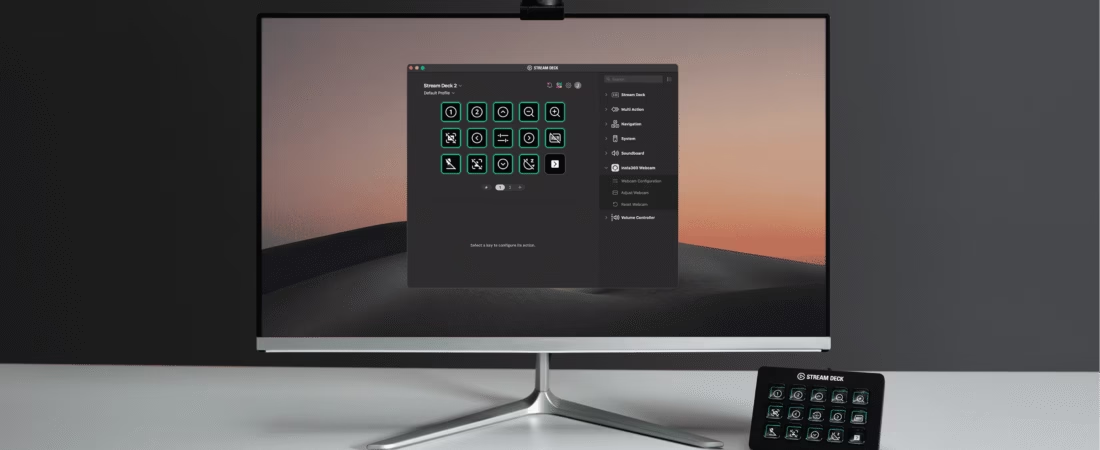
The Insta360 Link 2 Pro is now available, and clearly, it’s not aimed at “casual” users. This webcam was designed for those who stream frequently , who do back-to-back live streams , who switch formats mid-broadcast , and who want total control without breaking their rhythm .
If you’re a gamer, streamer, podcaster, or live content creator, you know how quickly technology can become a hindrance. Too many settings, too many open windows, too many manipulations during the live stream… and your audience’s attention evaporates. That’s exactly the problem the Link 2 Pro aims to solve.
A webcam designed for modern streaming
Today, streaming is no longer just about launching a game and turning on a webcam. It requires juggling:
- Full-screen facecam
- gameplay
- discussion,
- whiteboard,
- close-ups or wider shots,
- sometimes even multiple cameras.
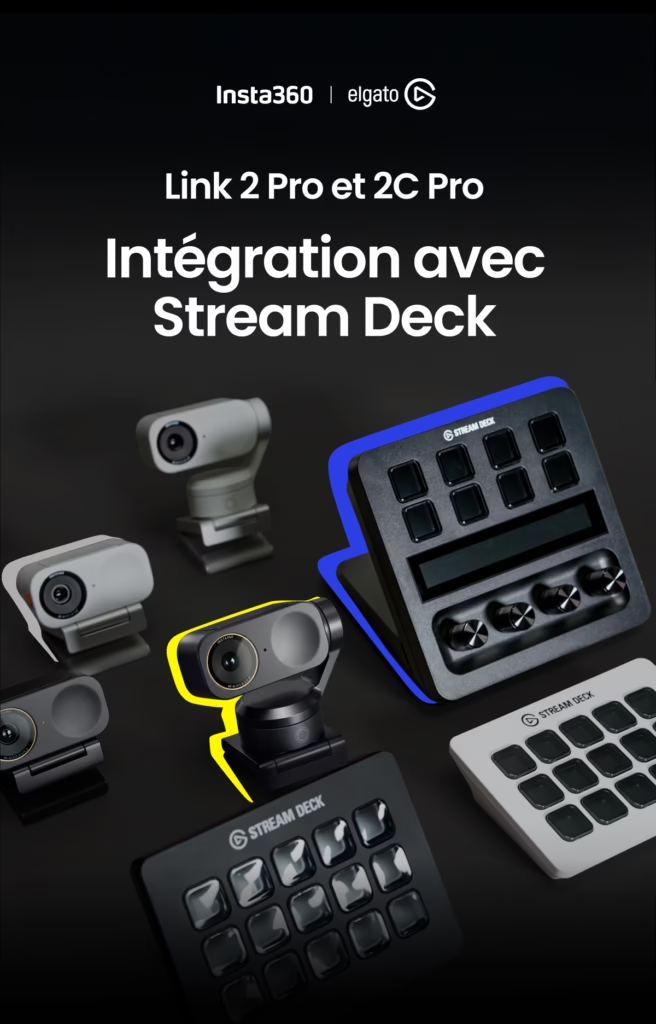
The Insta360 Link 2 Pro is part of this dynamic content ecosystem, where the camera adapts to the creator, not the other way around. It combines AI, advanced manual control, and intelligent hardware integration to deliver an experience truly designed for live streaming.
Native integration with Elgato Stream Deck
This is undoubtedly one of the most important points for streamers.
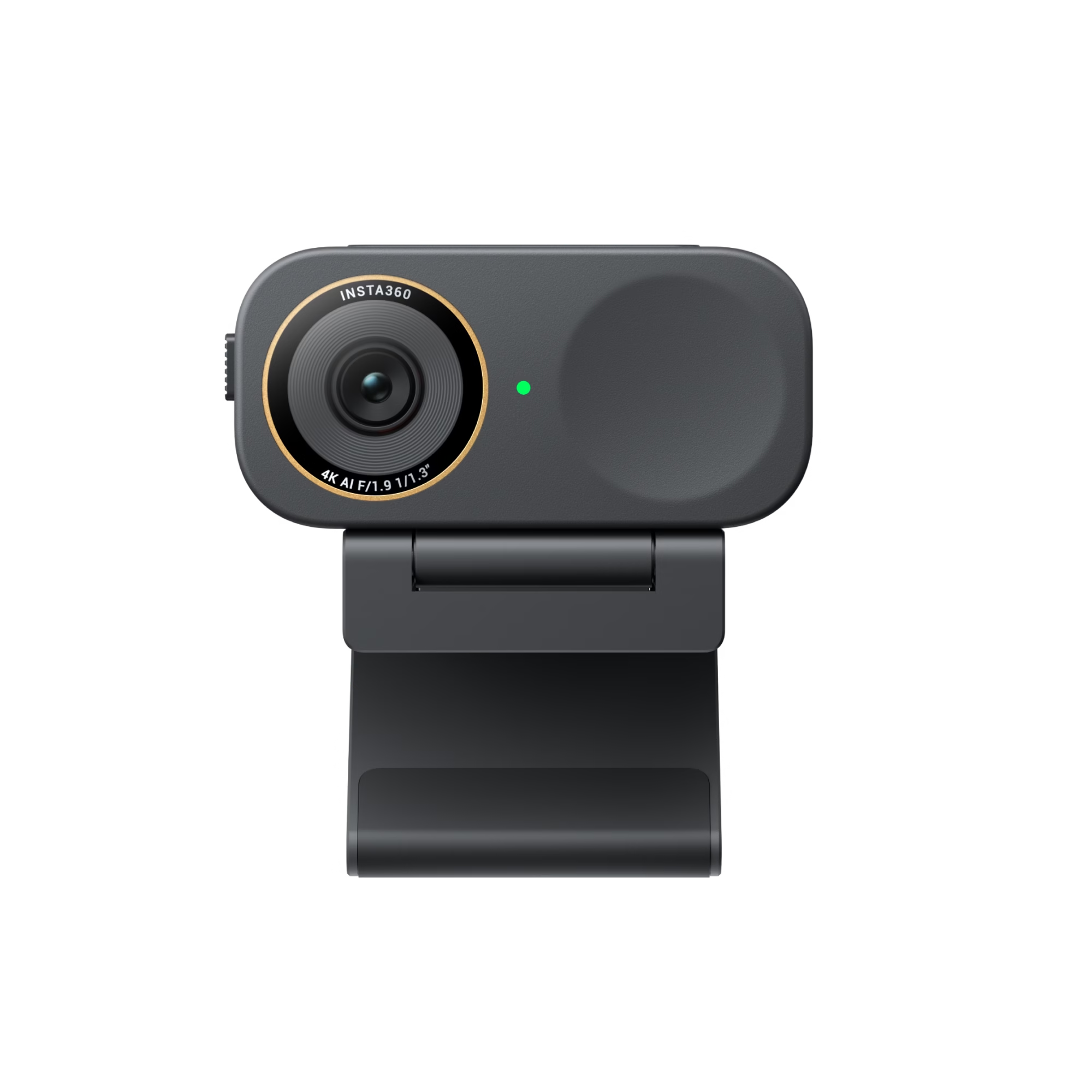
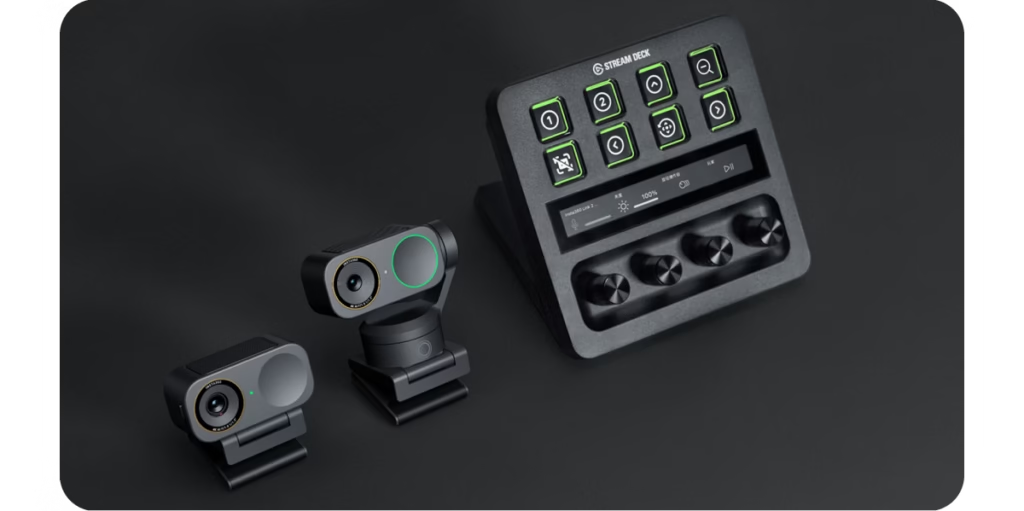
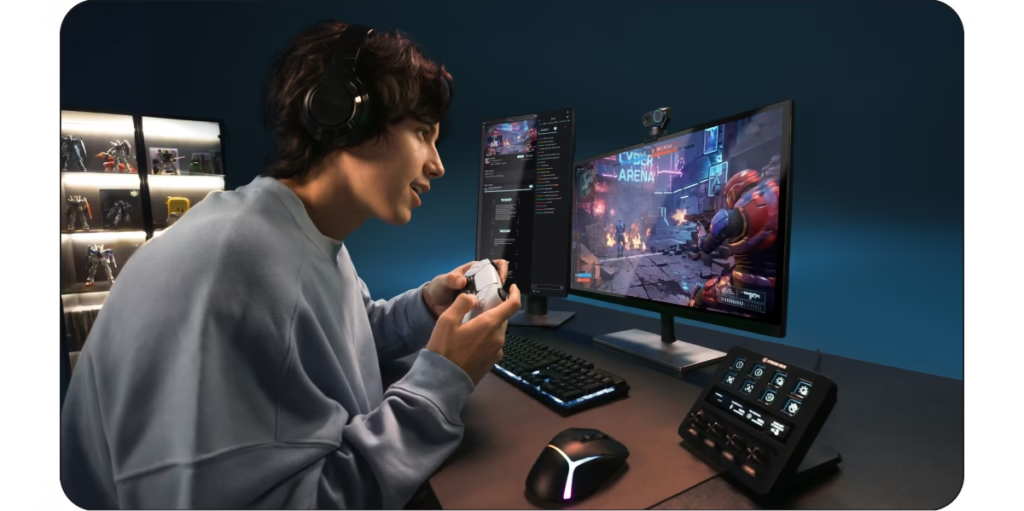
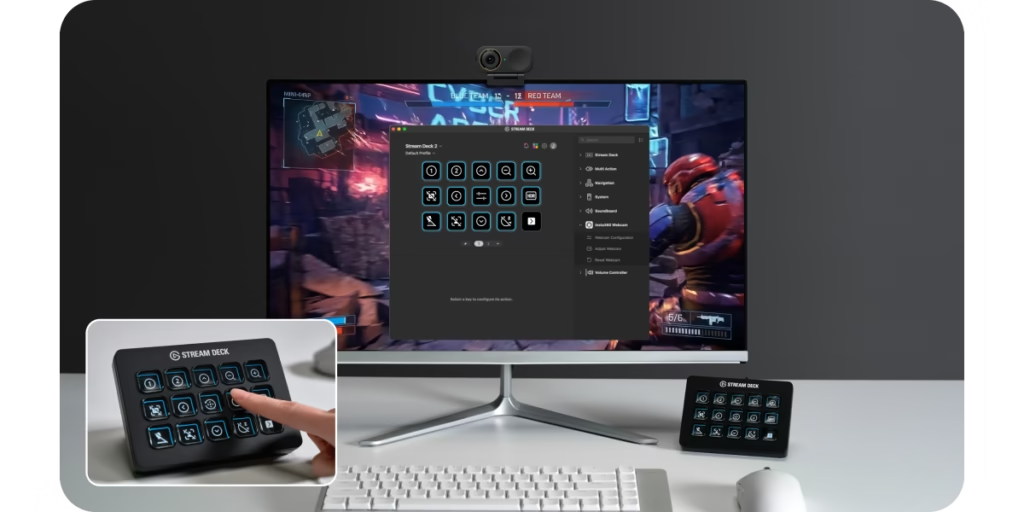
The Link 2 Pro offers full and native support for the Elgato Stream Deck . In practical terms, this means you can control your webcam without leaving your live stream , directly from the physical buttons on your Stream Deck.
With a single gesture, you can:
- change camera mode,
- enable or disable AI functions,
- adjust the framing,
- switch between presets,
- modify the camera’s behavior in real time.
No need to open software, click through menus, or interrupt your live stream. Everything is immediate, seamless, and natural .
One simple step to change your entire camera configuration
The real game changer is the presets .
With the Insta360 Link 2 Pro , you can create presets adapted to each situation:
- Portrait view to chat with your cat
- half-body shot for freer interaction
- A bird’s-eye view to show off your setup or a product.
- whiteboard mode for explaining a strategy or concept.
Once these presets are created, switching between them in seconds is as simple as pressing a button on the Stream Deck. The camera follows instantly, without latency or abrupt transitions.
Result: your stream gains in rhythm, professionalism and immersion.
A camera that adapts to your content, not the other way around.
Streaming is dynamic. You can go from a calm moment to a very dynamic phase in seconds. The strength of the Link 2 Pro is its ability to adapt to your content in real time .
You’re switching from gameplay to a discussion on camera.
Are you getting up to explain something?
Are you showing an object or an accessory?
AI tracking ensures a clean, centered, and stable frame. You no longer have to think about your camera: it works for you, while you focus on your audience.
Multi-cameras finally simple and accessible
Multi-camera setups are often reserved for studios or highly advanced creators because they are complicated to manage. Insta360 clearly aimed to democratize this approach .
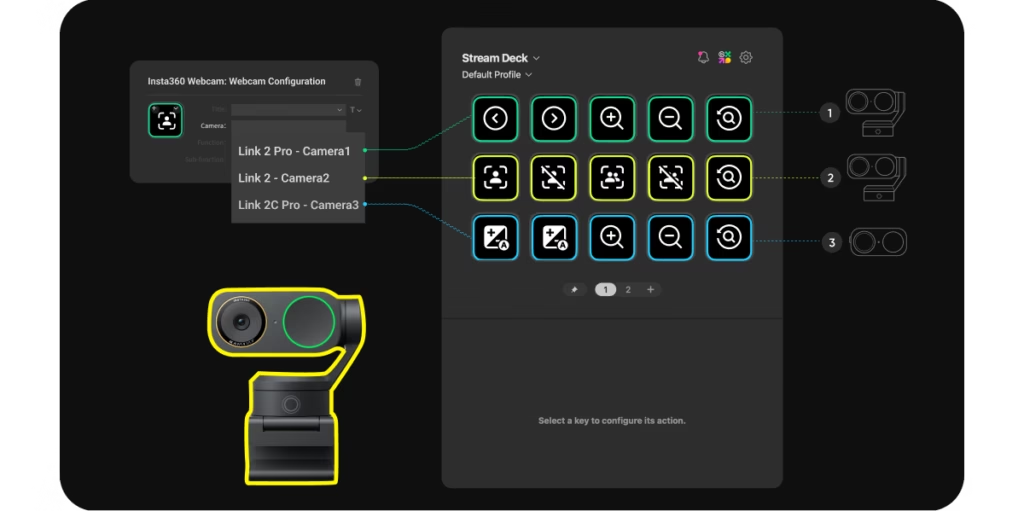
With the Insta360 Link 2 Pro , you can control multiple Link webcams simultaneously from a single Stream Deck . No need to switch devices, no need to juggle multiple programs or windows.
It’s ideal for:
- video podcasts,
- the interviews,
- multi-angle streams,
- creators who want a more “studio” look.
Everything remains centralized, consistent, and easy to manage live.
Stay focused on your audience, not on the technology.
One of the biggest problems with streaming is mental overload. Between the game, the chat, the alerts, the sound, the video… it’s easy to get lost.
The Link 2 Pro is designed to reduce this load . You can adjust it manually:
- the exhibition,
- white balance,
- image presets,
and then let the AI tracking handle the rest . The camera keeps you centered, well framed, with a consistent image, even if you move or the light changes slightly.
Fewer interruptions, less stress, more fluidity.
AI and manual control: the right balance
Some solutions focus entirely on automation, others entirely on manual control. The Insta360 Link 2 Pro makes a smart choice: combining both .
AI takes care of repetitive and invisible tasks:
- follow up,
- framing,
- stability.
The creator retains control over the essentials:
- the angles,
- the transitions,
- Key moments from the stream.
It is this balance that makes the difference on long streams or intense sessions.
Link 2 Pro and Link 2C Pro: webcams designed for tireless creators
The philosophy behind the Link 2 Pro is clear: go fast, stay fluid, never break the rhythm . It’s aimed at creators who juggle live streams, formats, and ideas, without wanting to be held back by technology.
The simpler, gimbal-free Link 2C Pro version is available for those who want the same image quality and AI in a more static format. But for dynamic streaming, the Insta360 Link 2 Pro remains the most versatile model.
Why this webcam really makes a difference in live video
In summary, what distinguishes the Link 2 Pro from conventional webcams is not just image quality, but above all:
- the speed of execution ,
- the fluidity of transitions ,
- instant control via Stream Deck ,
- the ability to keep up with the creator’s pace .
This is a webcam designed for live streaming, not simply for “being visible”.
Should you choose the Insta360 Link 2 Pro for your streaming setup?
If you stream rarely and in a static way, it might be oversized. But if you:
- streams regularly,
- formats often change
- I want to professionalize your setup,
- already using a Stream Deck,
So the Insta360 Link 2 Pro can clearly become a central tool in your workflow .
Is the Insta360 Link 2 Pro the webcam you need to take your streaming to the next level?
The real question is not whether this webcam is “good”.
👉 The real question is: do you want a webcam that follows you, assists you and adapts to your content, or a webcam that forces you to adapt to it?
If you’re one of those creators who never stop, you already know the answer.




Leave a Reply