
Using the Insta360 camera allows you to capture immersive images and spectacular videos from unique perspectives. But once you’ve captured your content, how do you turn it into social media-optimized clips? Whether for Instagram, TikTok, or YouTube, sharing 360 videos can seem complex without the right tools and tricks. Imagine your Insta360 videos becoming the star of social media, capturing the attention of thousands of viewers. Here’s how to share your Insta360 videos in the best possible way, while adding a creative touch to captivate your audience.
Understanding the formats for each social network
Each social network has its own specific formats and orientations. Here’s a brief summary of the ideal formats for each platform:
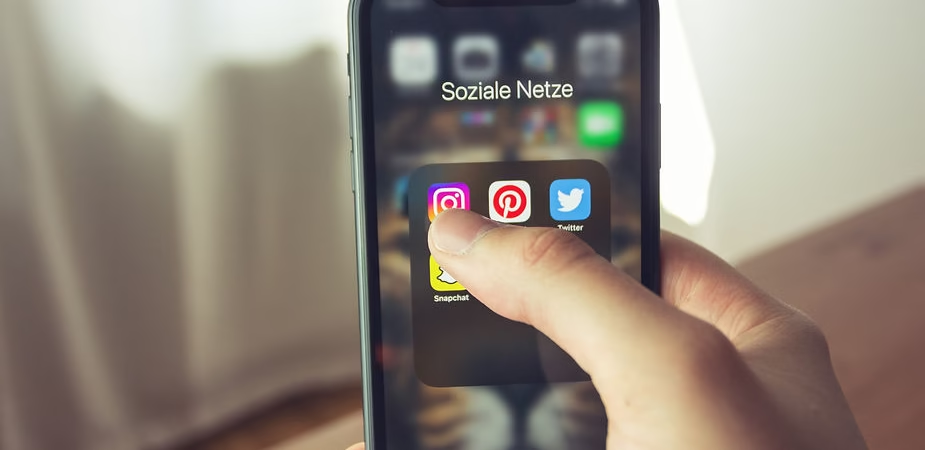
- Instagram : For feed posts, the square format (1:1) is very popular, while for Stories and Reels, a vertical format (9:16) is essential. Imagine that your video takes up the entire screen of your audience’s phone – this is the effect you want to achieve to captivate them. Additionally, Instagram values interactive content from the first seconds, so don’t forget to include elements that will surprise you, like a “Tiny Planet” effect.
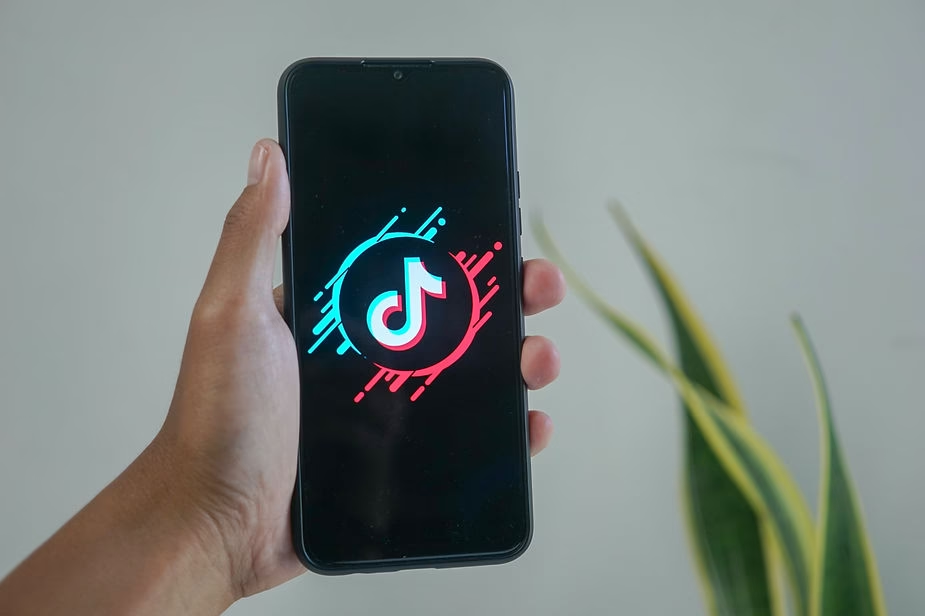
- TikTok : The platform also prefers the vertical format (9:16) so that videos are perfectly suited to mobile use. TikTok stands out for its focus on engagement, fast-paced, and often humorous content. To capture attention, think about dynamic montages and surprising visual elements. A good tip: start with an eye-catching element to keep your audience glued to the screen.
- YouTube : You can use both horizontal videos (16:9) for long-form content and YouTube Shorts in vertical format (9:16). Regular videos are perfect for vlogs and detailed adventure stories, while Shorts are ideal for impactful moments, like a dramatic transition or an intriguing visual effect.
It’s therefore essential to re-edit your Insta360 content to adapt it to these formats. Use Insta360 Studio or the mobile app to adjust the framing and make your videos compatible with each platform. A little secret to a more professional look? Test several formats and see which one works best to grab your audience’s attention.
Crop your videos to maximize impact
One of the main strengths of Insta360 videos is the ability to crop videos after shooting. This gives you the freedom to choose the best angle for each platform. For Instagram, for example, you can crop your videos to a square format, while still highlighting the highlights. For TikTok, opt for vertical crops and emphasize dynamic scenes.
Think of Insta360’s Deep Track feature as a personal assistant, always ready to keep your main subject front and center. It’s a great way to create videos that immediately captivate, even when the camera is moving. By cropping your videos to fit specific platforms, you ensure you never miss a key detail. Imagine a hiker on a mountain ridge, captured by a 360 camera, and your edit is designed to follow that precise moment—that’s the power of responsive cropping.
Create smooth and original transitions
Transitions are key to capturing your audience’s attention. Think of transitions as bridges that connect your different sequences and invite the viewer to continue their journey without interruption. With an Insta360 X3 , you can create seamless transitions by leveraging zoom and rotation effects. Why not use the “Tiny Planet” effect for a fun twist? Imagine a scene where you start in Tiny Planet mode, then zoom in to dive right into the action—a surefire way to captivate on TikTok.
Creative transitions are particularly useful for maintaining viewer interest, especially on platforms like TikTok where attention spans are often very short. You can also use transitions to connect seemingly unrelated moments, for example, moving from a hiking scene to a city scene with a quick zoom. This creates a sense of continuity and keeps your viewers on their toes.
Add text and interactive elements to engage the audience
To make your content more engaging, consider adding text, subtitles, or interactive elements. Many viewers watch social media videos without sound, so subtitles can really make a difference. Use tools like CapCut or the Insta360 app to incorporate text that explains context, adds humor, or encourages your viewers to react.
Why not add stickers or animations to draw attention to a key moment in the video? For example, use an arrow or a box to highlight an important detail. This can transform a simple video into an interactive piece of content that encourages comments or sharing. Also consider including calls to action, such as “Swipe up,” “Subscribe,” or “Leave a comment.” These small details can have a huge impact on your audience’s engagement.
Adapt your strategy for each platform
Each social network has its own specificities and algorithms. To succeed on Instagram, it’s essential to use relevant hashtags and incorporate visual effects to get featured in Reels. On TikTok, focus on quick storytelling. Start your video with an eye-catching element to immediately capture attention, then use trending songs to boost your content’s visibility. On YouTube, the video’s thumbnail and title are just as important as the content itself.
For example, for a vlog captured with an Insta360 ONE RS , you might include clips showing stunning panoramas. Then, in a YouTube Short, focus on a dynamic moment—an impressive jump or landscape transition—that keeps viewers wanting more.
Time-saving tips
To maximize your efficiency, use templates provided by Insta360. These templates allow you to create professional-looking videos in just a few clicks. Imagine the time you can save by having cropping presets that ensure visual consistency across all your posts. This not only saves you time, but also gives your content a unique visual identity.
You can also automate tedious tasks like adding subtitles or stabilizing footage. Today’s editing software is advanced enough to do most of the heavy lifting for you. Let your creativity flow by spending less time on the technical side.
Creative Ideas to Repurpose Your Insta360 Videos
- Montrez les coulisses : Utilisez votre Insta360 GO 3 pour capturer les coulisses de vos activités et partagez-les en courts extraits. Les vidéos des coulisses sont idéales pour créer un lien personnel avec votre audience. Elles leur montrent que, derrière chaque contenu, il y a une histoire et des efforts – et cela les rapproche de vous.
- Tiny Planet : Create “Tiny Planet” videos with your Insta360 for a unique and fun visual effect. Imagine your viewers suddenly seeing the world from a miniature planet—an effect guaranteed to capture attention on Instagram or TikTok.
- Dynamic Timelapse : Use the timelapse feature to speed up certain scenes and show progression. A sunrise or the construction of a project, seen in time lapse, has a hypnotic and captivating effect that draws viewers in.
- Move Challenges : Take advantage of 360° capture to participate in popular move challenges on TikTok and Instagram. Imagine your video going viral thanks to a challenge you started—that’s the power of social media.
- Immersive Perspective Edits : Use 360 perspective to create edits that literally immerse your viewers in the scene. Imagine a viewer going from a paradise beach to a lush forest in a single movement—it’s the kind of immersive experience that makes your Insta360 videos unforgettable.
Explore more
Transforming your Insta360 videos into social media-ready content takes a little planning and a lot of creativity. By adapting the format, using visual effects, and leveraging cropping and editing features, you can create content that will grab attention and stand out on Instagram, TikTok, and YouTube. Keep exploring new ways to showcase your videos, stay on top of trends, and have fun creating unique and immersive content!



Leave a Reply