

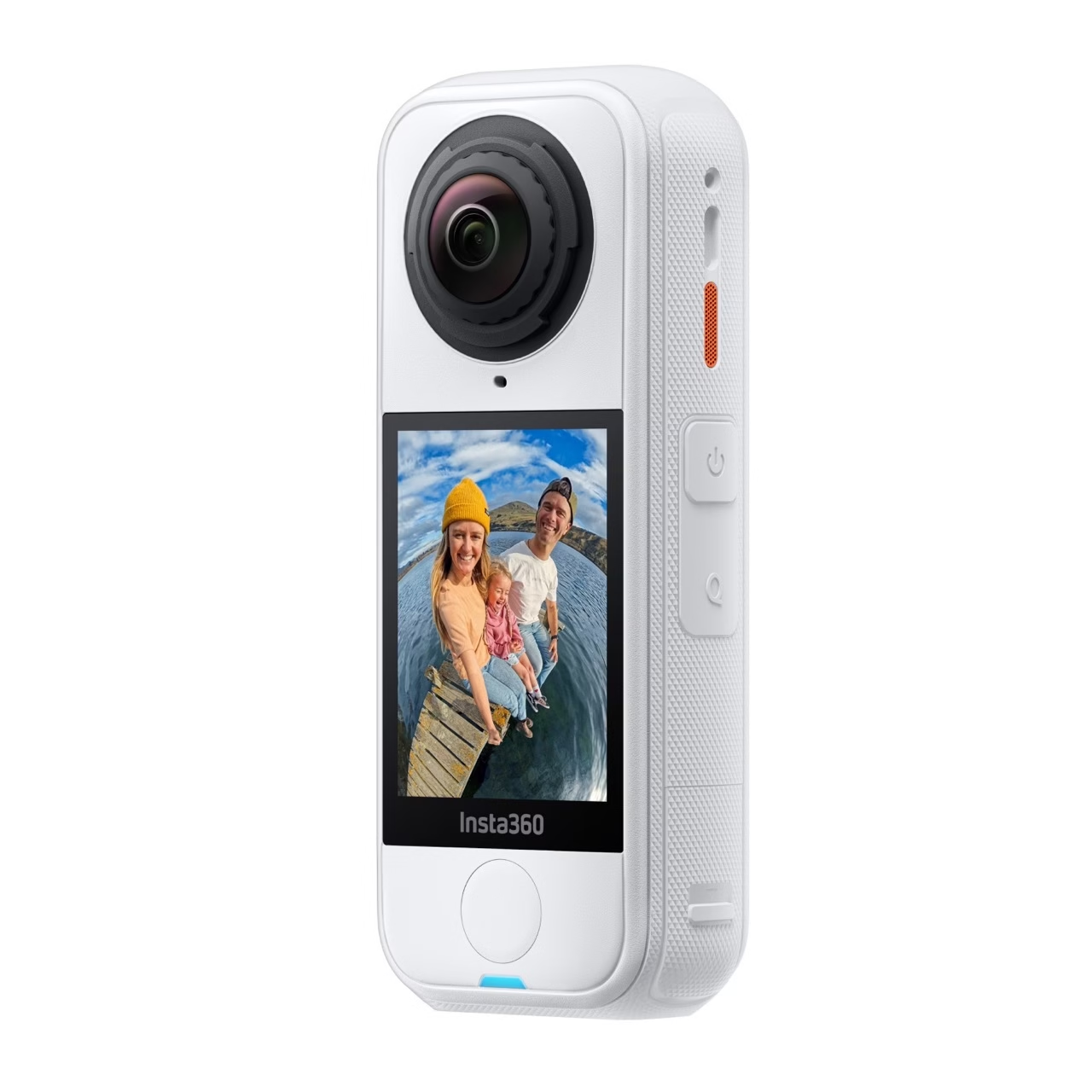
The Insta360 X4 Air is the lightest 8K 360° camera ever designed by Insta360.
It fits in the palm of your hand, films in all directions at once and transforms your images into spectacular videos — without a drone, without a tripod, without constraints.
But like any camera, it only reveals its full potential if you know how to use it. In this article, we share 8 simple and effective tips to get the most out of your X4 Air: stabilization, lighting, editing, sound… You’ll see, everything changes with just a few adjustments.

💡 1. Activate FlowState stabilization for consistently smooth shots
FlowState stabilization is one of the major advantages of the Insta360 X4 Air .
It automatically compensates for all shaking and sudden movements, even if you are running, walking or filming in the middle of the action.
👉 Pro tip:
- Keep the pole perfectly vertical so that the camera can seamlessly remove the invisible pole in the final render.
- Activate 360° horizon lock for straight shots even if the camera rotates on its axis.
The result: stable, smooth and professional videos, without gimbal or complicated post-production.
🌤️ 2. Film in good lighting conditions
Even though the Insta360 X4 Air handles contrasts well, light remains your best ally.
Ideally, film in the morning or late afternoon: the golden light will enhance the colours and volumes.
Activate AdaptiveTone mode: it automatically balances shadows and highlights to avoid blown-out or overly dark areas.
👉 To avoid: filming under midday sun or in very dark environments without additional lighting.
🎞️ 3. Use HDR Action mode for dynamic scenes
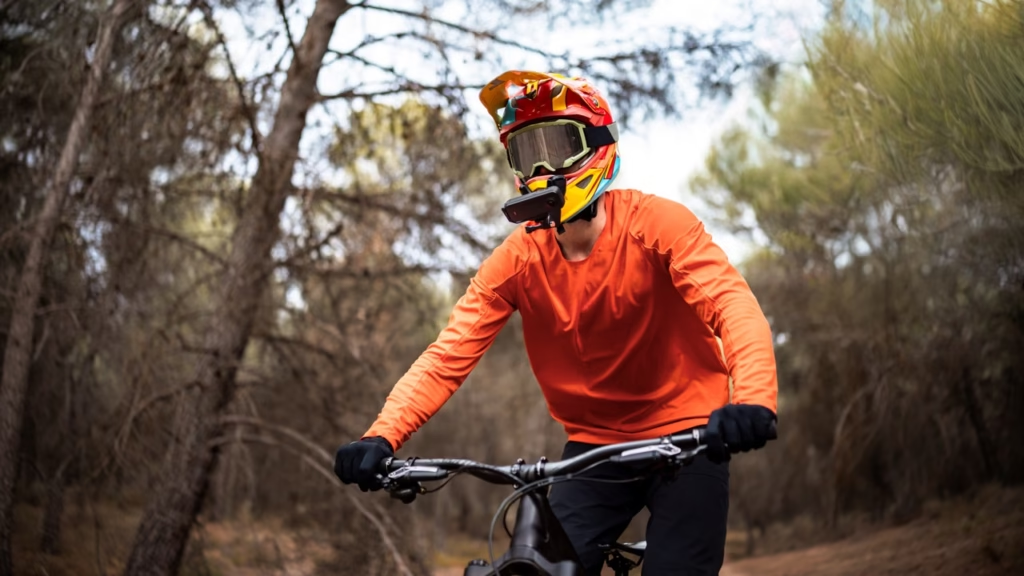
Are you filming a downhill bike ride, a paddleboarding trip or a hike in the jungle? Activate Action HDR mode .
This mode records multiple exposures simultaneously to restore more detail in both dark and light areas.
- Outdoors, the rendering becomes more natural and cinematic.
- In motion, the contrast is softened without loss of detail.
👉 Tip: Use it in 8K at 30fps , the maximum resolution of the X4 Air, for crisp and immersive videos.
🧭 4. Choose the right invisible selfie stick for your needs
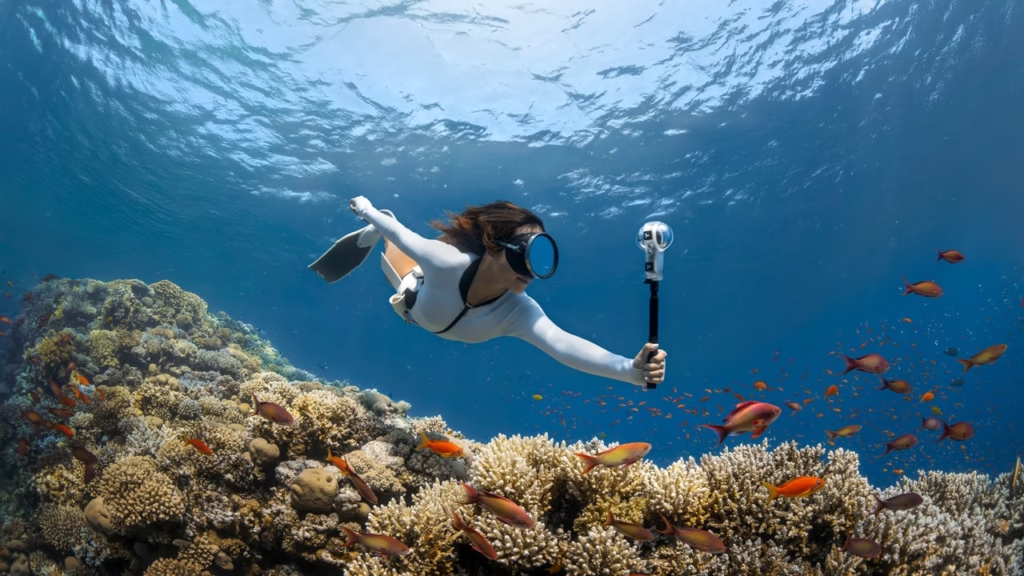
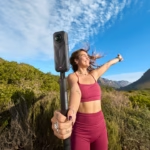
It’s impossible to talk about the X4 Air without mentioning the invisible boom mic , the accessory that makes everything magical.
Thanks to the camera’s AI, the boom pole completely disappears from view — as if the camera were floating around you.
The choice of pole changes everything:
- 114 cm → versatile size for travel and vlogging.
- 85 cm → ideal for sports activities.
- 2 m → spectacular “drone” effect for landscapes.
👉 Check out our full article: How to choose the right invisible selfie stick for the X4 Air.
🔈 5. Enhance your sound with the Mic Air
The image is good. The sound is better.
The Insta360 X4 Air already integrates 4 microphones with wind reduction, but for a clearer sound, especially in vlogging, the Mic Air is an excellent companion.
- It captures a clear, balanced sound, even in a noisy environment.
- It can be easily installed on the pole or a support.
- And most importantly, it does not interfere with 360° recording.
👉 Tip: If you are filming in a quiet place, disable automatic noise reduction to keep the sound more natural.
🧠 6. Test the smart controls (gestures and voice)
One of the most practical new features of the Insta360 X4 Air is gesture and voice control .
No need to touch the camera anymore:
- Raise your hand to start recording.
- Give an “OK” sign to take a picture.
- Turn the pole (Twist Control) to start a video.
👉 Result: you film alone , without interrupting the action or shaking the camera.
🎨 7. Optimize your edit with the Insta360 app
The Insta360 app is a real gem of efficiency.
It automatically recognizes key moments in your videos thanks to FlashCut , adds visual effects with Shot Lab , and automatically reframes sequences to the right angle.
- Removes the invisible pole automatically.
- Offers “Reels-ready” mounting templates with one click.
- Allows exporting in ProRes 422 or H.265 to preserve 8K quality.
👉 Bonus: with Insta360+ , your integrated cloud, you can save, edit and share without transferring your files.
🧰 8. Clean your lenses regularly and protect your camera
One small but crucial detail: 360° lenses are exposed to everything.
A grain of sand or a fingerprint can ruin a plan.
👉 Simple tips:
- Use a microfiber cloth to clean the lenses before each use.
- Always keep the camera in its case.
- Equip it with lens protectors to prevent micro-scratches.
It’s a simple but essential step to maintain the sharpness and brightness typical of the Insta360 X4 Air .
🏁 Conclusion — Unleash the full potential of your X4 Air
The Insta360 X4 Air is much more than just a 360° camera: it’s a gateway to creativity.
By applying these few tips — FlowState stabilization, good lighting, HDR mode, accessories and AI editing — you will achieve incredible results, effortlessly.
🎯 In summary: leverage technology, but keep spontaneity.
Because it is in motion, in real life, that the X4 Air truly comes into its own.
👉 Discover all the official accessories on the Insta360 store and start filming differently.




Leave a Reply