
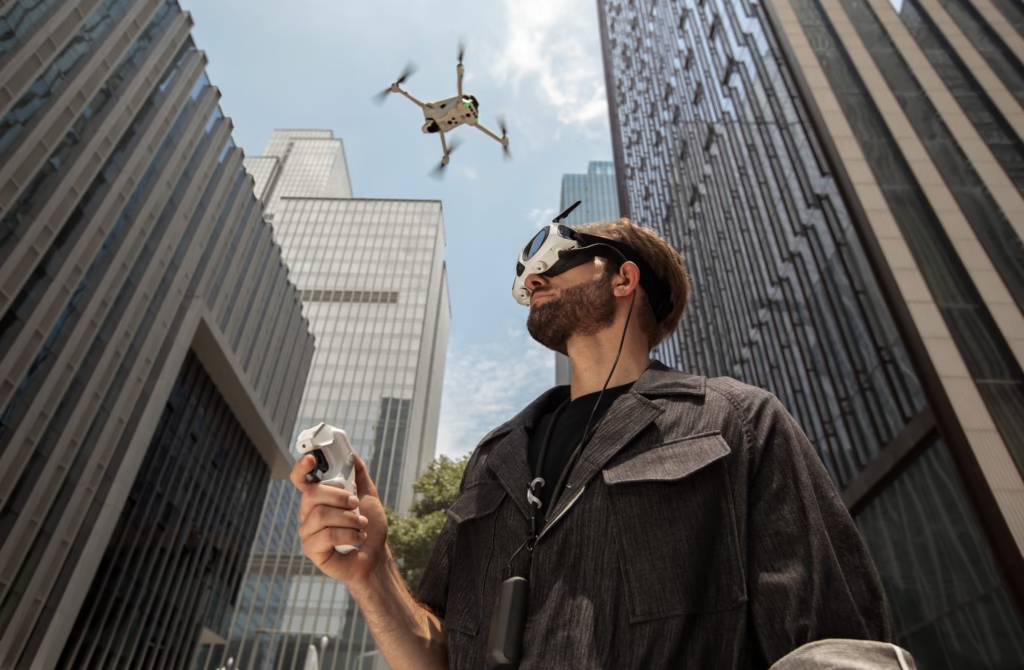
Take your time at the start
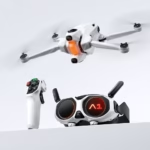
Discover the Antigravity A1 and prepare for your first flight in the best conditions.
See the official offer →Good news: the A1, the Vision goggles, and the grip are already paired upon delivery. There is nothing to redo after unboxing. The procedure below becomes useful if you replace a part of the kit or if Antigravity asks you to recreate the link.
Before you start
Charge all three devices and place them within 0.5 meters of each other. Also, disconnect the drone’s USB port: In practice, it is explicitly requested not to attempt pairing while it is connected via USB.
Linking the A1 drone to the Vision goggles
- Turn on the A1 and the Vision goggles.
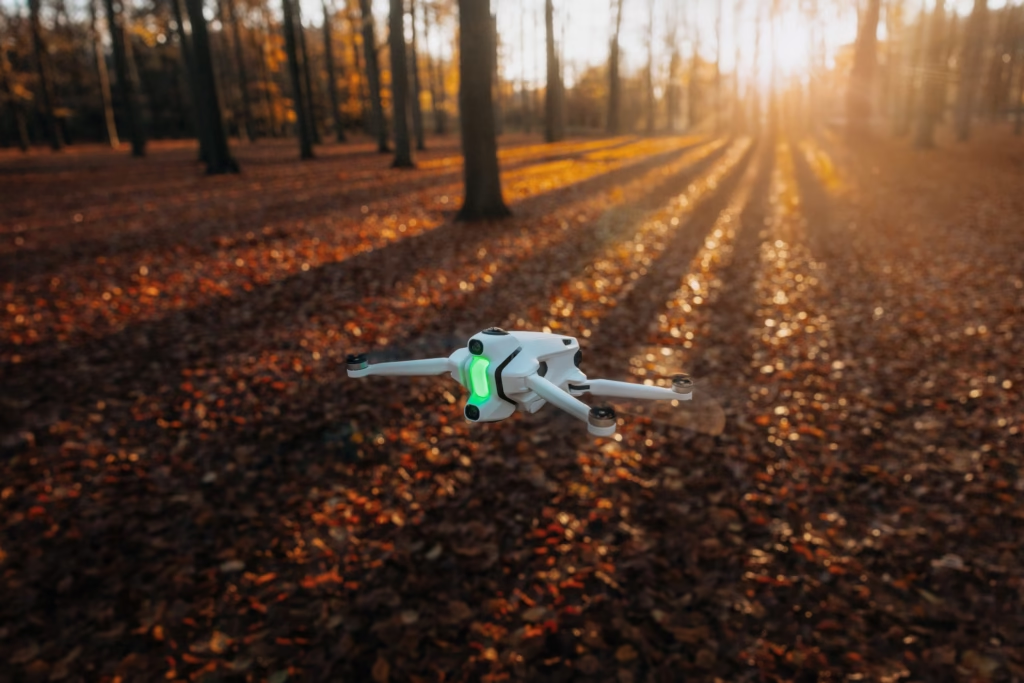
- Hold the drone’s power button for more than four seconds. It will beep and its front light will flash green.
- Hold the Home button on the Vision goggles. They will also emit an audible signal.
- Wait for the sounds to stop: the drone’s live view should then appear in the goggles.
Linking the goggles to the grip
- Turn on the Vision goggles and the control grip.
- Hold the Home button on the goggles until the pairing signal sounds.
- Hold the power button on the grip. Its battery level will start flashing in sequence.
- Look at the RC signal icon in the live view: if it’s white, it confirms the link is successful.
If it doesn’t work
Don’t keep pressing the buttons. Turn off the devices using their power buttons, check their charge, and try again at a short distance. If the problem occurs after an update or hardware replacement, keep the message displayed in the goggles before contacting support.
Equipment that suits you
Compare the available packs before preparing for your next outing.
Discover the A1 →Our tips for going further
What to understand before restarting a pairing process
The A1, the Vision goggles, and the grip form a set: the drone sends its image to the goggles, then the grip links to the goggles to transmit commands. This is why it’s useful to proceed in this order and not press all the buttons at the same time. On a new kit, pairing is already done. You only come back to it after replacing a device or when a link has actually dropped.
The method that works most often
Start by charging all three elements and place them side by side. Turn them off completely, wait a few seconds, then turn them back on. To link the A1 to Vision, hold the drone’s power button for more than four seconds until the beep and green flash, then hold the Home button on the goggles. When the live view appears in Vision and the beeps stop, the first link is complete.
For the grip, turn on Vision and the controller, hold Home on the goggles, then the power button on the grip until it flashes in sequence. The correct indicator is the white RC signal icon in Vision. Always do this with less than 50 cm between devices and without a USB cable plugged into the drone.
Errors that waste time
A nearly empty grip might turn on but fail to complete the procedure correctly. The same goes for the Vision battery: check its level before trying again. If you don’t have a live view, don’t move immediately to the grip: resolve the drone–goggles link first. If you have the view but no control, then focus on Vision–grip. This logic avoids confusing two different problems.
After connecting
Before taking off, check that alerts are normal, the signal is stable, and the brake/RTH button is well understood. A successful pairing is a starting point, not a license to fly anywhere. Do your first test in a clear area with no one nearby.
Ready to fly?
Check the availability of the Antigravity A1 before finalizing your gear.
Check availability →To finish
Frequently asked questions about pairing
Do I need to pair a new kit?
No: the link is normally established before delivery. If everything is working, don’t redo it just for the sake of it. This way, you avoid creating a problem that didn’t exist.
Can I start pairing far from the devices?
No. Keep the drone, Vision, and the grip within 50 cm at the start. Once the link is established, check the signal before moving away.
What is the final test?
The live view must be present in the goggles, the RC icon must be white, and the grip must respond on the ground. Perform this check before unlocking the motors.
To Go Further
These guides can help you continue based on your needs:


Leave a Reply