
Flying a drone for the first time can be daunting. Between the joysticks, framing, obstacles, battery life, and the fear of crashing, many beginners hesitate before taking the plunge.
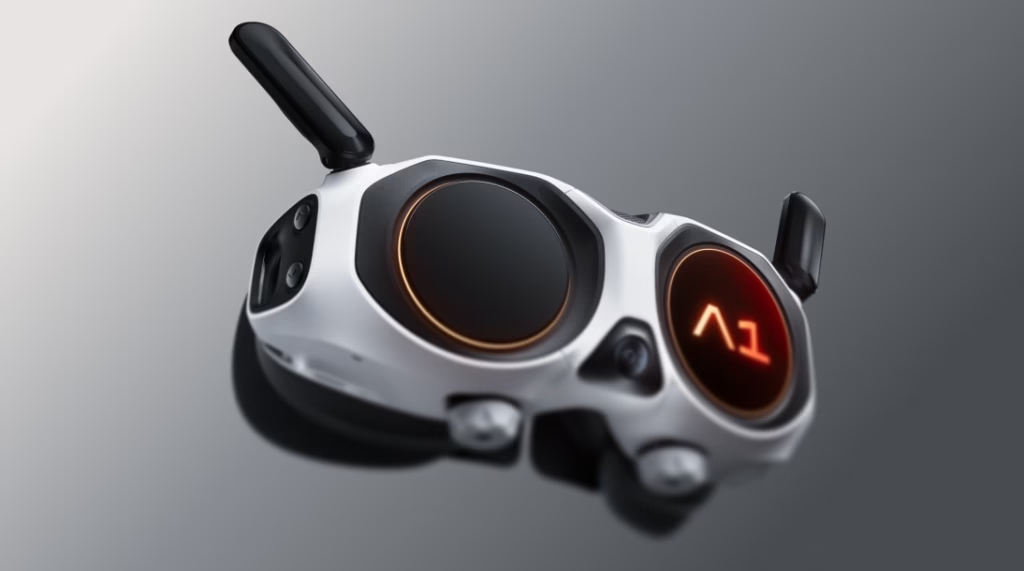
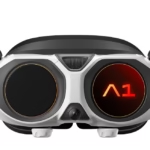
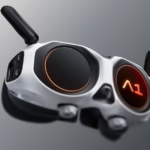
With the Antigravity A1 , the approach is different. This 360 drone doesn’t just aim to film from the sky: it offers a more immersive, more intuitive and more accessible flying experience thanks to the Vision glasses, the Grip Motion Controller and the FreeMotion mode.
But is it really simpler than a classic drone for beginners? Here’s my opinion.
Why a classic drone can be complicated at first
With a conventional drone, you often have to manage many things at the same time: take off, control its height, orient the camera, monitor the screen, avoid obstacles and achieve a smooth movement.
The hardest part isn’t just piloting. It’s also getting your framing right during the flight. If you point the camera the wrong way, if your subject moves out of frame, or if your movement is too abrupt, the shot can be ruined.
For a beginner, this quickly creates stress. You focus so much on the controls that you sometimes forget to enjoy the scenery or think about the creativity of the video.
What the Antigravity A1 changes for beginners
The Antigravity A1 primarily changes the way you fly.
Instead of piloting solely with joysticks and a screen, you use Vision glasses and a gesture controller. The Grip Motion Controller works more naturally: you point in a direction, press the trigger, and the drone moves in that direction.
This is where FreeMotion mode becomes interesting. It allows for more intuitive piloting, without the feeling of having to memorize complex controls. You can focus more on exploration, the scenery, and the sensation of flying.
The other important difference is that the direction of gaze and the direction of flight can be separated. So you can fly forward while looking to the side, down, or behind you. For an immersive drone, this is very different from a conventional drone.
The 360 format reduces the stress of framing.
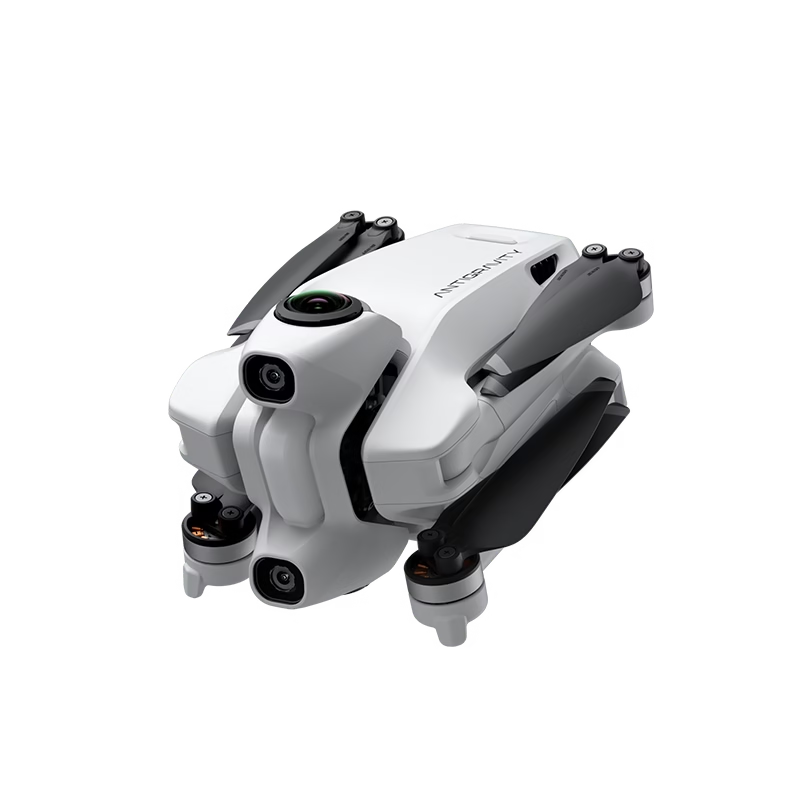
For me, the biggest advantage of the Antigravity A1 for a beginner is the 360 video.
With a conventional drone, you have to get your framing right while flying. With a 360 drone, you capture the entire scene around the drone. So you can fly first, then choose your angle later during editing.
This is a huge advantage for content creators. A single flight can be used to create multiple formats:
- a YouTube video in 16:9;
- an Instagram Reel in 9:16;
- a Short;
- a story;
- a vlog sequence;
- a photo capture.
Even if your framing isn’t perfect during the flight, you can often recover a good angle afterwards. This greatly reduces the pressure when you’re starting out.
Takeoff, landing and safety: is it reassuring?
The Antigravity A1 also offers several reassuring features for beginners.
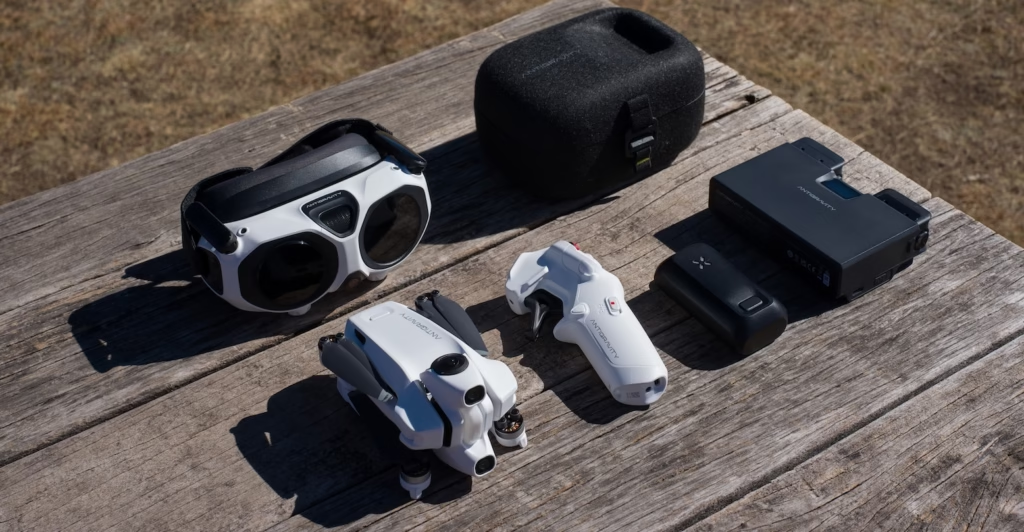
Takeoff is guided: you place the drone on a flat, open area, turn on the drone, goggles, and controller, check the alerts, and then unlock the motors. The drone can then gradually ascend and stabilize.
Landing is also assisted. Automatic return to home can help if you want to bring the drone back more easily. The Grip Motion Controller also has a brake/RTH button, handy if you want to stop the drone quickly and regain your bearings.
However, be aware that these aids do not replace vigilance. You must always check the flying area, the weather, obstacles, batteries, propellers, memory card, and local regulations.
Limitations to know before starting
Even though the Antigravity A1 is more intuitive, it’s not a toy to use just anywhere.
For your first flights, avoid:
- the strong wind;
- the rain;
- the fog;
- the dark areas;
- dense trees;
- electrical cables;
- areas with lots of people;
- flights too close to the water.
The Vision glasses also require a short adjustment period. The immersion is very intense, so it’s best to start in a large open space, with simple and slow movements.
Another point to keep in mind: to fully enjoy the 360 drone, you have to be willing to do some editing. The true potential of the Antigravity A1 is revealed when you crop your footage after the flight.
Antigravity A1 vs classic drone: which is simpler?
| Criterion | Classic drone | Antigravity A1 |
|---|---|---|
| Piloting | classic joysticks | Grip Motion Controller |
| Framing | To succeed in flight | Reframing after |
| Immersion | Screen or video return | Vision Glasses |
| Vertical format | To anticipate | Export possible after |
| Learning curve | More technical | More intuitive |
| Content creation | More limited by the framing | More flexible thanks to the 360 |
For a beginner who wants to create content, the Antigravity A1 can therefore be easier to use than a traditional drone. It reduces two major difficulties: the stress of piloting and the stress of framing.
For whom is the Antigravity A1 best suited?
The Antigravity A1 is particularly interesting for:
- content creators;
- the travelers;
- solo videographers;
- motivated beginners;
- those who want to publish on YouTube, Instagram, TikTok or Shorts;
- those who want an immersive flying experience.
On the other hand, if you simply want to take some classic aerial photos without editing, a traditional drone may suffice.
Should you buy the Antigravity A1 when you’re starting out?
Yes, if you want a simple, immersive drone geared towards content creation.
The Antigravity A1 doesn’t eliminate the learning curve entirely, but it makes the experience more accessible. You don’t need to achieve the perfect shot mid-flight, you can create multiple formats from a single sequence, and FreeMotion mode makes piloting feel more natural.
If you want to learn more about drones, you can use my affiliate link:
Discover the Antigravity A1
You can also use the promo code AGRRLOV to take advantage of the bonus with a free lens replacement kit + takeoff mat , depending on the current offer.
Conclusion
So, is the Antigravity A1 easier to start with than a classic drone?
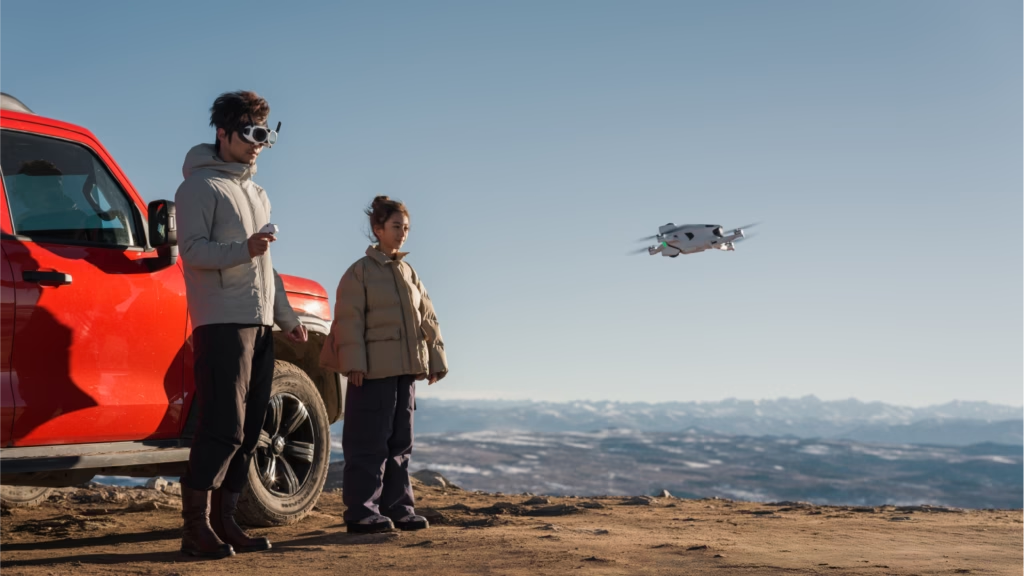
Yes, especially if your goal is to create videos. Its more intuitive controls, immersive glasses, FreeMotion mode, and 360 video make the experience less stressful and more creative.
It’s still important to prepare your flights, respect regulations, and remain cautious. But for a beginner who wants to create travel videos, Reels, Shorts, or immersive shots, the Antigravity A1 is a very interesting option.


Leave a Reply