
What if your drone wasn’t just for filming anymore… but for living an experience ? The Spring Antigravity Update is going to transform the way you use your drone.
With its new spring update (Firmware V3.3.11.3), 👉 Antigravity clearly moves to another level.
We’re not just talking about technical improvements, but a complete transformation of the way we fly.
In this article, I’ll show you all the new features , and most importantly, why this update is a real game-changer.
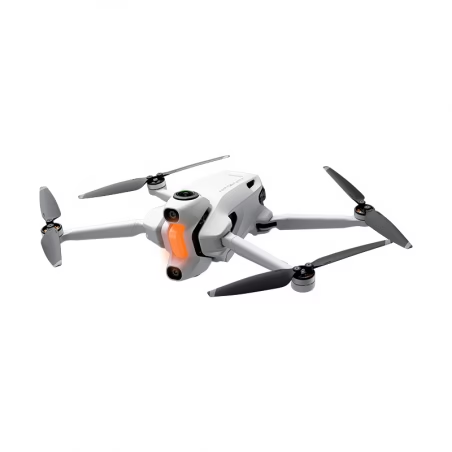
⚙️ How to update your Antigravity A1
Good news: the update is extremely simple.
Steps:
- Connect your drone and Vision goggles to your computer via USB-C.
- Launch Antigravity Sync
- The update starts automatically
💡 Tips:
- Battery fully charged (drone + goggles)
- Stable connection
- Do not unplug during the update
In just a few minutes, your drone will be ready.
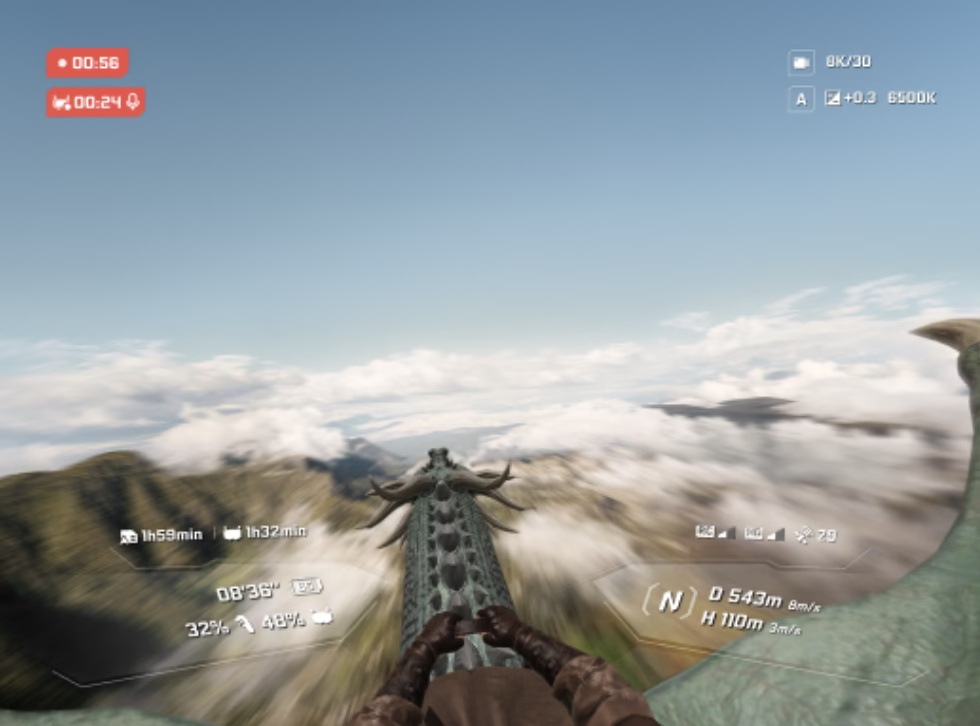
🎮 Virtual Cockpit 2.0: You’re piloting in a video game
This is clearly THE feature that changes everything.
✨ New third-person view
You can now switch between:
- Cockpit view (classic FPV)
- Third person view
The result: you go from a realistic vision to a video game-like experience .
🔥 Why it’s a game changer
- A feeling of total freedom
- Much more fun immersion
- Unique experience in the market
👉 In practical terms, you no longer feel like you’re piloting a drone… but like you’re inside it.
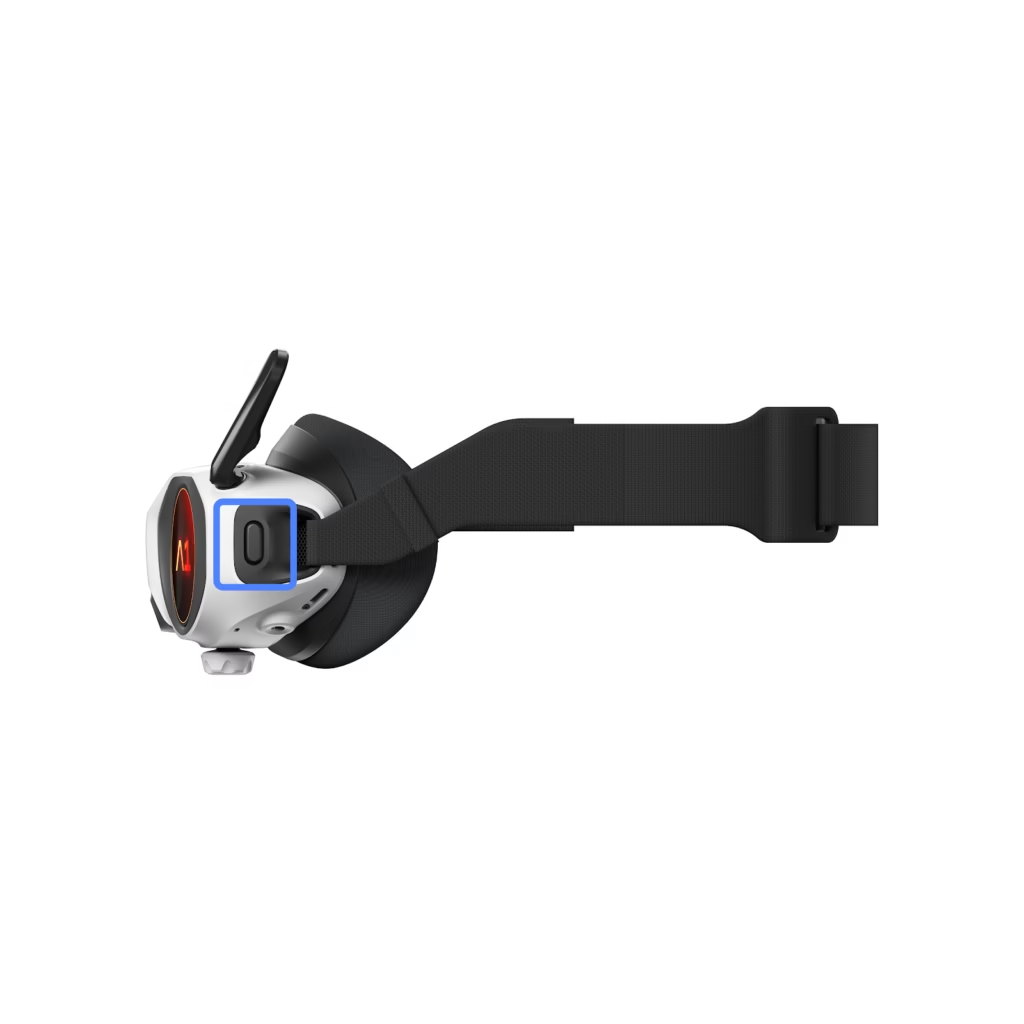
🎤 Voice assistant: drive without touching the controls
Another major new feature: voice control.
What you can do:
- “Take off” → takeoff
- “Return to home” → automatic return
- “Start recording” → start a video
- “Take a photo” → take a photo
💡 Why it’s powerful
- You keep your hands free
- Perfect with Vision glasses
- Extremely simple for beginners
👉 This is a real plus for solo creators.
🛡️ 360° obstacle avoidance: more safety, less stress
Previously, the drone mainly detected what was in front of and below it.
Now 👇
🚀 Omnidirectional detection
- Before
- Back
- Sides
- High
- Down
✨ New Bypass Mode
The drone won’t stop…
👉 It automatically avoids obstacles.
🎯 In practice
- Perfect for the forest
- Ideal for dynamic shots
- Much safer
✨ Sky Path + Cockpit: the “video game in real life” effect
This is where things get fun and creative.
🎨 New trajectory skins
- Crystal
- Golden Coin
🎮 Combination with cockpit
You can fly by following a visual path + immersive cockpit.
👉 Result: a unique, almost addictive experience.
🎬 Even more cinematic videos (effortlessly)
The update also improves content creation.
🎥 Smart Path Marker
You can define:
- Camera angles
- The transitions
The drone does everything automatically.
🔥 Result
- Fluid plans
- Professional effect without advanced skills
- Huge time saver
🧠 Why this update really changes the Antigravity A1
What you need to understand is that 👉 Antigravity is not trying to make “just a high-performance drone”.
The objective is different 👇
👉 to offer an immersive experience accessible to all
In concrete terms:
- Less technical
- More intuitive
- More fun
- More immersive
👉 We’re moving from a tool… to an experience.
⏳ Coming soon: Timelapse
Feature coming soon 👇
- Classic timelapse
- Timelapse in Sky Path
👉 Expected mid-April
Definitely something to keep an eye on.
💰 Should we perform this update?
👉 Yes, without hesitation.
For what :
- Immediate improvements
- More security
- Greatly improved experience
👉 This is one of the most important updates since release.
🔗 Where to buy the Antigravity A1
If you want to try this experience 👇
💡 With my promo code AGRRLOV, you can benefit from a bonus (free accessories depending on the current offer).
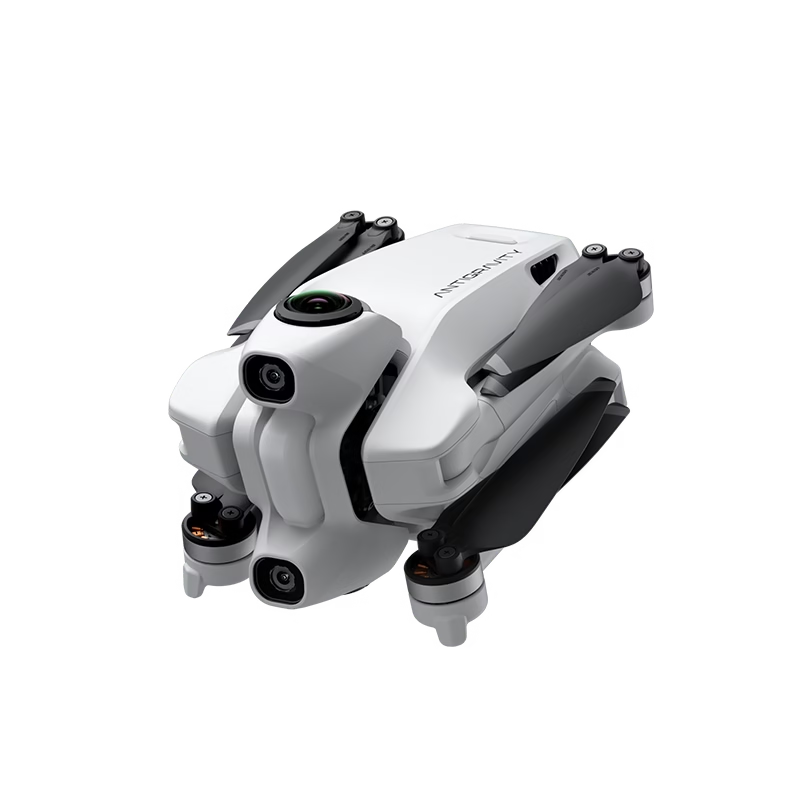
Antigravity A1 — Offers & Packs
Discover the world’s first immersive 360° drone: 8K videos, FreeMotion piloting ultra intuitive and revolutionary flying experience.
🧾 Conclusion
With this update, 👉 Antigravity is not just evolving.
👉 It completely redefines the drone experience.
- More immersive
- More accessible
- More fun
👉 And most importantly: much more addictive.



Leave a Reply