
Here’s what matters most first, with the essential points, useful context, and practical takeaways made easy to scan.
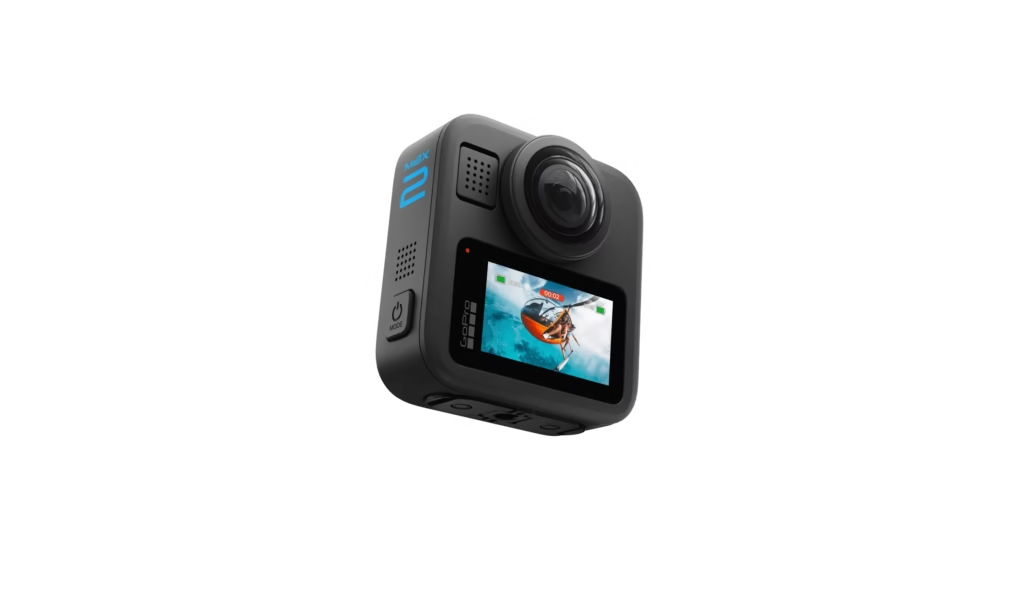
Shooting 8K video with your GoPro Max 2 is an incredibly immersive experience. However, it can quickly become frustrating if you’re not careful about overheating . The GoPro Max 2, with its dual sensors and ability to capture 360-degree video, is a fantastic camera. However, shooting in 8K demands a lot of processing power. This can lead to overheating and, consequently, interrupted recording. This guide will explain how to maximize your chances of shooting 8K video without this problem.
Understanding GoPro Max 2 Overheating
Before diving into solutions, it’s essential to understand why overheating occurs. The GoPro Max 2, like all compact cameras, has limited space to dissipate the heat generated by its processor and sensors. Filming in 8K puts a heavy strain on these components. The camera heats up because it has to process a massive amount of data. This can lead to recording stopping, image quality degradation, or even, in rare cases, damage to the device. The camera automatically stops recording if it overheats.
Tips for Minimizing Overheating and Filming in 8K
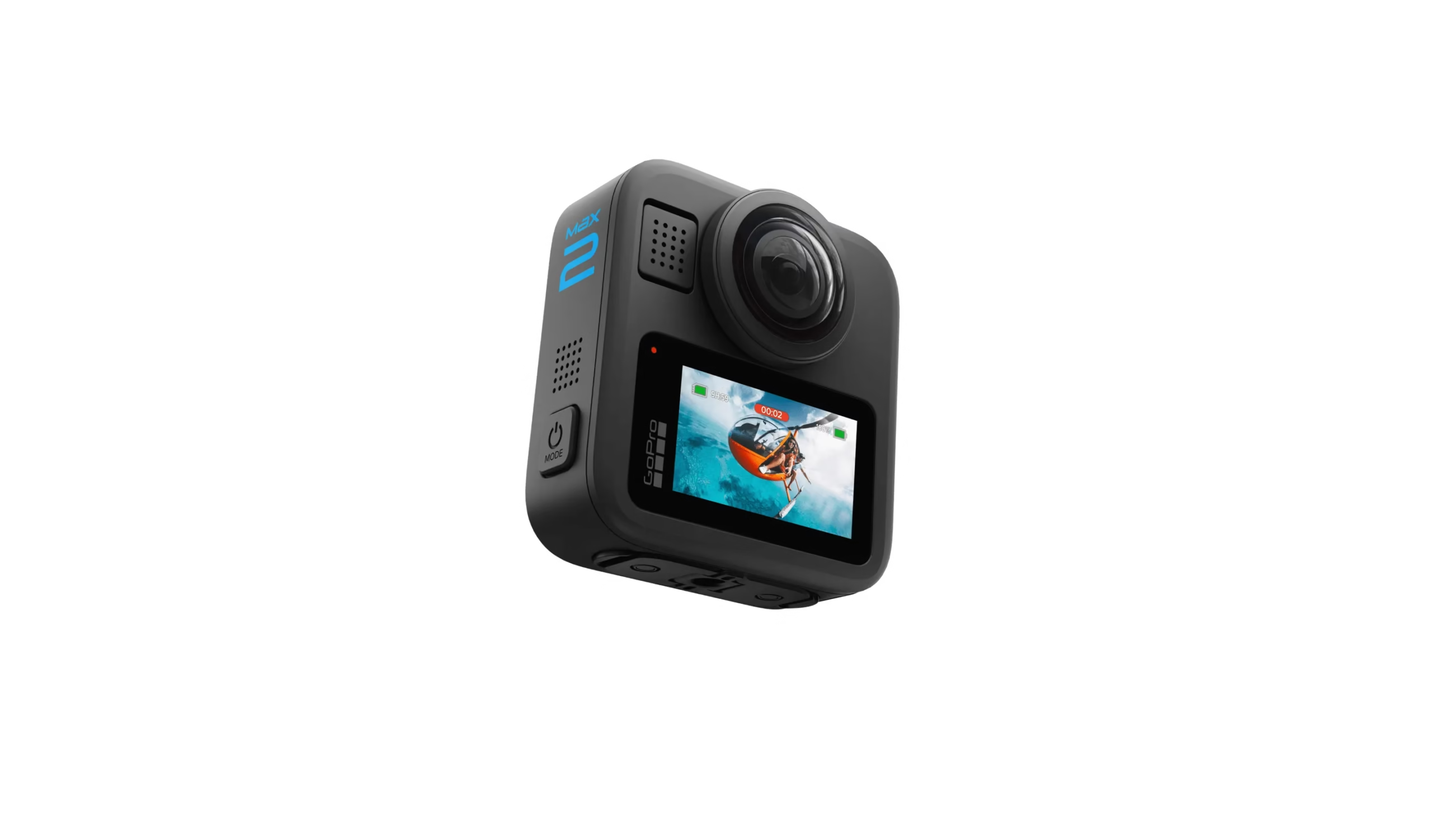
Fortunately, there are several strategies to mitigate overheating and increase the duration of your 8K recordings. Follow these tips to improve your experience.
- Choose the right environment:
- Avoid hot environments: Ambient heat directly affects the camera’s temperature. Avoid filming in 8K in direct sunlight, especially on hot days. Instead, look for shaded and cool locations.
- Promote ventilation: If possible, choose locations with good air circulation. This can help dissipate the heat generated by the camera.
- Optimize camera settings:
- Reduce the bitrate: The higher the bitrate, the more data the camera has to process. This generates more heat. Try to find a compromise between quality and recording time.
- Reduce the frame rate: While 8K offers high resolution, you may not always need the highest frame rate. Therefore, reducing the number of frames per second (fps) to 24 or 30 fps can help decrease the workload on the camera.
- Use a wider viewing angle: Wider viewing angles may require less processing than narrow viewing angles. Thus, they potentially reduce heat.
- Optimize power and storage:
- Use a fully charged battery: A low battery can potentially increase heat generation. That’s why you should ensure your battery is fully charged before you start filming.
- Use a high-quality, fast SD card: A slow SD card can slow down the data writing process and put more strain on the processor. This generates more heat. Opt for a V30 class SD card or higher, specifically designed for 8K video.
- Cooling techniques:
- Turn off the camera between takes: Allow the camera to cool down completely between recordings. This can make a significant difference.
- Use a protective case (with caution): Some protective cases can improve heat dissipation. However, make sure they do not obstruct the ventilation openings.
- Use an external fan (if possible): For extended shots, you might consider using a small external fan to blow air onto the camera. Be careful not to damage the camera, however.
- Adapt your shooting style:
- Opt for short takes: Instead of long, continuous recordings, use shorter takes. Then, separate them with breaks to allow the camera to cool down.
- Plan your takes: If you know you will need to film for a long period of time, plan regular breaks to allow the camera to cool down.
Additional Tips and Tricks
- Update the firmware: Make sure your GoPro Max 2 has the latest firmware. Updates often include optimizations for heat management. The manufacturer updates the firmware regularly.
- Test before filming: Before starting a major project, do some tests to assess the maximum possible recording time in 8K under the specific shooting conditions.
- Monitor the temperature: If your camera allows it, monitor the internal temperature. This can give you a valuable indication of the camera’s condition.
Summary
Shooting in 8K with the GoPro Max 2 is entirely possible. However, overheating is a common challenge. By following these tips, you can minimize the risks and fully enjoy the exceptional image quality this camera offers. Remember, thermal management is key. You can record for longer periods by applying these techniques. Experiment with cooling settings and techniques to find the combination that works best for you. Then, adapt to your shooting environment. In summary, you can optimize the settings, environment and your shooting techniques to record in 8K without overheating.








Leave a Reply