
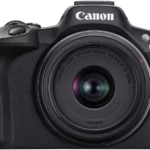
The Canon EOS R8 is a high-performance mirrorless camera designed for creators who want to capture exceptional quality images and videos. With its advanced capabilities, it allows you to excel in various styles of photography and video. However, to fully exploit this potential, choosing a suitable SD card is paramount. A good SD card not only ensures smooth performance, but also long-term reliability. In this article, we explore the best SD cards for the Canon EOS R8 and share tips on how to make the right choice and maintain your SD cards effectively.

How to Choose the Best SD Card for Canon EOS R8
When it comes to choosing an SD card for a camera as capable as the Canon EOS R8, it is essential to consider several key criteria:
- Write and read speed: High speeds help avoid delays when capturing burst images or recording 4K video. Fast write speed (at least 90 MB/s) ensures smooth backup of large files on the card. Also, a high read speed (ideally above 170MB/s) is crucial to get your files to your computer in no time.
- Capacity: Your choice should depend on your habits. For occasional shoots or short sessions, a 64GB card may suffice. However, if you regularly shoot in 4K or take photos in bursts, a capacity of 128GB or more will be a must to avoid running out of space.
- The class and speed rating: SD cards are classified according to their guaranteed minimum speed. For the Canon EOS R8, V30 or V60 class cards are recommended, ensuring sufficient performance for high-resolution videos. The UHS-II models offer even more speed and are perfect for the most demanding needs.
- Durability and reliability: Look for cards that are designed to withstand the elements such as water, shock, heat, and X-rays. These additional protections extend the life of your cards, even in harsh conditions.
- The brand and warranty: Go for reputable brands such as SanDisk, Lexar, or ProGrade. These manufacturers often offer lifetime or long-term warranties, giving you peace of mind.


The Best SD Cards for the Canon EOS R8
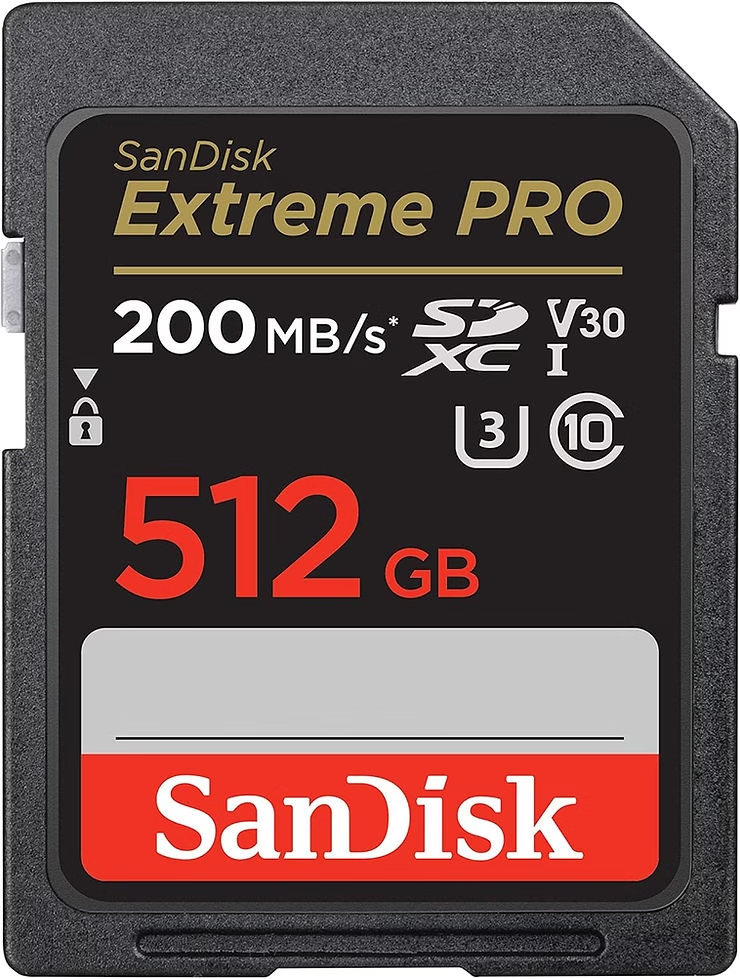
- SanDisk 512GB Extreme PRO SD Card (Affiliate Link)
- Read speed: up to 170 MB/s.
- Write speed: up to 90 MB/s.
- Class: V30, UHS-I.
- Benefits: Ideal for 4K video and high-resolution bursts, this card combines large capacity with optimal speed. Its lifetime warranty makes it a reliable choice for professionals.
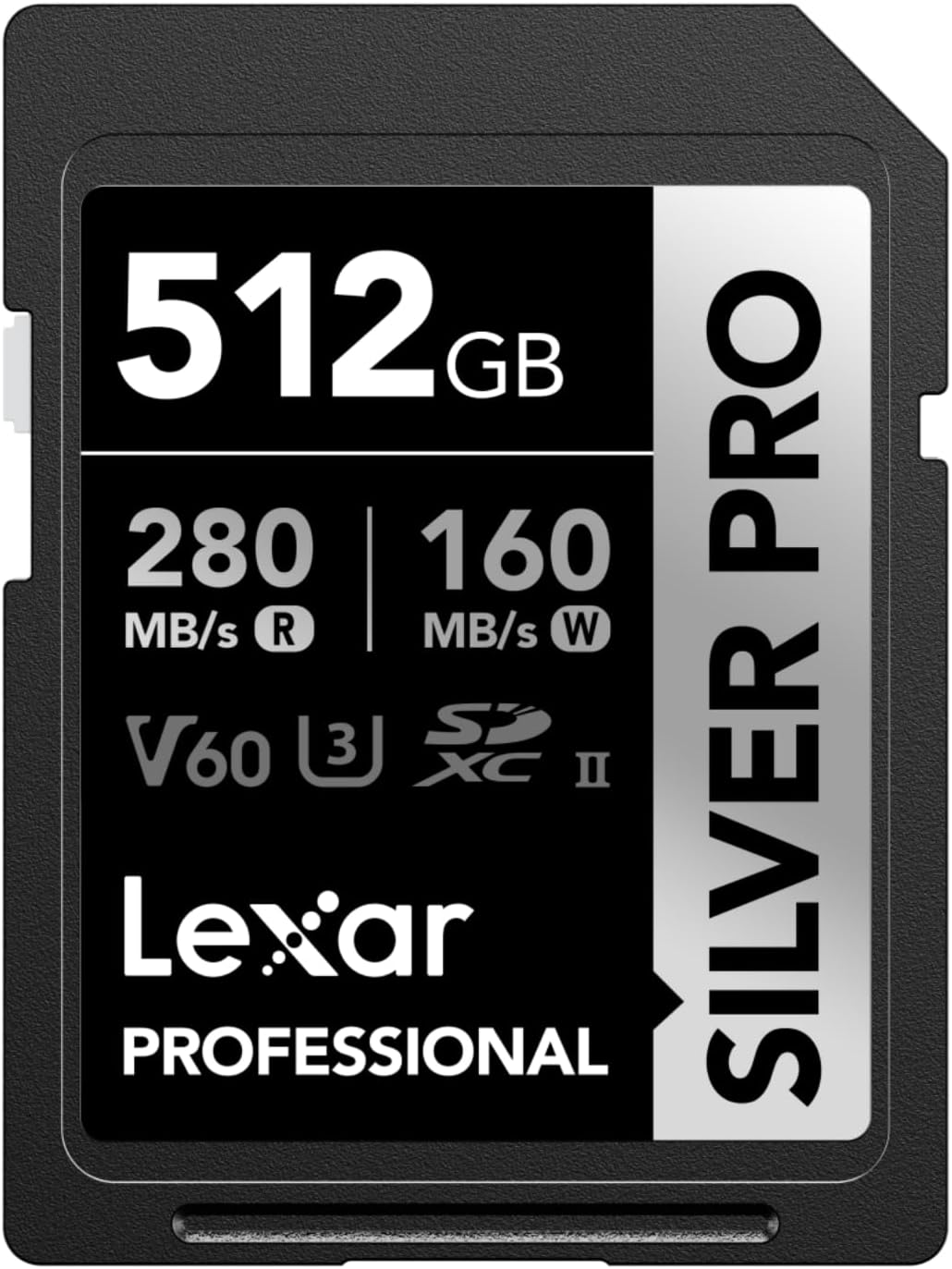
- Lexar SILVER PRO SD Card (Affiliate Link)
- Read speed: up to 250 MB/s.
- Write speed: up to 120 MB/s.
- Class: V60, UHS-II.
- Benefits: Designed for demanding creators, this card excels in situations that require fast and smooth capture. Its robustness makes it an excellent choice for outdoor shoots.
- Gigastone 256GB SDXC Memory Card (Affiliate Link)
Tips for Maintaining Your SD Cards
A good SD card can last for several years if it is well maintained. Here are some simple tips to ensure a long life for your cards:
- Handle with care: Avoid touching the metal contacts on the board to prevent dust or oil buildup. Store your cards in a hard protective case when not in use.
- Format regularly: Before each new photo session, format your card directly from your camera. This prevents file errors and ensures optimal performance.
- Avoid extremes: Do not leave your cards exposed to extreme temperatures, humidity, or magnetic fields. These factors can irreversibly damage your data.
- Make regular backups: Even if your cards are reliable, regularly transfer your files to a hard drive or cloud service to avoid unexpected data loss.
- Watch for wear: SD cards have a limited lifespan. If you notice slower performance or frequent errors, consider replacing your card.
Conclusion
A quality SD card is essential to get the most out of the Canon EOS R8. Whether it’s high-resolution photography or 4K videos, choosing the right card can make all the difference in your workflow. By following our recommendations and maintenance tips, you will be assured of a reliable and durable solution. Investing in a quality card is a guarantee of uncompromising creations. Happy photography and video!





Leave a Reply