
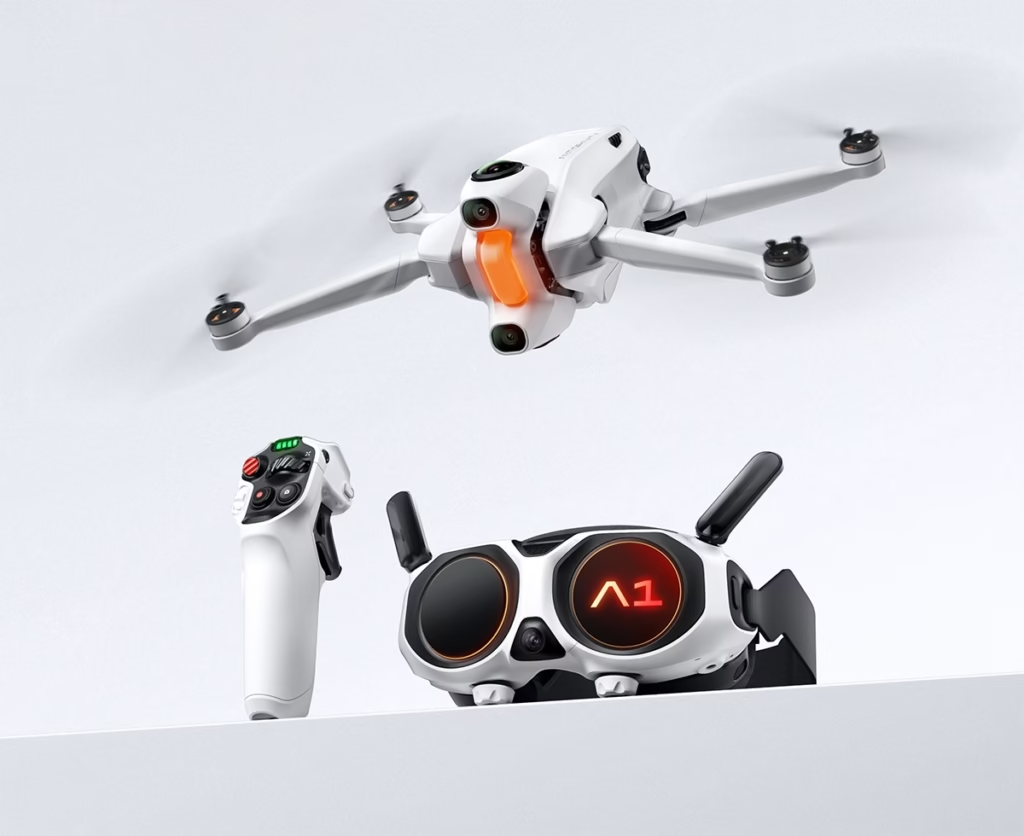
Choosing the right microSD card for the Antigravity A1 drone is essential if you want to film in 8K , take advantage of 360° stabilization, and avoid write bugs or recording interruptions.
In this guide, I share with you the officially compatible maps , the minimum speeds required, my personal recommendations , and a comparison table to easily choose according to your use.
🎯 Key takeaways
The A1 requires a microSDXC , UHS-I , V30 minimum card to support 8K 30 fps video.
👉 The ideal capacity is 256 GB , because 8K consumes a lot of space.

🔧 Official requirements for the Antigravity A1 drone
To avoid any compatibility issues, your card must meet these criteria:
✔️ Compatible formats
- microSD / microSDHC / microSDXC
- UHS-I interface
- Video Class V30 minimum
✔️ Required writing speed
- 8K 30 fps → V30 minimum
- 5.2K & 4K high frequency → V30 also recommended
- A V60 can provide slight comfort but is not mandatory
✔️ Recommended capacity
- 128 GB: good for 4K
- 256 GB: the best choice
- 512 GB: ideal for travel or long film shoots
🎥 Filming in 8K: Do you need a V60?
Many people are wondering if the V60 is mandatory for filming in 8K on the A1.
The answer is no : the V30 is sufficient for the required writing speed.
A V60 card can be useful if:
- You film continuously for a very long time.
- You want to maximize the safety margin on the data rates.
But in 99% of cases, a good V30 is more than enough.
🥇 The best SD cards for the Antigravity A1
Here is a tested, reliable and perfectly compatible selection for 8K:
⭐ 1. Samsung PRO Plus 256GB — Best value for money
👉 Affiliate link: Samsung PRO Plus 256GB
- V30 – UHS-I
- Up to 180 MB/s read speed
- Ideal for 8K and 5.2K
- Reliable, robust, fast
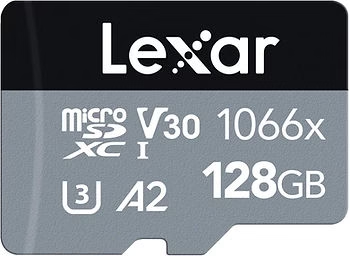
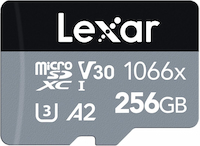
⭐ 2. Lexar 1066x Silver 256GB — A very good choice for 8K
👉 Affiliate link: Lexar 1066x 256GB
- V30 – UHS-I
- 160 MB/s read / 120 MB/s write
- Very stable for long periods
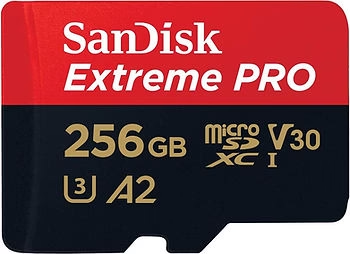
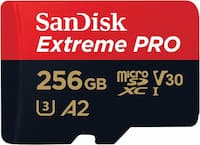
⭐ 3. SanDisk Extreme 256GB — A reliable choice
👉 Affiliate link: SanDisk Extreme 256GB
- V30 – UHS-I
- Widely used, compatible with everything
- Fast and durable
- Excellent for travel filming
📊 SD card comparison chart for Antigravity A1
| SD card | Class | Maximum read | Maximum writing | Capacity | Best for | Link |
|---|---|---|---|---|---|---|
| Samsung PRO Plus 256GB | V30 | 180 MB/s | ~130 MB/s | 256 GB | 8K / 5.2K | See the price |
| Lexar 1066x Silver 256 GB | V30 | 160 MB/s | 120 MB/s | 256 GB | 8K long duration | See the price |
| SanDisk Extreme 256GB | V30 | 160 MB/s | 90 MB/s | 256 GB | Travel / 4K / 5K | See the price |
❌ Cards to absolutely avoid
Some graphics cards will cause problems with 8K. Avoid:
- The U1 or V10 cards
- Low-end, no-name cards
- Cards that are too old or have fraudulent charges
- The cards already have many hours of use (cell wear).
Symptoms of an incompatible card:
- the recording stops by itself
- micro-cuts appear
- Error message “card too slow”
- corrupted files

📦 Which capacity should you choose based on your needs?
🎒 128 GB
- Good for 4K
- Not quite enough for 8K if you film a lot
🚁 256 GB (recommended)
- The perfect balance
- Sufficient for 40–60 minutes of 8K footage, depending on the bitrate.
🌍 512 GB
- For travel, documentaries or expeditions
- Less need to empty the card

🔄 How to format your SD card to avoid problems
✔️ Recommended format: exFAT
It allows you to store files larger than 4 GB, which is required for 8K.
✔️ Format in the drone
→ The A1 will prepare the card with the correct parameters.
✔️ Frequency
Format every 3–5 outputs to maintain stability.
❓ FAQ – SD card and Antigravity A1
Is a V60 absolutely necessary?
No, a good certified V30 is sufficient for 8K.
Why is my card not being recognized?
It may be too slow, poorly formatted, or counterfeit.
How many minutes of 8K video are in 256GB?
Between 45 and 60 minutes depending on the codec and bitrate activated.
Do UHS-II cards work?
Yes, but they do not provide any benefit on the drone (limited to UHS-I).
🌟 Final verdict: the best SD card for the Antigravity A1
To fully enjoy your Antigravity A1 drone , the best map is:
👉 Samsung PRO Plus 256GB — fast, reliable, perfect for 8K.
Just behind:
👉 Lexar 1066x 256 GB , excellent for long-duration writing.
And as a universally reliable option:
👉 SanDisk Extreme 256GB , robust and very versatile.


Leave a Reply