
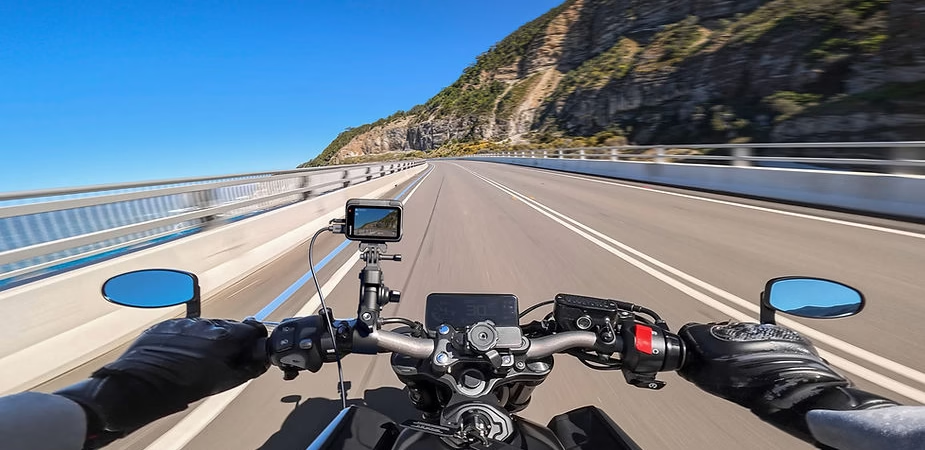
Pre-recording is a powerful feature of the Insta360 Ace Pro 2 that allows you to capture up to 120 seconds of video before you even press the record button. This option is especially useful in situations where it’s difficult to predict the exact moment of the action. In this guide, we’ll explore the benefits, steps, and practical applications of this essential feature.
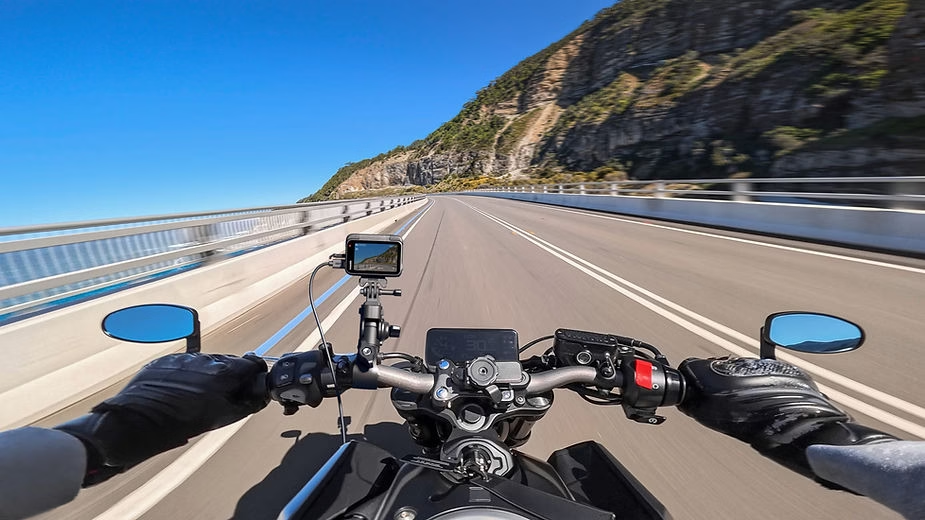
Why use pre-recording?
Pre-recording ensures you never miss crucial moments. Whether you’re an extreme sports enthusiast, a wildlife photographer, or a content creator looking to capture spontaneous scenes, this feature guarantees you’ll never be caught off guard. By continuously recording a temporary loop, it captures precious moments before you even press the record button, reducing the risk of missing the action.
Enable pre-registration
- Turn on the camera : Press the power button to turn the device on.
- Access the shortcuts menu : Swipe down on the Ace Pro 2 touchscreen to open the menu.
- Activate the function : Select the “PRE” icon corresponding to the pre-recording.
- Choose a duration : Opt for a pre-set duration of 15, 30, 60 or 120 seconds depending on your needs.
- Confirm activation : The camera starts to capture in a temporary loop until you press the record button.
Use pre-registration
- Capture your moments : Position your camera perfectly and press the shutter button to save the previous moments. Pre-recording is ideal for unpredictable scenes where every second counts. Once activated, the previous 15 to 120 seconds of action are automatically saved.
- Manage your footage : Captured videos are saved in your internal gallery. Access the Insta360 app to view, sort, and edit them in just a few clicks.
- Add effects : Take advantage of editing tools like Active HDR or stabilization to enhance your videos. You can also combine your captures with other segments to create captivating stories.
Tips for optimal use
- High-quality SD card : Make sure you use a microSD card with UHS-I V30 or higher rating. This ensures fast, uninterrupted writing, which is essential for pre-recording.
- Endurance mode : If you are planning an extended session, activate endurance mode to save battery while still enjoying the feature.
- Tailored settings : Adjust the durations and settings according to the type of scene. For example, for fast-paced sports, a duration of 15 seconds is often sufficient.
Practical applications
- Extreme sports : Capture acrobatics, jumps or tight turns in sports like skateboarding, snowboarding or BMX.
- Nature and wildlife : Film rare animals or natural behaviors without disturbing their environment. Pre-recording allows you to be ready at the right moment.
- Vlogs and documentaries : Add a professional touch to your projects by accurately capturing spontaneous moments.
- Interviews or events : Ideal for live sessions where instant reactions count.
With its pre-recording feature, the Insta360 Ace Pro 2 offers an innovative solution for effortlessly capturing exceptional moments. This tool guarantees content creators a more intuitive way to produce videos of outstanding quality.




Leave a Reply