
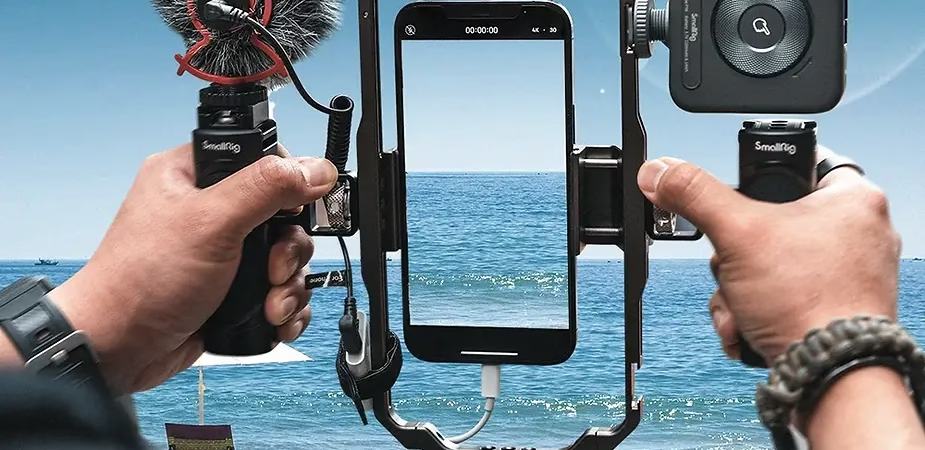
Do you dream of creating professional vlogs with your smartphone? Thanks to SmallRig , you can transform your phone into a real compact video camera, taking advantage of professional-grade accessories. Whether you’re a beginner or an experienced content creator, a SmallRig setup is ideal for improving the stability, audio, and lighting of your vlogs. In this tutorial, we’ll explain how to create a complete and precise setup to get the most out of your smartphone.
Why use a SmallRig setup for vlogging with a smartphone?
SmallRig is a well-known brand in the content creation field, offering professional-grade accessories for cameras, mirrorless cameras, and smartphones. Using a SmallRig setup with your smartphone offers several advantages, including:
- Enhanced Stability : SmallRig cages and handles provide a stable grip and prevent shaking, for smooth videos.
- Additional Audio Quality : By adding an external microphone, you can get clear and precise sound, essential for a successful vlog.
- Versatile Accessories : SmallRig offers a wide range of accessories (LED lights, additional handles, tripod mounts) that make it easy to create content in any environment.
Key Elements of a SmallRig Smartphone Setup
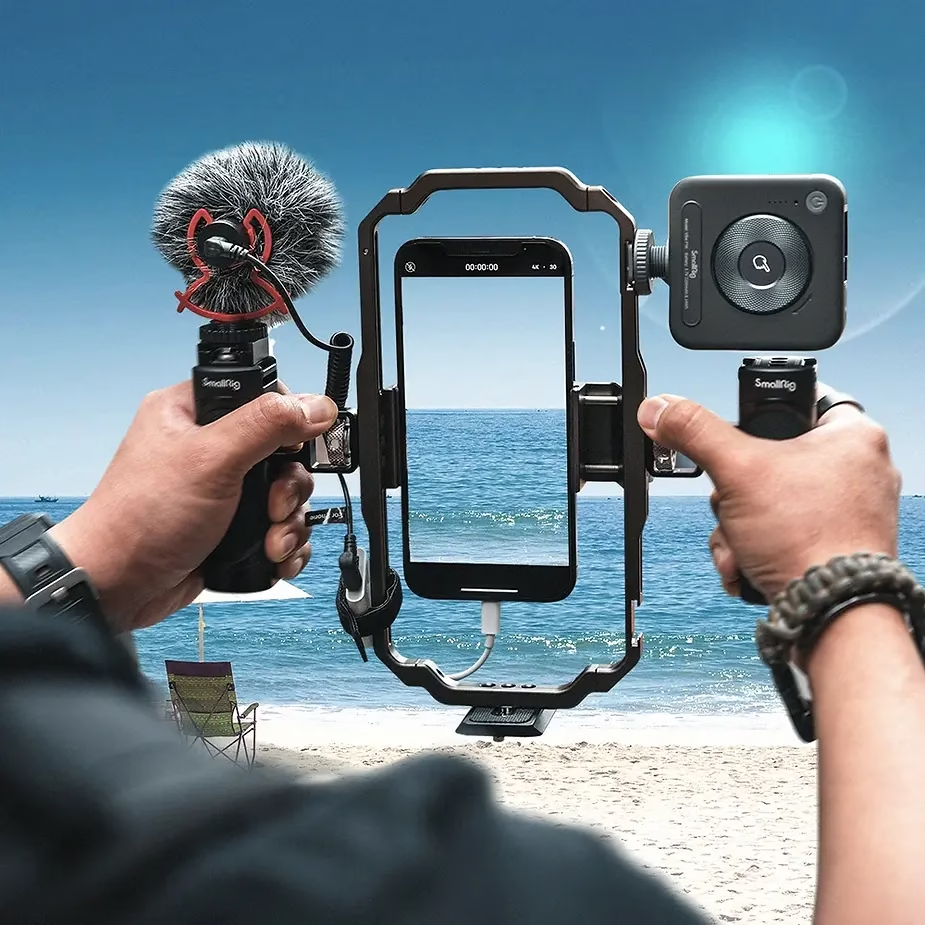
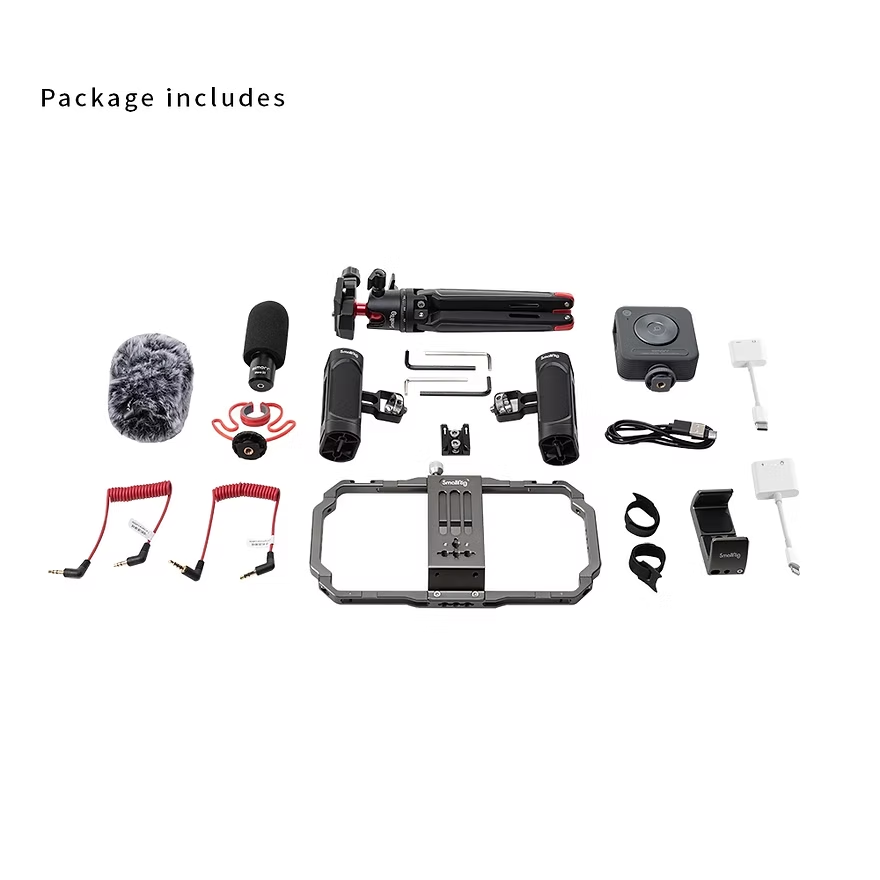
To create the perfect SmallRig setup for filming vlogs with your smartphone, here are the essential elements to consider:
1. The SmallRig Smartphone Cage
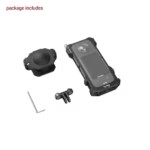
The smartphone cage is the foundation of your setup. It provides extra protection for your smartphone and multiple attachment points for adding other accessories. The universal SmallRig cage is compatible with many smartphone models and features several 1/4″-20 threads and cold shoe mounts.
2. The Side Handle
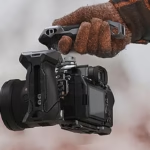
For a comfortable and stable grip, choose a SmallRig side handle . This prevents camera shake during shooting and keeps your smartphone firmly in place, which is ideal for mobile shots.
3. The External Microphone
To ensure optimal audio quality, add an external microphone to your setup. SmallRig offers suitable mounts for easily attaching a high-quality microphone like the Rode VideoMicro. You can attach the microphone to the cage using the cold shoe mounts included with the SmallRig cage.
4. LED Lighting
Lighting is essential for the quality of your videos. Use a compact LED light compatible with the SmallRig cage to illuminate your face or scene. SmallRig LED lights are both lightweight and powerful, perfect for indoor or outdoor shoots.
5. The Compact Tripod
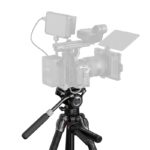
A tripod is useful for stabilizing your smartphone when shooting static shots. The SmallRig tripod mount allows you to attach your setup to a standard tripod, which is ideal for stable shots or when you want to film yourself without holding the smartphone.
6. Additional Accessories
To make your setup even more functional, you can add articulated arms to position accessories precisely, or ND filters to adjust the brightness of your videos when filming outdoors.
👉The complete package is available here on Amazon👈
How to Assemble Your SmallRig Setup for Filming with a Smartphone
Assembling a SmallRig setup for filming vlogs is relatively simple and can be done in a few steps:
- Install your Smartphone in the Cage : Position your smartphone in the SmallRig cage by adjusting the clips to hold it securely.
- Add the Side Handle : Attach the side handle to one side of the cage. This will provide a comfortable grip.
- Attach the External Microphone : Use the cold shoe mount on the cage to install the microphone, then plug it into your smartphone.
- Install the LED Lighting : Position an LED light on top of the cage, using another cold shoe support.
- Attach the Tripod : If you need additional stability, install the mount on a tripod for added convenience.
Tips for Quality Vlogs with a SmallRig Setup
- Stability First : Make sure the side handle is securely attached and your grip is stable. This will reduce shaking and improve video quality.
- Test the Audio : Before you start recording, do a quick audio test to make sure the external microphone is working properly.
- Proper Lighting : Use LED lights to illuminate your face, especially when filming in low light. Good lighting is essential to capture your audience’s attention.
- Positioning : If you are using a tripod, try to position it at eye level for a more natural perspective when recording.
Conclusion: Why a SmallRig Setup is the Best Choice for Vlogging with a Smartphone
Filming professional-quality vlogs with a smartphone is entirely possible with the right equipment. A SmallRig setup not only allows you to improve the visual and audio quality of your videos, but also makes every shoot more comfortable and professional. Whether you’re in a studio or on location, using SmallRig accessories lets you push the boundaries of smartphone vlogging and capture content that stands out. Get started today and see the difference a SmallRig setup can make to your creations!


Leave a Reply