
🧠 Towards a smarter workflow
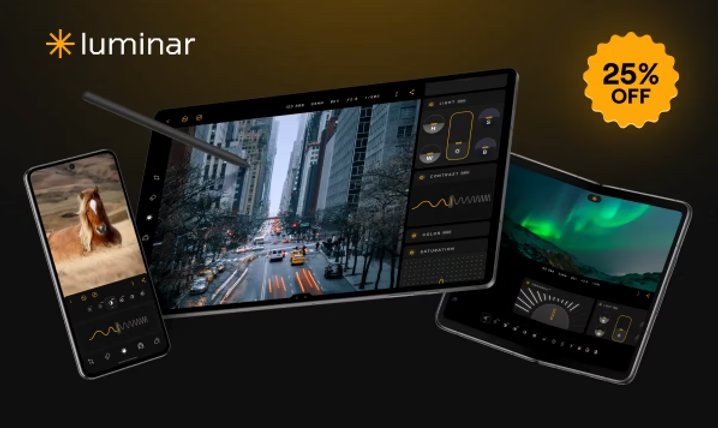
Between sorting through raw footage, retouching portraits, and publishing videos, creators are overwhelmed by the technical workload. By 2025, artificial intelligence is no longer a gadget: it’s a powerful ally for automating, simplifying, and accelerating the creative process.
The challenge is no longer to find good software , but to build a coherent workflow where each tool plays a specific role.
And that’s exactly what the trio Luminar Neo + Retouch4me + Setapp allows: a fluid, complete and remarkably efficient ecosystem.
⚙️ Why rethink your photo/video workflow in 2025?
Visual content is exploding. Whether you’re a photographer, videographer, or YouTube creator, you produce dozens of images and clips every week. The time spent sorting, editing, and exporting is enormous.
Today, AI-powered tools make it possible to:
- Automatically correct faces, skies or lights;
- Delegate repetitive touch-ups;
- Centralize file and software management;
- Freeing up time for the most important part: creating .
Rethinking your workflow means moving from a handcrafted process to a fluid, creative production chain — without losing your style.
🎨 Luminar Neo: the heart of the visual workflow
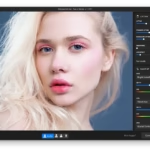
The smart photo editor
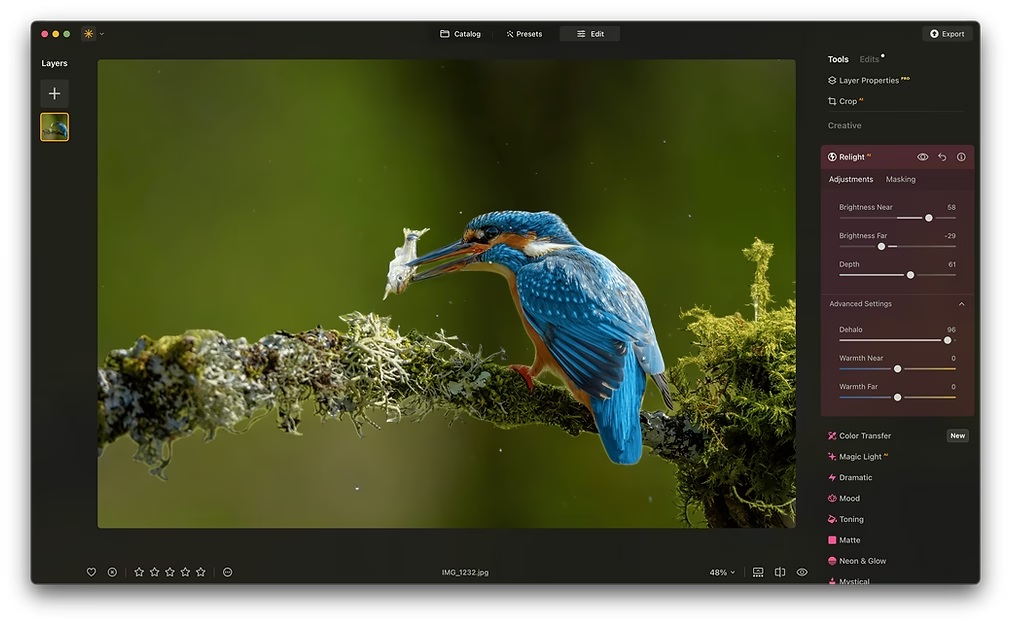
Developed by Skylum, Luminar Neo is the main engine of your photo workflow. It combines an intuitive interface with powerful artificial intelligence tools:
- Enhance AI : automatically balances colors and contrasts;
- Relight AI : relights an entire scene in post-production;
- Sky AI : replaces the sky with one click;
- Skin AI and Portrait Bokeh AI : smoothed skin and natural depth of field.
Thanks to its extensions (HDR Merge, Upscale AI, Supersharp, etc.), Luminar Neo becomes a complete platform for creating impactful images without spending hours in post-processing .
Why it integrates perfectly into the workflow
- Compatible with Mac & PC (including Apple Silicon)
- Opens RAW files ultra-fast
- Works as a plugin with Lightroom or Photoshop
- Export in bulk without loss of quality
This is the ideal software to finalize your edits after using Retouch4me.
🔗 Discover Luminar Neo here
💸 –10% off with code BLI10

🤖 Retouch4me: your AI photo editing assistant
The concept: 100% automatic photo retouching
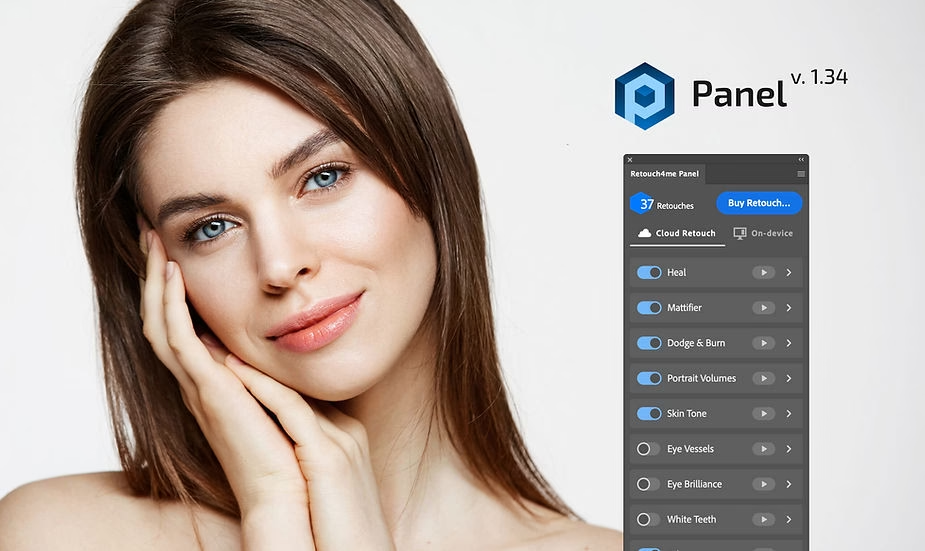
Retouch4me is a suite of AI plugins designed to retouch portraits in seconds. Each module targets a specific task:
- Skin Tone to even out skin tone,
- Eye Brilliance to revive the eyes,
- Portrait Volumes to model light on the face,
- Clean Backdrop to remove background imperfections.
The whole thing works directly in Photoshop or as a standalone application.
How it speeds up your workflow
Where manual retouching could take 10 minutes, Retouch4me does it in 5 to 10 seconds with a consistent and natural result.
You gain consistency and speed, while maintaining your style.
This is the perfect step before moving on to Luminar Neo for creative finishing touches.
🔗 Try Retouch4me here
💸 –20% off all plugins with the code PHOTOBOOST
💻 Setapp: the creator’s toolbox
Your entire Mac ecosystem in a single app
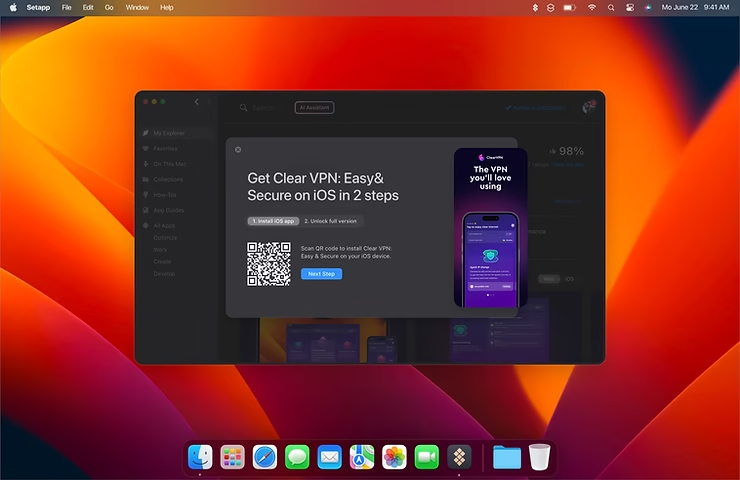
Setapp is an all-in-one subscription that provides access to over 240 premium apps for Mac and iPhone.
Rather than buying each software program separately, you have access to a complete library of professional tools :
- CleanShot X to capture your screen and create tutorials,
- Gemini 2 to clean up duplicates,
- Ulysses, for writing your YouTube scripts or descriptions,
- Paste to manage your copy-pasting,
- HoudahSpot to find any photo file.
Why it’s the perfect complement to Luminar and Retouch4me
Setapp centralizes everything you need around your workflow: sorting, backup, organization, automated scripts, system cleanup…
The result: you save time, you avoid bugs, and you stay focused on creation.
🚀 Recommended workflow: how to combine them effectively
Here is a simple yet powerful workflow:
- Import and sort your files with a Setapp app (e.g., HoudahSpot or ForkLift).
- Automatically retouch your portraits in Retouch4me (Skin Tone + Portrait Volumes).
- Finalize the colors and creative effects in Luminar Neo (Relight, Sky, LUTs).
- Export and share your content via Setapp (CleanShot X, Dropzone, etc.).
👉 In less than an hour, you get a professional result that would have taken you half a day to achieve before.
💡 Why this combination is unbeatable for designers
- 🔥 Speed : repetitive tasks are automated.
- 🎯 Consistent quality : AI + pro tools = controlled rendering.
- 🧩 Perfect complementarity : retouching + creation + productivity.
- 💡 Real time saving : you move from execution to creativity.
This trio forms a fluid and sustainable ecosystem , perfectly suited to independent creators, photographers, videographers, or content entrepreneurs.
🏁 Conclusion: The 2025 workflow of the modern creator
By 2025, a creator’s true skill will no longer be simply “knowing how to retouch”, but knowing how to orchestrate their tools intelligently .
With Luminar Neo, Retouch4me and Setapp, you have a complete workflow: fast, reliable and inspiring.
🖼️ Luminar Neo → https://skylum.evyy.net/VyvKY3
💸 Promo code BLI10 (–10%)👁️ Retouch4me → https://retouch4.me/products/retouch-plugins?promocode=PHOTOBOOST
💸 Promo code PHOTOBOOST (–20%)💻 Setapp → https://setapp.sjv.io/LKnGLY
🚀 Optimize your creative flow today.





Leave a Reply