
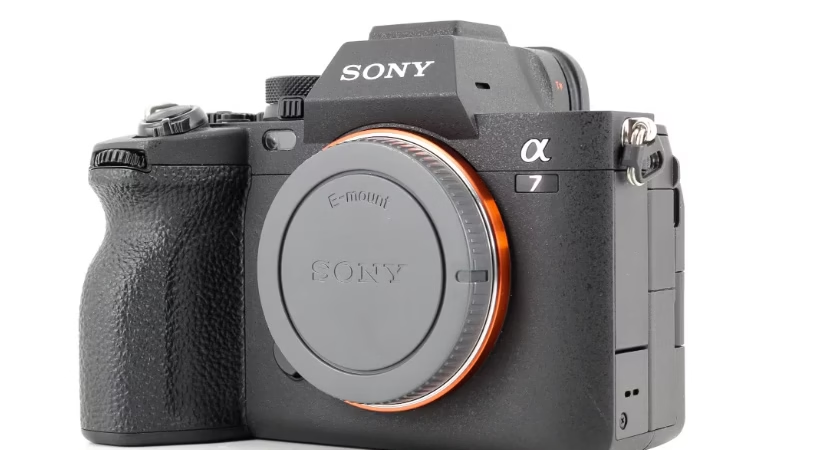
You know how it is? You just bought a Sony A7R IV, 61-megapixel sensor, 4K video, and then… you realize your old SD card is dragging its feet. Buffer full, RAW files piling up, and video recording is sluggish? It’s a disaster. We’ve tested the best UHS-II and SDXC SD cards for you, the ones that transform your camera into a high-performance powerhouse . Ready to learn all about write speeds, clever configurations, and the models that are truly worth it? We’ll break it all down, no holds barred.
Summary
- SD card compatibility and requirements for Sony a7R IVA
- SD card performance and impact on the use of the Sony a7R IVA
- Recommendations and optimization of SD cards for the Sony a7R IVA


SD card compatibility and requirements for Sony A7R IV
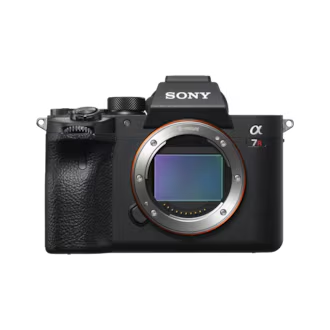
The Sony a7R IV, with its 61-megapixel sensor and 4K video, generates 123MB RAW files. Choosing the right SD card is crucial for managing these large files without compromising burst shooting or video quality.
Both slots accept UHS-I and UHS-II cards, but the latter offer speeds of up to 300 MB/s compared to 100 MB/s . SDXC cards (64 GB+) prevent 4K video fragmentation thanks to their 64-bit format. For video, a minimum V30 rating is sufficient, but V60/V90 provides increased security.
SD card performance and impact on the use of the Sony a7R IV
Write speeds and buffer management
The Sony a7R IVA’s uncompressed RAW files are 123MB each. The 4GB buffer allows for 31 images before filling up. Without a fast UHS-II card, the buffer empties slowly, slowing down the burst rate.
| SD card | Write speed (MB/s) | Buffer clearing (seconds) |
|---|---|---|
| Sony SF-G Tough UHS-II | 171 | 18,51 |
| Kingston Canvas React Plus UHS-II | 171 | 18,10 |
| Ritzgear Video Pro UHS-II | 166 | 18,57 |
| PNY X-PRO 90 UHS-II | 166 | 18,58 |
| Hoodman Steel 2000x UHS-II | 166 | 18,56 |
| Angelbird AV Pro Mk2 V90 UHS-II | 165 | 18,70 |
| SanDisk Extreme Pro UHS-II | 164 | 18,86 |
| ProGrade V90 UHS-II | 164 | 18,88 |
| Sony SF-M UHS-II | 137 | 23,33 |
| Delkin Devices POWER UHS-II | 42 | 85,93 |
Let’s be honest, UHS-II cards are worth the price. For 31 RAW images, the buffer empties in 18-19 seconds compared to 44 seconds with a UHS-I. So, if you plan on shooting continuous bursts, UHS-II cards are essential .
Requirements for 4K video recording
The Sony a7R IVA records in 4K at 100 Mbps (12.5 MB/s). While V30/U3 class cards are sufficient, UHS-II cards offer added security. For what ? Because SDXC cards avoid video fragmentation into 4GB segments.
- SDXC: 64-bit format to avoid the fragmentation of video files into 4GB segments imposed by SDHC cards.
- Capacity: 64GB minimum recommended for 4K recording, with 128GB or more for extended battery life (up to 2.5 hours of 4K video at 100Mbps).
- Compatibility: SDXC cards support the data rates required for 4K video on the Sony a7R IV (100 Mbps) without compromising quality.
- Performance: Even UHS-I U3 or V30 cards are sufficient for video, but SDXC UHS-II cards offer added security and speed .
Personally, I’ve tested UHS-I cards for 4K video. The result? They hold up well. But for professional use or long sessions, UHS-II cards are more reliable. In short, prioritize them if you’re juggling photography and video .
Recording capacity and duration
A 64GB card stores approximately 500 RAW images (123MB each). For photography, 128GB is a reasonable minimum . JPEGs, being smaller, allow you to double this capacity, but RAW files quickly fill up the space.
A 128GB SDXC card offers 2.5 hours of 4K video (100 Mbps). The 4GB limit of SDHC cards results in frequent interruptions. Therefore, to avoid these interruptions, opt for a minimum of 64GB . And that’s where the trouble starts if you forget this rule.
Recommendations and optimization of SD cards for the Sony a7R IV
Recommended Best SD Cards
UHS-II cards are essential for the Sony a7R IVA. For a balance of speed, durability, and price, the Kingston Canvas React Plus UHS-II stands out . But other models also deserve your attention.
- Sony SF-G Tough UHS-II (171 MB/s, shockproof, high price)
- Kingston Canvas React Plus UHS-II (171 MB/s, affordable, slightly less robust)
- Angelbird AV Pro Mk2 V90 UHS-II (165 MB/s, professional reliability, software compatibility)
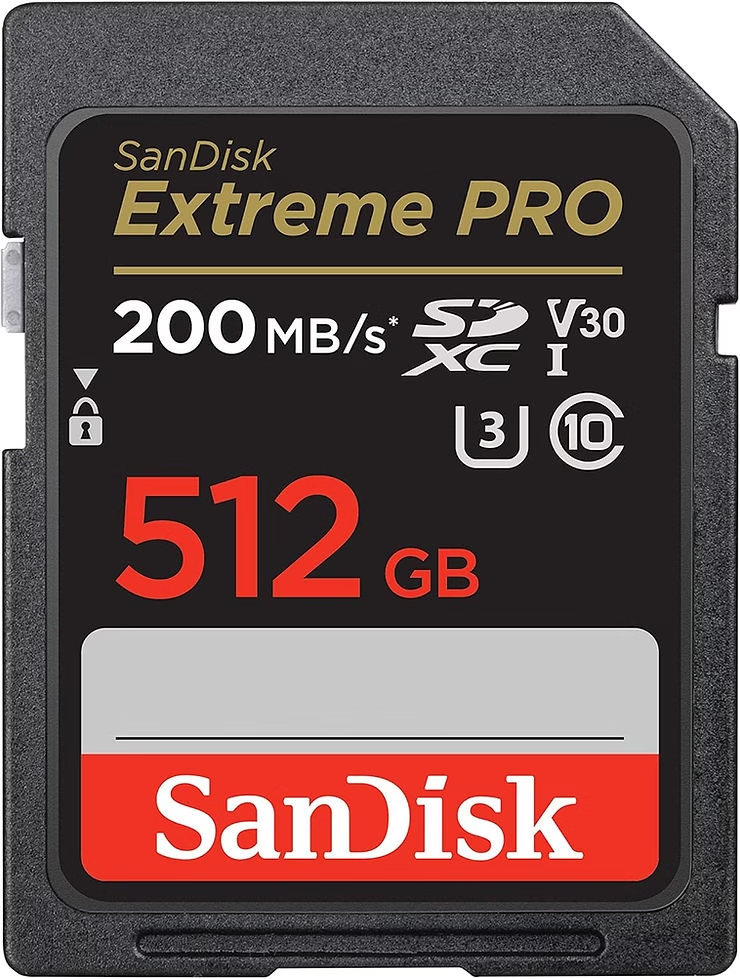
- SanDisk Extreme Pro UHS-II (164 MB/s, widely available, inexpensive)
- ProGrade V90 UHS-II (164 MB/s, ideal for video workflows)
The Sony SF-G Tough and Kingston Canvas React Plus are neck and neck. Both cards reach write speeds of 171 MB/s, but the Sony costs twice as much. If durability is your priority, the Tough is worth it. For a tight budget, the Kingston is unbeatable. Personally, I’ve tested both: no regrets about choosing the Kingston for photography , but the Sony provides peace of mind in demanding environments.
Optimization of both card slots
The Sony a7R IVA’s two UHS-II card slots offer strategic configurations: simultaneous backup, automatic overflow, or photo/video separation. The choice depends on your needs, but it’s best to use identical cards to avoid speed inconsistencies .
| Configuration | Benefits | Disadvantages |
|---|---|---|
| Backup | Maximum file security | Double space used, risk of rapid saturation |
| Overflow | Extended autonomy | No real-time backup |
| Photo/video separation | optimal organization | Dependence on two functional maps |
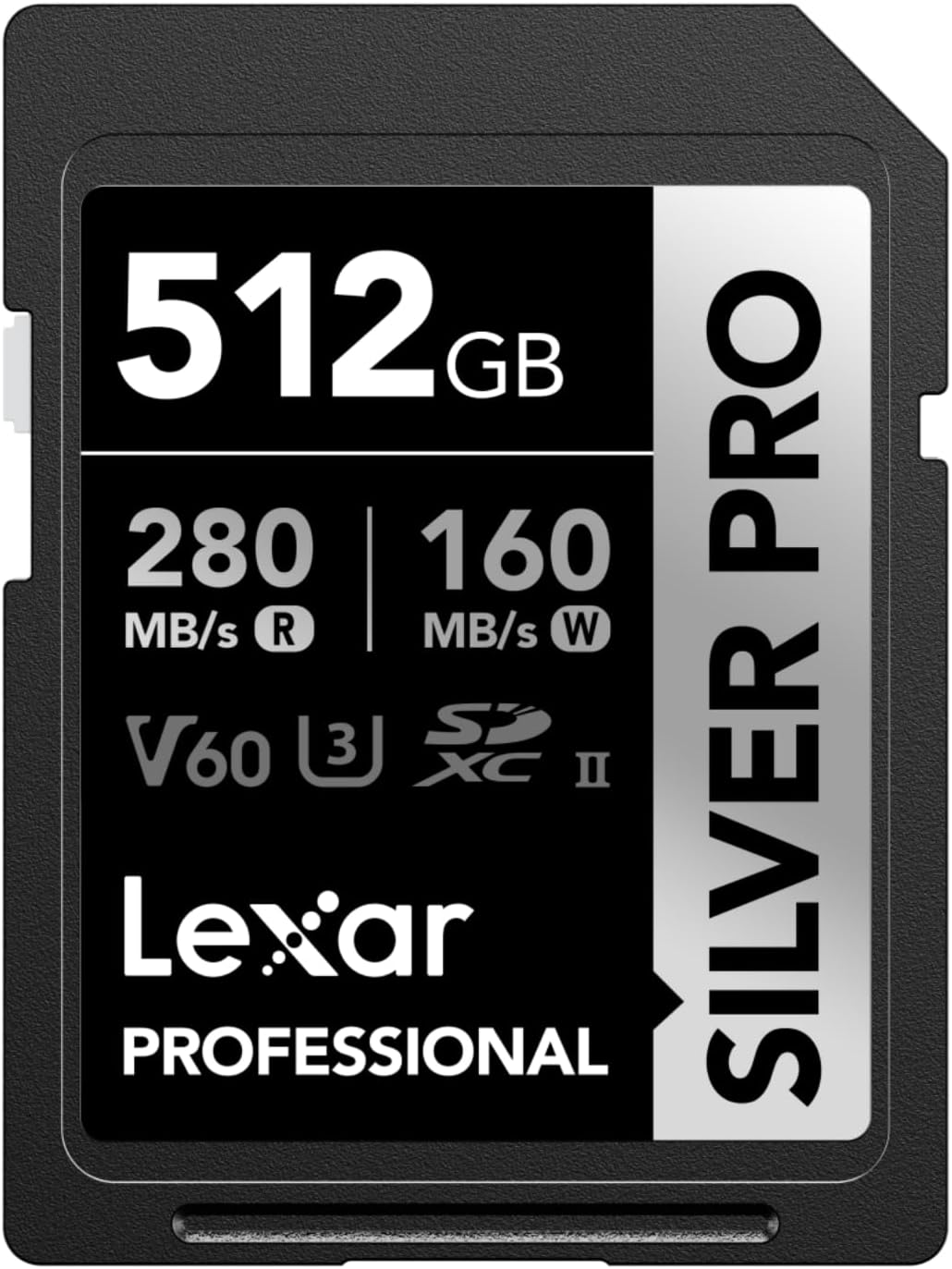
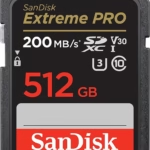
To fully utilize your UHS-II cards, invest in a compatible reader such as the SanDisk 512GB Extreme PRO (USB 3.2, 300MB/s) or the Lexar SILVER PRO SD Card (UHS-II, XQD compatible). For protection, a waterproof case like the Gigastone 256GB SDXC Memory Card will prevent shocks and dust. Neglecting these accessories can be disastrous: a slow reader or a damaged card means hours of lost work .
For video workflows, the Sony 512 GB Tough M Series UHS-II SDXC Memory Card is a benchmark. It combines speed, durability, and compatibility with demanding codecs. In short, a smart investment for long sessions or extreme conditions .
Choosing the right SD card for your Sony A7R IV guarantees UHS-II speeds for handling XXL RAW files and 4K without interruptions, opts for SDXC to avoid size limitations, and utilizes the two UHS-II slots for double the security or extended battery life. So, before your next photo or video session, grab a high-performance model: your shots deserve to never lag . Because with such a powerful camera, even a single second lost means a precious moment slips away…




Leave a Reply