

Have you ever spent hours searching for THE perfect SD card for your Sony A7R III, getting lost between UHS-II, SDXC, and write speeds? Let’s be honest, choosing the right memory for a camera as demanding as the Alpha 7R III is a real headache, especially when you want to avoid slowdowns during bursts or cutouts during 4K recording. In this guide, we analyze compatibilities, compare key speeds, and recommend tried-and-tested cards to fully exploit your camera’s capabilities without compromise.


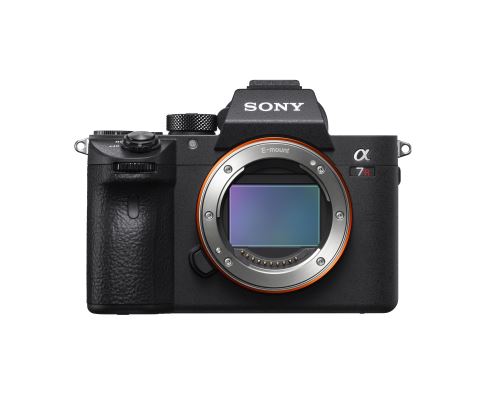
Memory card compatibility with the Sony a7R III
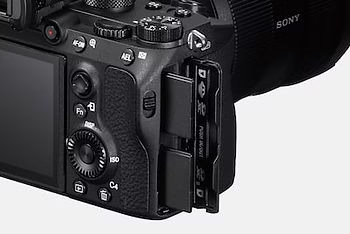
The Sony a7R III offers two SD slots: slot 1 is UHS-II compatible (maximum speed ~128MB/s) and slot 2 is UHS-I compatible (~75MB/s). Slot 1 provides optimal performance, while slot 2 is suitable for JPEG or backup storage. Use slot 1 to fully utilize your camera’s power .
The UHS-II slot is a plus for burst shooting or 4K video. It reduces buffer flush time, preventing slowdowns. Using a V90 card, you can achieve stable write speeds of 90MB/s, ideal for large RAW files. Without it, you'll quickly run into a freeze .
Comparing the technical specifications of the Sony a7R III's UHS-II and UHS-I slots to optimize storage performance
| Characteristic | Slot 1 (UHS-II) | Slot 2 (UHS-I) |
| Speed standard | UHS-II (dual pin set) | UHS-I (single pin set) |
| Maximum write speed | Up to ~128MB/s (V90 cards) | Up to ~75MB/s (V30 cards) |
| Maximum reading speed | Up to 300 MB/s (theoretical) | Up to 170 MB/s (advertised) |
| Maximum Video Speed Class | V90 (90 MB/s guaranteed) | V30 (30 MB/s guaranteed) |
| Impact on buffer flushing | Optimal speed for bursts | Emptying time approximately doubled |
| Optimal use | RAW formats and 4K videos | Secondary or JPEG backup |
| Backward compatibility | Accepts UHS-I (reduced speed) | Accepts UHS-II (limited speed) |
Both slots accept all SD cards, but the UHS-II slot takes full advantage of UHS-II speeds. A UHS-I card in slot 1 works, but not more than 75MB/s. For performance, opt for a UHS-II in slot 1 and an affordable UHS-I for slot 2.
Using a UHS-II card in slot 2 will limit its speed to ~75 MB/s. Conversely, a UHS-I in slot 1 can still be used, but without reaching 128 MB/s. To optimize, reserve fast cards for slot 1 and economical models for slot 2. This avoids bottlenecks .
Importance of write speed for performance
Write speed is more critical than read speed for burst shooting. It determines how the buffer is flushed to the card. A slow card will freeze the shot after a few shots. For RAW, aim for stable speeds above 90MB/s . Otherwise, you'll be slowed down quickly.
The buffer stores images before they are written to the card. The Sony a7R III handles 28 uncompressed RAWs before saturation. A fast card clears this cache in a few seconds, while a UHS-I card takes twice as long. Without sufficient speed, the frame rate drops sharply . This is a crucial point not to be overlooked.
- Slot type (UHS-II vs. UHS-I) : Use the UHS-II-compatible slot 1 for write speeds up to 128MB/s, compared to UHS-I's maximum of 70-75MB/s.
- Speed class (V30, V60, V90) : Choose V60 or V90 for guaranteed speeds of 60 or 90 MB/s, essential for RAW bursts or demanding 4K video.
- Actual write speed : Look for proven cards (like Lexar 2000x or Sony SF-G) with actual camera performance that exceeds their theoretical speeds.
- File format (RAW vs JPEG) : Uncompressed RAW files overload the buffer, requiring a fast card to avoid slowdowns during intensive bursts.
For 4K video, a stable write speed is essential . XAVC S has a throughput of up to 100 Mbps, or ~12.5 MB/s. A slow card will cause dropouts. Additionally, cards heat up depending on the data flow. To avoid overheating, alternate cards or use heat-resistant models.
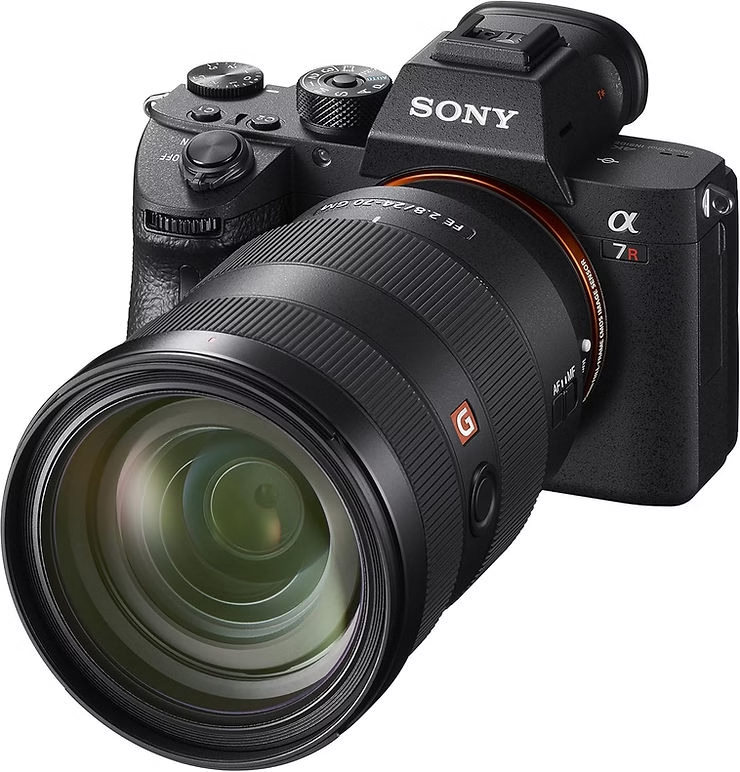
High-performance UHS-II cards recommended
Sony SF-G TOUGH UHS-II V90 cards are optimized for the Sony a7R III. They achieve 300MB/s reading and 299MB/s writing speeds. Their durable construction and UHS-II compatibility ensure stable performance, ideal for RAW files and 4K video. Sony 512GB Tough M Series UHS-II SDXC Memory Card is a premium choice .
The SanDisk Extreme Pro UHS-II V90 offers up to 300MB/s read and 260MB/s write speeds. With a lifetime warranty, they're reliable for intense bursts. At €87 for 64GB, they rival the Sony SF-G while remaining affordable . The SanDisk 512GB Extreme PRO is a powerful alternative.
The Hoodman Steel 2000x stands out with its steel chassis and lifetime warranty. Tested at 139MB/s write speed on a Sony A9, it's rugged enough for extreme conditions. While not mentioned in all tests, it rivals the Lexar Pro 2000x for demanding uses. An underrated but effective option.
Reliable UHS-I cards for the second slot
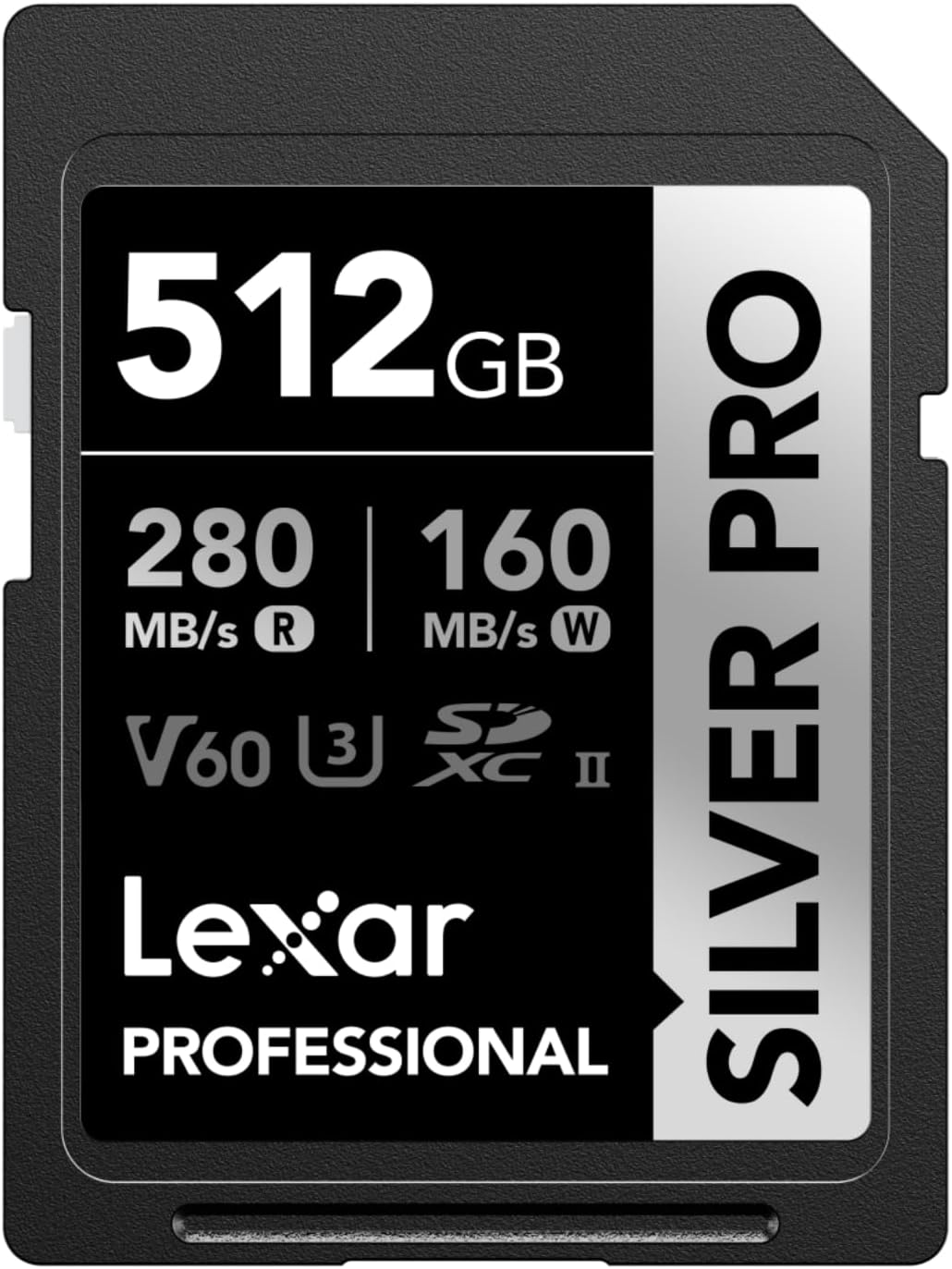
The SanDisk Extreme Pro UHS-I U3 (V30) card achieves 75MB/s write speed in the a7R III. Its speed is sufficient for 4K video or short bursts of RAW . Its reliability and shock resistance make it a good backup. The Lexar SILVER PRO SD card also offers stable performance at an affordable price.
Sony UHS-I cards are optimized for the a7R III, ensuring compatibility without surprises. A 64GB Sony U3 UHS-I card achieves 67.9MB/s write speed. The SanDisk Extreme Pro UHS-I (75.5MB/s) remains faster, but Sony remains a safe choice for purists. The brand counts for reliability.
For light use (JPEG, backup, or 4K 30p), UHS-I is economical . A card like the SanDisk Extreme Pro UHS-I (170/90 MB/s) or the Gigastone 256 GB SDXC Memory Card is enough without breaking the bank. In the second slot, prioritize affordability without sacrificing the V30/U3 class to avoid video cuts.

Requirements for 4K video recording
For 4K on the Sony a7R III, choose U3 or V30 cards, which guarantee 30MB/s. U1/Class 10 cards are insufficient. A V90 is ideal for high data rates. Discover the best SD cards for 4K performance, suitable for similar models.
Comparison of different speed classes (V30, V60, V90) and their impact on video recording
| Speed class | Minimum guaranteed speed | Compatible video formats | Sony a7R III Compatibility |
| V30 | 30 MB/s | 4K 30p, Full HD | Yes |
| V60 | 60 MB/s | 4K 60p, high frame rate | Yes |
| V90 | 90 MB/s | 8K, 4K 120p, external RAW | Yes |
Bitrates vary by format. XAVC S 4K reaches 100 Mbps (12.5 MB/s). A V30 is sufficient, but a V90 avoids complex stream breaks. For long takes, check the card's thermal resistance. A UHS-II card is recommended for high bitrates.
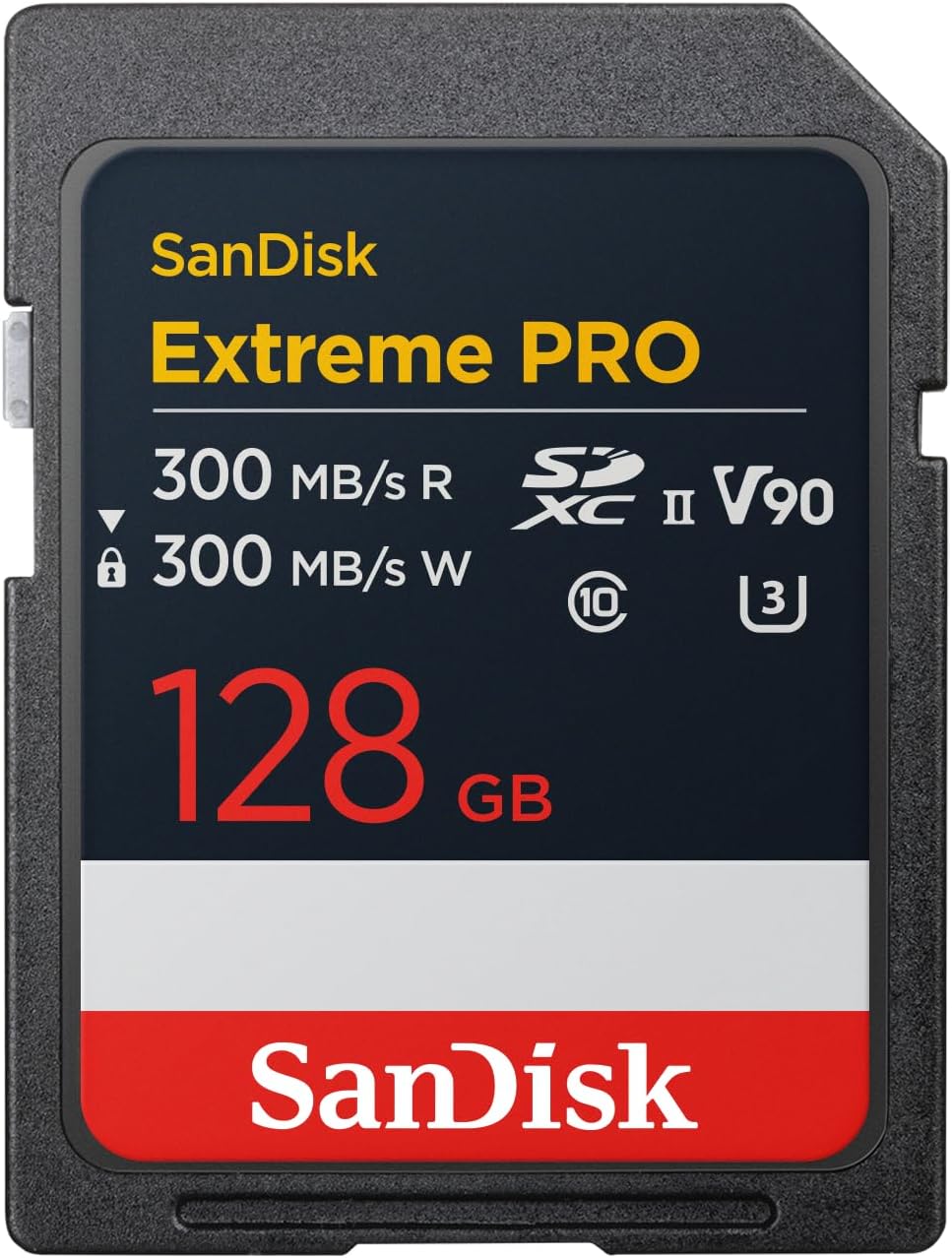
Difference between SDHC and SDXC cards
SDHC cards (4-32GB) use FAT32, which is limited to 4GB per file. SDXC cards (64GB and up) adopt exFAT, avoiding fragmentation in 4K. The Sony a7R III supports both formats, but SDXC is essential for long 4K videos , which quickly exceed 4GB.
For 4K XAVC S (100 Mbps), SDXC is preferable . It avoids the clipping caused by the 4GB SDHC limit. Codecs like XAVC S generate large files, which are better handled by exFAT. With SDHC, the Sony a7R III automatically splits videos, but it's less convenient.
The 4GB per file limit of SDHC cards blocks continuous recording in 4K. The Sony a7R III gets around this by creating separate files. In practice, this complicates editing. An SDXC card eliminates this problem, especially in 4K 30p where each minute reaches ~4.5GB. Avoid SDHC cards for 4K .
Buffer management and impact of fast maps
The Sony a7R III's buffer temporarily stores images before writing. In burst mode, it accepts 28 uncompressed RAWs or 76 JPEGs. A slow card will freeze the frame rate after saturation. In practice, a UHS-II clears this cache in 17 seconds, compared to 57 with a UHS-I. Compare the buffer performance with the Sony A7C II .
UHS-II cards like the Lexar 2000x (139MB/s write) reduce the empty time to 17 seconds. For RAW+JPG bursts, a UHS-I doubles this time. The frame rate drops to 1 frame/second with a slow card. As a result, professional models avoid UHS-I for dynamic scenes. Actual speed matters more than theoretical figures .
A slow card freezes the camera after a few shots. In 4K video, it causes cutouts or overheating. For example, a UHS-I U3 (75 MB/s) struggles in XAVC S 100 Mbps. Uncompressed RAW quickly saturates the buffer. Without a V90 card, you lose critical shots. The a7R III's responsiveness depends as much on the card as on the sensor .
Optimal use of both locations
To secure your shots, enable backup on both slots. Slot 1 (UHS-II) stores the main files, while slot 2 (UHS-I) serves as a backup. This prevents data loss in the event of a power outage. A UHS-I card is sufficient for the second slot, especially for JPEGs.
Reserve slot 1 (UHS-II) for demanding formats like RAW or 4K. Slot 2 (UHS-I) is suitable for JPEGs or backups. A V90 card in slot 1 ensures stable speeds. In the second slot, a UHS-I U3 (70-90 MB/s) is economical without compromising security.
Configure the Sony a7R III to use both slots in parallel : RAW on slot 1 (UHS-II) and JPEG on slot 2 (UHS-I). This optimizes space and responsiveness. For professionals, enable dual backup in RAW+RAW. Management in the Sony menu is intuitive, without slowing down the camera.
In short, prioritize UHS-II cards for write speed, SDXC for capacity, and always check compatibility. A suitable memory card unlocks the full potential of the Sony A7R III, avoiding slowdowns or corrupted files. So, before your next session, remember: investing in the right card means guaranteeing every zoom shot, every burst, every precious moment. Ready to take action?


Leave a Reply