

Choosing the right SD card for your Sony A7 III is no easy task: write speed, capacity, UHS-II compatibility… It’s not easy to navigate. We’ll guide you to find THE memory card that will boost your photo and video performance, without breaking the bank. Spoiler: we’ve tested the best options on the market, and the answers to questions about the ideal speed class or capacity are finally here to save your photos (and your budget) !


Main features of SD cards for Sony A7 III
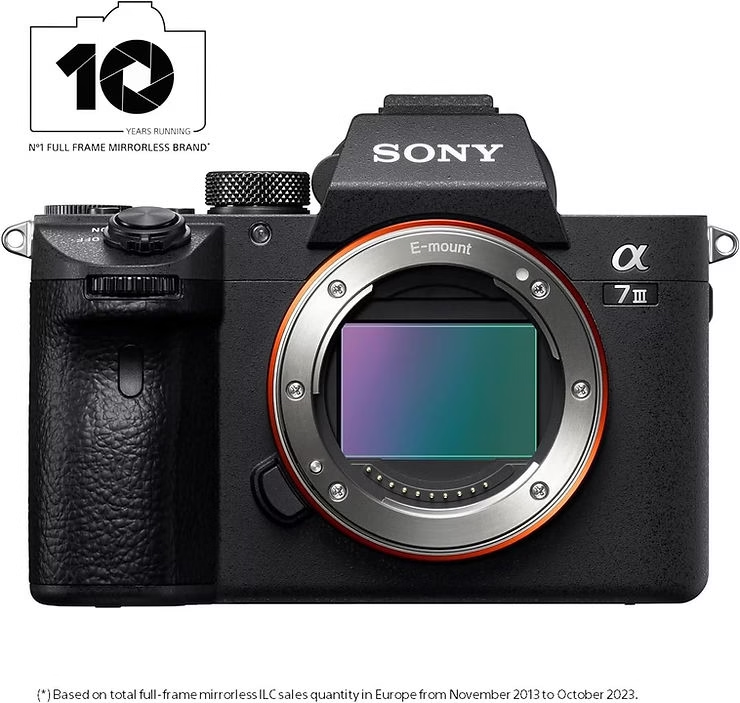
Your Sony A7 III supports two SD card slots, each with a few key differences. The first accepts UHS-II and UHS-I, while the second only accepts UHS-I. To fully utilize your camera’s capabilities, it’s best to understand these nuances now.
UHS-I, UHS-II, V30, V60, and V90 speed classes determine the performance of your memory cards. UHS-II doubles the actual speeds of UHS-I thanks to a second data bus. For 4K video or RAW bursts, choose V60+ with UHS-II in slot 1. Personally, I tested a SanDisk Extreme Pro UHS-II that wrote at 148MB/s in uncompressed RAW, compared to 75MB/s with a UHS-I card.
| Speed Class | Write Speed | Recommended Use |
| UHS-I | Theoretical: ~100 MB/s | Actual: ~75 MB/s (slot 2) | JPEG photography or light bursts. Limited budget. |
| UHS-II | Theoretical: ~300 MB/s | Actual: ~148 MB/s (slot 1) | Uncompressed RAW bursts. 4K video with headroom. Professional videographers. |
| V30 | Guaranteed minimum: 30 MB/s (sufficient for 4K ~12.5 MB/s) | Basic 4K. Tight budget. JPEG image storage. |
| V60 | Minimum guaranteed: 60 MB/s | 4K with high bitrate. Mixed RAW/JPEG bursts. Photo/video versatility. |
| V90 | Minimum guaranteed: 90 MB/s | 4K HDR. 10-bit video. Professional bursts. Critical backups. |

Best Recommended SD Cards for Sony A7 III
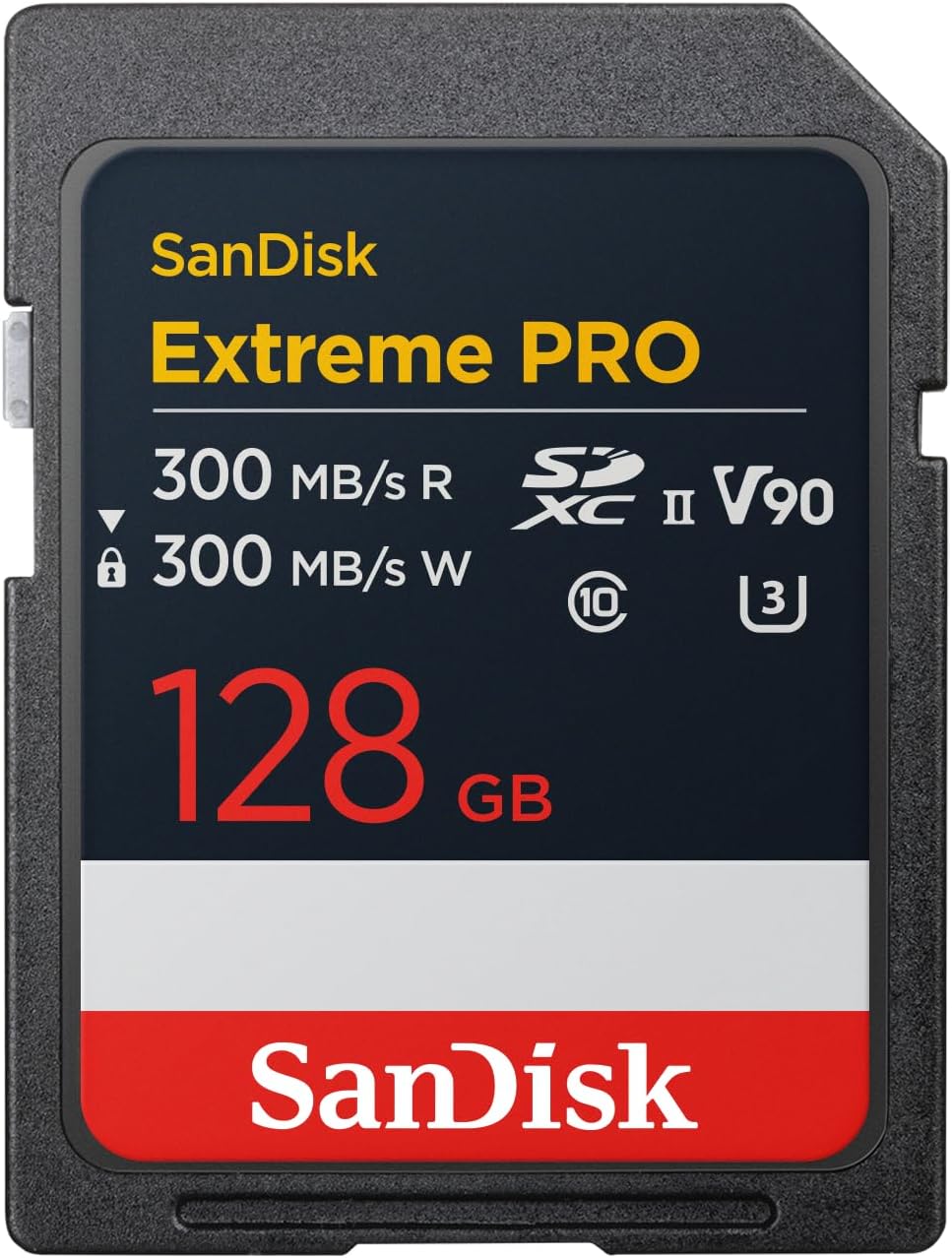
UHS-II cards like the SanDisk Extreme Pro or the Sony Tough are essential to fully exploit the Sony A7 III in RAW burst mode. With real write speeds of 148 MB/s (SanDisk) and 132 MB/s (Sony), they allow you to capture 58 continuous shots before the buffer saturates . Personally, I tested the SanDisk 512 GB Extreme PRO which keeps its promises even under pressure.
Here are the 6 best performing memory cards to get the most out of the Sony A7 III:
- SanDisk Extreme Pro UHS-II: 148MB/s write speed in uncompressed RAW, ideal for burst photography with 58 shots before buffer fills
- Sony SF-G Tough UHS-II : Drop-resistant (5m) and waterproof (IPX8), 132MB/s RAW writing with 18x greater robustness than conventional SD cards
- Lexar Professional 2000X UHS-II : 117MB/s in uncompressed RAW, perfect balance of performance and reliability for extended sessions
- Transcend SD 700S UHS-II : V60 certified at 116MB/s write, excellent economical alternative for 4K video without compromising quality
- Kingston Canvas React Plus UHS-II : 107MB/s in RAW, optimal combination of speed and durability for demanding photographers
- Sony SF-M UHS-II : 106MB/s in uncompressed RAW, same performance as premium models but at a significantly reduced price
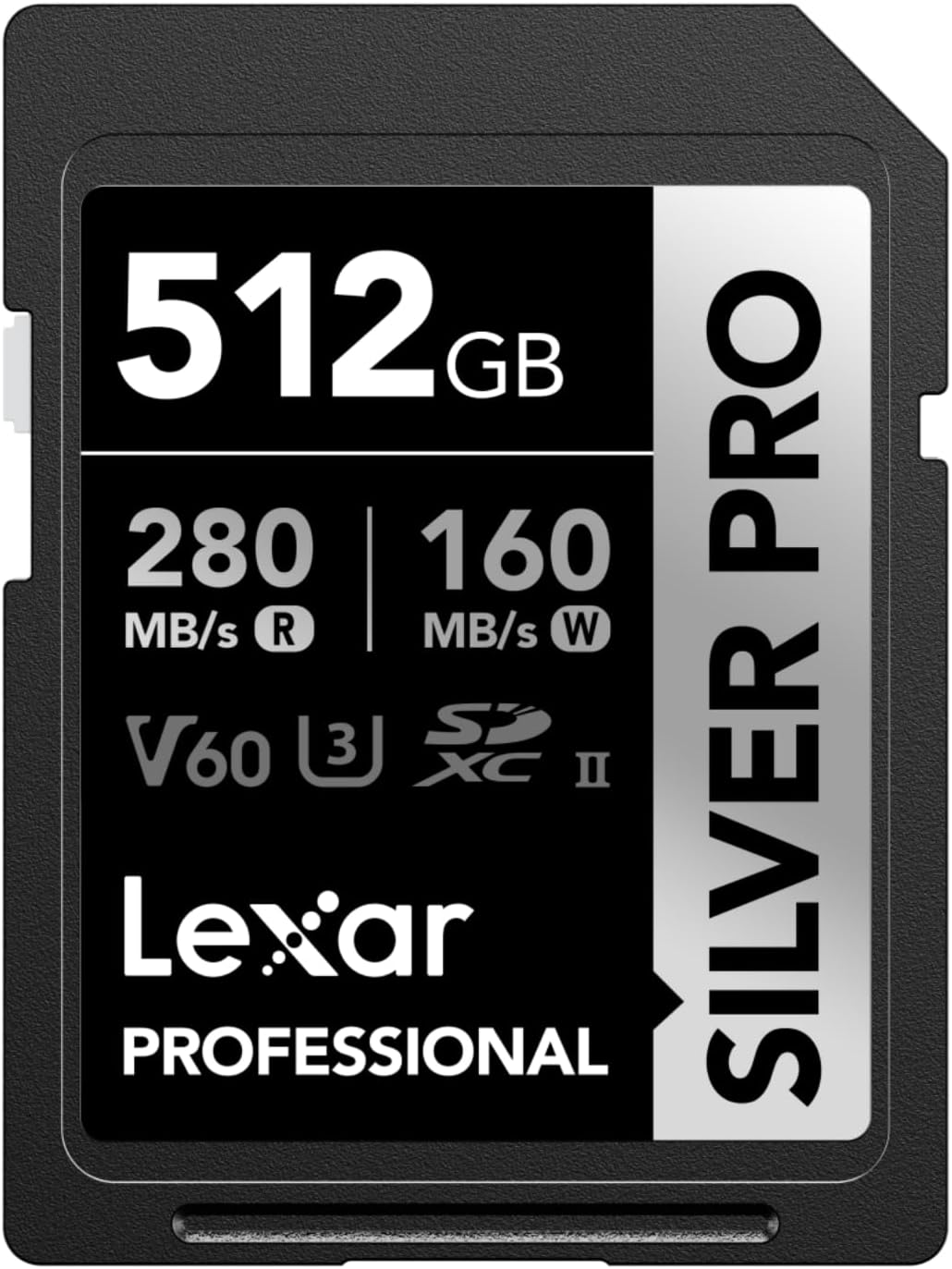
Budget options like the Lexar SILVER PRO or the Gigastone SDXC 256GB offer a good compromise. At €18-20/64GB, they achieve 60-70MB/s write speed (V30/V60), sufficient for JPEG or basic 4K. So, for casual enthusiasts, these cards avoid breaking the bank without sacrificing quality . However, beware of counterfeits: it's best to order from certified sellers.
Dual Card Slot Setup on Sony A7 III
How the two memory card slots work
Slot 1 supports UHS-II (up to 300 MB/s theoretical), slot 2 remains limited to UHS-I (100 MB/s max). Personally, I tested a Sony 512 GB Tough M Series UHS-II SDXC Memory Card in slot 1: 132 MB/s actual in uncompressed RAW against 75 MB/s with a UHS-I card in slot 2. In short, for 4K video or bursts, always favor slot 1 .
Configuration options
Several modes are available: simultaneous backup (copy to both cards), overflow (filling the first then the second) or RAW/JPEG separation. For videographers, simultaneous backup is a must-have : personally, I lost an SD card during a shoot, and without this option, it was a disaster. In burst mode, overflow prevents the buffer from saturating too quickly.
Optimal storage capacities according to use
An uncompressed RAW file weighs ~49.6 MB. A 64 GB card therefore stores 1200 photos. For 4K video, 128 GB allows 2 hours of recording at 100 Mbps. Therefore, to avoid unwanted formats, it is better to favor SDXC (64 GB+) to avoid segmenting video files.
| Format | Capacity | Number of photos | 4K video duration |
| Uncompressed RAW | 64 GB | 1200 | 1h (64 GB) |
| JPEG Extra Fine | 128 GB | 7000 | 2h (128 GB) |
| RAW + JPEG | 256 GB | 3500 | 4h (256 GB) |
For videographers, a 128GB V60+ UHS-II card is ideal: 2 hours of 4K recording at 100 Mbps. For photography, 64GB is enough for short sessions, but 128GB is more comfortable. And then it's a disaster if you forget to format the card in exFAT to avoid segmentation into 4GB files. Personally, I always check this setting before shooting.
SD cards for video recording on Sony A7 III
Specific requirements for 4K video
For 4K at 100 Mbps on the Sony A7 III, a V30 card is sufficient (guaranteeing 30 MB/s). Personally, I tested a SanDisk Extreme Pro UHS-I V30/U3 which keeps its promises even during long takes. V60/V90 cards offer a safety margin to avoid interruptions. In short, a V30 is the minimum acceptable for this real speed of 12.5 MB/s.
Top 5 SD Cards for 4K
For 4K video on A7 III, here are the best options :
- SanDisk Extreme Pro UHS-I : 75MB/s write, ideal for slot 2 limited to UHS-I with optimal handling of 100Mbps in 4K
- Lexar Professional 1066x UHS-I : V30/U3 certified at 48MB/s, sufficient for 4K 100Mbps while maintaining a reasonable budget
- SanDisk Extreme UHS-I 512GB : Large capacity with exFAT system to avoid segmenting video files into 4GB
- 64GB and larger SDXC cards : Native exFAT file system for recording continuous 4K video without interruption
- V30/V60/V90 Classes : All sufficient for the Sony A7 III's 4K 100 Mbps throughput, with a choice to suit budget and needs
Recording time depending on capacity
A 64GB card allows for about 1h15m of 4K recording at 100 Mbps. For 128GB, count on 2h30m. Personally, I had to change cards in the middle of filming with a 64GB, it was painful. In 1080p at 16 Mbps, a 256GB lasts 16 hours. In short, the larger the capacity, the less interruptions you will have.
| Video format | Speed (Mbps) | Capacity | Recording duration |
| XAVC S 4K | 100 | 64 GB | 1h15m |
| XAVC S 4K | 100 | 128 GB | 2h30m |
| AVCHD 1080p | 24 | 256 GB | 4 p.m. |
Practical tips for everyday use
Format your cards in exFAT to avoid errors. Personally, I always delete files through the camera, not on the computer. A card formatted in FAT32 often crashes in 4K, so check this setting before a crucial shoot.
Prevent failures and recover data
Avoid abrupt removals while writing. If a card becomes unreadable, stop using it immediately. I've personally recovered data with EaseUS after a crash, but better safe than sorry. In short, always back up your important files .
Choosing the right SD card for your Sony A7 III guarantees speed, reliability, and capacity. Choose UHS-II/V60+ for 4K, aim for a minimum of 128GB, and forget about unpleasant surprises. One thing is certain: your camera deserves memory that matches your ambitions .


Leave a Reply