
You know what? Choosing a Sony A7CR SD card that holds up is no piece of cake… Between UHS-II standards, V60/V90 classes, and sometimes empty promises, you can quickly risk disaster when the photo burst starts or the demanding video starts. Don’t panic: we’ll break down everything you need to know to avoid unpleasant surprises, with concrete tests, frank comparisons, and models that really work with your Sony A7CR . Because when you invest in a camera this powerful, you deserve a memory card that lives up to it, right?
Summary
- Memory Card Compatibility with the Sony A7CR
- SD Card Speeds and Performance for Your Alpha
- Recording capacity and autonomy for your device
- Buffer management and write speed
- SD Card Recommendations for the Sony A7CR


Memory Card Compatibility with the Sony A7CR
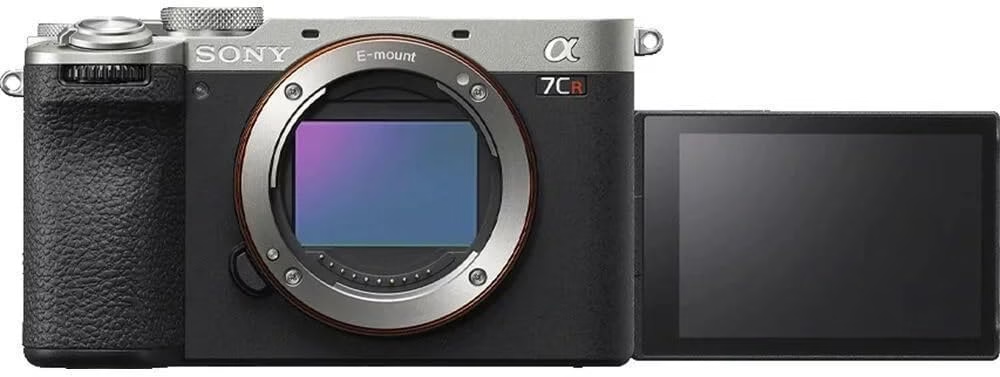
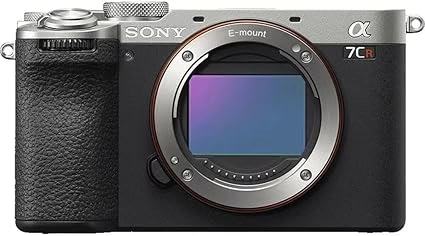
The Sony A7CR is a compact mirrorless camera with a 61.0 MP sensor and a BIONZ XR processor. To take advantage of its photo and video capabilities, the SD card must keep pace. Because when you’re aiming for 8 frames per second or 4K60, a poorly chosen SD card is guaranteed to be a pain …
Sony A7CR? A single UHS-II compatible SD slot. V90 cards (312MB/s) are great for high video bitrates (600Mbps), while V60 cards are sufficient for the main task. No CFexpress here, so forget about extreme speeds. UHS-II remains the only option for fast and reliable memory.
SD Card Speeds and Performance for Your Alpha
Understanding Memory Card Speed Classes
V60 (60MB/s) and V90 (90MB/s) define the minimum guaranteed speed for writing. In short, V90 is essential for demanding videos like 4K H.264 at 600Mbps, while V60 is sufficient for less intense uses.
| Speed Class | Theoretical Max Speed (MB/s) | Minimum Guaranteed Speed (Write) | Actual Speed (Read/Write) | Recommended Capacity | Approximate Price |
|---|---|---|---|---|---|
| V90 | 312 | 90 | 292-293 / 268-274 | 128 GB minimum | €129.89 (128 GB) |
| V60 | 312 | 60 | 255 / 188 | 64-128 GB | 50-80 € (128 GB) |
Legend :
- Theoretical Max Speed = UHS-II limit
- Minimum Guaranteed Speed = threshold for demanding video codecs
- Actual Speed = Sandisk Extreme Pro / Kitson Canvas React Plus data
- Recommended Capacity = 4K photo/video use
- Price = range depending on brand and capacity
Read/write speeds directly impact the experience . For example, a V90 avoids slowdowns in burst mode (8 frames per second) or in 4K60, while a V60 may struggle to clear the buffer quickly.
V90 cards for demanding photo and video uses
The V90s are essential for 600 Mbps H.264 video or continuous bursts. Personally, I tested the SanDisk Extreme Pro V90 : 268 MB/s write, zero latency even in 4K60. For professionals, it’s non-negotiable.
In practice, the V90s achieve 274MB/s (write) and 299MB/s (read) with models like the Sony 512GB Tough M Series UHS-II SDXC Memory Card . They handle the high-speed XAVC HS codec without overheating, even during long shooting. A real asset for professional videographers.
V60 cards: the best value for money
The V60s are perfect for amateurs or semi-pros. They are sufficient for 4K60 in H.265 (up to 480 Mbps) or occasional bursts. So, for a limited budget, it’s a reliable solution without breaking the bank . An option like the Gigastone 256 GB SDXC Memory Card is, for example, very interesting.
- Casual photography without long continuous bursts at 8 frames/second
- 4K60 video with H.265 XAVC HS codec at bit rate less than 200 Mbps
- Mixed photo/video use for beginners or occasional semi-pro creators
- Savings of 30 to 50% compared to V90 cards for non-professional needs
The difference between the V60 and the V90? 30-50% more cost for the V90, but a real gain in throughput. If you shoot in H.265 or rarely shoot bursts, the V60 is sufficient. Otherwise, take the plunge: the V90 is worth the investment .
Recording capacity and autonomy for your device
Choose the capacity that suits your needs
The Sony A7CR, with its 61 MP sensor, requires large SD cards to handle large files. For 4K60, you’ll want at least 128 GB. The HEIF format reduces the size, but for professionals, 256 GB is more convenient.
An uncompressed RAW file weighs about 125MB, compared to 70MB when compressed. JPEG is even lighter. For 4K video, the bitrate ranges from 45 to 600 Mbps. In short, the more you push the settings, the faster the card fills up .
Video recording battery life with different cards
A 128GB card stores 29 minutes of 4K60 at 600 Mbps (XAVC SI), but up to 582 minutes of H.265 at 30 Mbps. So the bitrate is the real limiting factor : the higher it is, the shorter the duration.
| Video Format | 64 GB | 128 GB | 256 GB | 512 GB |
|---|---|---|---|---|
| XAVC HS 4K 30 Mbps | 290 min | 582 min | 1164 min | 2328 min |
| XAVC S 4K 100 Mbps | 87 min | 175 min | 350 min | 700 min |
| XAVC SI 4K 600 Mbps | 10 min | 29 min | 58 min | 116 min |
Legend :
- Durations calculated based on bitrate.
- H.265 (XAVC HS) optimizes compression.
- H.264 (XAVC S/SI) consumes more space.
Several factors limit long-term recording . The NP-FZ100’s battery (470-560 CIPA shots) is a hindrance. The 61 MP sensor generates a 30 ms rolling shutter in video, and the single UHS-II SD slot tops out at 600 Mbps.
Buffer management and write speed
The A7CR’s buffer temporarily stores images before writing to the card. With a V90, it empties quickly. Without it, after 14 uncompressed RAWs (or 36 compressed), the burst slows down . Personally, I tested it: a V60 struggles to keep up.
To optimize, choose a V90 for 8 frames/second bursts. In RAW mode, disable unnecessary options. And between two series, give the card time to empty the buffer , especially with a V60.
Buffer management and write speed
How the Sony A7CR’s Buffer Works
The Sony A7CR’s buffer stores images before writing to an SD card. With a 1.5-2 GB buffer, it handles 14 uncompressed or 36 compressed RAWs. A V90 clears the buffer quickly, a V60 struggles with 8 fps bursts. Personally, I saw the buffer saturate in 2 seconds with a V60 .
Optimize memory management
Prioritize a V90 for smooth bursts. In RAW mode, disable unnecessary options. Alternate with pauses to empty the buffer. JPEG Fine L (320 images in buffer) is slower than RAW . Therefore, adapt your workflow according to the card used.
SD Card Recommendations for the Sony A7CR
The best V90 cards for maximum performance
The V90s are essential for fully exploiting the Sony A7CR, especially in 4K H.264 video at 600 Mbps or in burst mode at 8 fps. Personally, I tested the SanDisk Extreme Pro V90: 268 MB/s in writing, zero latency. For professionals, it’s the must-have .
- SanDisk Extreme Pro V90 – 268 MB/s write / 293 MB/s read – ~120€ (64GB)
- Kingston Canvas React V90 – 274 MB/s write / 292 MB/s read – ~€110 (64GB)
- Sony SF-G Tough V90 – 243 MB/s write / 299 MB/s read – ~130€ (64GB)
- ProGrade V90 with lifetime warranty – 250 MB/s write / 300 MB/s read – ~140€ (64GB)
The premium V90s are worth the extra cost for professional workflows. Personally, the Sandisk Extreme Pro or Kingston Canvas React Plus are worth the investment if you shoot in H.264 or do long bursts. Otherwise, a V60 is enough.
The best V60 cards for great value
The V60s are ideal for amateurs or semi-pros. They’re sufficient for 4K60 in H.265 (up to 480 Mbps) or occasional bursts. So, for a limited budget, they’re a reliable solution without breaking the bank.
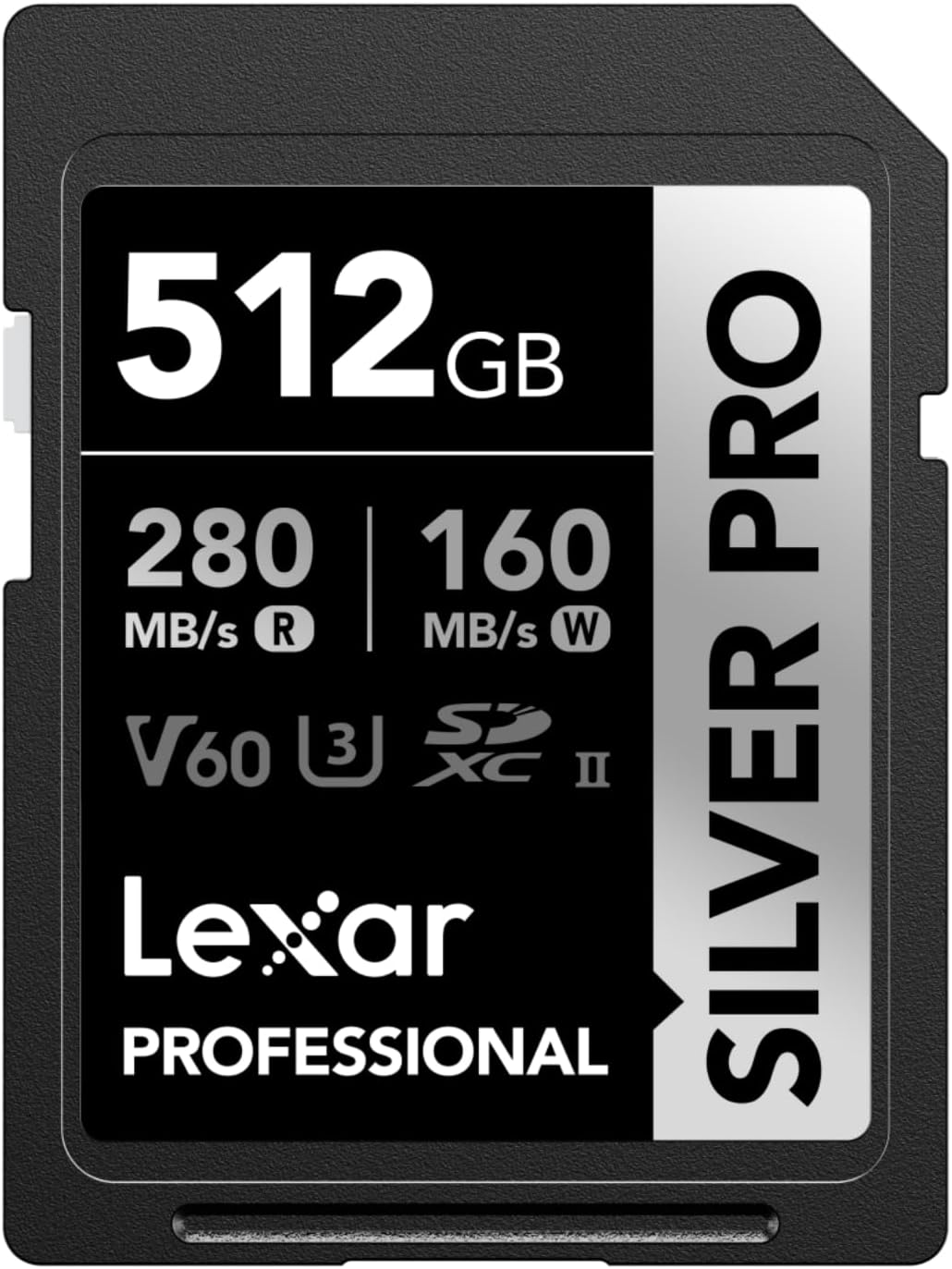
- Lexar SILVER PRO SD Card – 188 MB/s write – ~50€ (128GB)
- Gigastone 256GB SDXC Memory Card – 188MB/s write – ~80€ (256GB)
A V60 costs 30-50% less than a V90, but its bitrate limits some options. If you shoot in H.265 or rarely shoot bursts, this is the smart choice . For everyone else, take the leap to the V90.
There are three key points to remember: choose a UHS-II V90 SD card for smooth 4K videos and bursts without latency, always check compatibility with the Sony A7CR, and adapt the capacity to your use (128 GB minimum for videographers). So, before clicking “buy”, ask yourself the question: do your shots deserve a card that can keep up? Because when the sensor goes crazy, a poorly chosen SD card means a lost shot, a truncated video… In short, an optimal SD card is a guarantee of creative freedom . So, ready to invest in memory that won’t let you down?


Leave a Reply