

Choosing the right SD card for your Sony a6700 is important to avoid slowdowns in 4K or failures in burst shooting. We all know: a slow card can turn a magical moment into a nightmare… Personally, I tested dozens of models to understand the requirements of this high-end hybrid camera. In this article, we analyze the UHS-II/V90 standards, the speeds required for 120fps slow motion, and list the best options to optimize the performance of your Sony camera without breaking the bank .

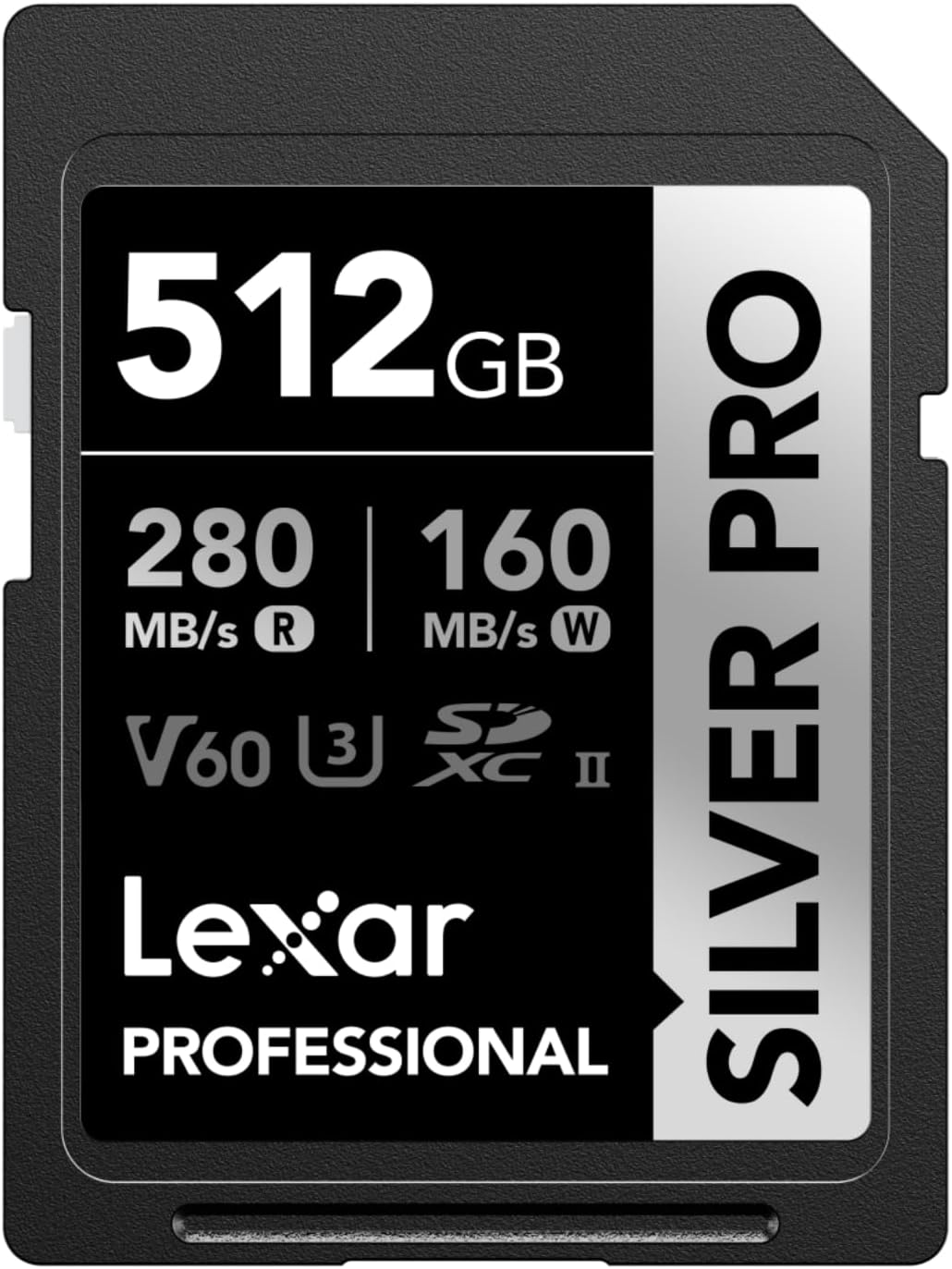


Memory card compatibility for your new Sony a6700 camera
The Sony a6700 has a single SDXC UHS-II slot. It accepts SD/SDHC/SDXC cards, but to fully exploit its 4K video capabilities at 600 Mbps, you’ll want to opt for a V90 . UHS-I cards work, but may slow down during burst or high-frame-rate recording.
UHS-II cards (V90/V60) offer write speeds of up to 223MB/s, ideal for demanding video streams . UHS-I cards, limited to 104MB/s, are suitable for RAW photos or H.265 videos at 280Mbps. A slow card can cause cutouts in 4K 600Mbps. For mixed use, a V60 balances quality and price.
| Card Type | Actual write speed (measured in Sony a6700) | Recommended Price (SanDisk Extreme PRO, July 2025) |
| V90 (UHS-II) – 32 GB | Up to 214-223 MB/s (depending on model) | from €67.07 |
| V90 (UHS-II) – 64 GB | Up to 214-223 MB/s (depending on model) | from €85.50 |
| V90 (UHS-II) – 128 GB | Up to 214-223 MB/s (depending on model) | from €129.89 |
| V90 (UHS-II) – 256 GB | Up to 214-223 MB/s (depending on model) | from €270.00 |
| V90 (UHS-II) – 512 GB | Up to 214-223 MB/s (depending on model) | from €419.01 |
| V60 (UHS-II) – 64 GB | 170-174 MB/s (depending on model) | from €31.90 |
| V60 (UHS-II) – 128 GB | 170-174 MB/s (depending on model) | from €44.90 |
Technical specifications of SD cards for video and photo on a6700
UHS standards and compatibility with your Sony Alpha
UHS-II doubles write speeds thanks to its additional contacts. The Sony a6700 favors this format to avoid cutouts in 4K or burst shooting . UHS-I cards remain usable, but struggle to keep up with high data rates.
UHS-II cards avoid slowdowns by clearing the buffer quickly . On the a6700, this allows for 59 continuous RAW shots without interruption. A UHS-I would slow down the stream, especially in 120fps slow motion where each frame weighs heavily.
Speeds required for 4K video and slow motion modes
To shoot in 4K 60fps or S&Q slow motion (120fps), a V90 card is essential . It guarantees stable writing at 75MB/s minimum. In H.265 280Mbps, a V60 is sufficient thanks to its efficient compression.
- XAVC SI 4K at 600Mbps requires a V90 SD card to ensure fast and stable writing
- XAVC HS 4K at 280 Mbps is compatible with a V60 SD card thanks to the efficiency of the H.265 codec
- H.264 recording at 600 Mbps requires a V90 card to avoid slowdowns or dropouts
- H.265 video at 280 Mbps works with a V60 card, ideal for standard use
- S&Q slow motion modes (60 or 120 fps) require a V90 SDXC card for optimal performance
The H.265 codec compresses better than H.264, reducing file sizes by 40% at the same quality . Therefore, a V60 is sufficient for XAVC HS 4K, while a V90 is required for XAVC SI 4K 600Mbps.
Optimal storage capacity for your photos and videos
A 64GB card stores approximately 14 minutes of 4K 600Mbps video. For a day of shooting, choose 128GB or 256GB . For photos, 128GB holds 4,700 compressed RAW files of 27MB each.
64GB capacities are fine for short sessions, but 128GB or 256GB are more practical for mixing photo and video. V90 cards are required for 120fps slow motion, while V60 cards are sufficient for H.265 4K. Check out other SD card-specific tips for Sony cameras.
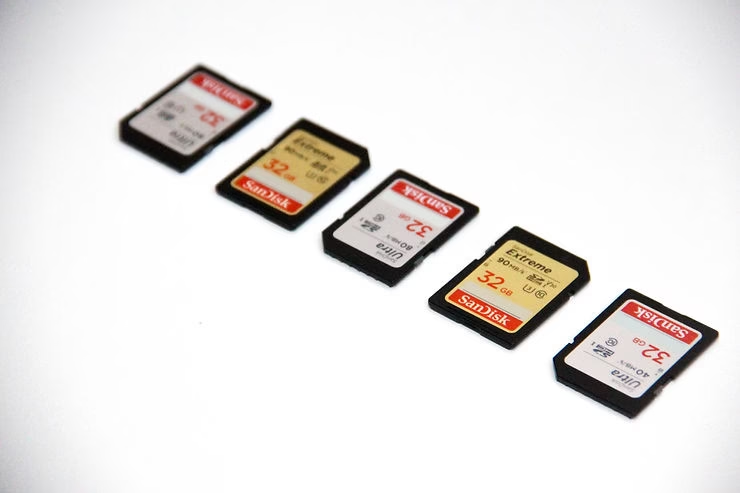
The best SDXC memory cards to get the most out of your Sony a6700
V90 Card Selection for Professional Video Recording
V90 cards are essential to fully exploit the Sony a6700’s maximum 600Mbps video throughput. Kingston Canvas React Plus, Lexar Professional 1800x, and SanDisk Extreme PRO UHS-II offer stable write speeds around 220MB/s, ideal for 120fps slow motion or 4K XAVC SI. For the largest capacities and optimal performance, the SanDisk 512GB Extreme PRO is an excellent choice .
| Card Type | Actual write speed (measured in Sony a6700) | Recommended Price (SanDisk Extreme PRO, July 2025) |
| V90 (UHS-II) – 32 GB | Up to 214-223 MB/s (depending on model) | from €67.07 |
| V90 (UHS-II) – 64 GB | Up to 214-223 MB/s (depending on model) | from €85.50 |
| V90 (UHS-II) – 128 GB | Up to 214-223 MB/s (depending on model) | from €129.89 |
| V90 (UHS-II) – 256 GB | Up to 214-223 MB/s (depending on model) | from €270.00 |
| V90 (UHS-II) – 512 GB | Up to 214-223 MB/s (depending on model) | from €419.01 |
| V60 (UHS-II) – 64 GB | 170-174 MB/s (depending on model) | from €31.90 |
| V60 (UHS-II) – 128 GB | 170-174 MB/s (depending on model) | from €44.90 |
These V90 cards guarantee sustained writing even in extreme conditions. The Sony 512 GB Tough M Series UHS-II SDXC Memory Card , for example, is shock and water resistant. To learn more about Recommended cards for the α1 II and other Sony Alpha models, see our dedicated guide. To learn more about SD cards optimized for other Sony Alpha models , see our dedicated guide.
V60 SD cards recommended for standard photo and video
For mixed photo/video use without extreme requirements, the OWC Atlas Pro V60 or the Lexar 1800x V60 are sufficient . They handle XAVC HS 4K at 280Mbps thanks to their H.265 compression, with prices 30% lower than the V90. A 128GB V60 card costs around €45.
V60 cards are also used by cameras like the α9 III, which is a testament to their versatility. They offer excellent value for money for casual videographers or photographers on the go. For a detailed explanation of UHS standards, see our SD card section. For a detailed explanation of UHS standards , see our SD card section.
To capture every moment without compromise, UHS-II compatibility, V90 speeds, and adequate capacity are your allies. Prioritize these criteria for smooth performance with your Sony a6700. So, are you ready to choose the memory card that unlocks the full potential of your mirrorless camera?


Leave a Reply