

Have you ever spent time looking for THE perfect SD card for your Sony a6100, between compatibility, speed and capacity? We all know that choosing the wrong memory card can turn a moment of shooting into a nightmare, especially in high-quality video or burst. In this article, we break down the compatible SDHC/SDXC types, the essential transfer speed classes, and we share practical tips to avoid pitfalls. Ready to store your images with peace of mind? Here we go!
Compatibility and types of memory cards for the Sony a6100
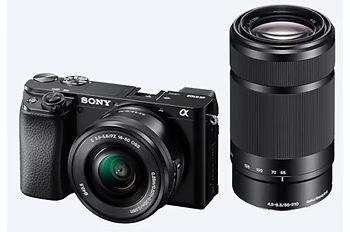
The Sony a6100 accepts SDHC (4GB to 32GB) and SDXC (64GB to 2TB) cards, both of which are UHS-I compatible. No more Memory Sticks, the a6100 focuses on the universal SD format. For 4K video in XAVC S, an SDXC card of at least 64 GB is essential. Speed classes U3 or V30 guarantee a stable write at 30 MB/s, which is necessary to avoid blackouts. Why complicate your life with an outdated format? The world of digital photography has evolved, so we might as well keep up.
| SD Card Type | Capacity and File System | Speed and compatibility |
| SDHC | 4 GB to 32 GB FAT32 | Class 10 (10 MB/s), UHS-I (104 MB/s) Compatible with SDHC and SDXC devices |
| SDXC | 64 GB to 2 TB (1 TB max available) exFAT | UHS-I (104 MB/s), UHS-II (312 MB/s), UHS-III (624 MB/s) Compatible with SDXC devices only |
| The Sony a6100 accepts SDHC and SDXC cards, but not Memory Stick cards. For 4K video in XAVC S format, a minimum of 64GB SDXC card is required. Learn more about the formats that are compatible with Sony cameras. |
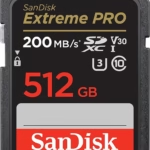
The U3 and V30 classes are valuable allies for 4K video. They guarantee a minimum write speed of 30 MB/s, a non-negotiable criterion to avoid stuttering or sudden stops. The Sony a6100 uses the UHS-I standard, but UHS-II cards remain compatible without offering any real gain. Personally, I tested a SanDisk 512 GB Extreme PRO UHS-I and the result is impeccable. In short, no need to break the bank for useless performance here.
The a6100 has a technical weakness: its write speed is capped at around 38.5 MB/s. As a result, investing in a UHS-II card becomes superfluous. Tests show negligible gains between UHS-I and UHS-II, as with the Sony 512 GB Tough M Series. Why pay more when the device can’t take advantage of these speeds? It’s better to look for reliability and V30 class, especially for 4K. Learn more about UHS-II cards with the Sony α9 III.


SD card capabilities and performance for different uses
To fully exploit the Sony a6100’s XAVC S 4K mode, a minimum of 64GB SDXC card is required. The FAT32 format of SDHC (4-32 GB) limits video files to 4 GB, which is incompatible with long 4K recordings. Personally, I tested a Gigastone 256 GB SDXC memory card and the recording fluidity is perfect. In other words, jump directly to SDXC to avoid untimely cuts in the middle of shooting.
- 64GB – Stores approximately 2,000 RAW photos or 85 minutes of 4K video at 100Mbps
- 128GB – Supports approximately 4,000 RAW photos or 2 hours 54 minutes of 4K video
- 256GB – Holds up to 8,000 RAW photos or 5 hours 49 minutes of 4K video
Burst performance depends on the adapter. A U3/V30 guarantees a 30% faster buffer emptying than a U1. Let’s be honest: with a slow card, your a6100 will spend more time writing the files than capturing the moments. For athletes or action photographers, a U3/V30 is non-negotiable. I saw 11fps sequences (Hi+ mode) interrupted by a U1 card that was too weak. So, avoid end-of-line savings here.
The theoretical throughput of SD cards does not always reflect reality in the a6100. A 170 MB/s UHS-I card rarely reaches more than 38.5 MB/s in a device. Video compression also plays a role: the XAVC S 4K at 100 Mbps (12.5 MB/s) is managed by a V30. Clearly, marketing figures are useful for PC transfer, not for camera performance.
The Sony a6100 records in XAVC S 4K at 100 Mbps (12.5 MB/s) and XAVC S HD at 60 or 100 Mbps. A V30/U3 card is sufficient for these formats. Why complicate with a UHS-II? Compare the flow requirements with those of the Sony FX2. The a6100 is not a cinema camera, so keep it reasonable in your card choices.
Practical tips and recommendations for SD cards
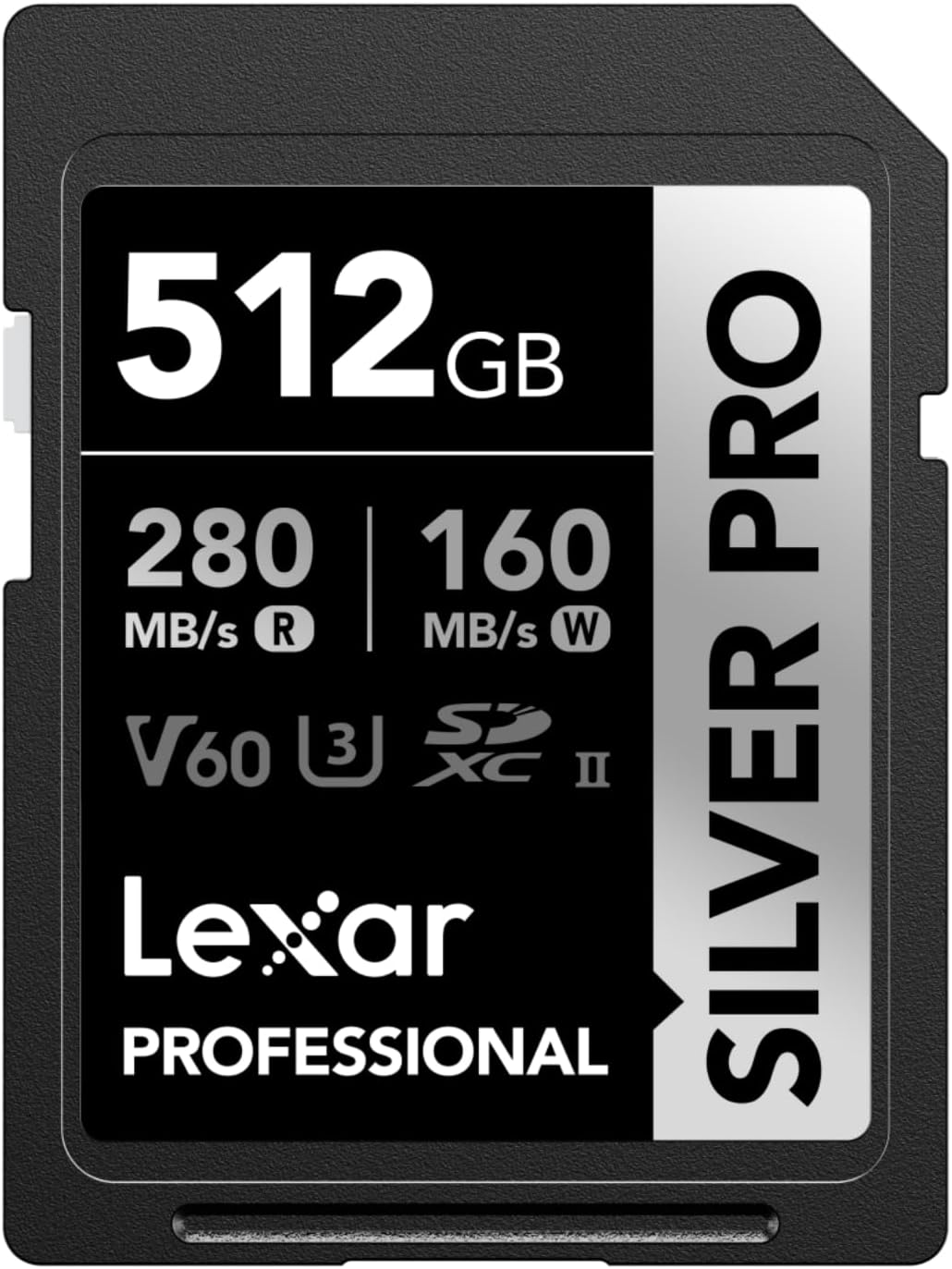
For the Sony a6100, choose UHS-I V30/U3 cards from proven brands such as SanDisk, Lexar or Sony. Personally, I tested the Lexar SILVER PRO V30 64 GB SD Card and it perfectly holds 4K at 100 Mbps. In short, avoid models surfed on the UHS-II hype, the a6100 will not be able to exploit their speeds. An SDXC of at least 64 GB remains the right plan for a quality-price balance. Check out our guide to the Sony α1 II for suggested performance cards.
| Model | Features | Approximate price |
| SanDisk 512 GB Extreme PRO | UHS-I V30, 170 MB/s Read, 90 MB/s Write | ≈ 110 € |
| Lexar SILVER PRO SD Card | UHS-I V30, 160 MB/s Read, 90 MB/s Write | ≈ €45 (64 GB) |
| Sony 512 GB Tough M Series | UHS-I V30, 278 MB/s Read, 150 MB/s Write | ≈ 160 € |
| For the a6100, UHS-I V30 cards are sufficient. Higher speeds (UHS-II) do not bring any gain in camera. Explore our dedicated category for SD cards for Sony. |
Always format the SDXC card to exFAT directly in the a6100 via the Setup → Format menu. Therefore, avoid removing the card or turning off the device while writing. Back up your files regularly to an external drive to avoid loss. I saw a colleague lose 3 days of photos while traveling because of a badly disconnected card. Clearly, prudence pays off.
- Using U1 cards for 4K video recording despite the V30 recommendation
- Skip formatting SDXC card to exFAT before heavy use
- Buy counterfeit SD cards with unverified theoretical speeds
- Neglecting to regularly back up files to external drive after shooting
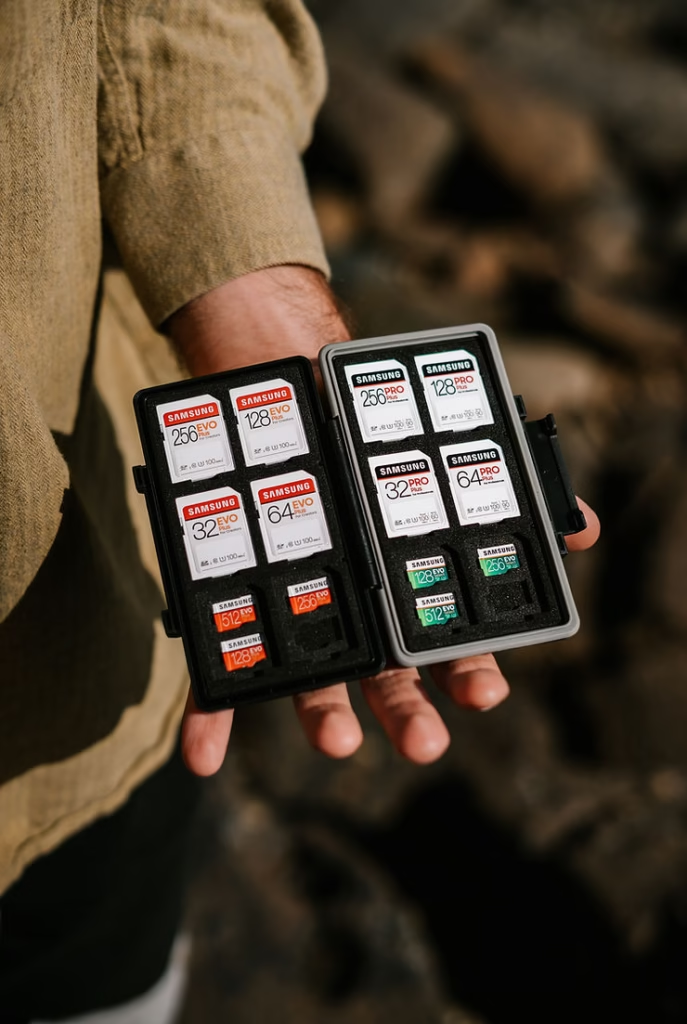
For business trips or shoots, carry 2-3 x 128GB or higher SDXC cards. What for? A card can slam, and untimely formatting erases everything. For a report lasting several hours, alternate cards and save on portable SSD. Personally, I tested the Gigastone 256 GB on a road trip and it lasted 5 days of 4K without overheating. Clearly, too much storage is better than too little.
To capture every moment without compromise with your Sony a6100, remember three imperatives: a minimum 64 GB U3/V30 SD card for stutter-free 4K videos, reliability before crazy speed (the camera has its limits), and an SDXC format for large files. Choose proven brands, avoid hype models, and you’ll be ready to capture your best shots without ever missing a shot. The right card is the guarantee that your creativity doesn’t stop at a lack of memory.


Leave a Reply