

Photo editing can be a long and sometimes frustrating process to achieve that professional look we all strive for. If, like me, you’ve spent hours tweaking skin, reducing imperfections, or making every detail perfect, you know how exhausting it can be. That’s where Retouch4me comes in. I had the chance to test this suite of plugins, and I’m going to give you my opinion on this technology that promises to make photo editing as easy as a click. With Retouch4me, you can say goodbye to long hours spent in front of the computer, as this suite of plugins offers complete automation while ensuring natural-looking results.
Photography professionals know that retouching is an art that requires a lot of time and effort to achieve satisfying results. Fortunately, with Retouch4me , retouching becomes not only faster but also more consistent, allowing you to spend more time taking photos and being creative. The tools offered by Retouch4me simplify complex retouching, and their ease of use is a real plus for both amateur and professional photographers. Let’s take a closer look at what this plugin suite has to offer and why it could become your new must-have tool.
What is Retouch4me ?
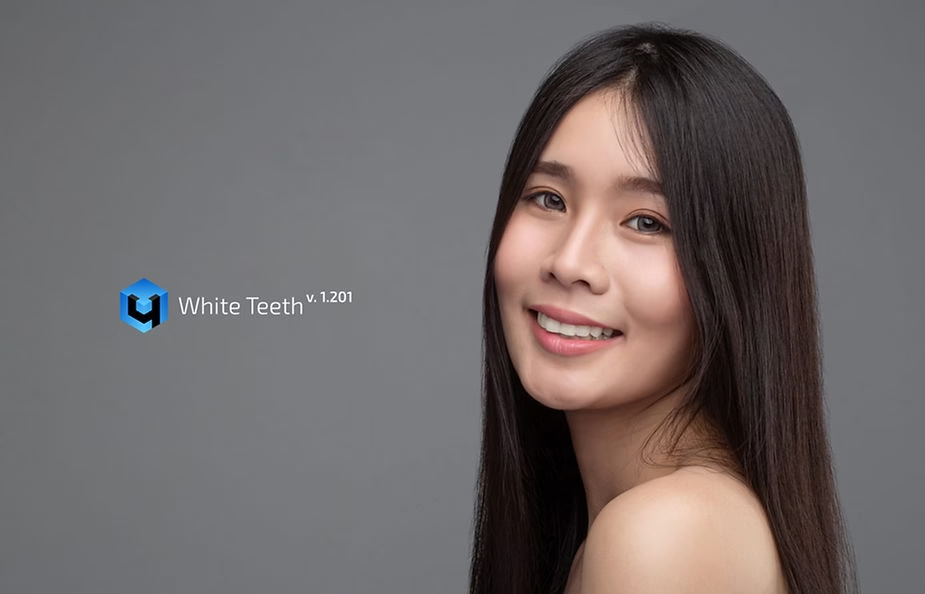
Retouch4me is a suite of plugins for photographers, graphic designers, and retouchers that aims to automate some of the most time-consuming retouching tasks while still providing a natural-looking result. This suite includes several specific modules, such as Retouch4me Heal (for correcting imperfections), Retouch4me Dodge & Burn (for balancing highlights and shadows), and Retouch4me Portrait Volumes (for adding depth to portraits). The idea behind these plugins is to simplify retouching while maintaining professional quality.
Each plugin is designed to accomplish a specific photo editing task, meaning you can choose the one(s) that best suit your needs. For example, Retouch4me Skin Tone is a great tool for evening out skin tone, while Retouch4me Eye Vessels naturally whitens eyes by removing redness without compromising realism. By combining these different modules, you have a complete solution that allows you to achieve a cohesive and harmonious final result, without the usual hassle of meticulous retouching.
Getting Started with Retouch4me
Installing Retouch4me is quick and easy. The plugins are compatible with Photoshop only, which means you can integrate these tools directly into your regular workflow. From the very first use, I was impressed by the ease of use. With one click, you can apply precise edits that would otherwise take several minutes or even hours.
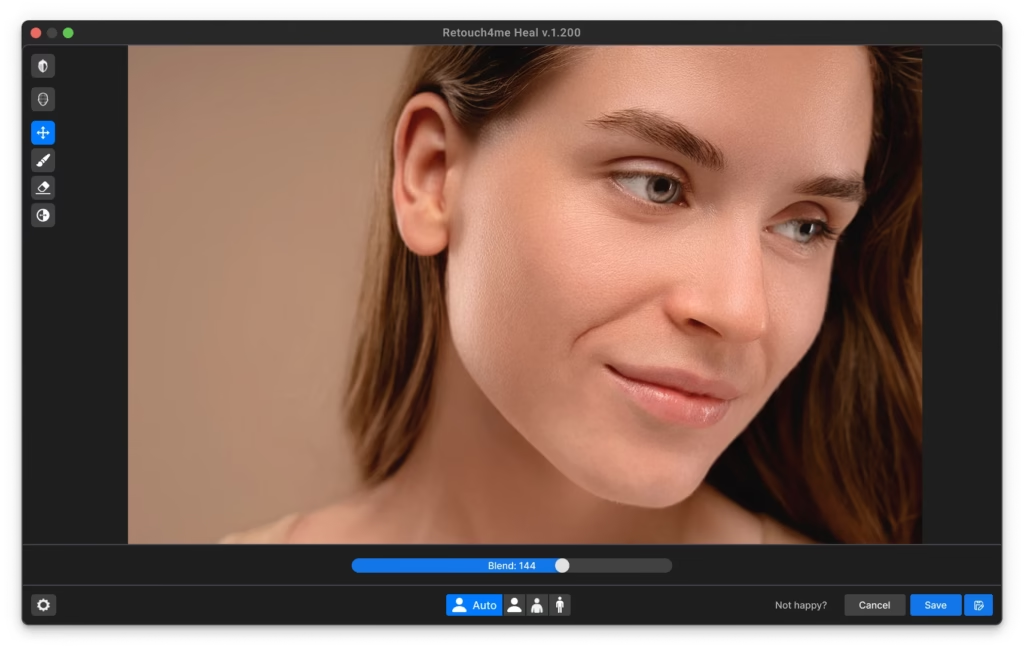
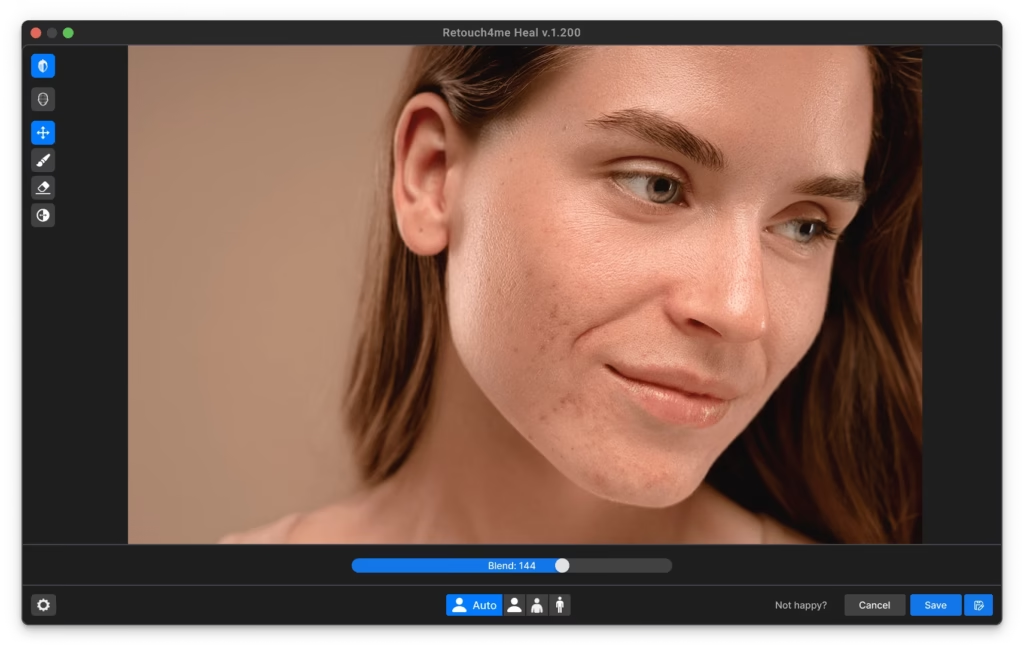
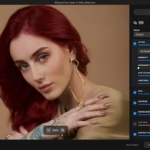
The interface is intuitive and doesn’t require any special technical skills. You simply select the area you want to retouch, and the plugin does all the work. For example, with Retouch4me Heal , you simply click on the area of skin with imperfections, and they magically disappear. The time savings are considerable, especially for those who have to process series of photos. I was pleasantly surprised by the speed at which the plugin executes, even on high-resolution images. It’s clear that Retouch4me was designed to be a real asset in the photographer’s workflow.
My Review of Retouch4me: What I Liked
- Retouching Quality : One of the aspects that struck me most was the quality of the rendering. The retouching is very natural, and unlike some other tools, Retouch4me doesn’t give that “artificially smooth” look that you sometimes see in automatic retouching. Skin details are preserved, and the plugin does an excellent job of balancing imperfections without completely eliminating them, resulting in an authentic result. The rendering is subtle enough to retain the natural texture of the skin, while providing enhancements that enhance the subject without distorting it.
- Time Saving : For me, this is where Retouch4me makes all the difference. By using plugins, I was able to significantly reduce the time it took to retouch a portrait. What used to take me 20 minutes can now be done in 2 minutes, which is a huge time saver, especially when you have entire sets of photos to edit. This time saving is particularly appreciated when covering events such as weddings, where the number of photos to process can be enormous. Retouch4me allows for the rapid delivery of quality photos, which is a real asset for any professional photographer.
- Ease of Use : You don’t need to be an expert to use Retouch4me . It only takes one click to apply the retouch, and the results are very satisfying. This makes it accessible to both amateurs and professionals. Even if you’ve never touched a retouching software before, you can achieve impressive results from the first uses. The plugins are designed to be intuitive, and the results are immediately visible, which makes them very rewarding to use.
- Plugin Versatility : What I also appreciated was the versatility of each plugin. For example, Retouch4me Dodge & Burn allows you to work precisely on light and dark areas, while respecting the natural light of the image. This feature is ideal for those who want to add an artistic touch to their photos without losing the consistency of shadows and highlights. Retouch4me Portrait Volumes is another example of this versatility, offering incredible depth that brings every portrait to life. Whether you’re a fashion or wedding photographer, this suite of plugins adapts perfectly to your needs.

What I would have liked to improve
While Retouch4me is impressive, there are still some areas for improvement. For example, the price may be a bit steep for some users, especially if you need multiple plugins. Fortunately, there are several payment options to suit different needs. You can choose a monthly subscription for regular use or purchase credits directly for more flexibility. You can access all plugins by purchasing credits, with a ratio of 1 credit = 1 photo edit. Each module is sold separately, which can quickly add up to a hefty price tag if you want to have them all standalone. However, if you’re a photography professional, this investment can quickly pay for itself in the time saved.
Additionally, while the automation is excellent, there can be situations where the algorithm makes choices that aren’t exactly what I would have made manually. Fortunately, plugins allow you to work on separate layers, making custom adjustments relatively easy. If the plugin doesn’t match your expectations in a specific area, you can always fine-tune the details manually. I would have liked to see more control built directly into the plugin interface to avoid having to go back over certain edits, but it’s a small drawback compared to the benefits.
Who is Retouch4me for?
Retouch4me is ideal for portrait photographers, retouchers who want to save time, as well as hobbyists who want to achieve professional results without having to master all the technical aspects of Photoshop. If you’re a wedding photographer, a social media influencer, or simply someone who enjoys editing their photos effectively, Retouch4me is an option worth considering.
Social media content creators, in particular, will find these plugins very useful for improving the quality of their photos without wasting time. With the rise of Instagram and TikTok, where image plays a crucial role, Retouch4me allows you to stand out with quality images without spending hours on it. In addition, family or newborn photographers, who often have to edit numerous images for clients, will also appreciate the simplicity and efficiency of the tools offered by Retouch4me.
Conclusion: My Final Opinion on Retouch4me
After using Retouch4me for several weeks, I’m convinced that this suite of plugins is a true revolution for photo editing. Not only does it save you precious time, but it also offers a natural look that can sometimes be difficult to achieve manually. While the price may be a deterrent for some, when you consider the time saved and the quality of the edits, it’s definitely worth the investment.
Photo editing is an art that requires precision and patience, and Retouch4me helps you excel at it without sacrificing your time. If you’re someone who wants to automate certain editing tasks while maintaining high quality, this plugin suite is for you. The ease of use, quality of results, and time savings make it a must-have tool for anyone who takes photo editing seriously.
If you’d like to try Retouch4me and get a 20% discount, use promo code PHOTOBOOST by following this link . You’ll quickly see how easy photo editing can be, while still maintaining professional quality. Try it, and you’ll never want to go back to traditional editing.



Leave a Reply