
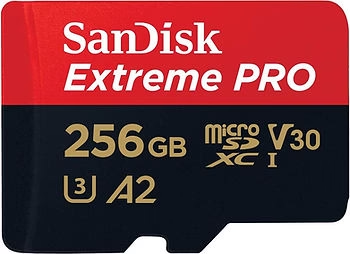
The Insta360 X5 is a powerful 360° camera, capable of filming in 8K with exceptional quality. But even with such a high-performance camera, a bad SD card can ruin a shot, corrupt files, or stop the camera from working altogether. This article aims to guide you to avoid the most common mistakes related to the use of unsuitable or misconfigured SD cards with the X5.
Symptoms of an SD card that is too slow or not compatible
When the SD card is not up to the X5’s requirements, several symptoms can appear:
- 🎥 Video that stops while recording for no apparent reason
- ⚠️ Error message : “card too slow” or “memory error”
- ❌ Corrupted or unopened files after transfer
- 🐢 Stuttering video or lag when playing or editing
- 🛑 The camera may even refuse to record or restart abruptly
If you observe one or more of these issues, it is most likely that your card does not meet the required specifications.
Why some SD cards don’t fit the X5
The X5 records very high-bitrate video (up to 8K), which requires a sustained write speed. However, not all SD cards are created equal.
❌ U1 Cards, Class 10 Basic
These cards only guarantee a minimum write throughput of 10 MB/s. This is not enough to keep up with the pace of 8K recording, or even 5.7K at 60 fps.
❌ Cards without V30 certification
V30 certification (30 MB/s constant write) is the minimum required for the X5. Without it, you risk instability at any time.
⚠️ Generic or counterfeit brand cards
They can often be found at discounted prices on Amazon, AliExpress or eBay. Behind the “256 GB U3 V30” label, they can hide a slow chip, or worse: a doctored capacity. The result: unreadable files, lost recordings, or even an unusable card.

How to Properly Format Your SD Card to Avoid Errors
Even with a good SD card, incorrect formatting can be a problem. Here are the steps to follow:
✅ Format from the X5
- Go to the camera settings
- Choose “Format SD Card”
- Confirm and let the camera do the work
This method is the most reliable because it adapts the file system to the specific needs of the device.
💻 Format from a computer (as a last resort)
- Uses a fast SD card reader
- Choose the exFAT format (required for 32 GB cards >)
- Never use NTFS, not compatible with the X5
a:hover { transform: scale(1.05); } a[href*=”amazon”]:hover { background-color: #e68a00; } a[href*=”insta360″]:hover { background-color: #222222; } a[href*=”lacameraembarquee”]:hover { background-color: #0052a3; }Formatting regularly prevents file fragmentation and reduces the chance of errors.

Best practices for a consistently reliable SD card
Adopting good habits extends the life of your card and improves the reliability of your workflow.
- 🧹 Format your card regularly (at least once a week in intensive use)
- 📛 Avoid hot removing the card : always turn off the camera before removing it
- 🔋 Don’t fill the map to 100% : Leaves 5-10% free space
- 🔁 Renew your card after a few hundred hours of filming
- 💾 Regularly backs up to hard disk or cloud to avoid running with a single card
- 🎒 Use a hard storage case to protect your card from moisture and shocks
Conclusion
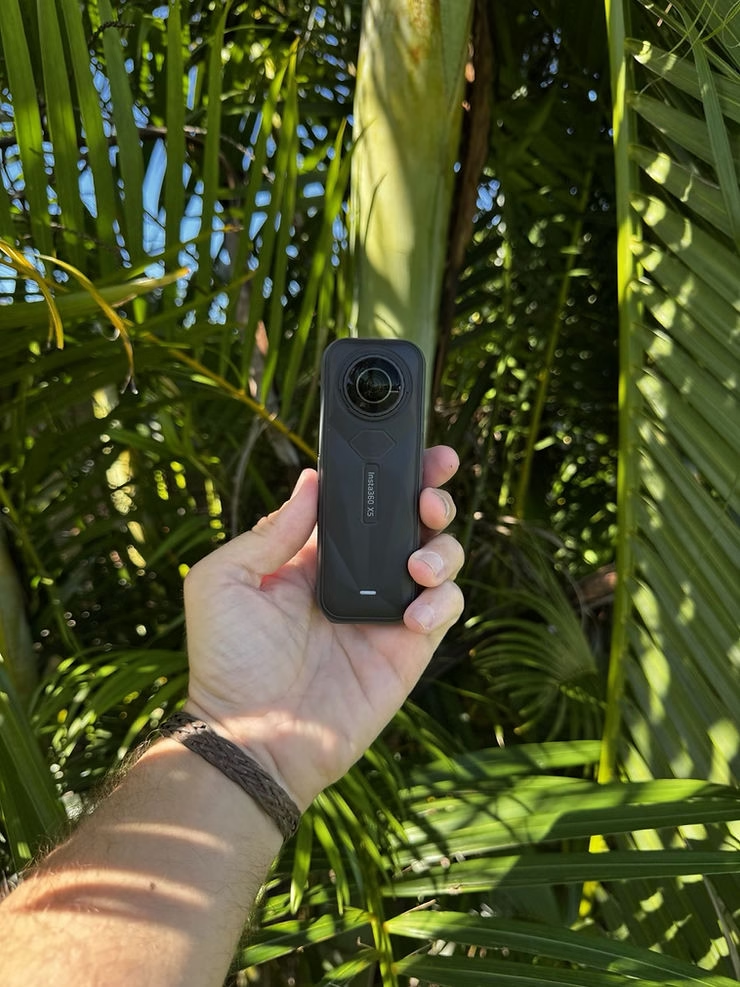
The quality of the SD card is as important as the quality of the camera. A bad card can literally sabotage all your work, waste hours of rush, or even block a day of shooting. By following best practices and avoiding the errors listed in this article, you secure your equipment, your files… and your peace of mind.
🎬 The Insta360 X5 is a creative beast. Don’t let a bad SD card ruin your experience. Choose well, format correctly, and film with confidence!
❓ FAQ – SD Cards for Insta360 X5
What is the recommended SD card for the Insta360 X5?
You need a UHS-I microSD card with a minimum V30 certification (constant speed of 30 MB/s). U1 cards or cards without V30 mention are not sufficient.
What are the risks of a card that is too slow?
You may encounter recording errors, videos stopping, corrupted files, or even camera crashes.
Can you use a generic or cheap SD card?
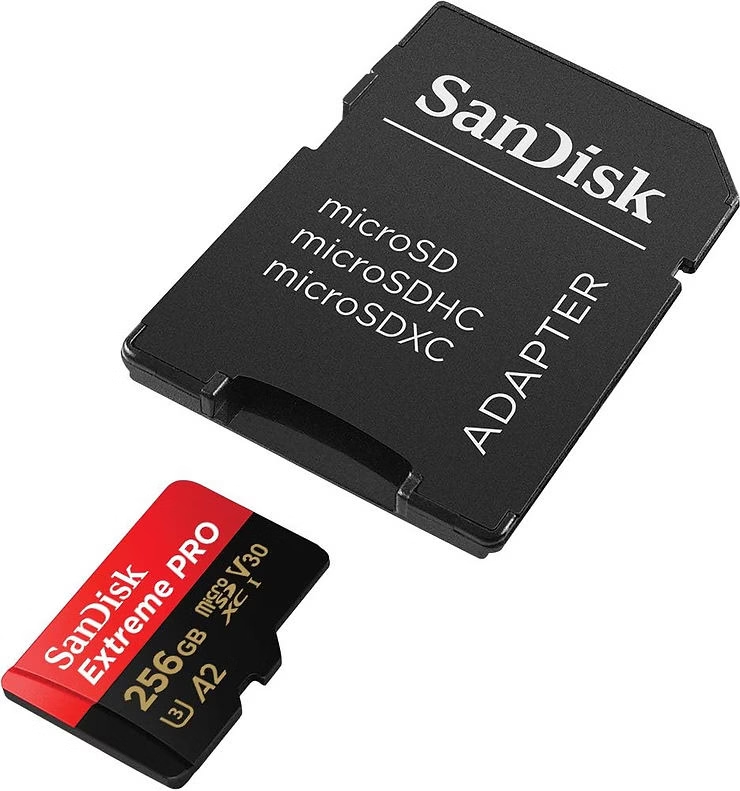
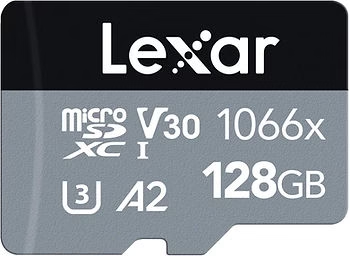
It is strongly discouraged. Some cards display false capabilities or non-compliant speeds. Favor reliable brands (SanDisk Extreme, Lexar Pro, Samsung Pro Plus…).
Do I need to format the card before use?
Yes, it is recommended to format the card from the camera (Format SD Card menu > ). This ensures compatibility with the X5.
What format should I use from a computer?
If you format from a PC or Mac, choose exFAT (mandatory for 32 GB cards >). Never use NTFS.
How often should I format my SD card?
Once a week if you film regularly. This avoids errors related to file fragmentation.
How can I extend the life of my card?
Avoid filling the card 100%, always remove it with the camera off, store it in a hard case and remember to replace it after several hundred hours of use.


Leave a Reply