
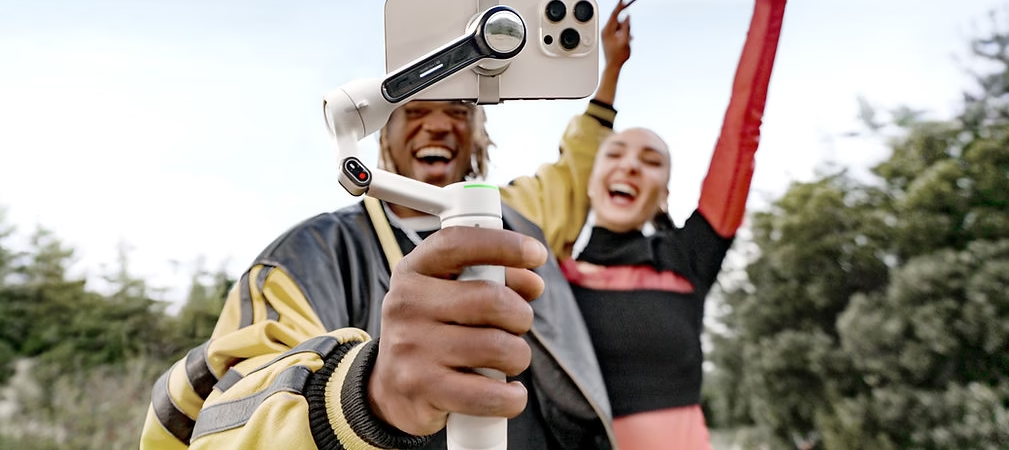
The Insta360 Flow Pro 2 is a cutting-edge smartphone stabilizer designed to enhance your video creations. Known for its exceptional performance and intuitive interface, it offers a practical and efficient solution for content creators. But what about its compatibility with different smartphone brands and models? This article explores the gimbal’s strengths and weaknesses in terms of compatibility, while also highlighting practical tips to get the most out of it.
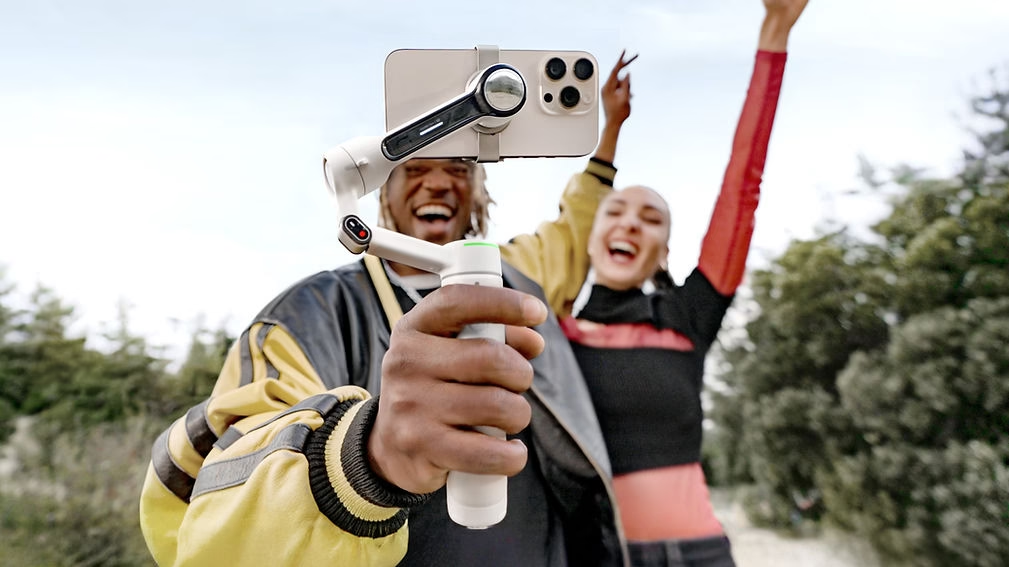
Smartphone Compatibility: Seamless Integration
iPhone: A Perfect Synergy
The Insta360 Flow Pro 2 is perfectly optimized for Apple devices, offering a seamless user experience. Synchronization with iPhones is virtually instantaneous thanks to deep integration between the gimbal and the iOS ecosystem. Here are some key features:
- Insta360 Flow app : Designed for iOS, the app offers a smooth and user-friendly interface with exclusive tools, such as advanced video editing, smart tracking, and tailored customization options.
- Wide compatibility : The gimbal works seamlessly with the latest models, including the iPhone Pro Max, thanks to specific optimization.
- Enhanced performance : iPhones benefit from exclusive modes such as cinematic features and precise stabilization, allowing for near-professional results.
Android: Broad but Variable Compatibility
The gimbal is also compatible with a wide variety of Android smartphones. However, performance may vary depending on the brand, model, and software version.
- Highlights:
- Works with the most popular brands, such as Samsung, Google Pixel, Xiaomi, and many others.
- Most stabilization and intelligent tracking functions are available on these devices.
- Adaptive interface that optimizes usage according to the model.
- Potential limitations :
- Some advanced features, such as custom tracking modes or cinematography settings, may be limited on older models.
- The application’s performance may vary depending on the Android version and entry-level model.
- Android system updates can occasionally cause temporary incompatibilities.
Tips for Optimal Use
- Keep your app up to date : The Insta360 app receives frequent updates that improve performance and add new features. Make sure you’re using the latest version.
- Check the list of compatible devices : Insta360 provides a detailed list of compatible models. Verify it before purchasing to avoid disappointment.
- Calibrate your smartphone : Precise calibration reduces vibrations and improves overall stabilization. Take the time to adjust your gimbal correctly.
- Explore advanced options : Test the different presets and modes to discover those that best suit your specific needs.
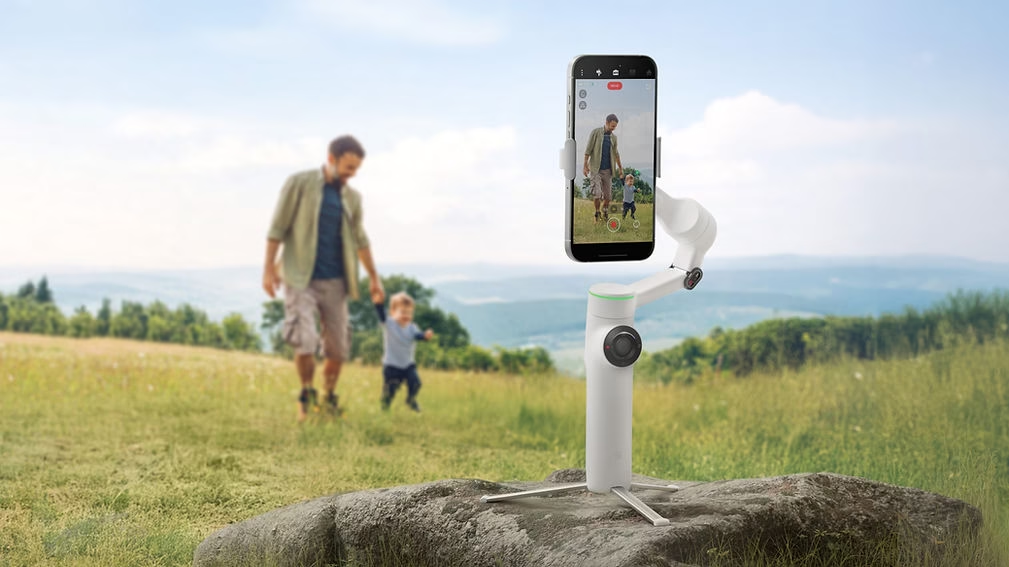
Limits to Consider
- Smartphone size and weight : Very large devices or those with thick cases can cause balancing problems, reducing stabilization.
- Battery life : Although the Insta360 Flow Pro 2 offers impressive battery life, prolonged use with power-hungry devices may reduce shooting time.
- Uneven software support : Differences between Android and iOS may result in slightly uneven performance on certain features.
Conclusion
The Insta360 Flow Pro 2 is an exceptional stabilizer that meets the needs of modern creators. While iPhone users benefit from optimal compatibility and seamless integration with iOS, Android users also enjoy its many features, although some limitations may exist depending on the model. By adopting best practices, you can maximize the performance of this gimbal and create professional-quality videos.
For more information and to view the compatibility list, visit the official Insta360 Flow Pro 2 page .
Publications similaires :
 Insta360 Flow 2 Pro vs DJI Osmo Mobile 6: Which is the best smartphone stabilizer for you?
 Meet the Insta360 Flow 2 Pro AI tracker: optimized tracking for Android and all your content
 Which Insta360 camera should you choose? GO 3S, Ace Pro 2, X4, or Flow 2 Pro?
 Insta360 Spring Offers: Up to €180 off 360 and action cameras!


Leave a Reply