
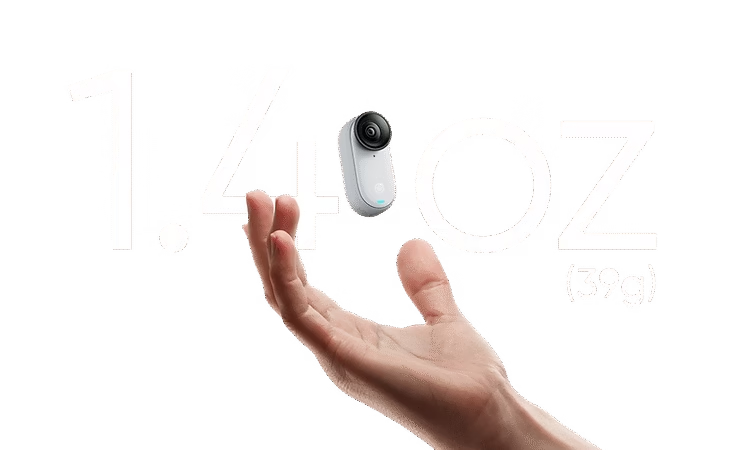
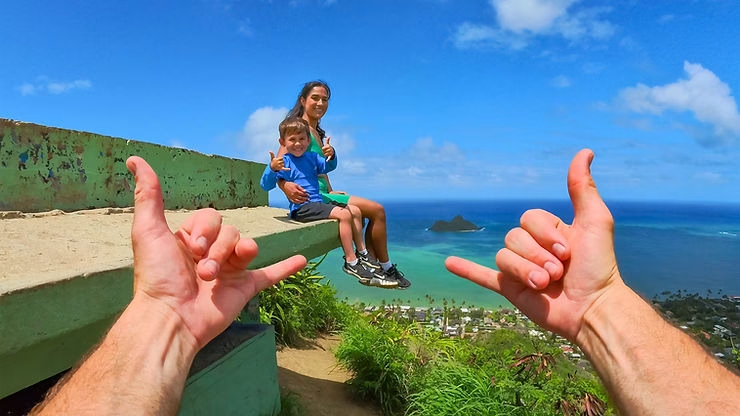
The Insta360 GO 3S is a miniature camera that offers great flexibility for content creation, thanks in particular to its ability to capture hands-free POV (Point of View) videos. The camera is ideal for immortalizing your adventures, whether you’re hiking, cycling, or simply capturing everyday moments. Discover how to get the most out of this camera for immersive POV shots without having to hold the camera.
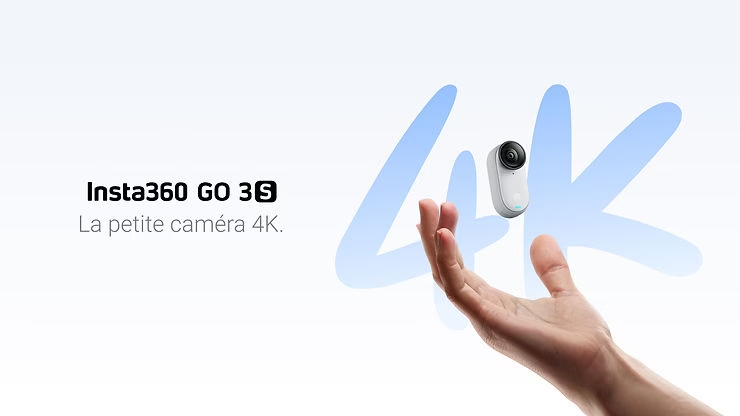
Why Choose the Insta360 GO 3S for POV Shooting?
The Insta360 GO 3S is perfect for POV shooting thanks to its lightweight and compact size. Weighing only 39g, it can be easily attached to various places on your body or gear, such as a cap, backpack, or even directly to your clothing using the included magnetic pendant. Its magnetic design allows for a wide variety of mounting options, making capturing unique moments incredibly simple. Furthermore, its 4K video quality ensures that even this small camera can produce clear and detailed footage.
Essential Accessories for POV Shooting with the Insta360 GO 3S
To get the most out of the Insta360 GO 3S , a few included accessories greatly facilitate POV footage capture:
- Magnetic Pendant : The magnetic pendant is the essential accessory that allows you to wear your camera on your chest. This gives you a perfectly centered view of what you’re doing, without having to hold the camera. Perfect for activities where you want to be completely hands-free, such as cooking, walking your dog, or outdoor activities.
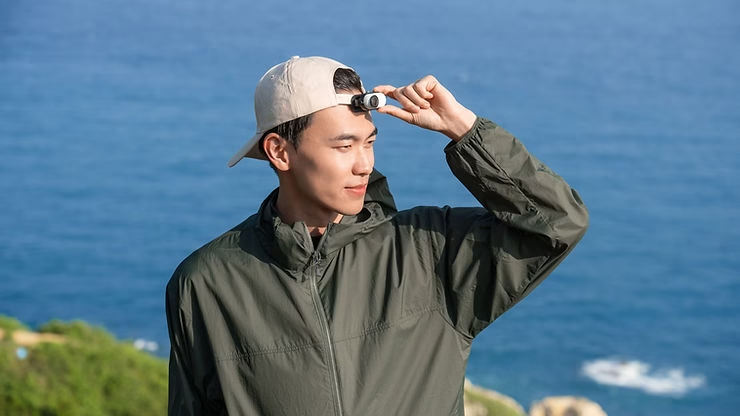
- Easy Clip : This accessory is ideal for attaching the camera to a cap or shirt collar. This provides a slightly higher perspective, perfect for filming hiking trails, city tours, or sports sessions. The enhanced magnetic strength ensures the camera stays securely in place, even during high-impact activities.
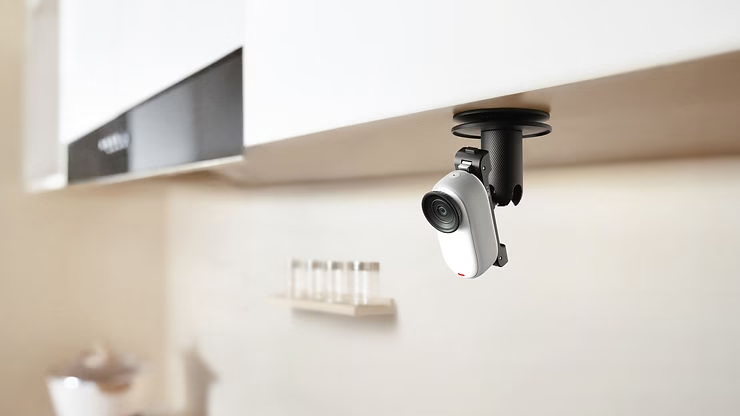
- Swivel Mount : This mount allows you to attach the camera to surfaces like a helmet or handlebars and easily adjust it to achieve the desired angle. It’s excellent for capturing creative angles during outdoor activities like mountain biking or running.
Techniques for Successfully Shooting Hands-Free POV Videos
To get the best possible results with the Insta360 GO 3S in POV mode, here are a few techniques to keep in mind:
- Stabilization and Horizon Lock : The Insta360 GO 3S features FlowState stabilization and horizon lock, meaning your footage will remain smooth and perfectly straight, even on uneven terrain or during fast-moving scenes. Be sure to enable these features for the best video quality.
- Positioning : Choose where you attach the camera based on the type of activity you’re filming. For example, for sports activities like cycling or jogging, attaching the camera to a cap or chest can provide an immersive perspective. For more relaxed activities like fishing or cooking, a magnetic pendant worn on the torso might be ideal.
- Change Your Angle : Don’t hesitate to experiment with different accessories to vary your shooting angles. This adds dynamism to your video and keeps the viewer engaged. For example, alternate between the magnetic pendant for stable shots and the Easy Clip for higher angles.
Interval Video Mode for Automatic Shooting
One of the new features of the Insta360 GO 3S is interval timer video mode, which is ideal for capturing moments in a fully automated way. This mode allows you to set precise intervals for recording short clips, which is perfect for shooting over a longer period without having to interact with the camera. For example, while hiking, you can set the GO 3S to capture footage every 10 minutes, creating a natural timelapse of your route.
Interval mode is especially useful for those who want to capture the moment without worrying about the camera. Simply set the recording frequency and duration, and the Insta360 GO 3S takes care of the rest, providing you with videos ready to share after editing.
Use the Action Pod for Maximum Flexibility
The Action Pod is another versatile accessory that lets you expand the capabilities of your Insta360 GO 3S . In addition to serving as a protective case and charger, the Action Pod features a 2.2-inch touchscreen that allows you to preview your shots, even when the camera is mounted in hard-to-reach places. This is extremely useful for adjusting the angle before you start recording and ensuring you capture exactly what you want.
Automatic and AI editing for share-ready videos
After capturing your POV footage, the Insta360 app simplifies the editing process with AI-powered automatic editing. Let the app combine your best moments into a dynamic, shareable video. If you prefer more control, you can manually edit your footage to add effects, filters, or sync your videos with music.
Conclusion
The Insta360 GO 3S is an incredibly versatile camera for hands-free POV shooting. With its included accessories, advanced stabilization, and automated capture modes, it offers an unparalleled immersive filming experience. Whether you want to capture sporting moments, family memories, or simply document your everyday life discreetly and conveniently, the Insta360 GO 3S is the perfect companion for all your adventures. So go outside, attach your GO 3S, and start capturing unforgettable moments, without ever having to worry about the camera.




Leave a Reply