

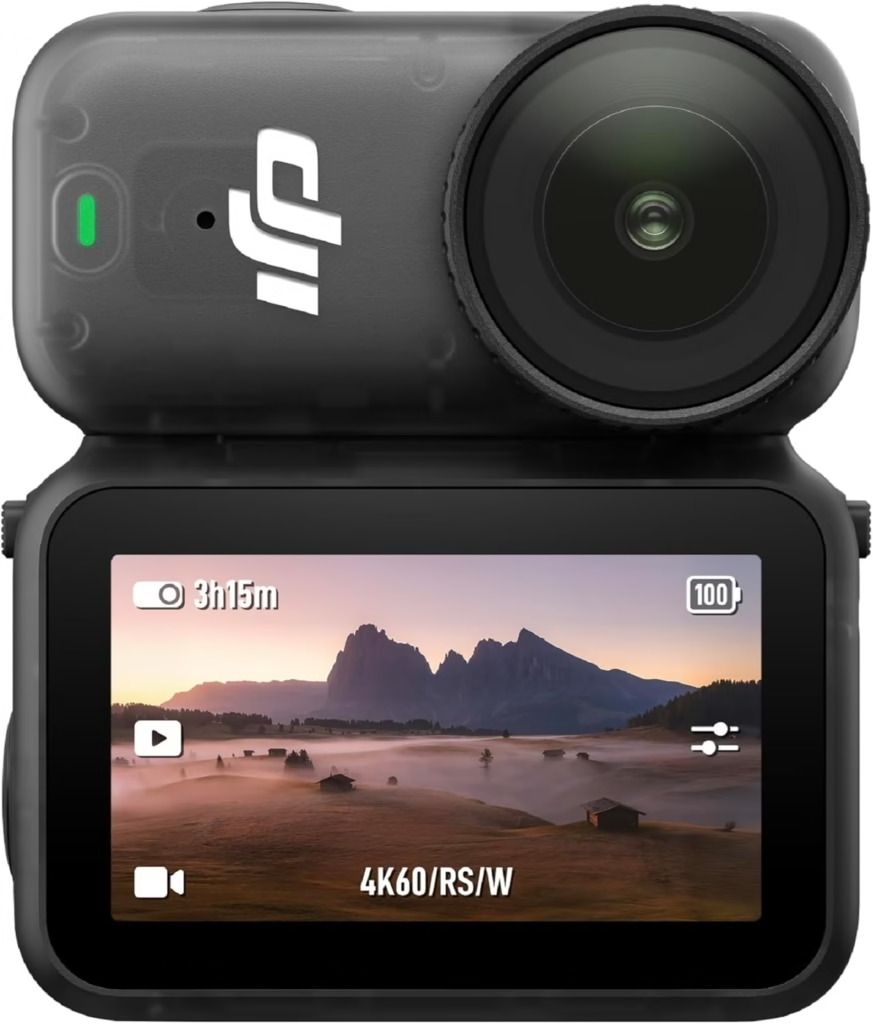
Filming in POV (Point of View) has become an essential trend among content creators, travelers, and athletes. This style of video offers an immersive experience, as if the viewer were seeing through your eyes. And for this, the DJI Osmo Nano is simply ideal.
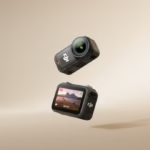
Ultra-light, stabilized on 3 axes and equipped with a 1/1.3″ sensor capable of filming in 4K at up to 120 frames per second, the DJI Osmo Nano is designed to capture ultra-smooth images, whatever the angle.
But you still need to fix it properly to get a truly natural POV effect. Here’s how to do it.
🎥 Why choose the DJI Osmo Nano for POV filming?
The DJI Osmo Nano is the smallest action camera ever designed by DJI, but don’t let its size fool you.
It features a 1/1.3″ sensor , 4K 120 fps recording , a 10-bit D-Log M profile , and above all, 3-axis stabilization inherited from DJI’s expertise.
Its modular and magnetic design allows it to be attached to any compatible surface or support, without the need for heavy accessories.
Thanks to its featherweight design of just 52g , the DJI Osmo Nano is perfect for all POV configurations: chest, helmet, head, backpack or even wrist.
In summary: it’s a camera you forget you’re wearing, but it captures everything, with an ultra-immersive rendering.
DJI Osmo Nano
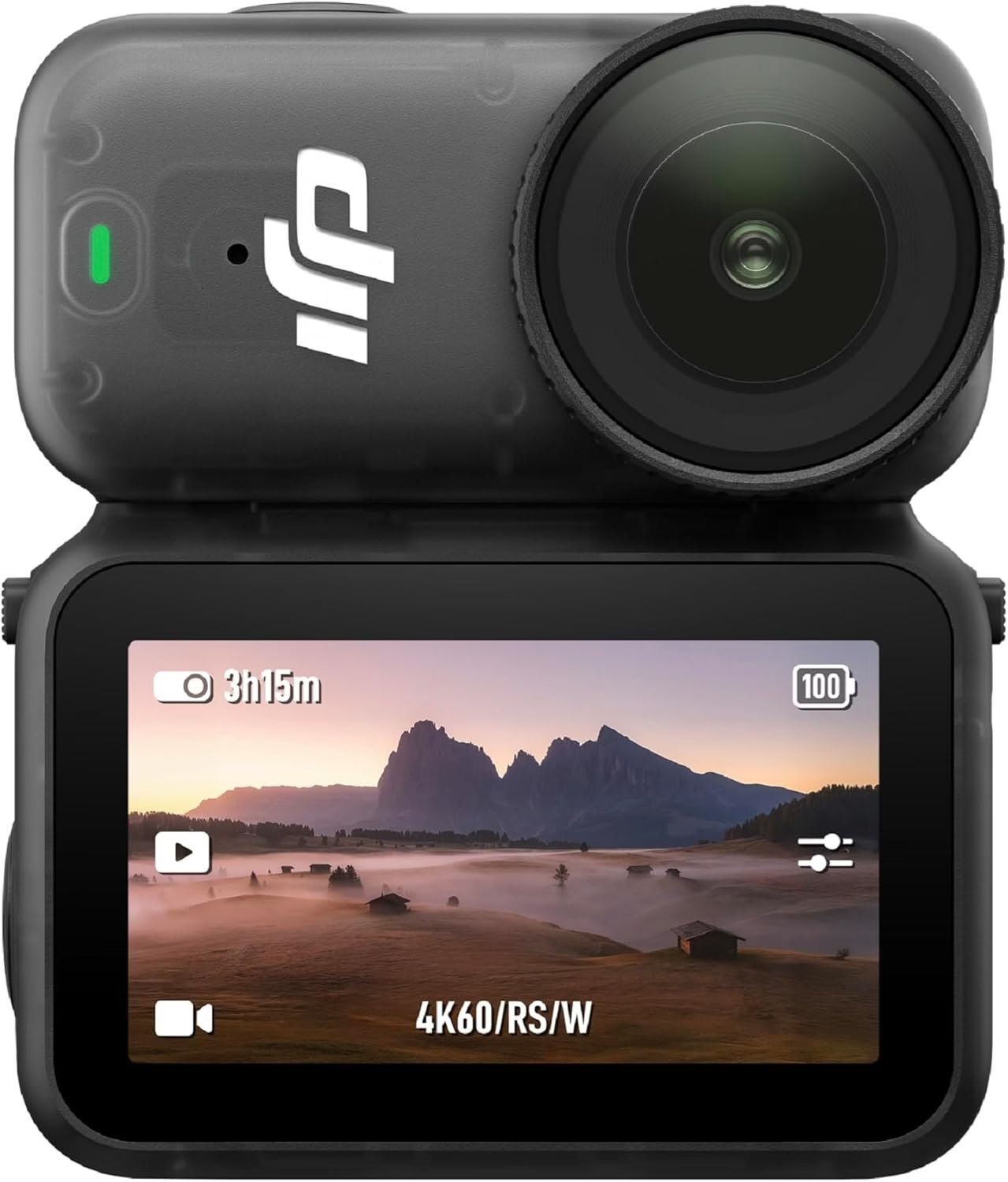
Ultra-compact micro camera with 1/1.3″ sensor, 4K/60fps video, 4K/120fps slow motion and convenient magnetic mount!
🧠 Understanding the concept of POV and key angles
Before mounting your DJI Osmo Nano , you need to understand what makes a good POV angle:
🎯 A natural angle
Ideally, film at eye level to replicate human vision. If you mount the camera on your chest or head, try to keep the lens slightly tilted upwards to maintain a realistic perspective.
⚖️ The 3 essential criteria for a good POV
- Stability : avoid unwanted vibrations.
- Angle : aim for a balanced composition (neither too high nor too low).
- Comfort : choose a binding adapted to your activity (sport, vlog, hiking…).
🧩 The best ways to mount the DJI Osmo Nano for a perfect POV shot
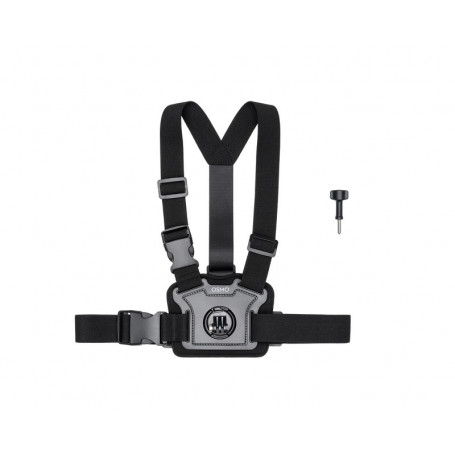
🔹 Chest attachment (POV harness)
This is the most popular and stable method.
Mount the DJI Osmo Nano on a universal chest harness , using a compatible 1/4″ adapter.
- Angle the camera slightly upwards (5 to 10°).
- Check that the gimbal has enough space to move freely.
- If you are filming while walking, tighten the harness to avoid vibrations.
👉 Result: an immersive rendering, perfect for hiking, cycling, motorcycling or walking in the city.
🔹 Attaches to a helmet (bike, ski or motorcycle)
Attaching the DJI Osmo Nano to a helmet provides a dynamic perspective.
Use a curved adhesive mount or a DJI-compatible head strap .
- Adjust the tilt in the DJI Mimo app before filming.
- Angle the camera slightly downwards to center the field of view.
- Protect the module with a silicone cap to prevent impacts.
💡 Ideal for fast-paced sports and action sequences.
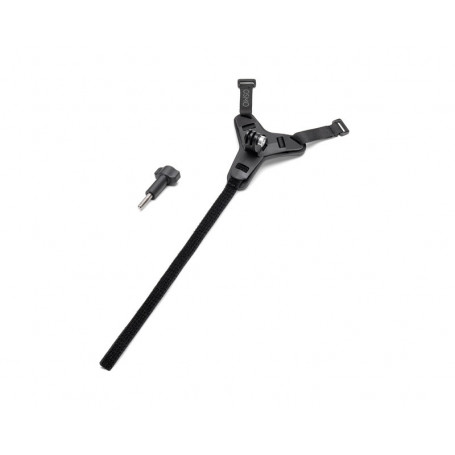
🔹 Attachment to a backpack (POV shoulder strap)
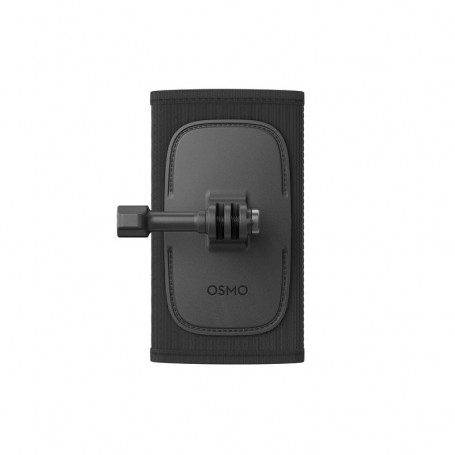
The DJI Osmo Nano can also be clipped onto a backpack strap thanks to a 360° rotating clip .
It’s a practical solution for vloggers and travelers, allowing them to film hands-free.
- Angle the camera slightly outwards.
- Test the framing while walking to adjust the height.
- Combine with an external DJI microphone for better sound.
🔹 Attachment to the head (headband or forehead clip)
For a highly immersive “first-person” experience, attach the DJI Osmo Nano to a headband .
It’s ideal for filming your hands in action: cooking, DIY, travel, immersive vlogging.
- Place the camera centered on the forehead.
- Tilt it very slightly downwards.
- Activate “RockSteady” stabilization to smooth out small movements.
🔹 Attaches to the wrist or handlebars
On a wrist harness or handlebar mount , the DJI Osmo Nano captures original and dynamic angles.
- Use a flexible arm to vary the perspective.
- Perfect for “hand in the frame” shots, as if the camera were floating.
- Avoid overly rigid surfaces to reduce vibrations.
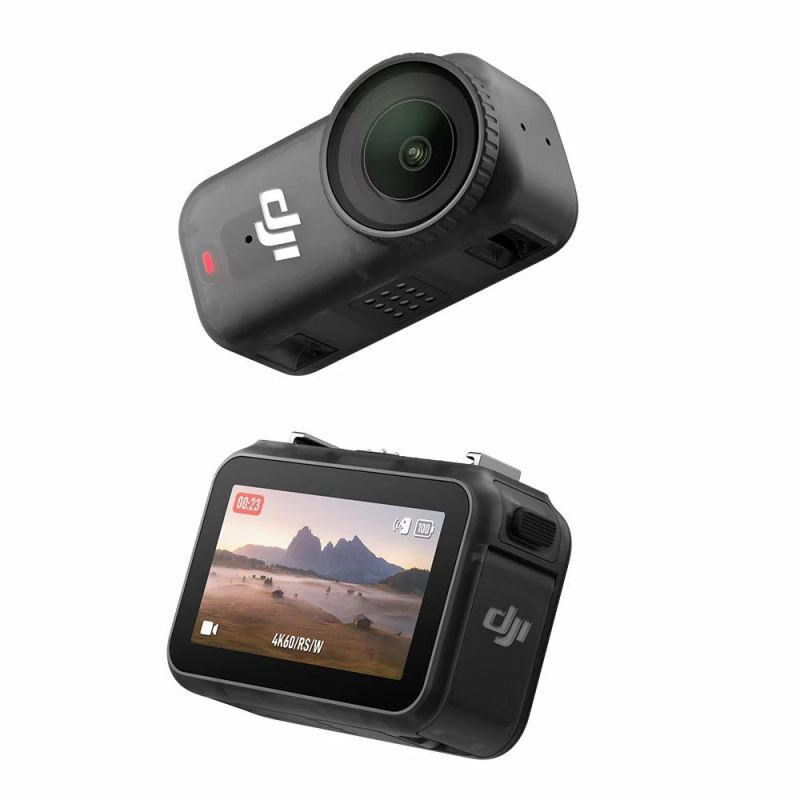
🧰 Essential accessories for shooting POV with the DJI Osmo Nano
To unlock the full potential of the DJI Osmo Nano , here are the essential accessories:
- DJI Nano Dock magnetic mount : quick and secure attachment.
- Universal chest harness : for optimal stability.
- 360° rotating shoulder clip : ideal for hiking.
- Headband : perfect for filming your movements.
- Curved helmet mount : for outdoor sports.
- Silicone case + lens protector : safety on the go.
- Mini flexible arm : for adjusting angles without disassembling everything.
💡 Tip: opt for magnetic mounts to quickly reposition the camera between shots without wasting time.
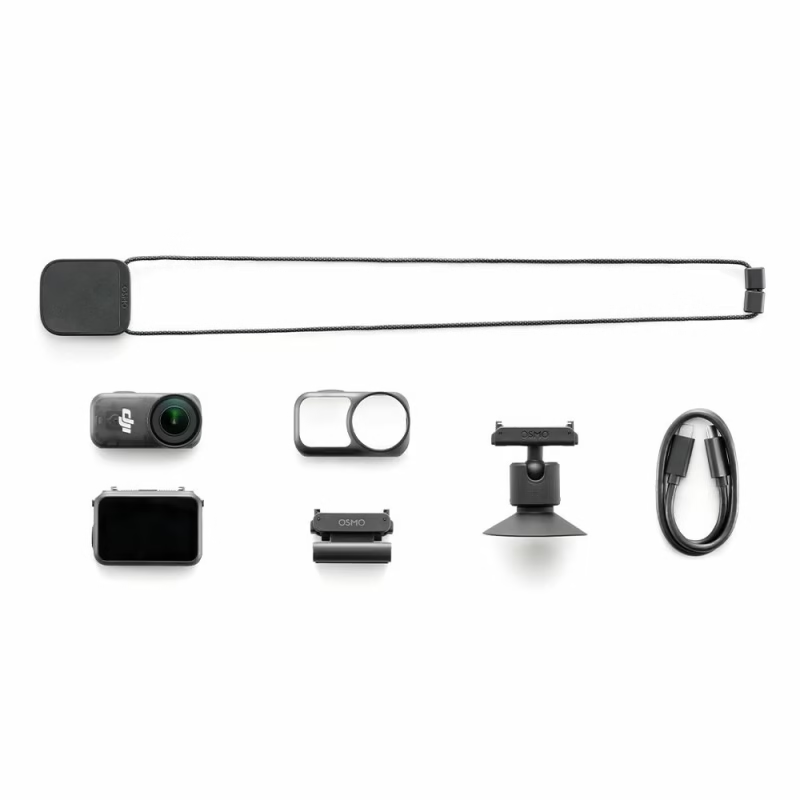
🎛️ Recommended settings for POV shots
- Resolution : 4K 60 fps for natural shots, 4K 120 fps for slow motion.
- Color profile : D-Log M (10-bit) for post-production.
- Stabilization : RockSteady enabled.
- Viewing angle : Wide or SuperView for immersion.
- Tilt : +5° upwards for a natural perspective.
🎥 Examples of complete setups for filming in POV
| Activity | Type of fixing | Recommended accessories | Ideal setting |
|---|---|---|---|
| Hiking | Chest harness | Harness + magnetic adapter | 4K 60fps |
| Bicycle / motorcycle | Curved headset | Adhesive mount + flexible arm | 4K 120 fps |
| Travel / vlog | Backpack clip | 360° Clip + DJI Mic | 4K 30fps |
| Cooking / DIY | Front band | Headband + LED light | 4K 60fps |
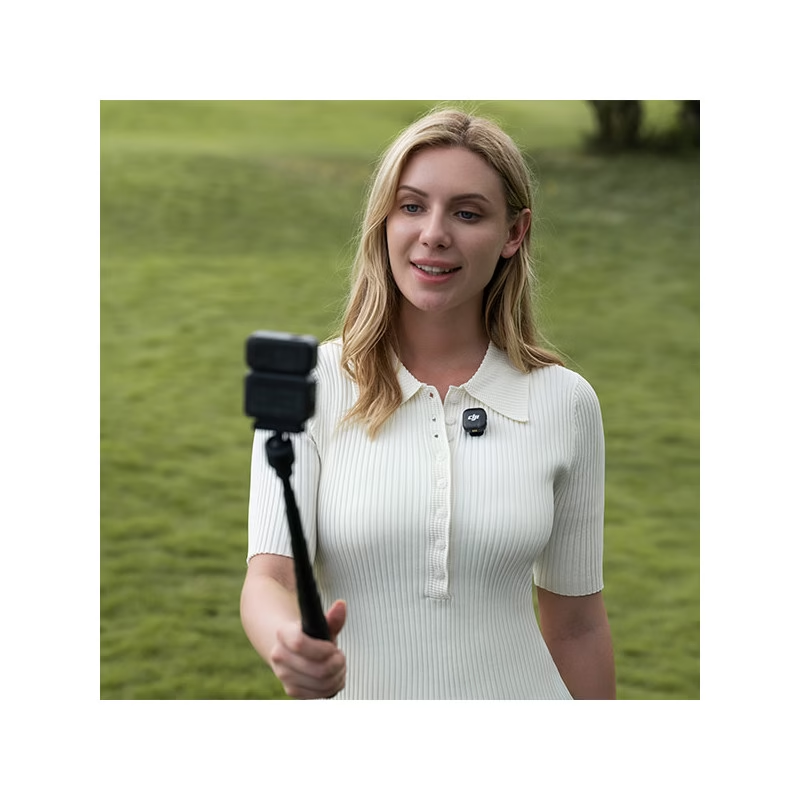
⚖️ Alternatives and comparisons
If you are hesitating between several mini POV cameras:
- DJI Osmo Nano → the most compact and lightweight, with a professional finish.
- Insta360 GO Ultra → FlowState stabilization, an excellent alternative.
- GoPro Hero 13 Black → heavier, but wider field of view.
👉 Verdict: for a natural, stable and discreet POV, the DJI Osmo Nano remains unbeatable.
DJI Osmo Nano
Ultra-compact micro camera with 1/1.3″ sensor, 4K/60fps video, 4K/120fps slow motion and convenient magnetic mount!
❓ Ready to create your own immersive POVs?
Whether you are an athlete, creator or traveler, the DJI Osmo Nano transforms your perspectives into unique visual narratives.
Its mini size, fluid stabilization and magnetic attachments allow you to film natural POVs without constraints.
🎥 Now it’s your turn to choose your angle, attach the camera, and share your point of view with the world.
👉 Discover the DJI Osmo Nano on the official store: https://geni.us/DsG1


Leave a Reply