
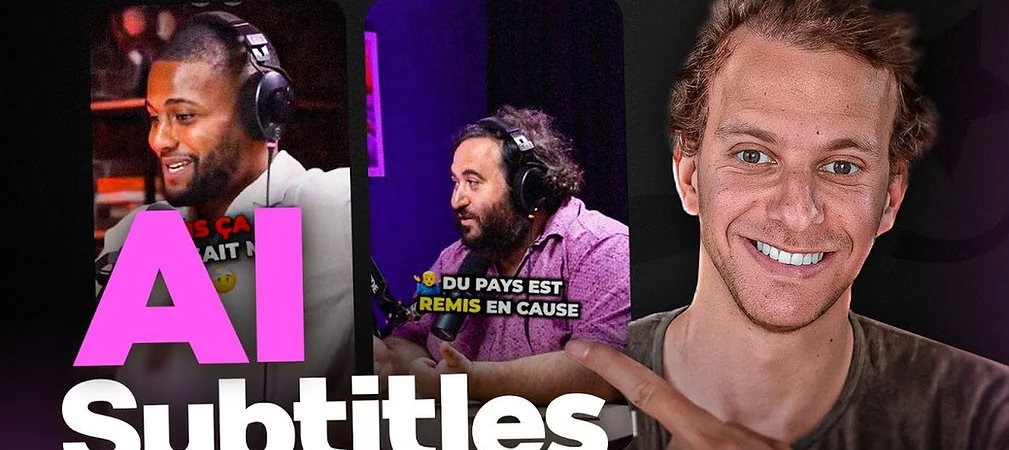
With the rise of short content, YouTube Shorts have become an essential tool to boost your channel’s visibility and reach a wider audience. These formats, particularly suited to mobile consumption, capture attention in seconds. But how do you stand out in this saturated market? Submagic, an innovative tool powered by artificial intelligence, is the ideal solution for creating impactful videos. Here is a detailed and comprehensive guide to designing captivating YouTube Shorts with Submagic .
1. Prepare your content
It all starts with an idea or an excerpt of existing content. Choose a dynamic sequence that has the potential to quickly capture attention. It could be a funny anecdote, an inspiring thought, or even a practical tutorial. The important thing is to prioritize a clear and concise message.
Make sure your raw video is of good quality and suitable for cropping to a vertical format. Also consider the pace: dynamic and well-structured content tends to perform better.
2. Import your video into Submagic
Once your content is ready, log in to Submagic . The intuitive interface allows you to quickly import your files. Submagic supports multiple formats and resolutions, ensuring compatibility with almost all videos.
You will be impressed by the speed of the processing. Even novices will find this tool easy to use thanks to its clean design and well-organized features.
3. Add dynamic subtitles
Subtitles are not just a convenience for viewers: they have become essential to maximizing engagement. Indeed, a large proportion of users watch videos without sound, especially on mobile.
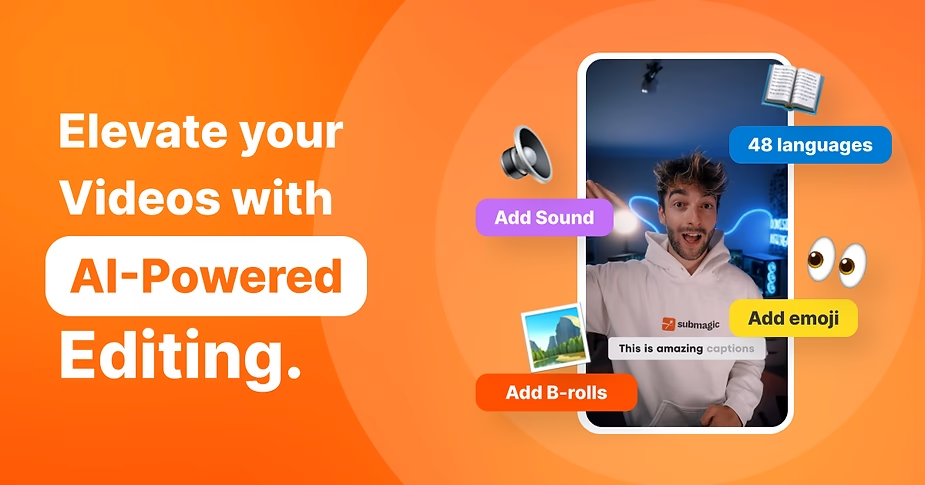
With Submagic , automatically add stylized subtitles that follow the rhythm of your content. The tool uses advanced artificial intelligence to analyze your audio and accurately transcribe your dialogues.
For optimal visual impact, try the famous Alex Hormozi captions. These captivating subtitles, with their dynamic effects, instantly attract attention.
4. Customize the edition
Submagic offers a variety of customization options to make your Shorts unique. Modify the colours, fonts, sizes and even animations of the subtitles to match your branding.
For example, if your channel uses a specific color palette, incorporate it into your videos to reinforce your visual identity. This attention to detail can make all the difference.
5. Include emotions and emojis
Add a touch of personality to your videos with emojis. These small, colorful symbols can convey emotions and make your content more accessible and engaging.
With Submagic , you can easily insert relevant emojis that blend seamlessly into your subtitles or animations. This adds an extra layer of dynamism to your videos.
6. Optimize the format for YouTube
The technical requirements for YouTube Shorts include a vertical format (9:16) and a maximum duration of 60 seconds. With Submagic , these adjustments are fully automated.
The tool intelligently crops your videos while keeping important elements within the frame. You will no longer have to worry about dimensions or technical specifications.
7. Use transitions and animations
Smooth transitions and well-thought-out animations can transform an ordinary video into memorable content. Submagic offers a range of effects to enrich your videos and make them more dynamic.
Explore different options to find the ones that best suit your style. For example, use animations to introduce or conclude your videos in a powerful way.
8. Publish directly from Submagic
Once your edit is complete, Submagic simplifies publishing. With its direct integration with YouTube, you can upload your videos without leaving the platform.
This feature is particularly useful if you are working on multiple videos in a series. Save time by avoiding tedious intermediate steps.
9. Analyze performance
The creation of Shorts does not end with publication. Analyze your results to understand what works. YouTube offers detailed analytics tools to track views, retention rate, and engagement.
Videos created with Submagic often have an advantage thanks to their visual quality and optimized format. Identify the elements that generate the most positive reactions and replicate these successes in your future projects.
10. Repeat and improve
The secret of successful creators lies in consistency and continuous improvement. Reuse Submagic to refine your strategies and test new ideas.
Don’t be afraid to experiment with different types of content, such as challenges, collaborations, or teasers for your longer videos. The more quality shorts you publish, the more visibility your channel will gain.
Conclusion
With the help of Submagic , creating impactful YouTube Shorts becomes accessible to everyone. This powerful tool simplifies every step of the process, from import to publication, while offering advanced options to customize your videos.
Try Submagic now to turn your ideas into viral content and propel your channel to new heights. Success is just a click away!





Leave a Reply