
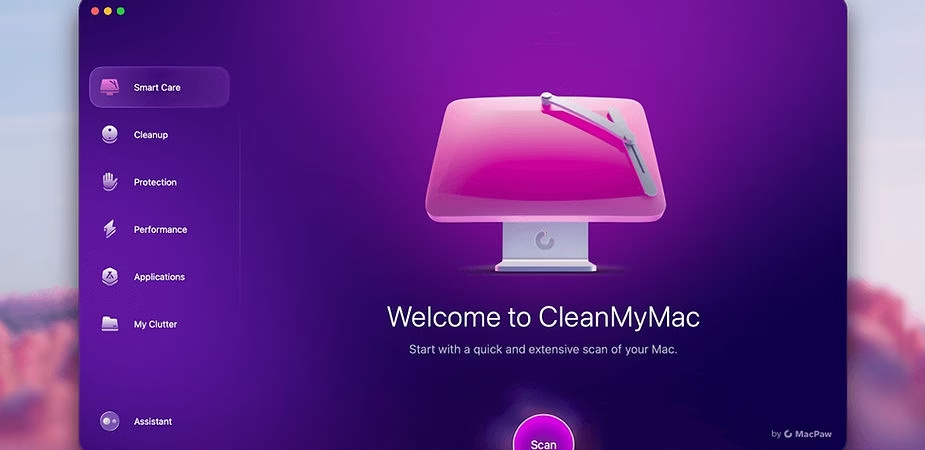
If you’ve been using a Mac for a while, you know that even the most powerful machines can eventually slow down and become cluttered over time. Whether it’s due to junk files, unused applications, or cache buildup, your Mac needs regular maintenance to stay as responsive as it was on day one. That’s where CleanMyMac X comes in. Through a Setapp subscription, this powerful tool is easily accessible to optimize and clean your Mac in just a few clicks. In this article, we explain how CleanMyMac X can breathe new life into your Mac and maintain peak performance.
What is CleanMyMac X?
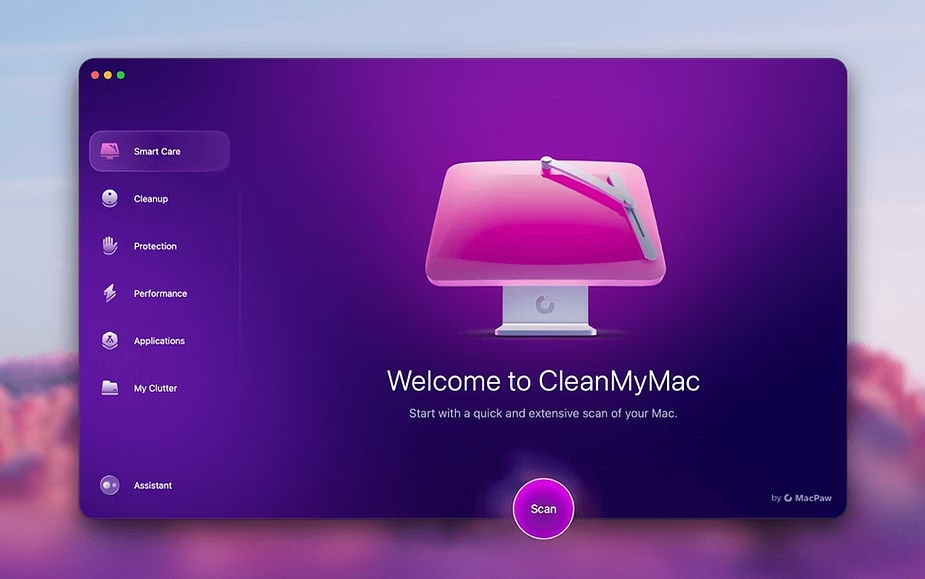
CleanMyMac X is an all-in-one tool designed to clean, protect, and speed up your Mac. Available through Setapp, this application can detect junk files, remove unused applications, protect against malware, and optimize your system’s performance. In short, CleanMyMac X is a personal assistant that helps you keep your Mac in top condition.
One of the biggest advantages of using CleanMyMac X through Setapp is the ease of access. Rather than paying a one-time license fee, you can get CleanMyMac as part of your Setapp subscription, which includes a wide selection of useful apps for your Mac.
How Does CleanMyMac X Improve Your Mac’s Performance?
1. Junk File Removal
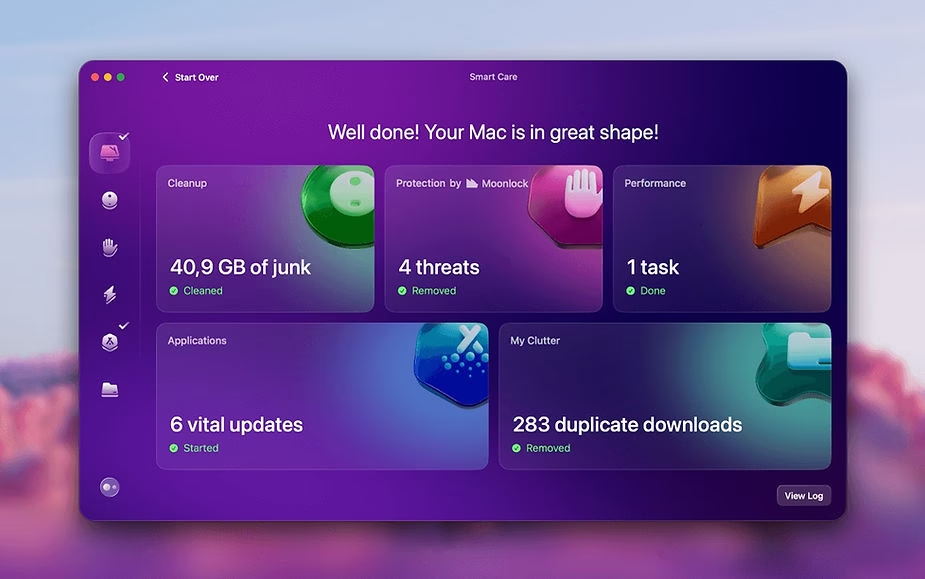
One of the main causes of slow Macs is the accumulation of junk files. With CleanMyMac X, you can scan your system for these files, such as outdated caches, system logs, and remnants of uninstalled applications. The tool then allows you to safely delete them, freeing up disk space and speeding up your Mac. The cleaning process is quick and easy, and you can customize the types of files to scan.
2. Complete Uninstallation of Applications
When you uninstall an application manually, hidden files often remain, taking up space on your hard drive. CleanMyMac X has a powerful uninstaller that removes not only the application but also all associated files, ensuring a thorough cleanup. This is especially useful for users who want to optimize disk space and avoid slowdowns.
3. Protection Against Threats and Malware
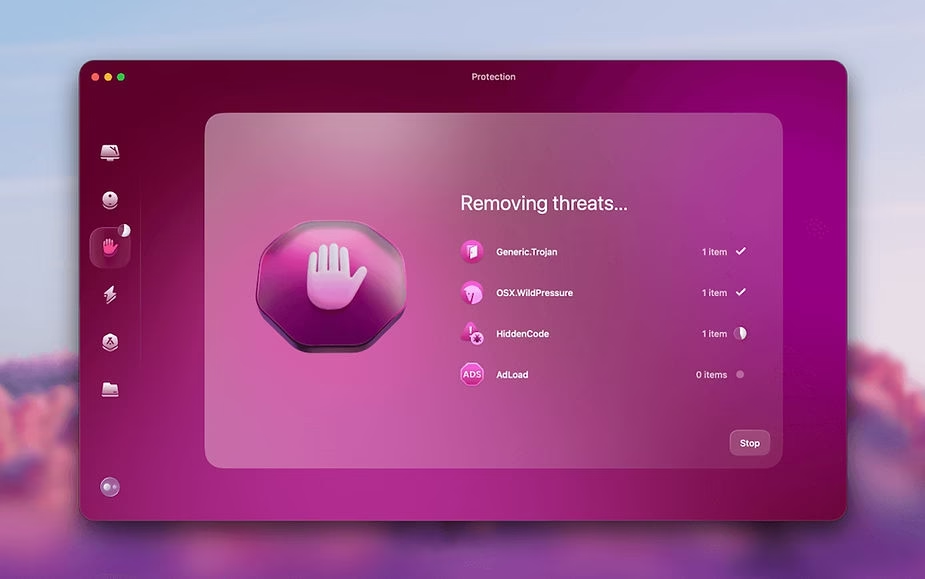
In addition to its cleaning function, CleanMyMac X acts as a protective layer for your Mac. It scans your system for malware, adware, and viruses. When threats are detected, they are automatically quarantined to ensure maximum protection. This feature is essential for keeping your Mac safe, especially in an age where online threats are increasingly prevalent.
4. System Acceleration
Over time, your Mac’s performance can decrease due to numerous background processes. CleanMyMac X identifies unnecessary processes and allows you to disable them, reducing resource consumption and increasing system responsiveness. The tool also offers a maintenance feature to repair disk permissions, free up RAM, and rebuild critical databases. All of this helps make your Mac faster and smoother.
5. Optimizing Disk Usage
Another handy feature of CleanMyMac X is its disk optimization module. It helps you visualize your storage usage and quickly identify the folders and files that are taking up the most space. With a graphical display, you can easily decide which files to delete to free up space and improve your machine’s overall performance.
Using CleanMyMac X with Setapp: Advantages
Access to Multiple Applications via a Single Subscription
Setapp is a subscription-based platform that gives you access to over 200 Mac apps, and CleanMyMac X is one of its flagship apps. Instead of buying each app separately, you gain access to an entire ecosystem of apps with a monthly subscription. This not only saves you money but also gives you quick access to quality tools for optimizing and maintaining your Mac.
Updates and New Features at No Extra Cost
By using CleanMyMac X through Setapp, you’re guaranteed to receive all updates at no extra cost. New features are integrated automatically, ensuring you always have the best tools to clean and optimize your Mac. This means you’ll never have to purchase an update or a new version of the application; everything is included in your Setapp subscription.
Acceleration and Continuous Maintenance
With CleanMyMac X, you can schedule regular scans to ensure your system stays clean and fast. You can choose to enable notifications that remind you to run a cleanup when needed. This ensures continuous maintenance of your Mac effortlessly. By using the tool regularly, you prevent the accumulation of junk files and keep your system as responsive as the day you bought it.
Conclusion
CleanMyMac X is an essential tool for all Mac users who want to keep their machines in perfect working order. With its cleaning, optimization, security, and maintenance features, it guarantees peak performance and smooth operation of your Mac. Thanks to Setapp, accessing CleanMyMac X is not only easy but also affordable, with access to other premium applications as well. If you want your Mac to perform as well as the day you bought it, then CleanMyMac X via Setapp is the solution for you.






Leave a Reply