
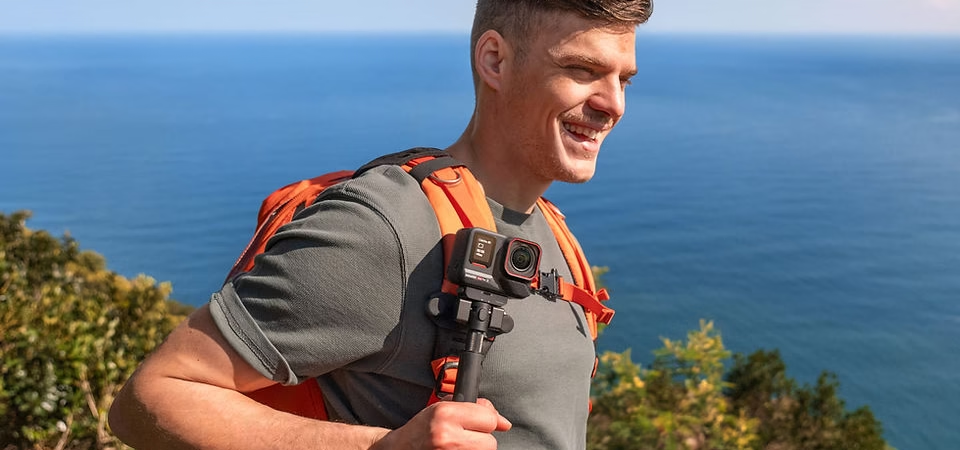
4K slow motion is a fascinating way to highlight subtle details or spectacular moments that often go unnoticed. With the Insta360 Ace Pro 2, creating smooth and immersive slow motion becomes accessible to everyone. This guide will show you how to effectively use this feature to capture high-quality slow motion and turn your videos into true cinematic works.
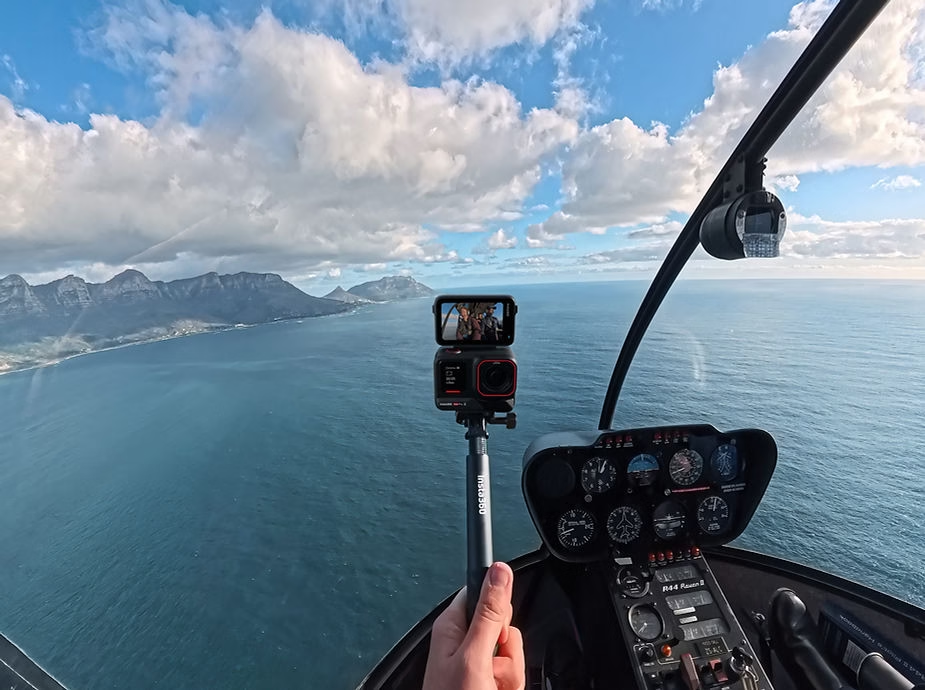
Why choose 4K for your slow motion?
The 4K resolution offers exceptional image quality, allowing you to zoom in on details without losing clarity. When combined with slow motion, it reveals movements that the human eye cannot perceive. 4K slow motion is perfect for sports scenes, wildlife shots, or even creative vlogs. Plus, the high resolution allows for flexibility in post-production to crop or apply effects without sacrificing visual quality.
Enable Slow Motion Mode on the Insta360 Ace Pro 2
- Go to the modes menu : Turn on the camera and swipe the touchscreen to select the slow-motion mode.
- Choose your resolution and frame rate :
- 4K at 120fps for smooth slow motion.
- 1080p at 240fps for extreme slow-motion, perfect for capturing lightning-fast movements like water drops or bursts.
- Enable FlowState Stabilization : This technology ensures stable videos even in motion, ideal for handheld or action scenes.
- Start filming : Press the shutter button and capture your scenes while maintaining precise framing.
Tips for successful slow motion
Optimal light conditions
- Prioritize good lighting : Slow motion requires more light to maintain optimal quality. Shooting in broad daylight or well-lit environments minimizes digital noise.
- White Balance (WB): Adjust manually to avoid color casts. This is especially important if you’re filming outdoors with variations in natural light.
Use of accessories
- Tripod or stabilizer : Improve stability for still or slow-moving scenes. These accessories are essential for achieving precise framing during long shots.
- ND Filter : Reduce excessive light in high-light environments, such as direct sunlight. This helps maintain an appropriate shutter speed for smooth slow motion.
Shooting adjustments
- Highlight fast movements : Capture suspended water drops, explosions of color, or intense sports movements to create visually stunning effects.
- Frame with precision : Use the 2.5-inch flip-up screen for perfect framing and make sure your subject stays in the line of sight.
- Adjust manual settings : In manual mode, adjust the shutter speed and ISO to adapt the light conditions for optimal results.
Editing and post-production
Once your videos are captured, follow these steps to edit them and maximize their visual impact:
- Transfer your files : Use the Insta360 app to export your videos to your smartphone or computer. This ensures a fast transfer without loss of quality.
- Add effects : Sharpen slow motion with editing tools like adaptive slow motion or cinematic zoom to amplify the visual impact.
- Correct colors : Adjust brightness, contrast, and tones to enhance your images. Use LUTs for a professional cinematic look.
- Apply smooth transitions : Connect different video segments with subtle transitions to create a seamless narrative.
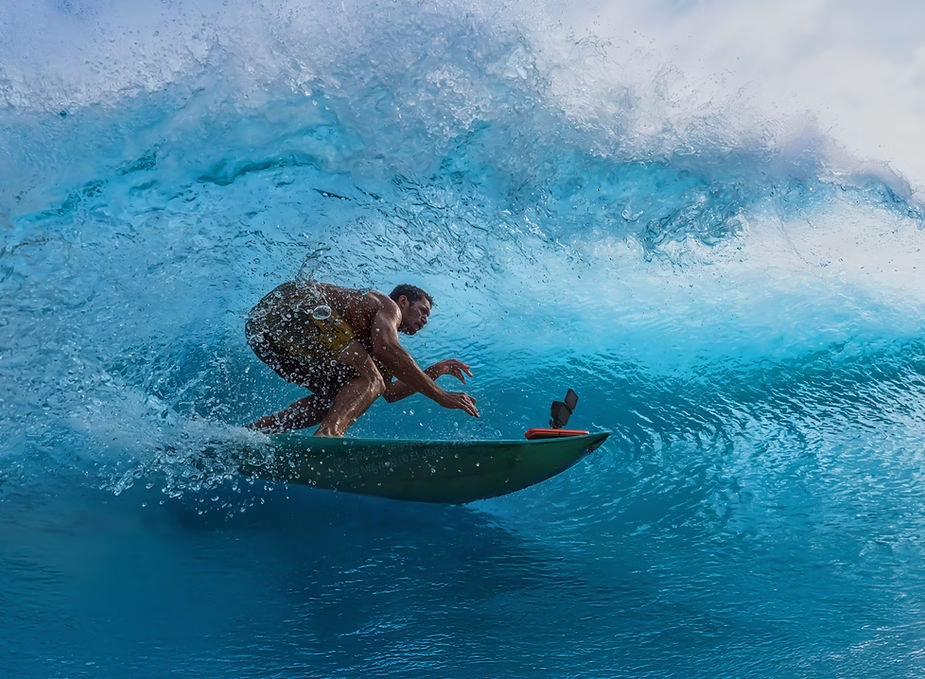
Applications of 4K slow motion
- Sports Adventures : Reveal the power and fluidity of movement. Capture dynamic actions like jumps, runs, or acrobatic tricks with exceptional clarity.
- Nature and Animals : Capture fascinating details like the flight of a bird, the trickling of a river, or the quivering of a leaf in the wind.
- Emotional moments : Capture unique events such as a wedding, celebration or bonding with friends and family.
- Ads and video clips : Use 4K slow motion to create impressive visual content that grabs your audience’s attention.
With the Insta360 Ace Pro 2, 4K slow motion brings a dramatic dimension to your creations. Explore this feature to enrich your content and capture unforgettable memories, while impressing your audience with stunning images.



Leave a Reply