
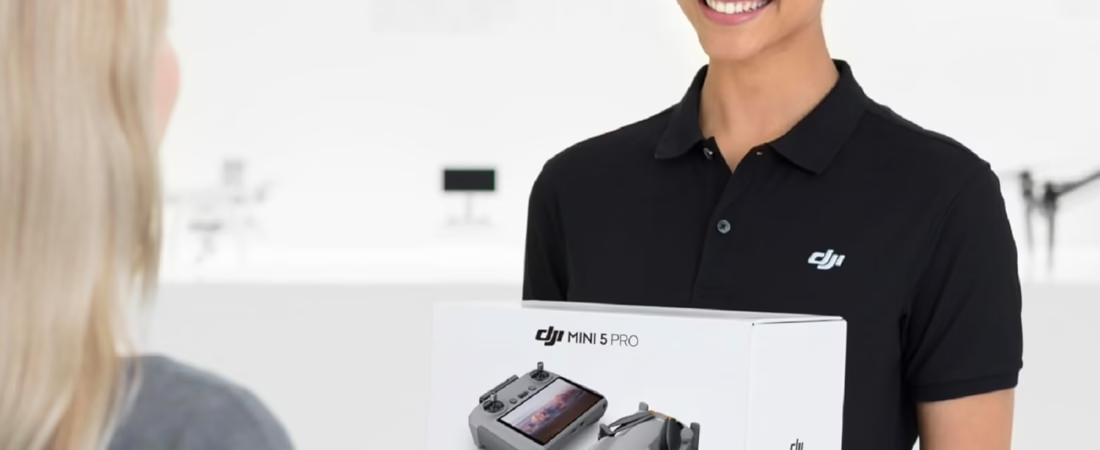
Worried about making a mistake on your first flight? This guide will help you get started with the DJI Mini 5 Pro and take to the skies with confidence. Together, we’ll explore the essential settings and piloting techniques to capture great footage without getting lost in the menus.
- Getting started: from the box to the first ignition
- Driving safely: the basics to master
- Your first images: styles and tips
Getting started: from the box to the first ignition
The essentials before flying
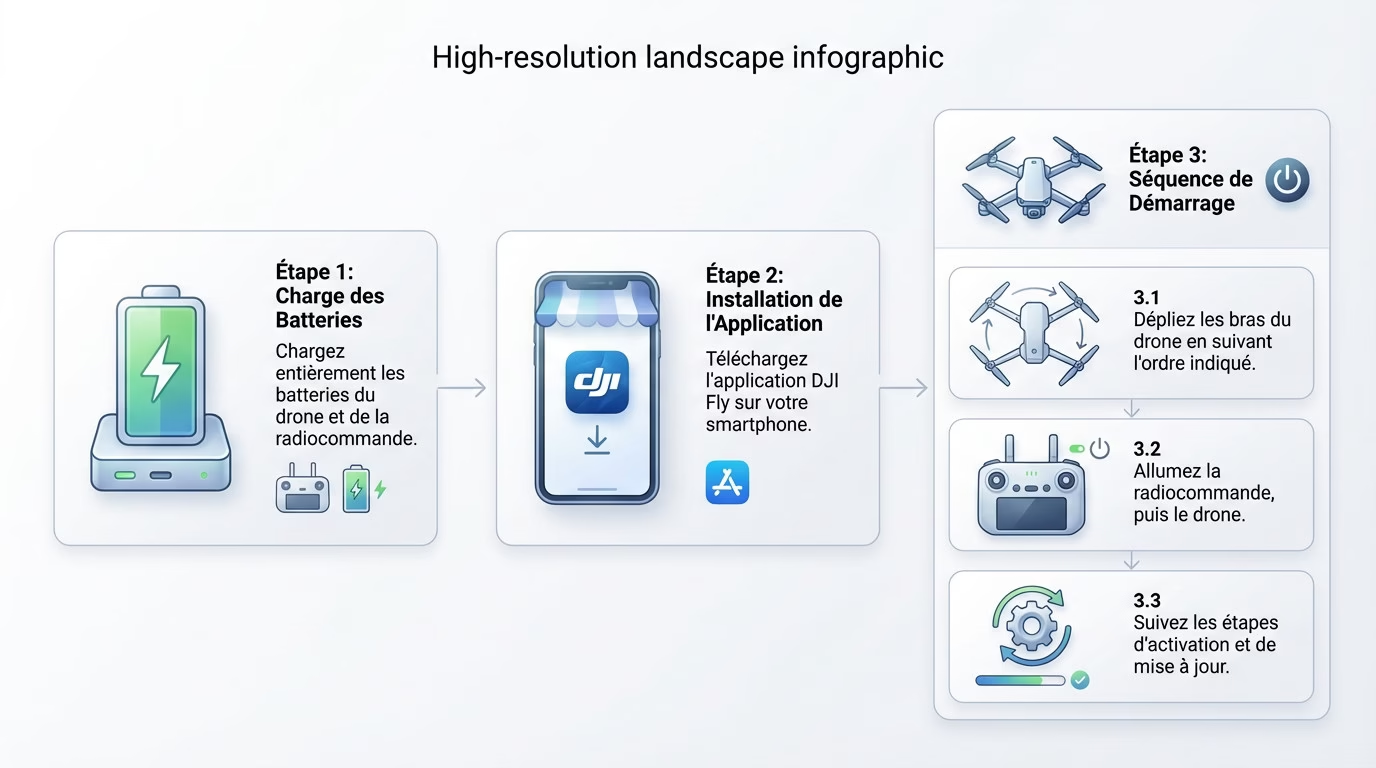
No question of taking off without power. Immediately connect the batteries of the drone and the remote control for a full charge.
While it’s charging, take out your smartphone. Download the DJI Fly app; it’s the brains of your future operations. It allows you to pilot and adjust the drone.
Is everything 100% working? Here are the exact steps to follow to get started with the DJI Mini 5 Pro without risking everything getting stuck right from the start:
- Unfold the drone arms in the order shown.
- Install the DJI Fly app if you haven’t already.
- First turn on the remote control, then the drone.
- Follow the activation and update steps on the screen.
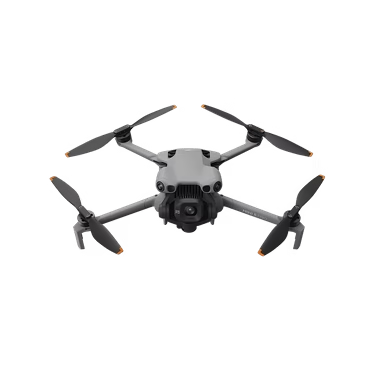
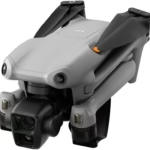
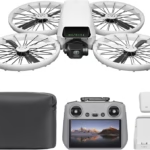
DJI Mini 5 Pro
The next generation ultra-compact drone from DJI. High-quality video, advanced stabilization, intelligent tracking and enhanced security — all in a lightweight and portable format.
Discover more on DJI →Driving safely: the basics to master
Is your drone ready? Before heading towards the horizon, let’s master the controls and vital rules to avoid a crash.
The commands explained simply
“Mode 2” is the default setting. To get started with the DJI Mini 5 Pro smoothly, prioritize the automatic takeoff and landing buttons.
Next, it all comes down to the joysticks. Here’s a cheat sheet for piloting without mistakes:
| Joystick | Main action | Secondary action |
|---|---|---|
| Left joystick | Raise / Lower (push up/down) | Flat rotation (push left/right) |
| Right joystick | Move forward / Move backward (push up/down) | Lateral movement (push left/right) |
Fly by the rules
With this CO2 drone (under 250g), always stay below 120 meters altitude and keep the device within your direct line of sight. Before each flight, be sure to check the authorized areas on the map in the DJI Fly app.
Your first images: styles and tips
Are you proficient at piloting? Perfect, now we’re tackling the most exciting part: creating your first aerial images.
Choosing the right flight mode
You have three options: Cinema for smoothness, Normal for standard, and Sport for speed. This is the basic setup for getting started with the DJI Mini 5 Pro smoothly.
Always start in Normal mode; it’s the safest. For more complex shots, understand the difference between this and an autonomous drone that does everything on its own. But here, you’re the pilot.
Automatic plans with quickshots
QuickShots are true creative assistants. They perform automatic video maneuvers for a professional result effortlessly.
Try these moves to impress your friends:
- Dronie
- Rocket
- Circle
- Spiral
These modes are perfect for getting started, like on other pocket drones for beginners that also focus on simplicity.
You’re now ready to take off with your new drone. Take the time to master the basics in an open space before attempting more complex maneuvers. Never forget the safety rules and have fun capturing your first aerial memories. Happy flying and enjoy!



Leave a Reply