
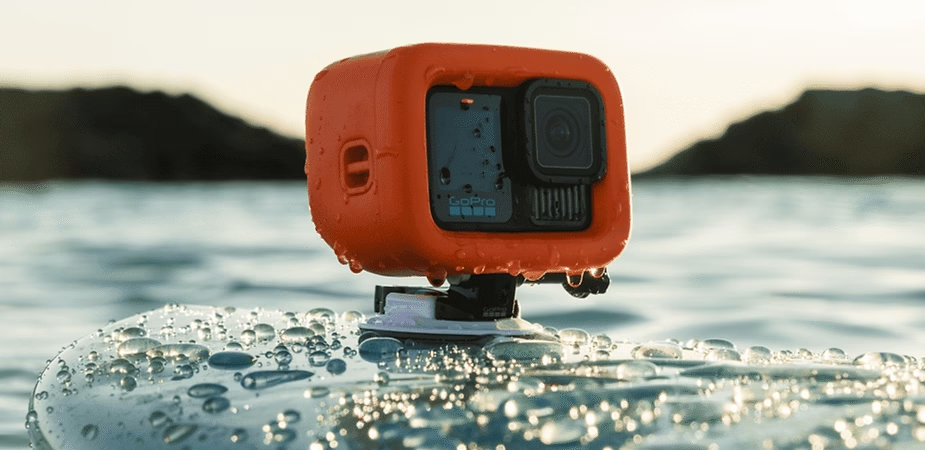
GoPro cameras are known for their ruggedness, exceptional image quality, and ability to capture unique moments in extreme conditions. Whether you’re an adventurer, an athlete, a vlogger, or simply someone who loves capturing memories, a GoPro is the ideal tool for immortalizing your experiences. In this guide, we’ll explain in detail how to use your GoPro and take full advantage of all its features to achieve spectacular results.
1. Getting started with the GoPro
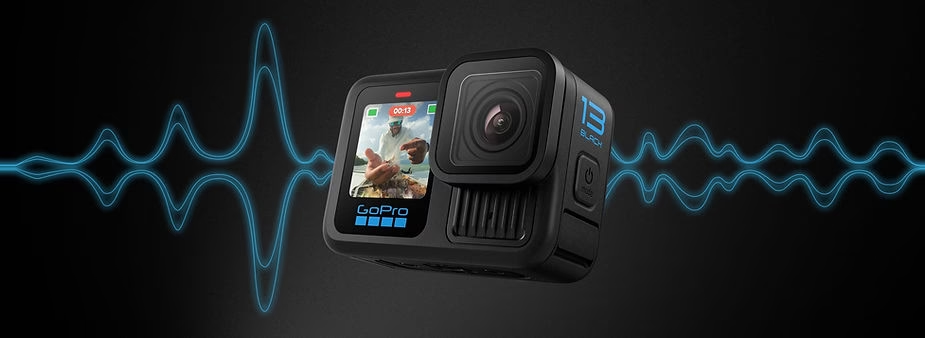
To begin, it’s essential to understand the different buttons and functions of your GoPro . Generally, GoPro models have three main buttons that allow you to easily control the device:
- Power/Mode Button : Used to turn the camera on and off and to switch between modes (video, photo, timelapse). This button is one of the most important and allows you to quickly switch between different capture options.
- Shutter Button : This button starts or stops video recording or takes a photo. By simply pressing this button, you can capture instant moments or film extended scenes.
- Settings button (on some models): This button provides access to various GoPro settings, such as video resolution, image quality, and other advanced options. Properly configuring your GoPro is essential for achieving the best results.
In addition to buttons, the touchscreen on recent models makes navigating settings easier and more intuitive to use. Remember to fully charge the battery before each use and familiarize yourself with the interface.
2. Capture Modes
GoPro cameras feature several capture modes suited to different needs. Here are the most common:
- Video Mode : The default mode for recording videos in high definition or even 4K. You can choose from several resolutions and frame rates depending on the desired quality and the type of scene you’re filming. Video mode is perfect for capturing moving scenes, extreme sports, or even everyday moments.
- Photo Mode : This mode allows you to take still photos. GoPros offer various options such as single photos, burst mode for capturing fast action, and night mode for low-light shooting. Using photo mode is ideal for quick and dynamic shots.
- Timelapse Mode : Captures a series of photos at regular intervals to create time-lapse videos. This mode is perfect for capturing sunrises, sunsets, or scenes where you want to show changes over a long period of time. Timelapse mode is an excellent way to tell a unique visual story.
In addition to these main modes, some GoPro models offer features such as SuperView mode, which maximizes the field of view for an immersive perspective.
#amazon-widget { border: 1px solid #ddd; padding: 15px; max-width: 350px; margin: auto; text-align: center; background-color: #f9f9f9; box-shadow: 0 4px 8px rgba(0, 0, 0, 0.1); border-radius: 10px; transition: transform 0.3s; }#amazon-widget:hover { transform: scale(1.05); }#amazon-widget img { width: 100%; height: auto; border-radius: 10px; }#amazon-widget h3 { margin-top: 15px; font-size: 1.4em; color: #333; }#amazon-widget p { font-size: 1em; color: #777; margin: 10px 0; }#amazon-widget a.button { display: inline-block; margin-top: 15px; padding: 12px 25px; background-color: #ffa41c; color: #fff; text-decoration: none; border-radius: 5px; font-weight: bold; transition: background-color 0.3s; }#amazon-widget a.button:hover { background-color: #ff8c00; }@media (max-width: 600px) { #amazon-widget { max-width: 100%; padding: 10px; }#amazon-widget h3 { font-size: 1.2em; }#amazon-widget a.button { padding: 10px 20px; font-size: 0.9em; }}#amazon-logo { display: flex; justify-content: center; align-items: center; margin: 10px auto; padding: 5px; box-sizing: border-box; }
Incroyable offre sur la GoPro – Ne ratez pas cette occasion !
Découvrez la caméra d’action GoPro et capturez vos aventures comme jamais auparavant. Soyez prêt à immortaliser chaque moment avec une qualité exceptionnelle !
GoPro en promo : Saisissez-la maintenant !
3. Setting up your GoPro
GoPro ‘s settings allow you to tailor the camera to your specific needs. Here are some important settings to know to get the best results:
- Resolution and frame rate : Choose the resolution based on the desired quality. For example, shooting in 4K offers incredible image quality but requires more storage space. The frame rate (fps) should be chosen according to the scene—a higher rate (e.g., 60 fps) is perfect for action scenes, while 24 fps gives a more cinematic effect.
- Field of View (FOV) : GoPro cameras offer different fields of view, such as SuperView, Wide, and Linear. The field of view can be adjusted depending on the desired effect: a wide field captures more of the environment, while a linear field avoids distortion.
- Stabilization : Enable stabilization for smooth videos, even in shaky conditions. GoPro ‘s HyperSmooth stabilization is one of the best and allows you to capture smooth footage even in intensely bumpy situations.
Taking the time to properly configure your GoPro will allow you to effortlessly capture professional-quality images.
4. Use the GoPro Quik app
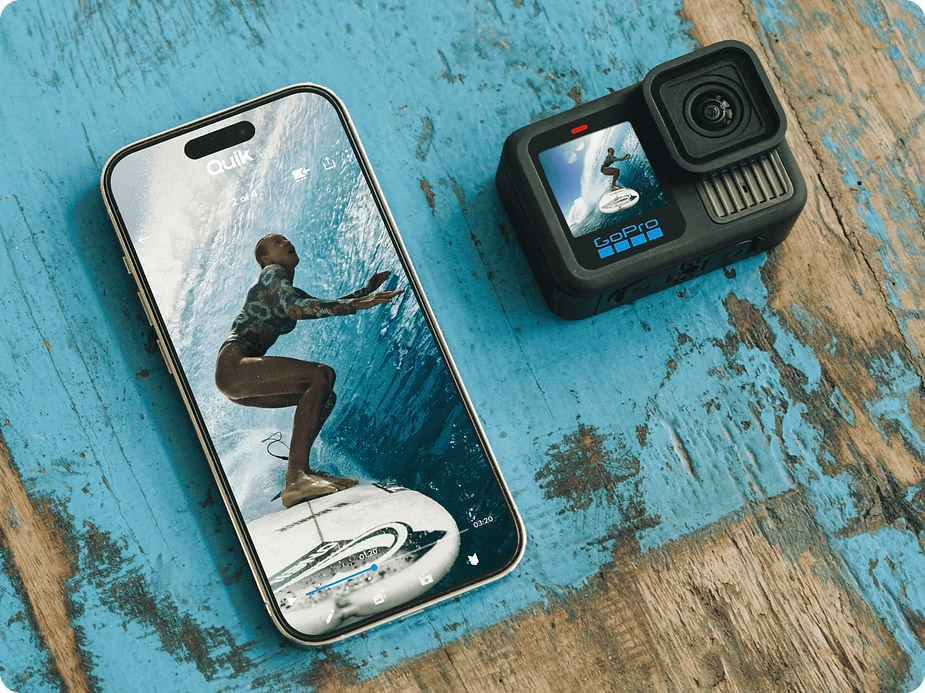
The GoPro Quik app is a very useful tool for managing your videos and photos, but it also offers other features that simplify using your camera. It allows you to control your camera remotely, preview footage, make quick edits, and share your creations on social media.
To connect your GoPro to the app, follow these steps:
- Turn on the Wi-Fi on your GoPro : This will allow you to connect the camera to your smartphone.
- Open the Quik app and follow the instructions to pair your camera : Once paired, you will be able to see in real time what your GoPro is filming, which is perfect for framing your shots.
In addition to these features, the Quik app lets you quickly create video montages with pre-designed templates, adding music and effects for a professional look in just minutes.
5. Tips for maximizing the use of your GoPro
- Use accessories : Accessories like poles, harnesses, helmet mounts, or even suction cup mounts are essential to getting the most out of your GoPro . These accessories allow you to vary the angles and perspectives, making your videos more dynamic and immersive.
- Take care of your battery : Pack spare batteries, especially if you’re filming outdoors for extended periods. The GoPro can consume a lot of power, particularly when filming in high resolution or using Wi-Fi. It’s therefore crucial to have one or two extra batteries so you don’t miss any precious moments.
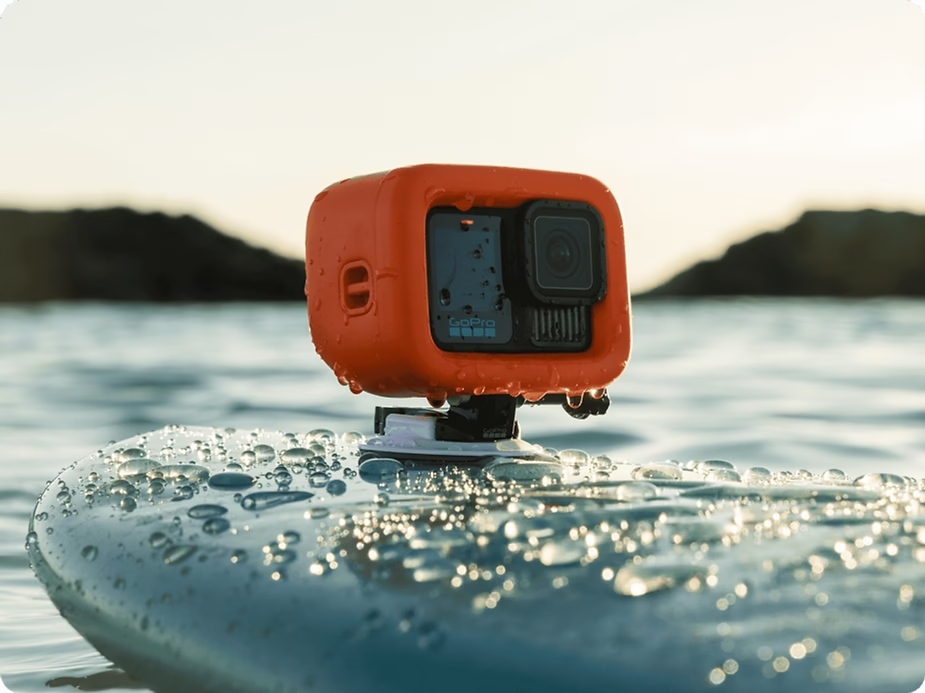
- Protect the lens : Use a case or cover to prevent scratches on your GoPro lens. A clean lens is essential for clear, sharp footage. Additionally, a waterproof case is essential if you plan to film underwater.
- Master advanced settings : Experiment with color, exposure, and white balance settings to achieve the exact effect you’re looking for. For example, adjusting the white balance will help you capture the true mood of a scene, especially in varying lighting environments.
6. Editing videos with your GoPro
Videos captured with a GoPro can be easily edited using software like GoPro Quik, Adobe Premiere Pro, or Final Cut Pro. The Quik app is ideal for quick and intuitive editing. It offers editing templates that allow you to create dynamic videos in minutes, with perfectly synchronized transitions and music.
For more detailed and professional editing, software like Adobe Premiere Pro or Final Cut Pro is recommended. These tools offer a multitude of advanced features, such as adding animated titles, color correction, and the ability to precisely synchronize audio tracks. You can also use specific filters to give your videos a unique style, making your content even more engaging.
Remember to organize your files before editing to save time. Create folders for your raw clips, music, and final exports. This will make navigation easier and help you stay organized throughout the process.
Conclusion
The GoPro is a powerful and versatile action camera, perfect for capturing unique moments. By understanding the different modes, properly configuring your device, and using the right accessories, you can maximize its potential and capture unforgettable memories. Don’t forget to use the GoPro Quik app to simplify content management, quickly create edits, and share your adventures with the world.
Whether you’re an amateur or a professional, GoPro offers a multitude of possibilities to capture your experiences from a unique perspective. If you’d like to learn more about GoPros or buy your own, follow this link to explore the different options available. With a GoPro in your hands, every moment can become a captivating adventure, ready to be shared.


Leave a Reply