

As a photographer, you know that color consistency is essential for creating a series of images that work well together. Whether it’s wedding photos, portraits, or landscapes, color coherence is what gives a set of photos a professional and harmonious look. Thanks to the recently added Color Transfer feature in Luminar Neo , harmonizing colors between different images has become easier than ever. Let’s explore how to use this feature to unify the colors across your photo series.
What is Color Transfer in Luminar Neo?
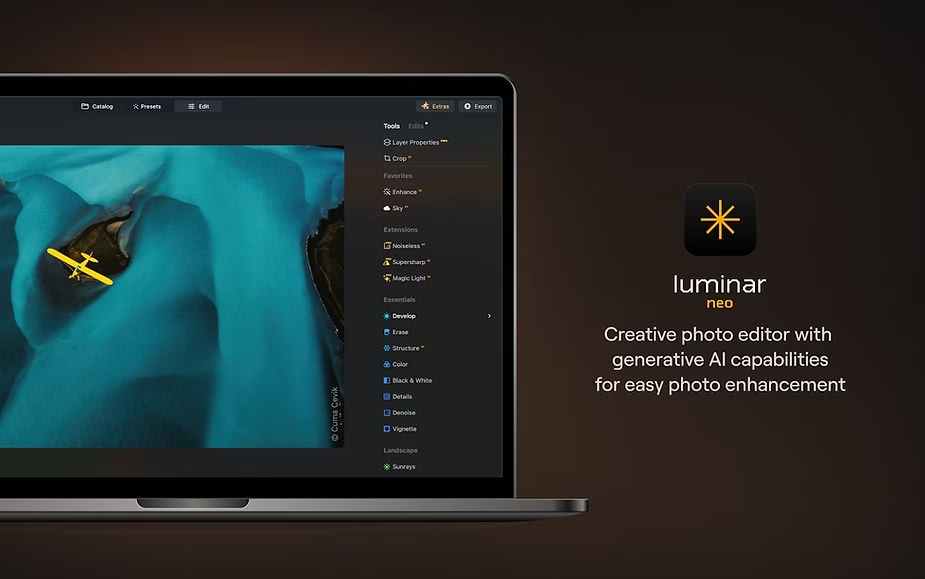
Luminar Neo ‘s “Color Transfer” feature lets you copy the colors from one source image and apply them to another photo. This means that if you have an image with a perfect tone and you want the rest of your photos to look the same, you can easily transfer those colors. Imagine being able to unify the golden hue of a sunset across an entire series of photos taken from different angles—that’s exactly what Color Transfer allows you to do.
The main advantage of this tool is that it saves time while ensuring color consistency, which will enhance the visual impact of your series. It’s especially useful for wedding photographers, content creators, and even product photographers who want a consistent look without spending hours manually adjusting settings for each image.
How to use Color Transfer in Luminar Neo?
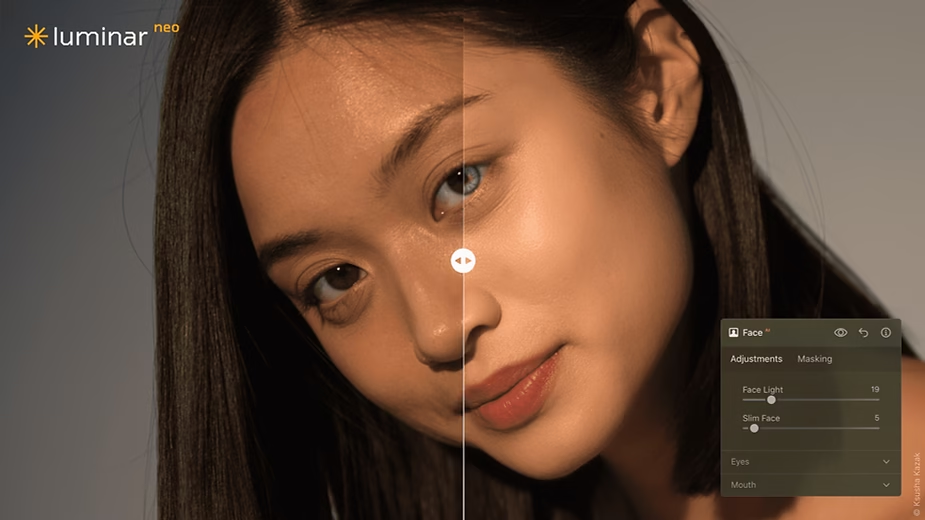
To use this feature in Luminar Neo , follow these simple steps:
- Open your photos in Luminar Neo : Start by importing the photos you want to harmonize. Select the reference image whose colorimetry you like.
- Choose the “Color Transfer” tool : Go to the adjustment tools and select “Color Transfer”. This feature is located in the creative adjustments tab.
- Select your reference image : Choose the source image from which you want to transfer colors. Luminar’s algorithm analyzes the hues and tones of this image to create a color profile that you can then apply to other photos.
- Apply the color transfer : Once the source image is selected, apply the color transfer to the target image. You can adjust the intensity of the transfer according to the desired effect, giving you complete control over the final result.
- Refine as needed : After applying the transfer, you can adjust other parameters such as brightness or contrast to fine-tune the image. The tool is designed to be both simple and flexible, allowing you to achieve exactly the result you want.
Why harmonize your photo series with Color Transfer?
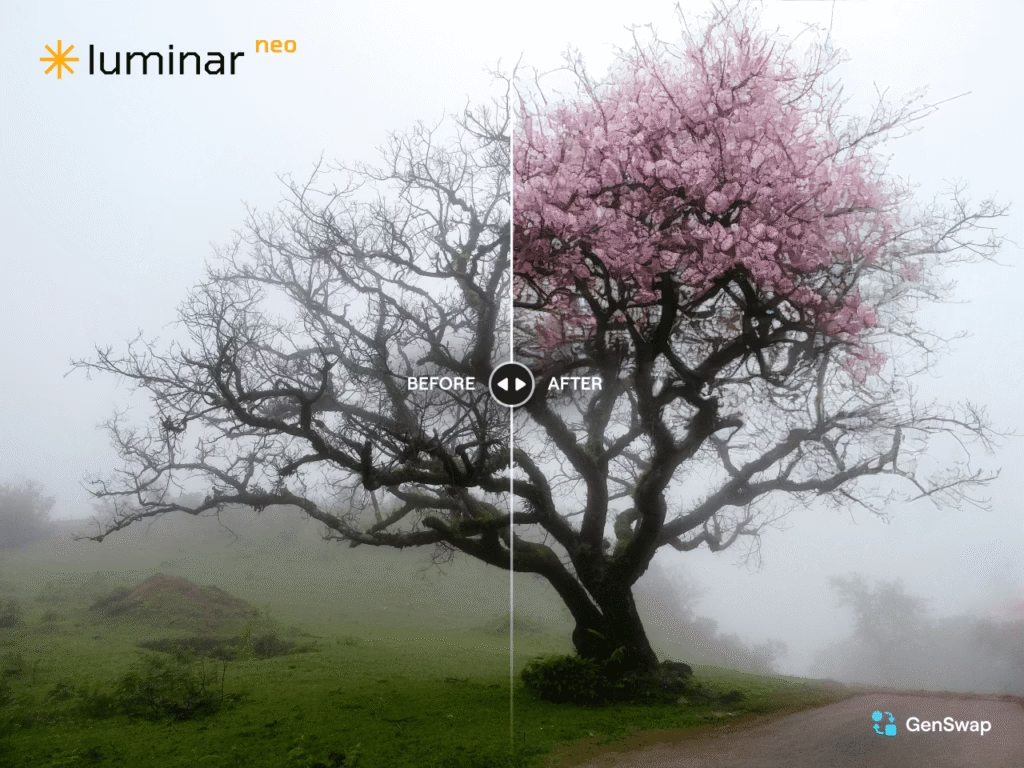
Color consistency is one of the elements that distinguishes an amateur from a professional. Imagine a series of wedding photos where each image has slightly different tones. Color transfer in Luminar Neo helps you create a harmony that ties each photo together, transforming a simple gallery into a truly cohesive visual narrative.
This is also essential for commercial projects: imagine a product catalog where each image has different lighting. With color transfer, you can create a color harmony that showcases your products more consistently and professionally.
Try Luminar Neo free for 7 days
If you haven’t yet tried Luminar Neo , now is the perfect time. Skylum offers a free 7-day trial so you can explore all its features, including color transfer. Click here to start your trial and discover the full potential of Luminar Neo for your photo editing.
Enjoy a 10% discount with our promo code
We have an exclusive offer for you! By using our promo code BLI10 , you can get 10% off Luminar Neo . Not only will you benefit from innovative photo editing tools, but you’ll also get them at a reduced price. Don’t miss this opportunity to improve your photo editing skills and make your photo series look more consistent and professional.

Conclusion: Harmonious photo series in just a few clicks
Color transfer in Luminar Neo is a powerful tool for any photographer looking to unify and harmonize the colors across their photo series. It saves valuable time while ensuring a consistent and professional result, whether for personal or commercial projects. Don’t hesitate any longer, try Luminar Neo today and enhance your image series with smart and intuitive tools.
Start now with the free 7-day trial and discover everything Luminar Neo has to offer to create even more captivating images.





Leave a Reply