
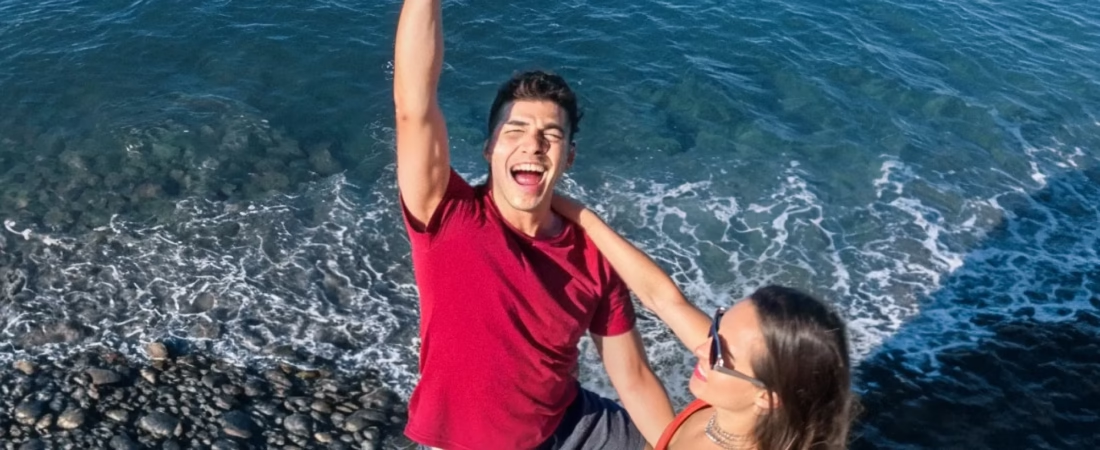
Looking for a bullet time selfie stick to create Hollywood-style 360° effects without a drone or crew? The Bullet Time Selfie Stick 2.0 simplifies everything : by rotating it around yourself, you get a smooth effect with an invisible selfie stick. Compatible with the Insta360 X5 and other models, it extends up to 120 cm and offers adjustable angles (65°, 75°, 90°) for creative shots while traveling or during sports. Take advantage of a 10% Black Friday discount to enhance your travel videos and impress on social media.
- What is the bullet time effect and how to achieve it?
- The unique features of the Bullet Time 2.0 selfie stick
- The step-by-step guide to a perfect bullet time effect
- Compatibility: Which Insta360 cameras can be used with the selfie stick?
- Creative ideas for your travels and videos
- The must-have accessory: take advantage of it during Black Friday!
What is the bullet time effect and how to achieve it?
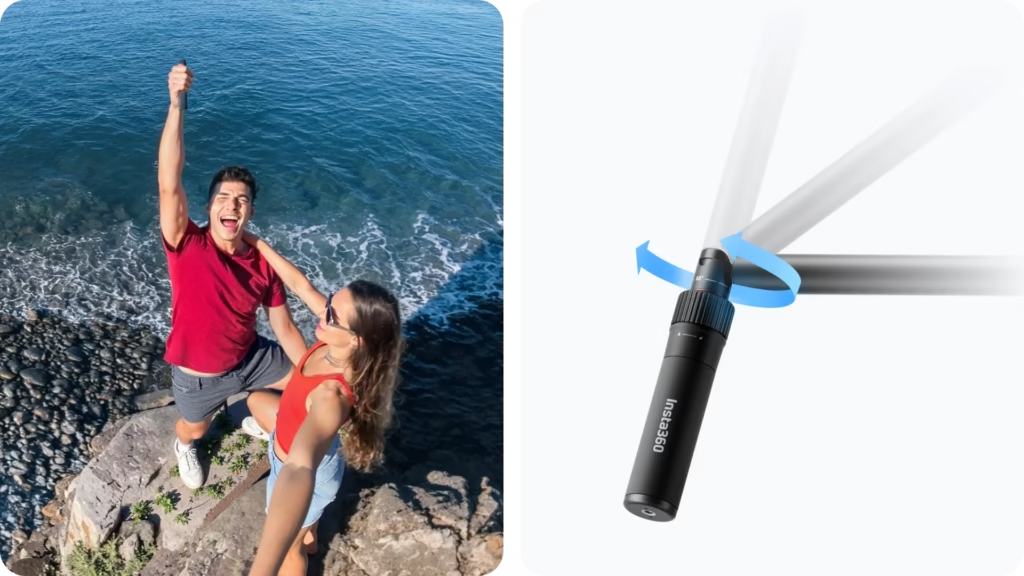
Do you dream of creating scenes where time freezes around you, like in The Matrix? The bullet time effect, once reserved for big budgets, is now accessible with a 360° camera . This magical technique transforms your videos into breathtaking cinematic shots.
The Bullet Time Selfie Stick 2.0 is specially designed for the Insta360 X5. With it, you can create unique 65°, 75°, and 90° angles in just a few movements. Its two-in-one design combines a selfie stick and bullet time function, without any additional accessories. The Insta360 app automatically removes the stick and stabilizes your videos. It becomes invisible in your 360° videos for a professional result. No complicated editing required, everything is automatic. It extends up to 120 cm for added dynamism. Easy to carry, it adapts to all your travels.
Great news: 10% off for Black Friday! Limited-time offer. Don’t miss the chance to complete your kit! Ready to impress? Follow our step-by-step guide and master bullet time in no time.
The unique features of the Bullet Time 2.0 selfie stick
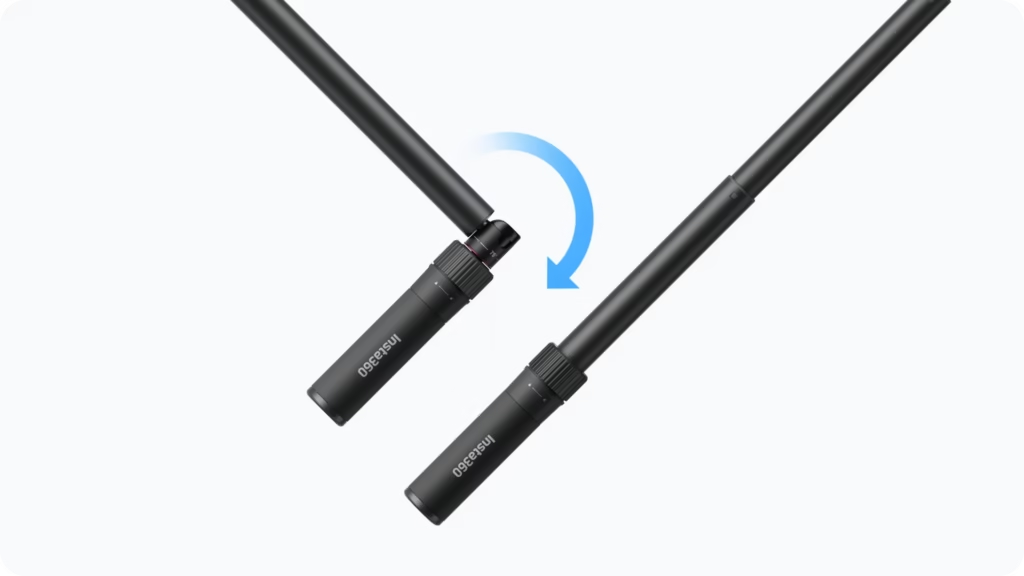
An ultra-practical 2-in-1 design
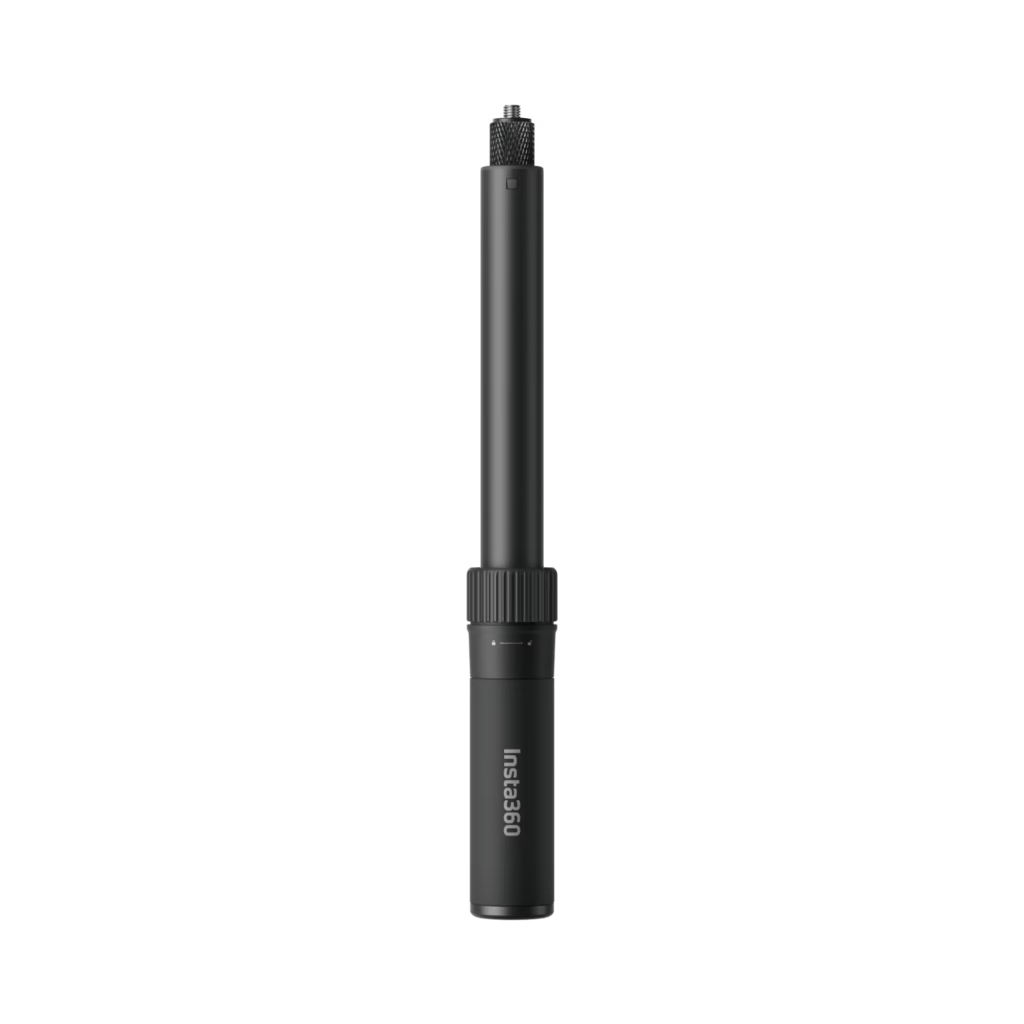
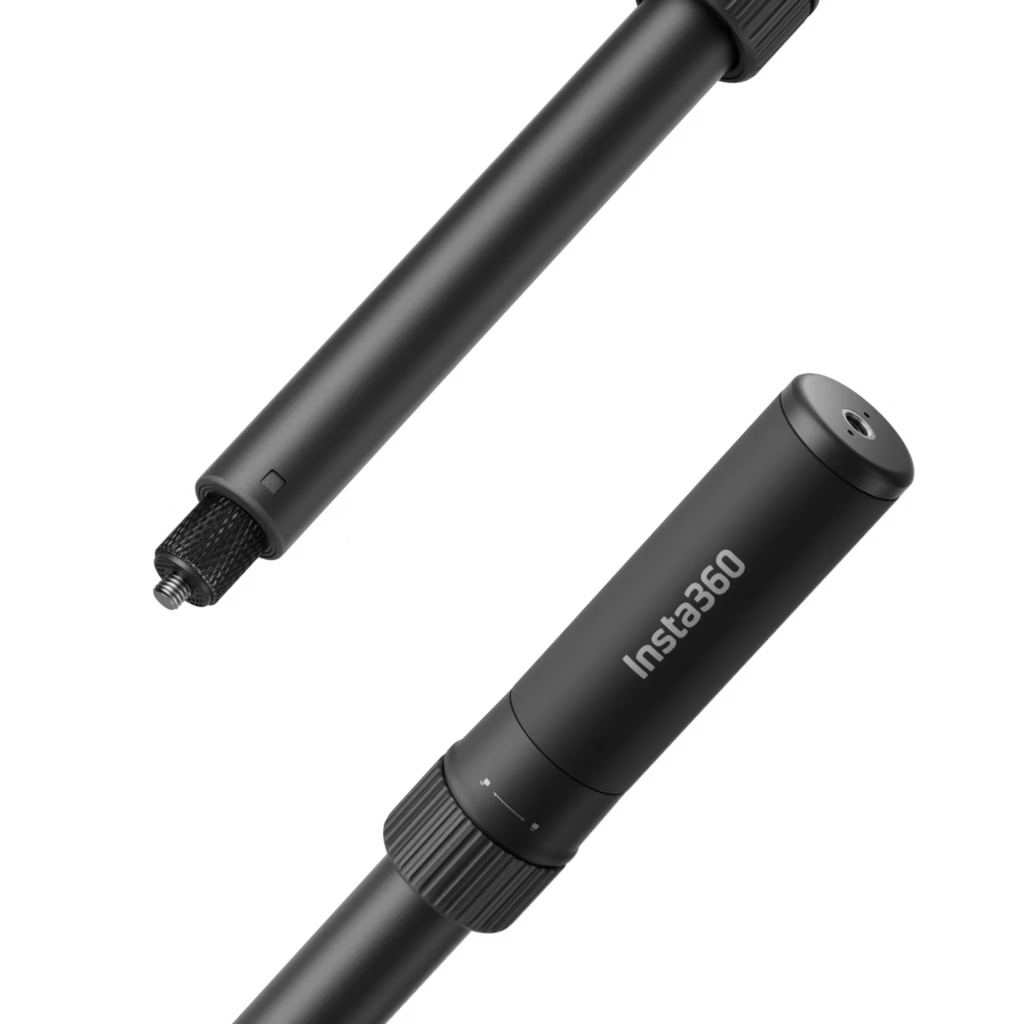
This accessory combines a rotating handle for the Bullet Time effect and a telescopic selfie stick. No need for extra accessories: switch between modes instantly. Compatible with the Insta360 X5, it’s perfect for creators on the go.
Lightweight and compact, it fits easily in your bag. Its 1/4″ mounting point ensures a stable attachment to all your cameras. A valuable time and space saver when you travel.
The magic of the invisible pole
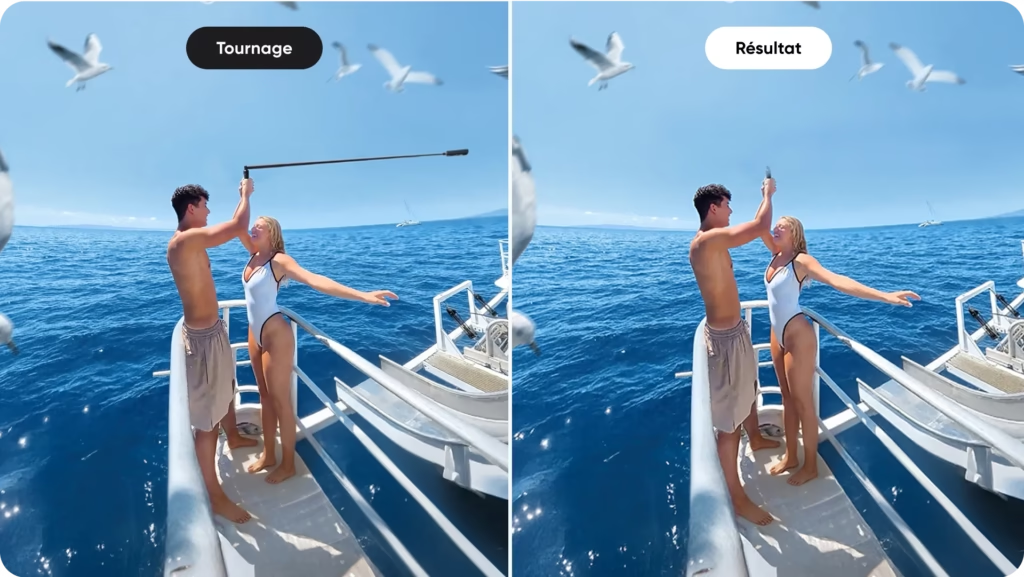
Thanks to Insta360 technology, the selfie stick automatically disappears from your 360° videos. You get third-person shots, as if a drone were filming you . Extend it up to 120 cm for breathtaking aerial perspectives.
No retouching needed: the effect is instant and professional. With the Insta360 X5, every movement becomes a movie scene. Create effortless Hollywood-style effects, even while moving .
Creative camera angles
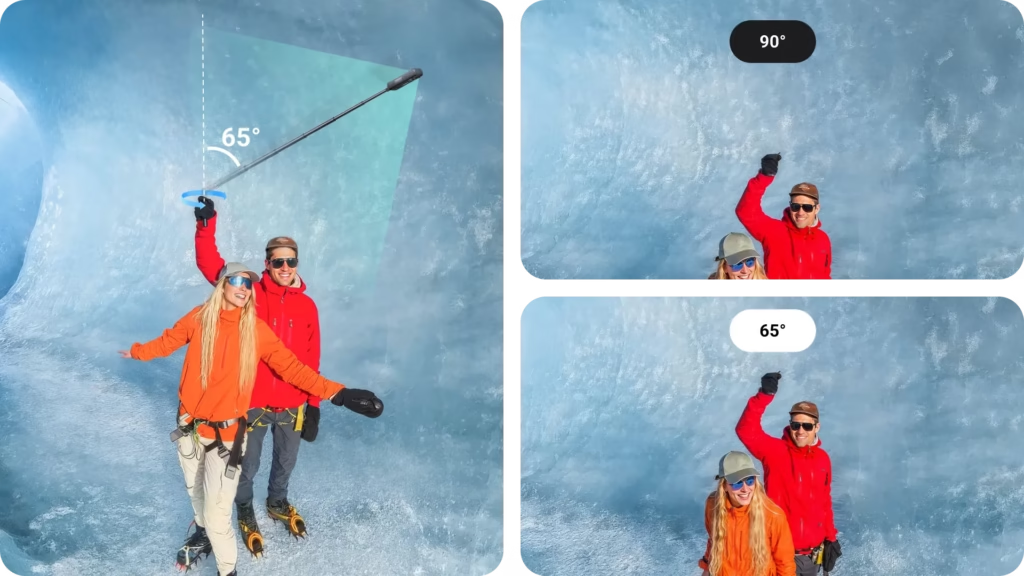
Adjustable rotation angles open up endless possibilities . Choose the perfect angle for your scene:
- 65°: Ideal for tight and dynamic shots .
- 75°: Perfect for balancing subject and environment .
- 90° : Optimal for group photos or wide landscapes.
Customize them to suit your needs and transform every shot into a work of art. With these options, you’ll create professional cinematic effects in just a few simple steps .
🎬 Step-by-step guide: mastering the Bullet Time effect with the Insta360 X5
The Bullet Time effect is that ultra-cinematic circular movement where the camera rotates around you like in an action movie. With the Insta360 X5 , this effect becomes incredibly easy to achieve… provided you follow the right steps.
Here’s a clear, tried and tested guide to help you succeed on your first try 👇
🧰 Step 1: Prepare the equipment
For a successful Bullet Time session, you need two things:
- an Insta360 X5
- a Bullet Time compatible pole
⚡ During Black Friday, the Bullet Time Selfie Stick 2 is 10% off, it’s the best time to buy it.
Before you start :
- Attach the camera to the pole, tightening the threads securely.
- Extend the pole fully (the longer it is, the more spectacular the effect).
- Activate Bullet Time mode directly on the X5.
- Check that you have enough space around you (minimum 2 meters).
Quick reminder: the selfie stick is automatically invisible in your videos, so there’s no risk of ruining the final result 👌
🔄 Step 2: Capture the movement
Now, let’s get to the action!
Hold the handle firmly and start recording.
Some essential guidelines for a 100% clean effect:
👉 The movement
- Swing the pole above your head , arm outstretched.
- Keep the circle as horizontal as possible .
- Rotate at a constant speed: approximately 1 revolution per second .
- Avoid accelerating or decelerating during rotation.
👉 Posture
- Stand up straight, without moving your body.
- Fix your gaze on a point in front of you to remain stable.
- Keep your wrist firm to avoid creating variations in height.
👉 The light
- Film outdoors or in a well-lit area.
- Avoid direct backlighting (sun in the lens).
Pro tip: the larger and brighter the environment, the more spectacular the Bullet Time effect.
🎥 Step 3: Finalize the rendering in the Insta360 app
Once your clip is recorded, everything happens in the Insta360 app.
Here is the method:
- Open the Insta360 app.
- Go to Album → Bullet Time .
- Select your sequence.
- The app automatically detects movement and offers you several Bullet Time styles.
- Adjust the speed according to the desired result:
- Slow motion (0.5x) for a dramatic style
- Fast speeds (2x to 4x) for a dynamic look
- Add transitions, music, automatic cropping via Shot Lab .
- Export in 4K for a clean look on Instagram, TikTok or YouTube.
In just a few minutes, you can achieve a professional effect… without needing a studio or complicated equipment.
🔥 Result: a unique cinematic effect
With the power of the Insta360 X5 and a simple Bullet Time pole, you can recreate a Matrix-worthy effect in less than 5 minutes.
It’s simple, fun, and ultra-visual: perfect for your travels, creative clips, or sports videos.
Compatibility: Which Insta360 cameras can be used with the selfie stick?
The Bullet Time Selfie Stick 2.0 is designed to work with the entire Insta360 range. Whether you have a recent camera or an older model, this stick integrates seamlessly into your setup. If you own an Insta360 X5, take advantage of its 8K resolution and achieve ultra-sharp bullet time effects . Check out our full review of the Insta360 X5 to learn more about its performance. It allows you to capture unique angles thanks to its 65°, 75°, and 90° tilt options, ideal for group photos or dynamic shots. Its lightweight and portable design lets you take it anywhere to capture unique moments. It becomes invisible in the final image, making the effects even more impressive. It’s an essential accessory for any 360° creator.
To put it simply, here is the complete list of cameras compatible with this selfie stick:
📋 Bullet Time Pole compatibility with Insta360 cameras
| Insta360 camera model | Compatibility |
|---|---|
| Insta360 X5 | ✔️ Yes |
| Insta360 X4 | ✔️ Yes |
| Insta360 X3 | ✔️ Yes |
| Insta360 ONE X2 | ✔️ Yes |
| Insta360 ONE RS (Twin/4K) | ✔️ Yes |
| Insta360 ONE RS | ✔️ Yes |
| Insta360 ONE X | ✔️ Yes |
| Insta360 ONE R | ✔️ Yes |
If you own one of these cameras, this selfie stick is perfect for you. Take advantage of the 10% discount during Black Friday to get it at a great price. It’s the ideal time to optimize your 360° content creation workflow . Don’t miss this opportunity to create professional cinematic effects with your Insta360.
The must-have accessory: take advantage of it during Black Friday!
The Bullet Time selfie stick is essential for creating cinematic 360° effects . You can capture spectacular rotating shots, just like in Hollywood movies. Compatible with the Insta360 X5, it becomes invisible in your videos. No more need for a drone to achieve unique angles. Simple to use, it unleashes your creativity. Ideal for traveling creators and image enthusiasts. A must-have for easily achieving professional shots.
Good news: during Black Friday, you get a 10% discount on this product. The sale starts on November 20th. Take advantage of it before it sells out. It’s the perfect time to complete your Insta360 kit with this essential accessory. Don’t miss out on this exclusive offer; it won’t last forever. Act fast so you don’t miss out.
Don’t miss this unique opportunity. Discover how to transform your videos in a snap. Click the link below to take advantage of the discount: View Black Friday offers . Act fast, stocks are limited! Now’s the best time to buy.
Ready to capture stunning videos ? The Bullet Time 2.0 selfie stick lets you create Hollywood-style effects in a snap . Take advantage of 10% off this Black Friday and add this must-have to your Insta360 gear! Don’t wait any longer: See the offers .



Leave a Reply